Step 1: Upload photos
Access the home page on Framia Pro and choose "Video." Click "+" to upload your photos and describe what you want in a short prompt.

Create and export slideshow videos with Framia Pro. Add transitions, music, and text overlays to produce visual stories instantly.
Turn photos into videos using our slideshow maker that plans scenes, adds motion, and syncs sound.
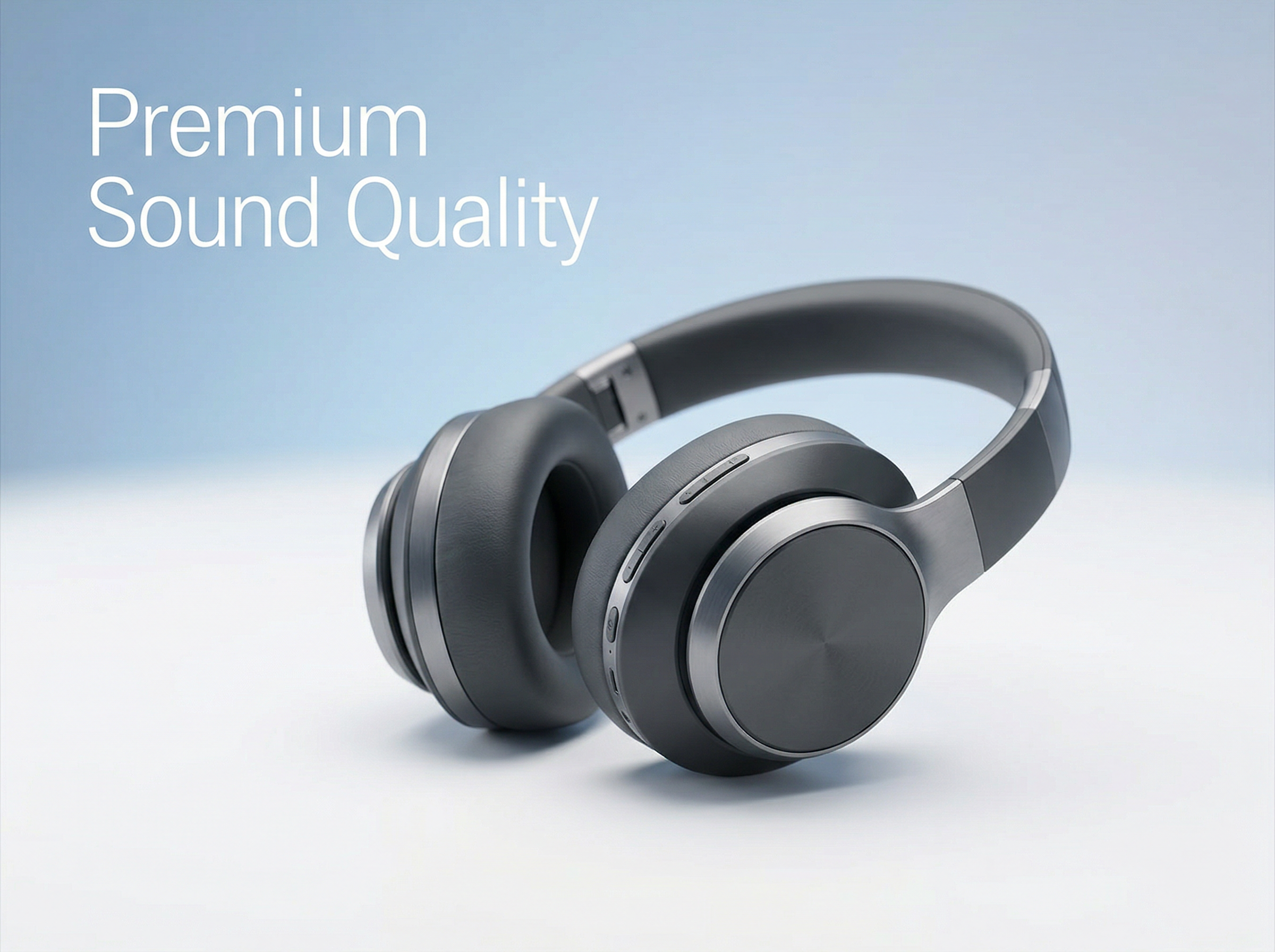
Create product or service slideshows that explain value through structured scenes and clear visuals. Framia Pro's free slideshow maker produces each sequence from prompts, so your message stays focused and ready for sharing on platforms.
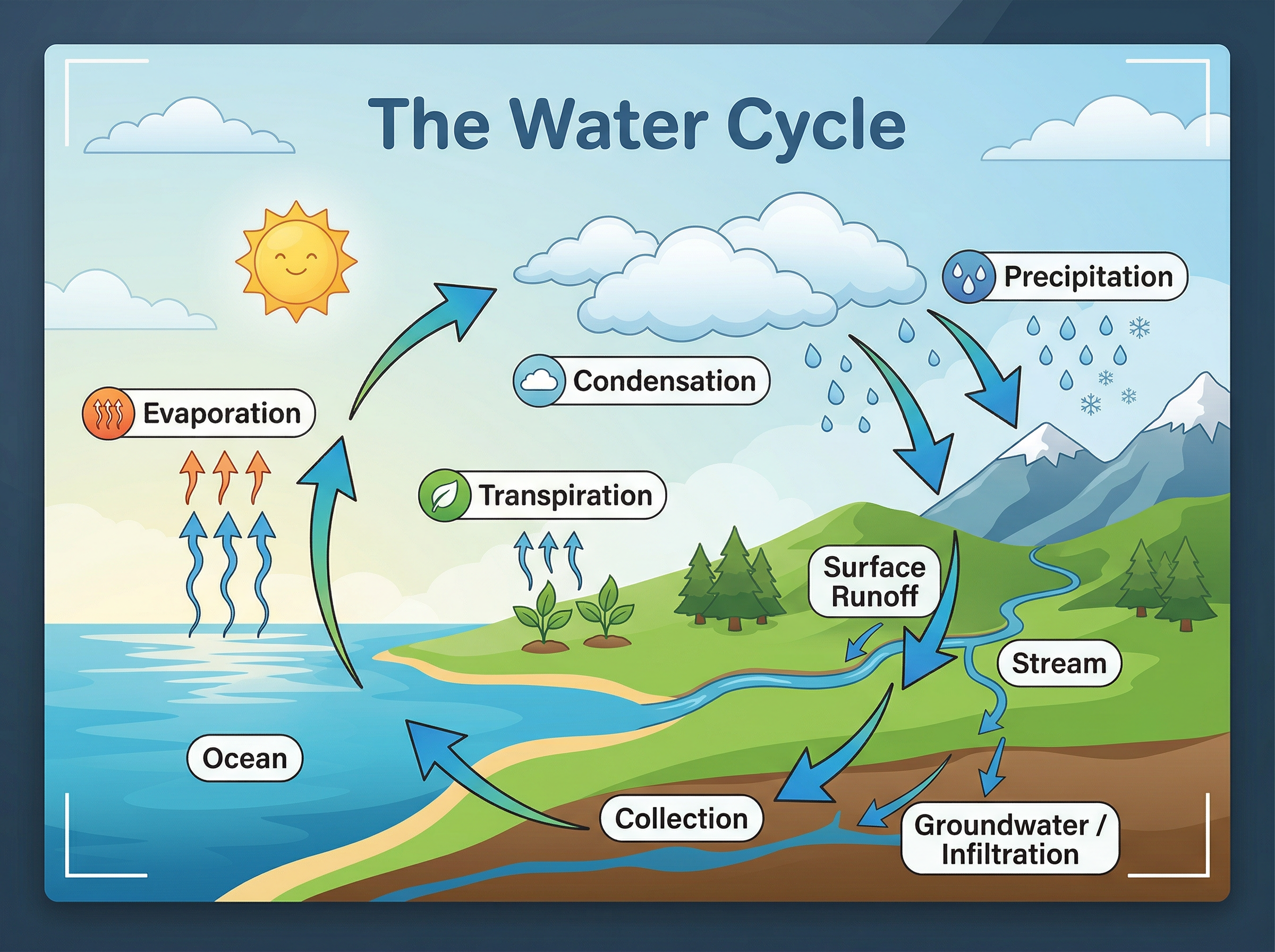
Present lessons through organized visuals that guide viewers step by step. Our slideshow video maker arranges scenes and narration automatically, which keeps explanations clear and reduces the need for manual editing or tools.
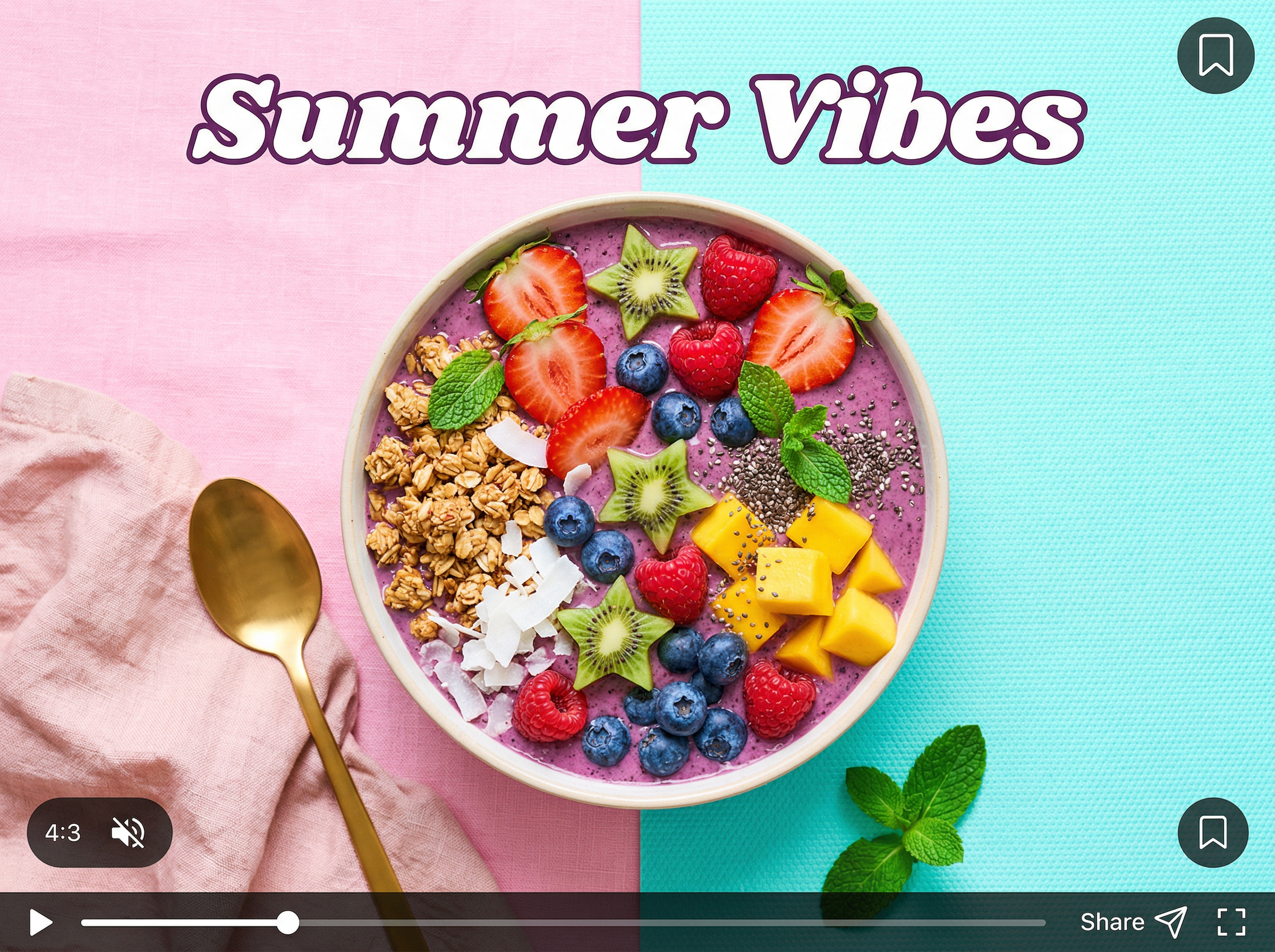
Quickly make short slideshow videos that match platform formats and hold attention during quick scrolling. Framia Pro adjusts layout and timing for vertical or square screens, while arranging clips into smooth sequences that hold attention.
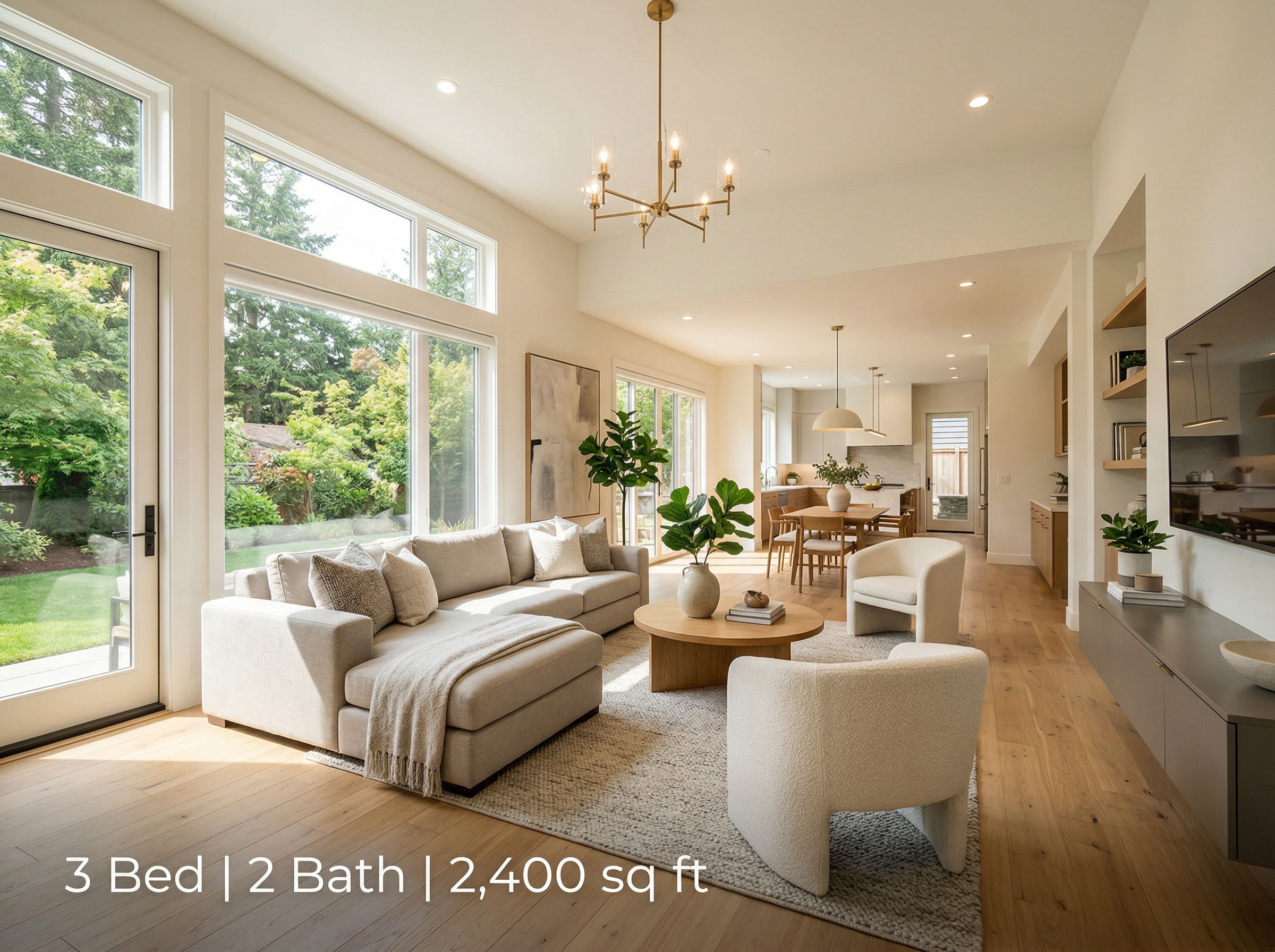
Display listings through organized video scenes that highlight rooms and key features in order with Framia Pro. It converts still images into motion-based visuals, then connects each part so viewers understand space, layout, and overall presentation clearly.
Use Framia Pro slideshow video maker to communicate offers through short videos that explain key points in a direct way. You can create scenes from your idea and structure them into a clear sequence that presents each message at the right moment.

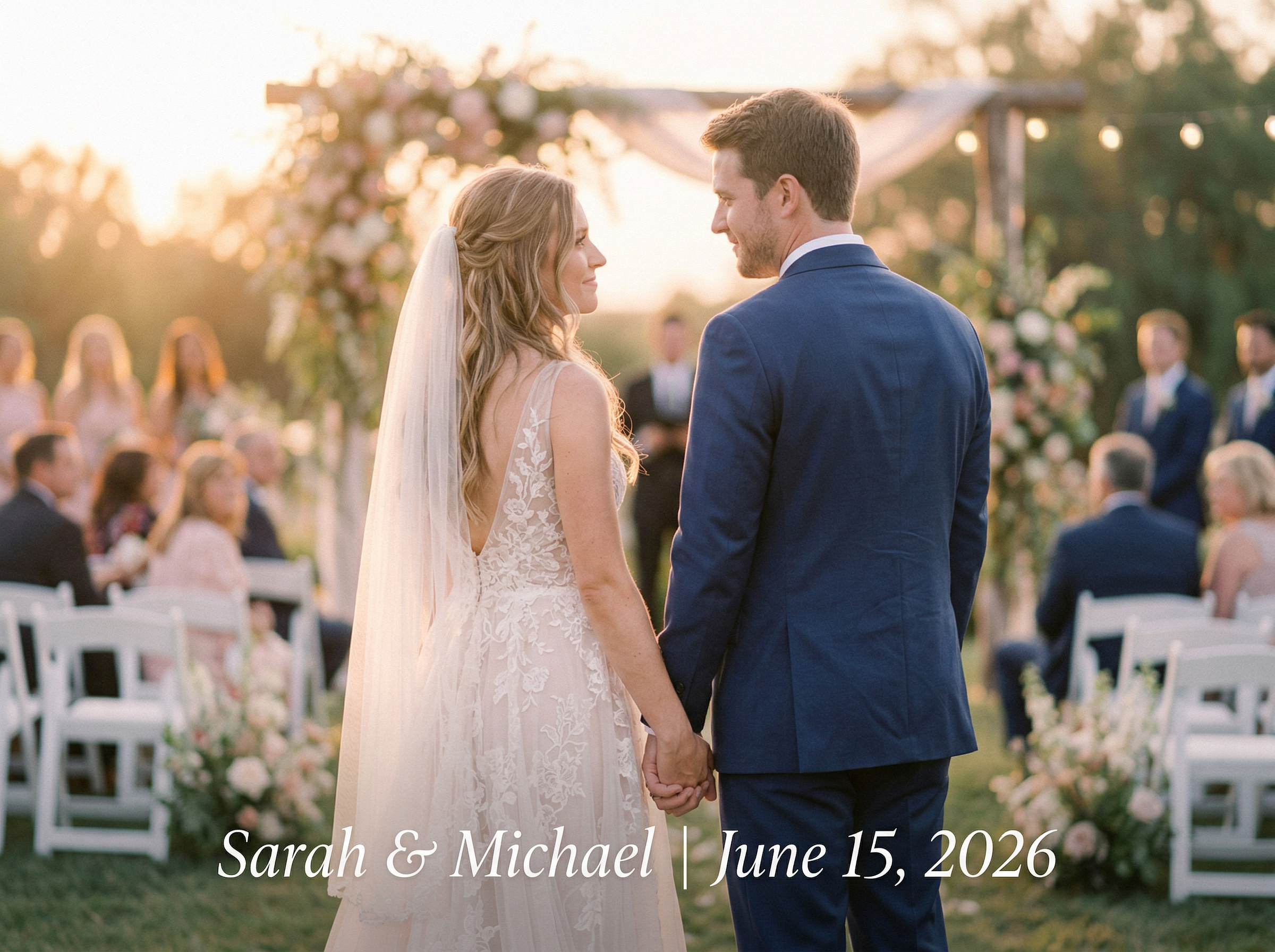
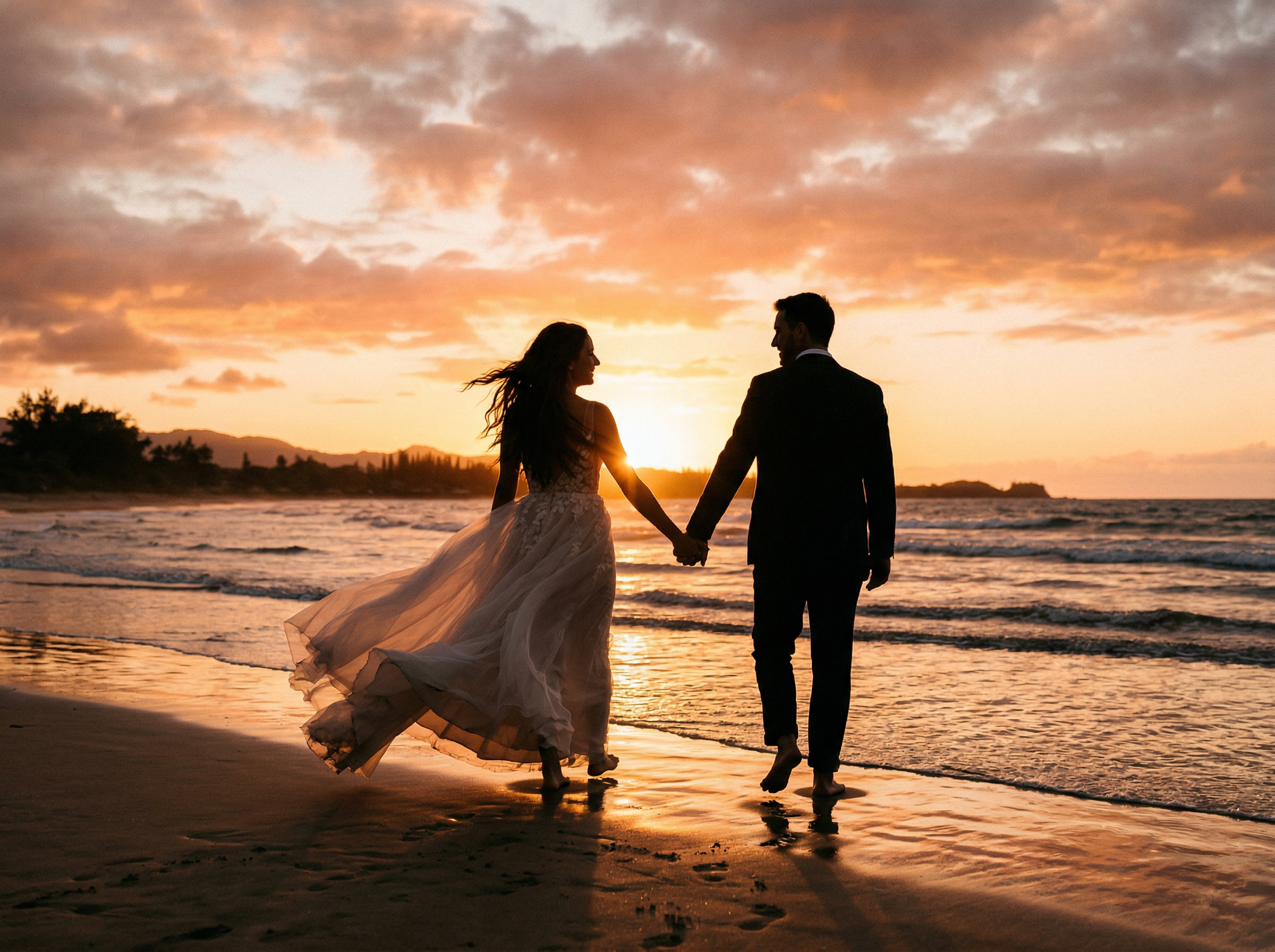
Capture memories by combining images, clips, and music into one complete video. Framia Pro arranges content into a smooth sequence, then applies timing and transitions that link each moment and shape a clear story ready to share.
Turn photos and clips into slideshow videos with Framia Pro, powered by Veo 3.1, Seedance, and Kling 3.0!
Generate video sequences from your photo using Veo 3.1 and Kling 3.0 models on Framia Pro. Each frame receives motion, depth, and scene transitions that guide viewers through a continuous visual flow from one slide to the next.

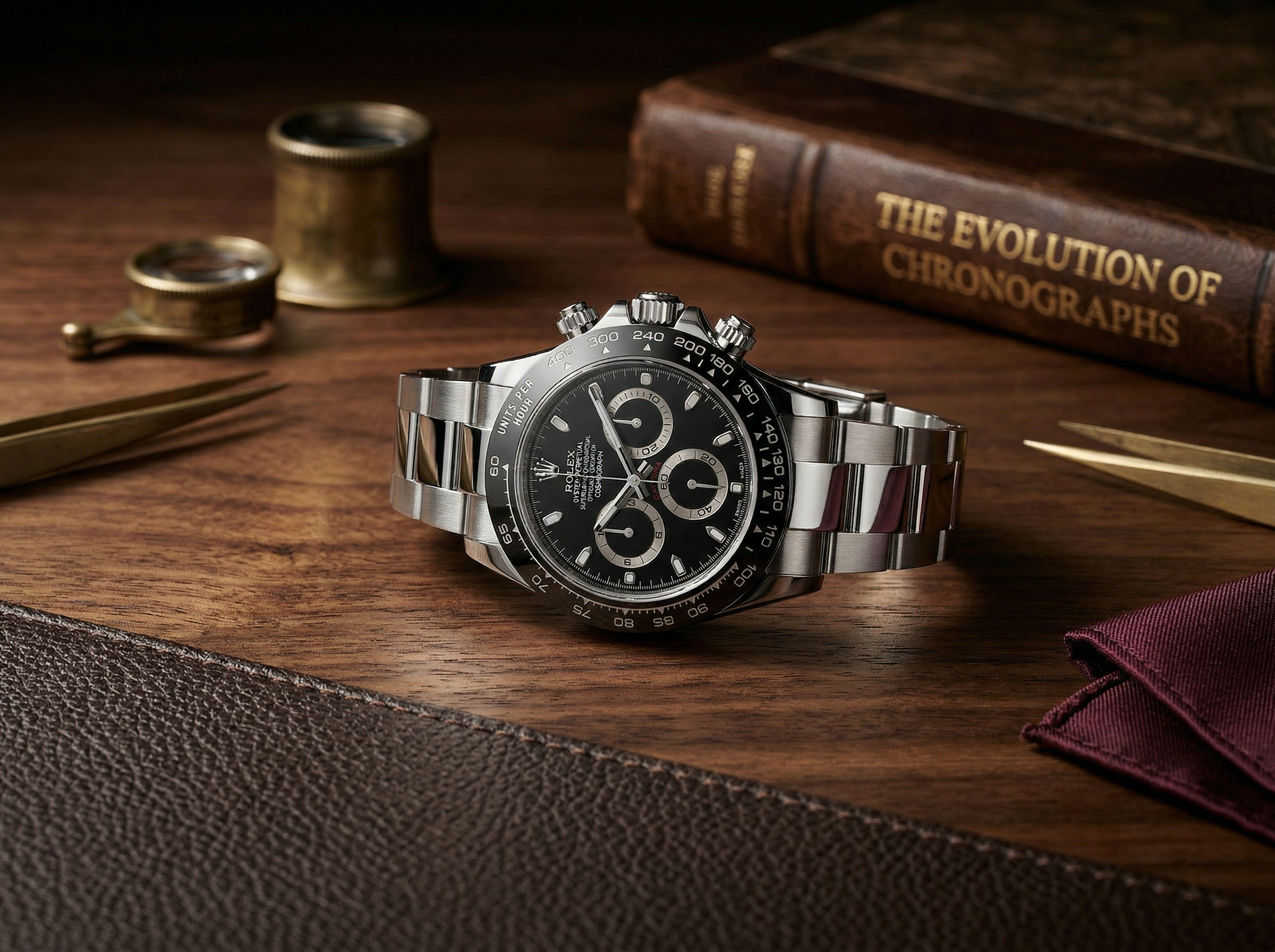
Add subtitles that align with spoken narration or on-screen text with our slideshow video maker. It places captions in readable positions and matches timing with scenes. You can also adjust style, size, and placement for clear viewing across different screen sizes.
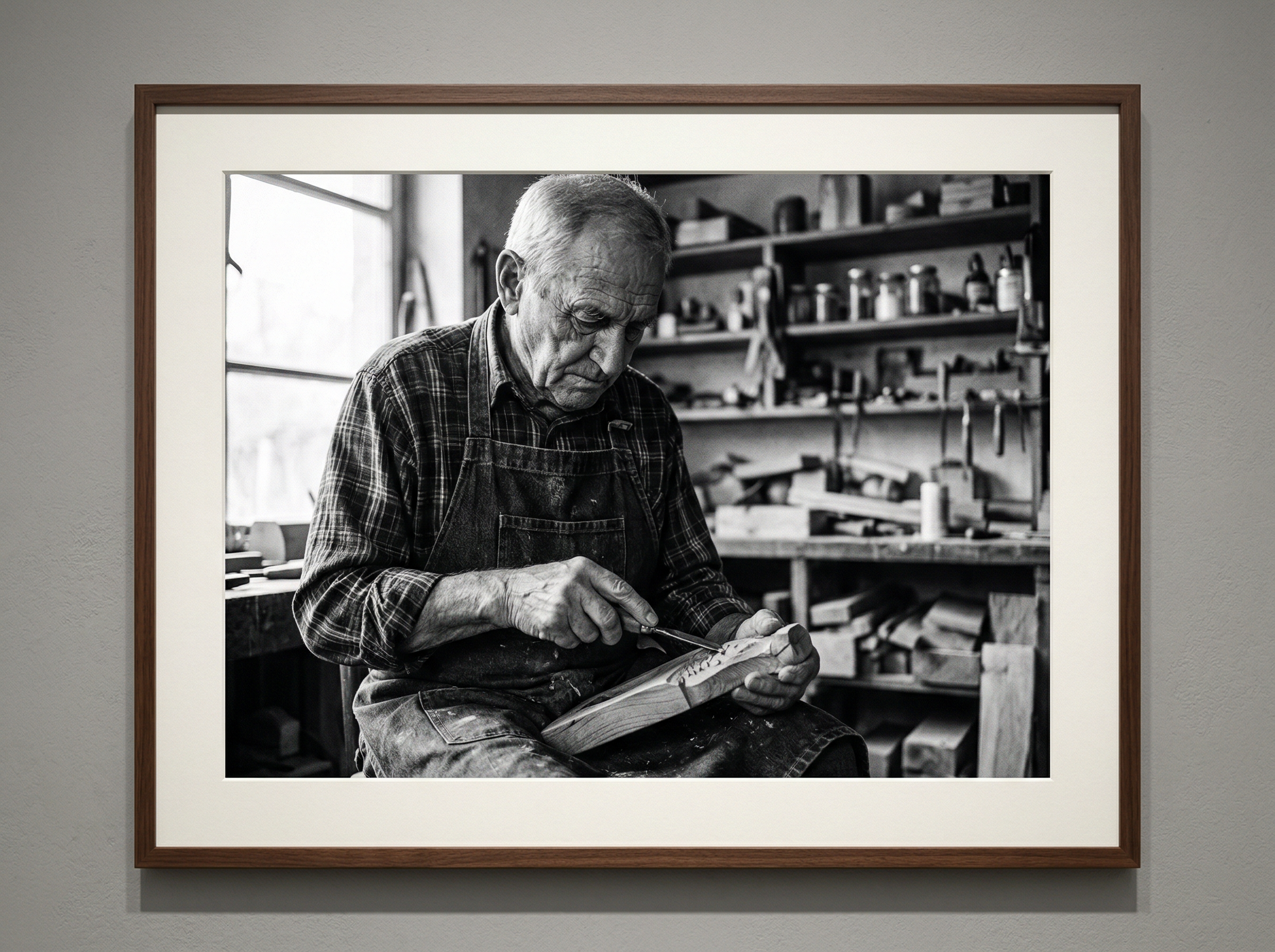
Simply enter your prompt description to try out different filters and effects in your videos. Framia Pro's free slideshow video maker adjusts lighting, tone, and color grading on slides to match the requested visual direction.

Create background music and voice narration using integrated audio models such as Suno v5 and Mureka on Framia Pro. It lines up sound with visuals, sets rhythm between scenes, and produces audio that matches the mood of each segment in the slideshow.
Keep visual elements aligned on all slides by preserving theme settings, color palettes, and character appearance. This ensures each scene follows the same visual structure, which avoids inconsistencies between frames and keeps the slideshow visually aligned.

Use the storyboard editor on our slideshow video maker to move slides, change sequence, and control duration. Each adjustment updates the preview in real time. This allows precise control over pacing, transitions, and the overall structure of the slideshow video.
Quickly define aspect ratio and total runtime before making your slideshow video. Framia Pro prepares output for formats suited to platforms like YouTube, TikTok, and Instagram while adjusting resolution and length to match your selected settings

You can make a slideshow video with these three steps:
Forget everything you know about creating slideshow videos the old-fashioned way with Framia P
Real creators share what happened after they stopped editing the old way and trusted Framia Pro instead.






Turn your photos into a complete video with music, transitions, and structure handled by AI