Enter prompt
Sign up for Framia Pro to access the home page and enter your prompt for poster design. Choose "Design" and click "+" to upload a reference.

Create posters online with Framia Pro's poster maker. Use AI models and custom sizes to design movies, events, and business posters. Edit images, add text, and download high-quality posters easily.
Design professional posters for any occasion, be it events, movies, promotions, and more.
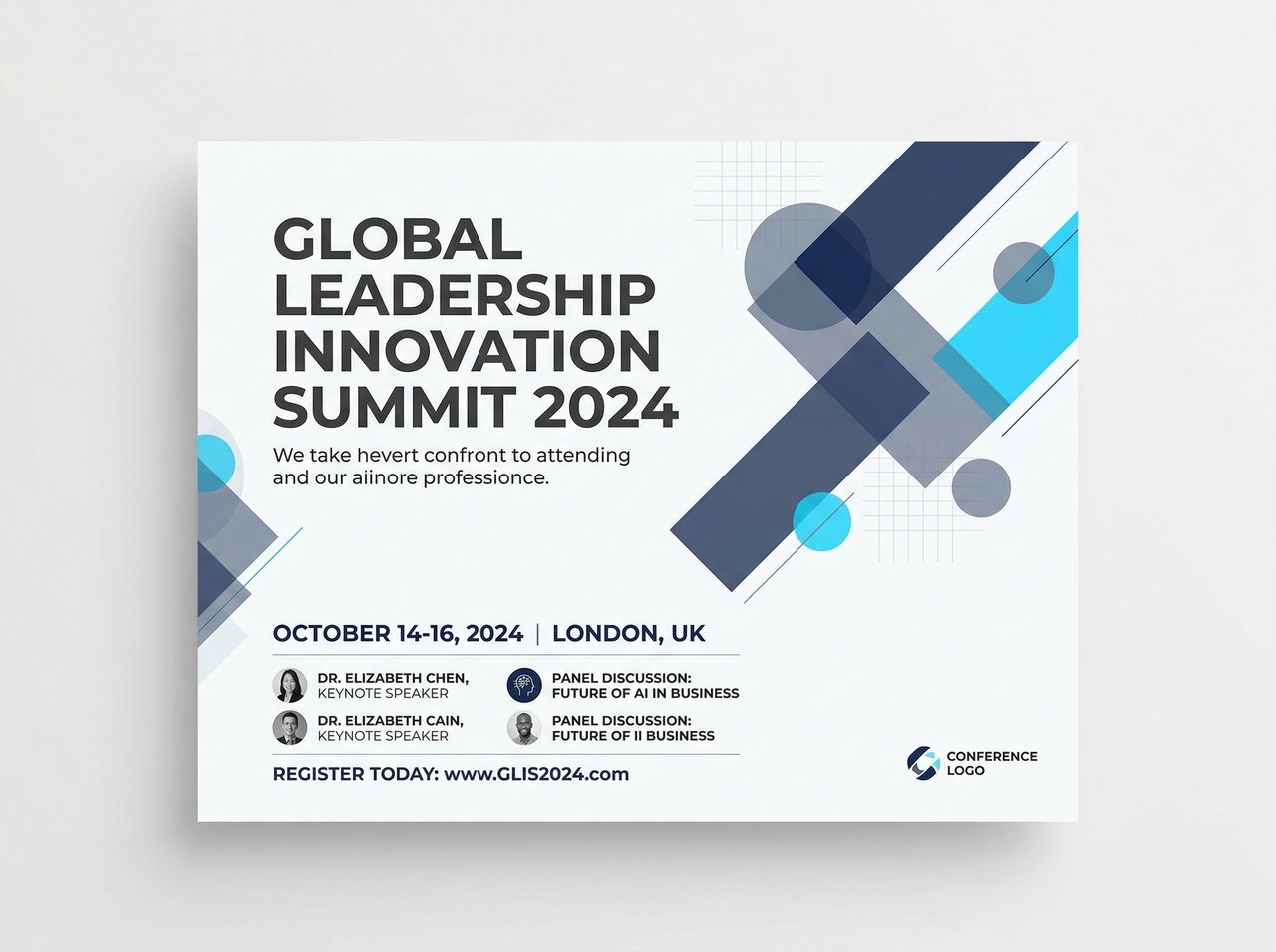
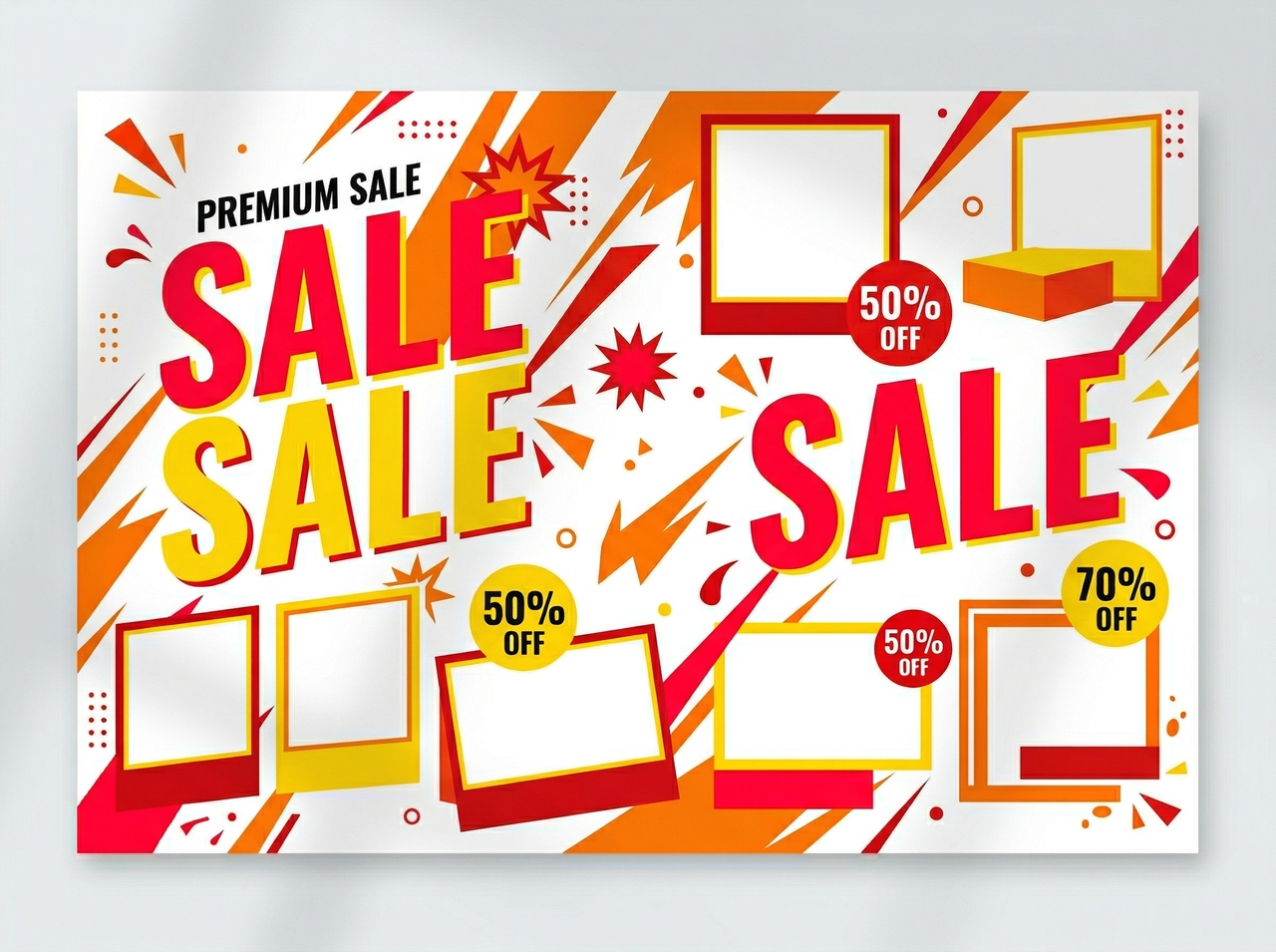
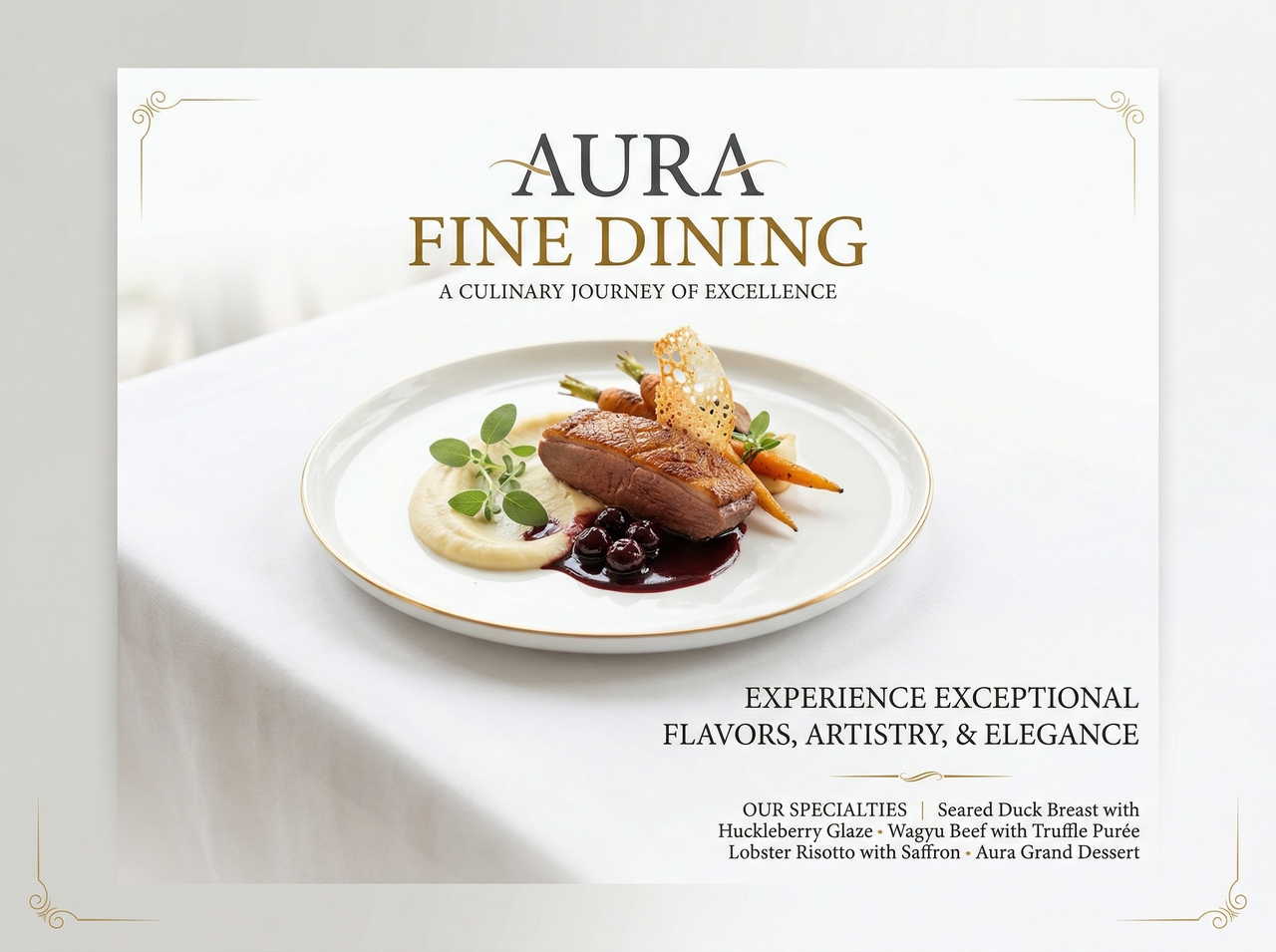
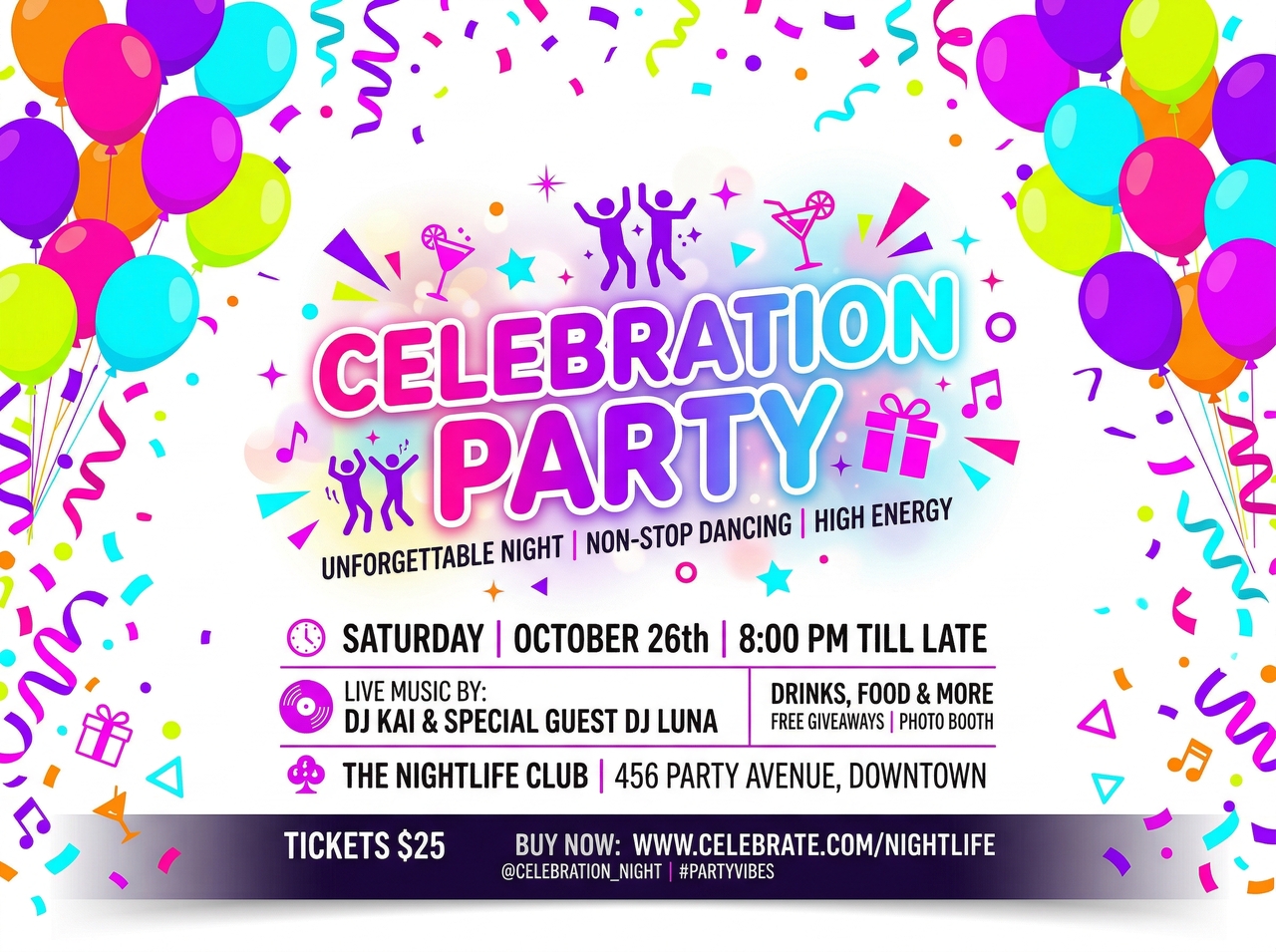
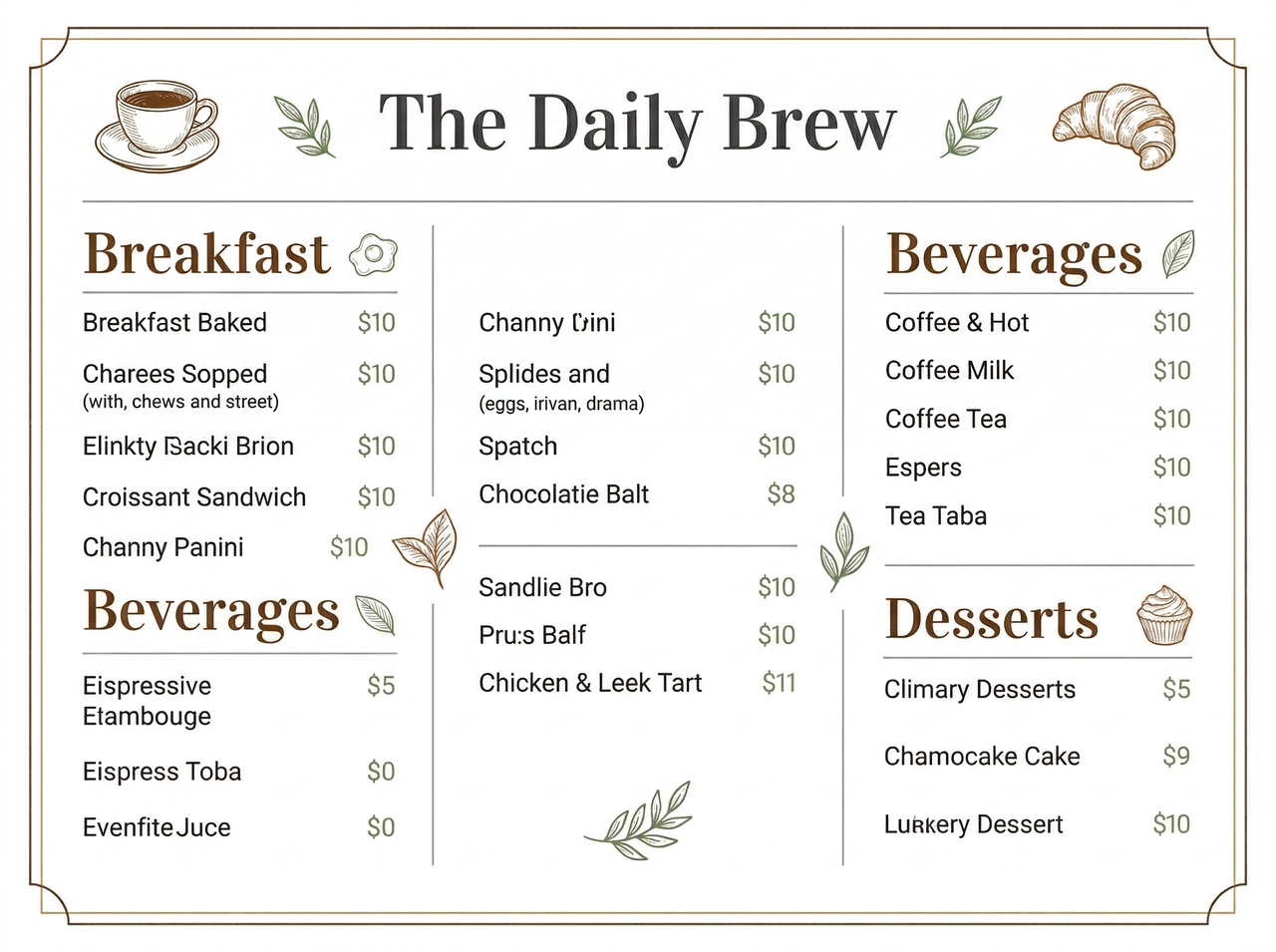
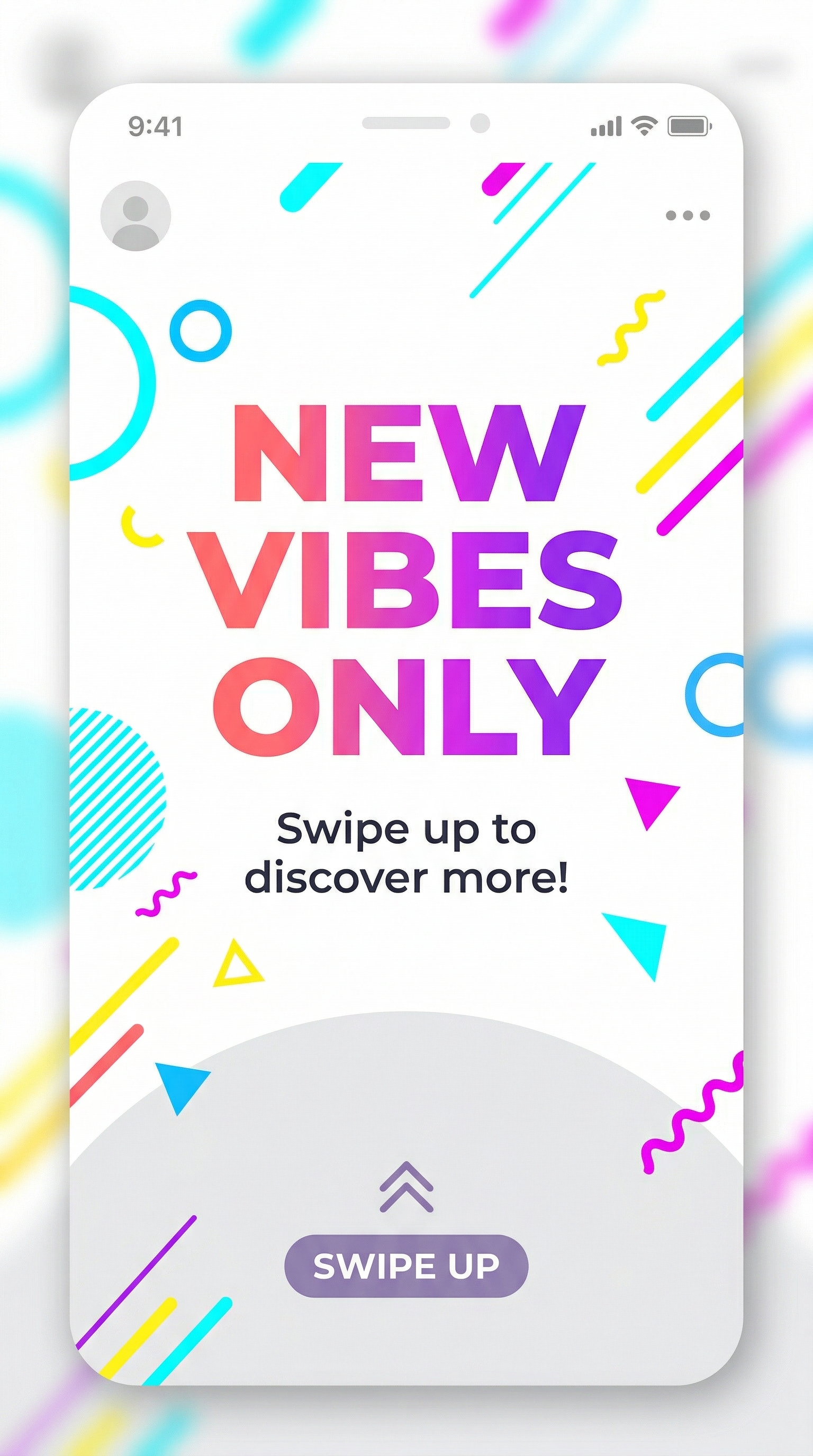
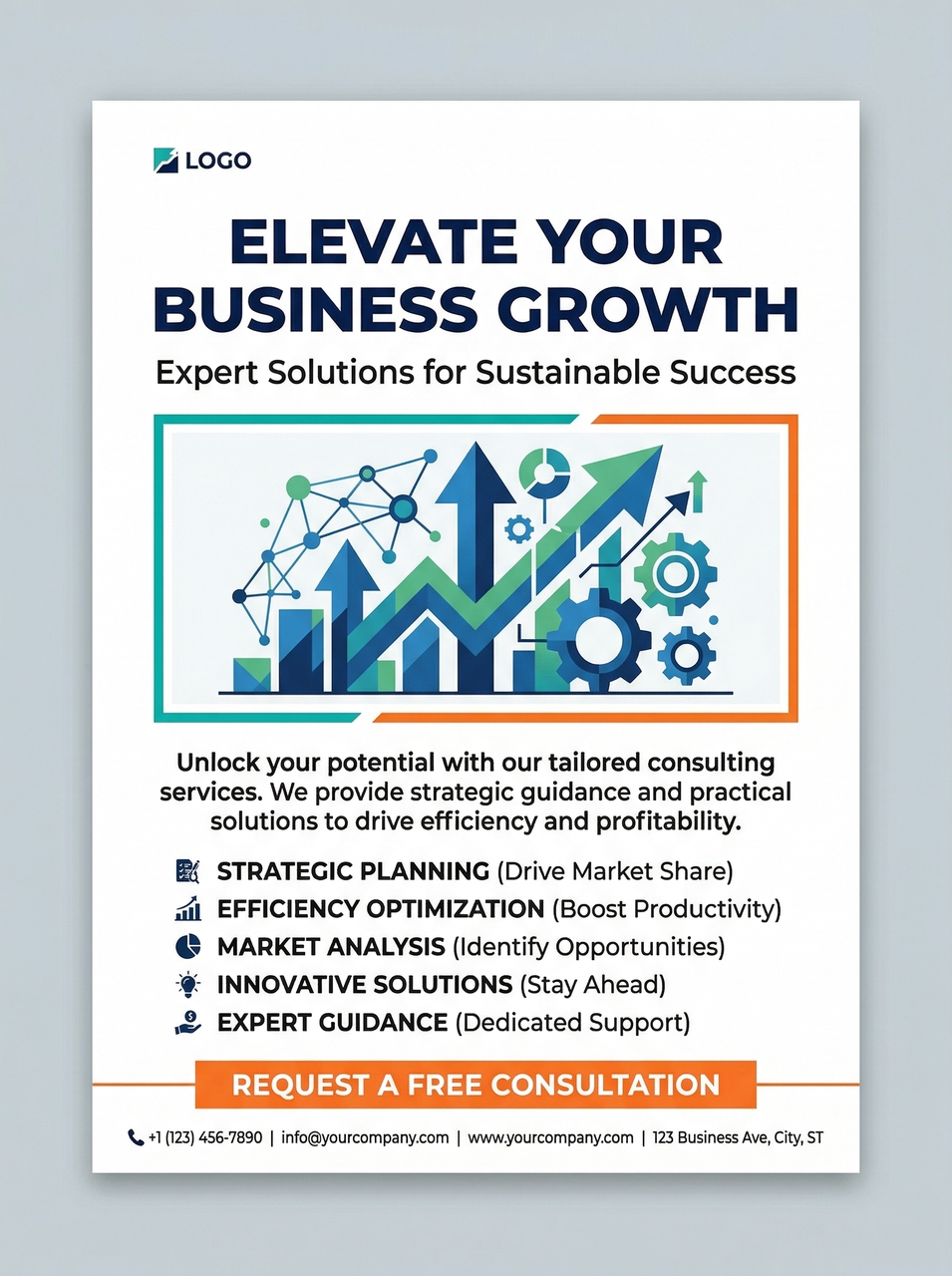
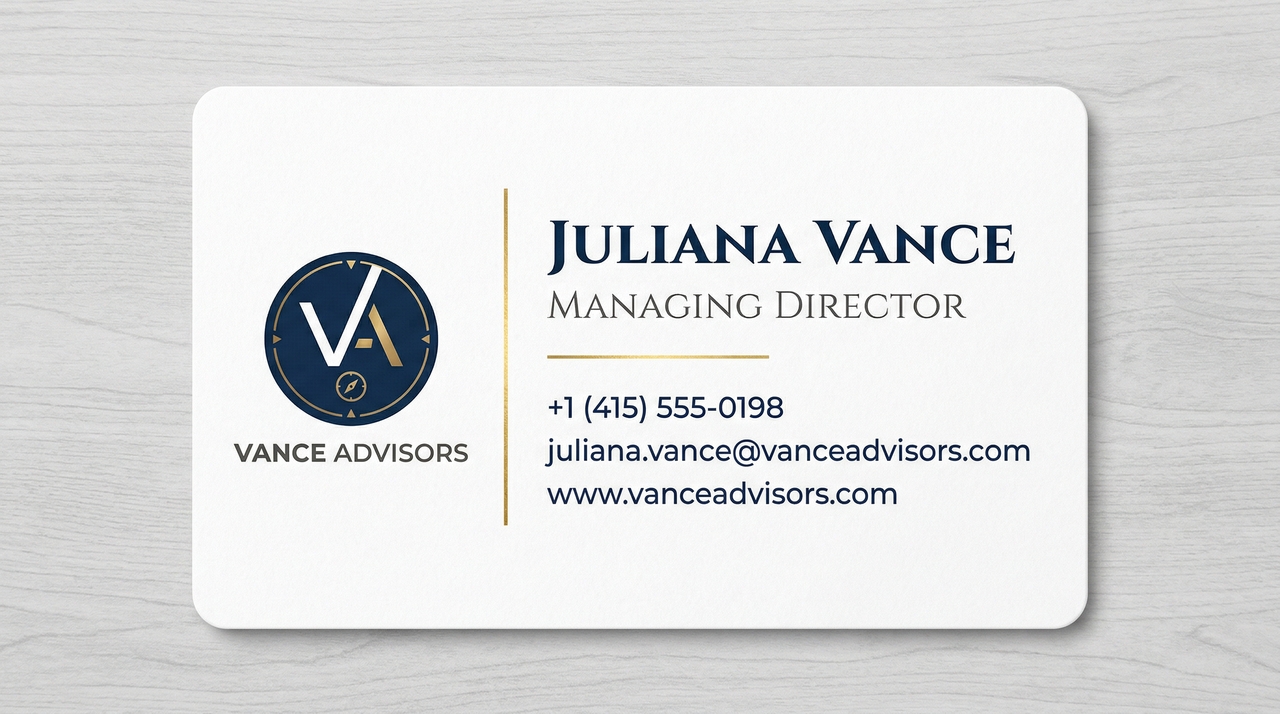
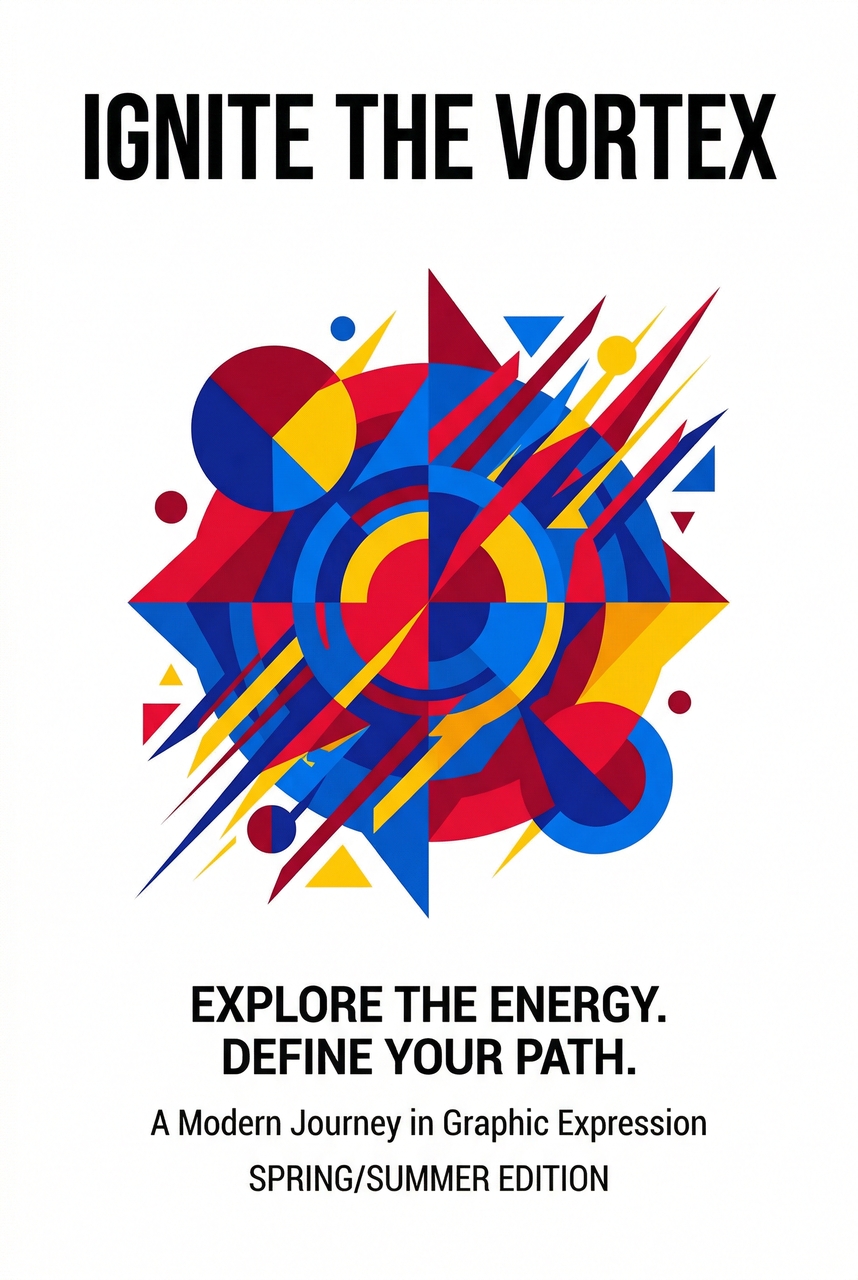
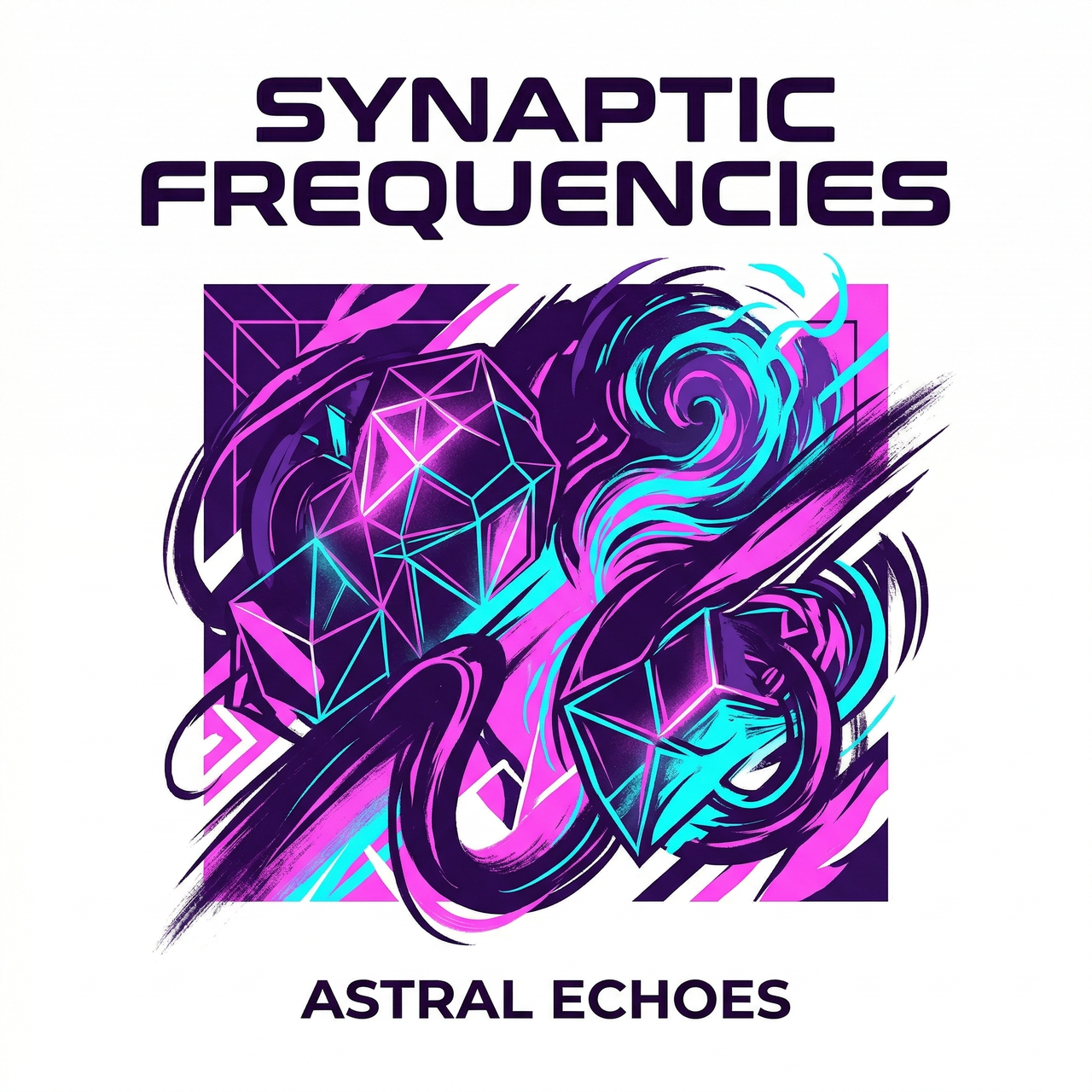
Framia Pro packs every tool you need to design, refine, and get high-quality posters.
Generate original poster visuals from a text prompt using Framia Pro's AI image generator. Powered by models including Midjourney, Nano Banana Pro, and Seedream 5.0, it produces photorealistic and artistic compositions precisely to your poster's theme, mood, and creative direction.
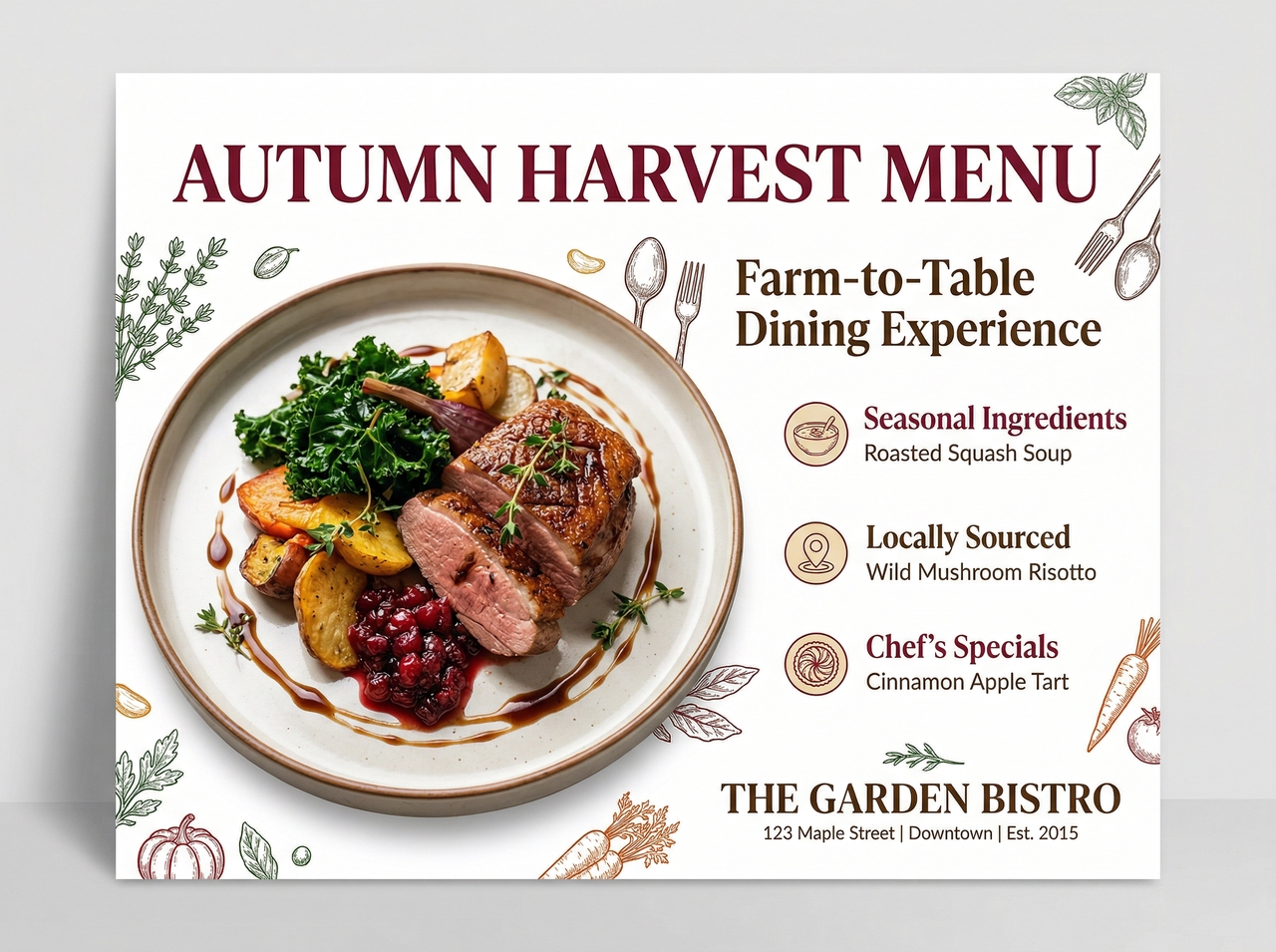
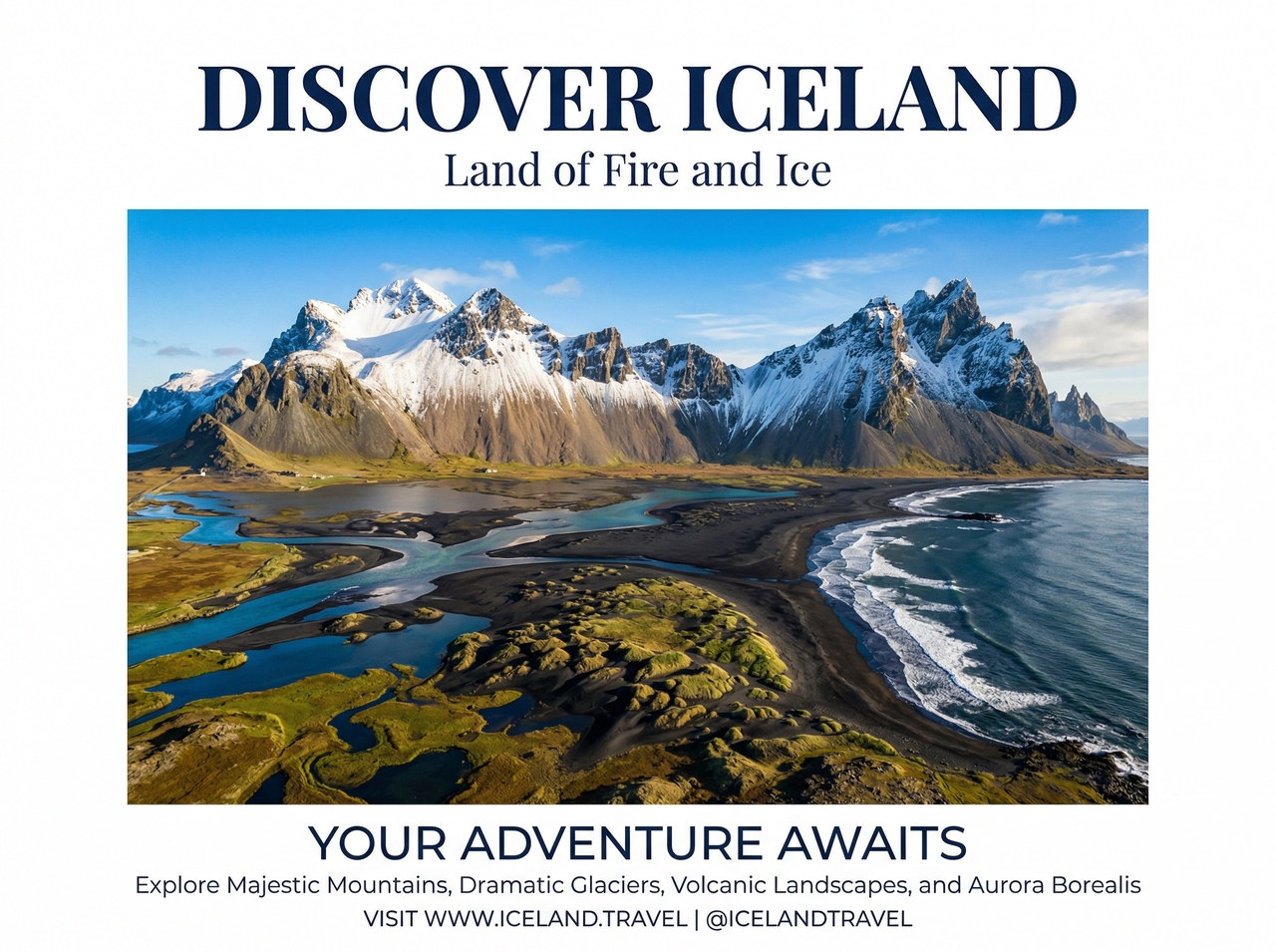
Scale any poster graphic to 4K or large-format print dimensions without quality loss using Framia Pro's AI upscaler. The tool reconstructs fine detail from low-resolution files and keeps edges sharp and colors accurate at 24x36 or billboard sizes.
Arrange every poster element with Framia Pro's layer control option. Move, resize, and reorder text, graphics, and generated visuals on the canvas. This gives you precise compositional freedom without flattening your work or losing access to individual components.
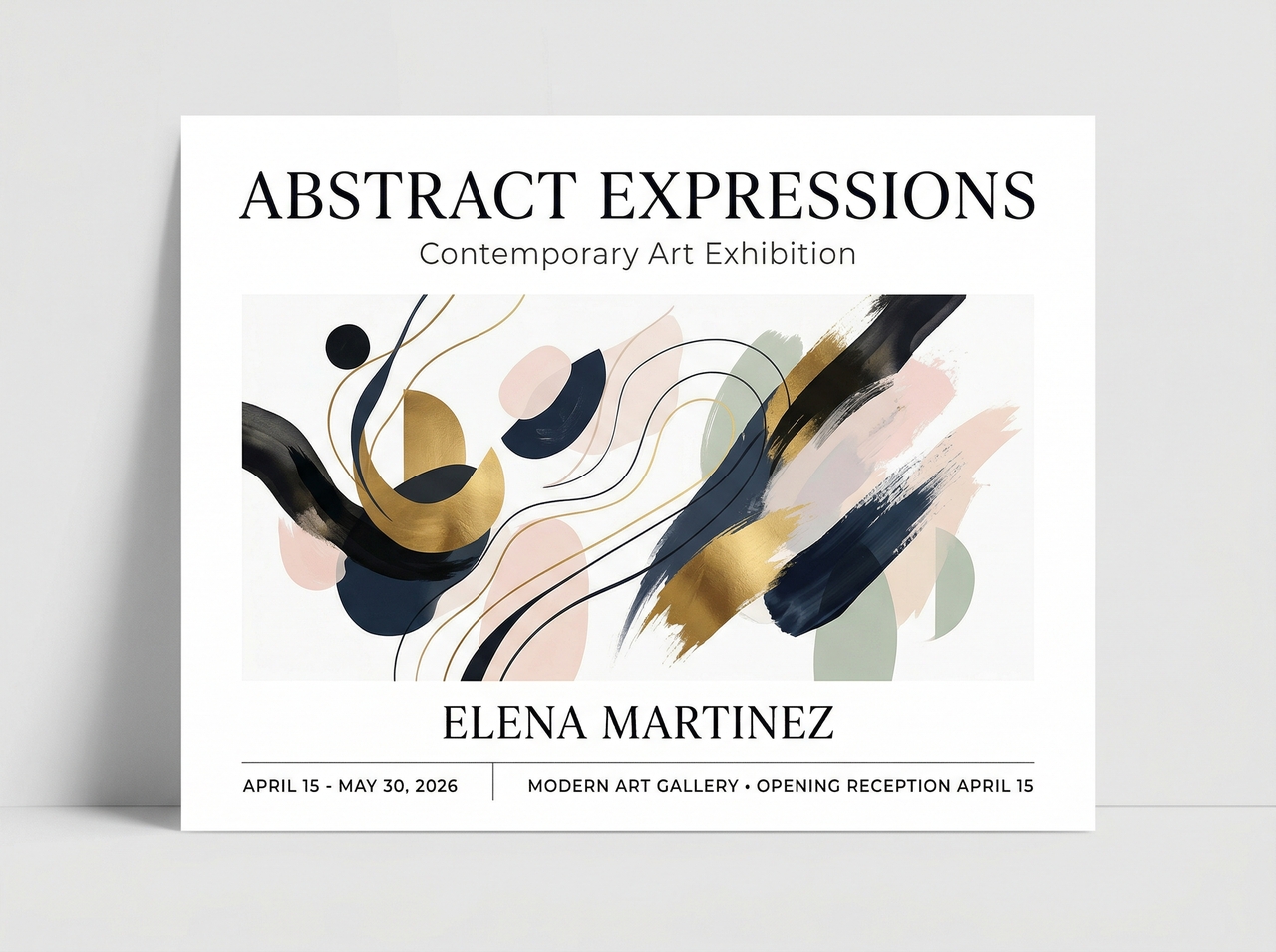
Create on-brand poster layouts at scale with Framia Pro's Branding Agent. Upload your logo and visual references, and our poster maker structures compositions that align with your identity. This reduces hours of manual formatting in multiple campaign assets.
Convert any section of a poster by typing a description into Framia Pro's text-based editing tool. Specify the change, whether swapping a background, replacing an element, or refining a detail, and the AI applies the update without disrupting the surrounding composition.
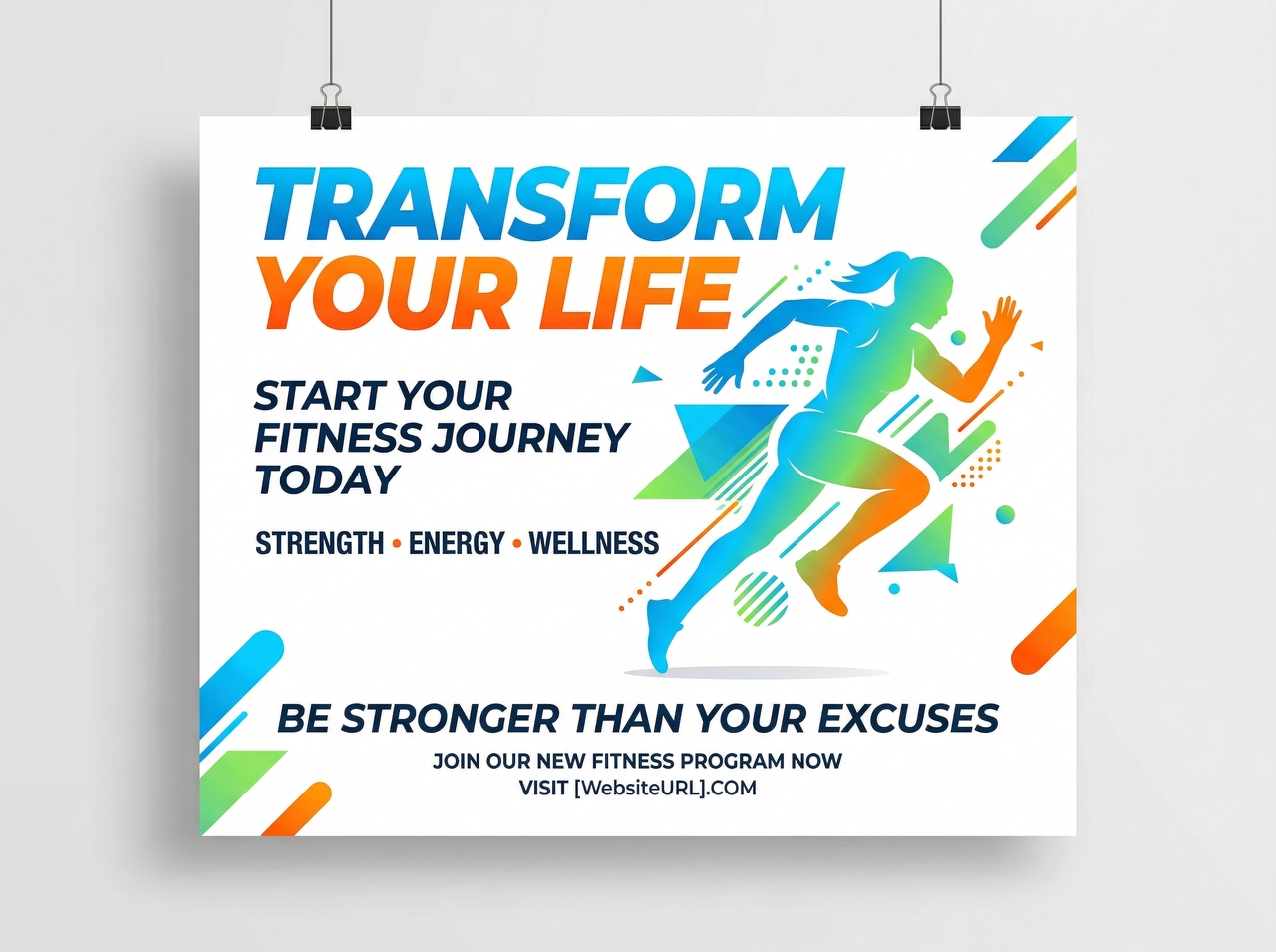
You can go through these steps to make a poster with Framia Pro:
From movie posters to custom campaigns, design anything with Framia Pro's poster design maker online.
Describe your genre, mood, and title treatment, and generate studio-quality movie posters with Framia Pro. The platform applies cinematic lighting, atmospheric backgrounds, and bold typography automatically, so you get a film promotion visual without any design experience.
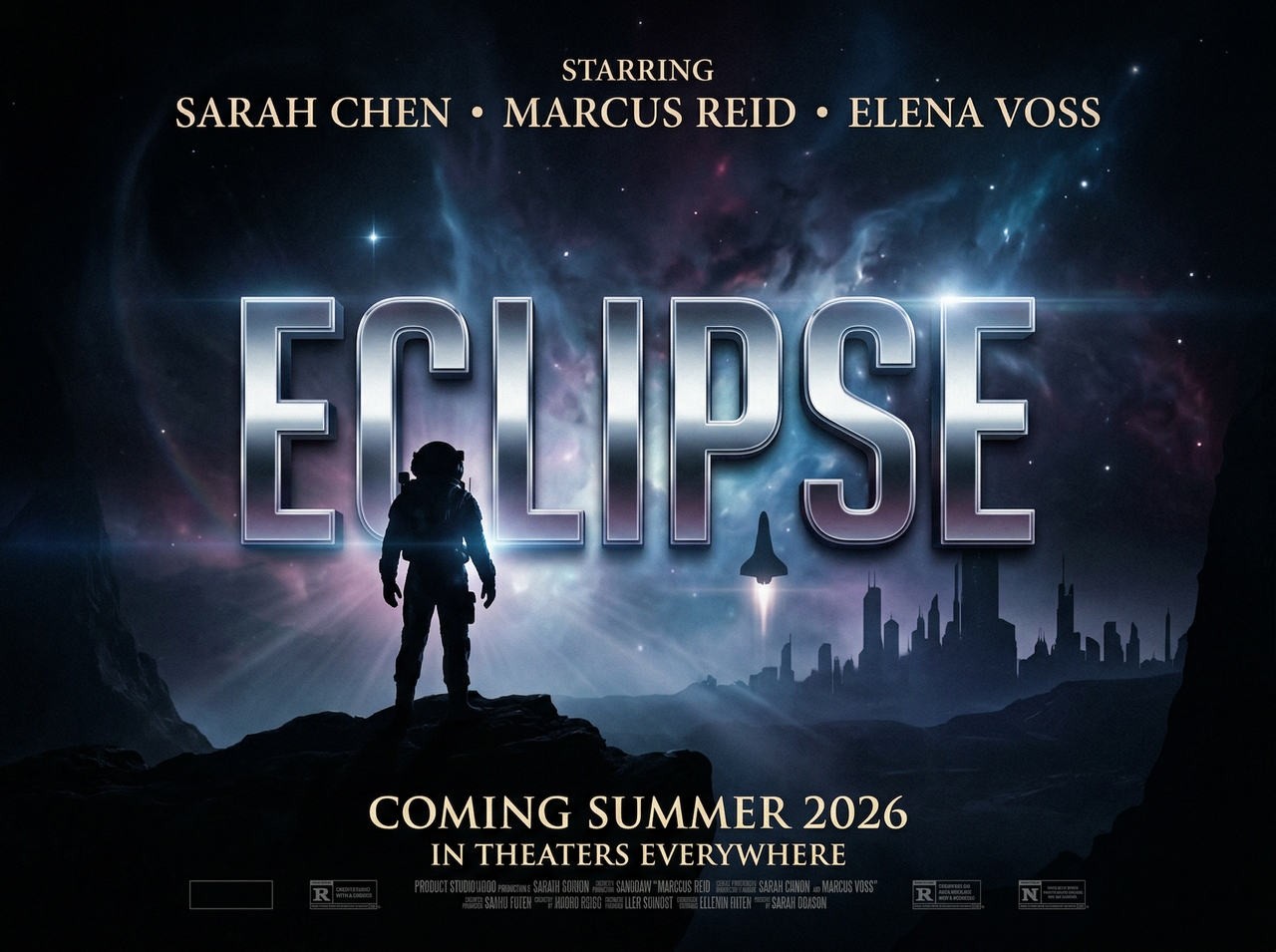
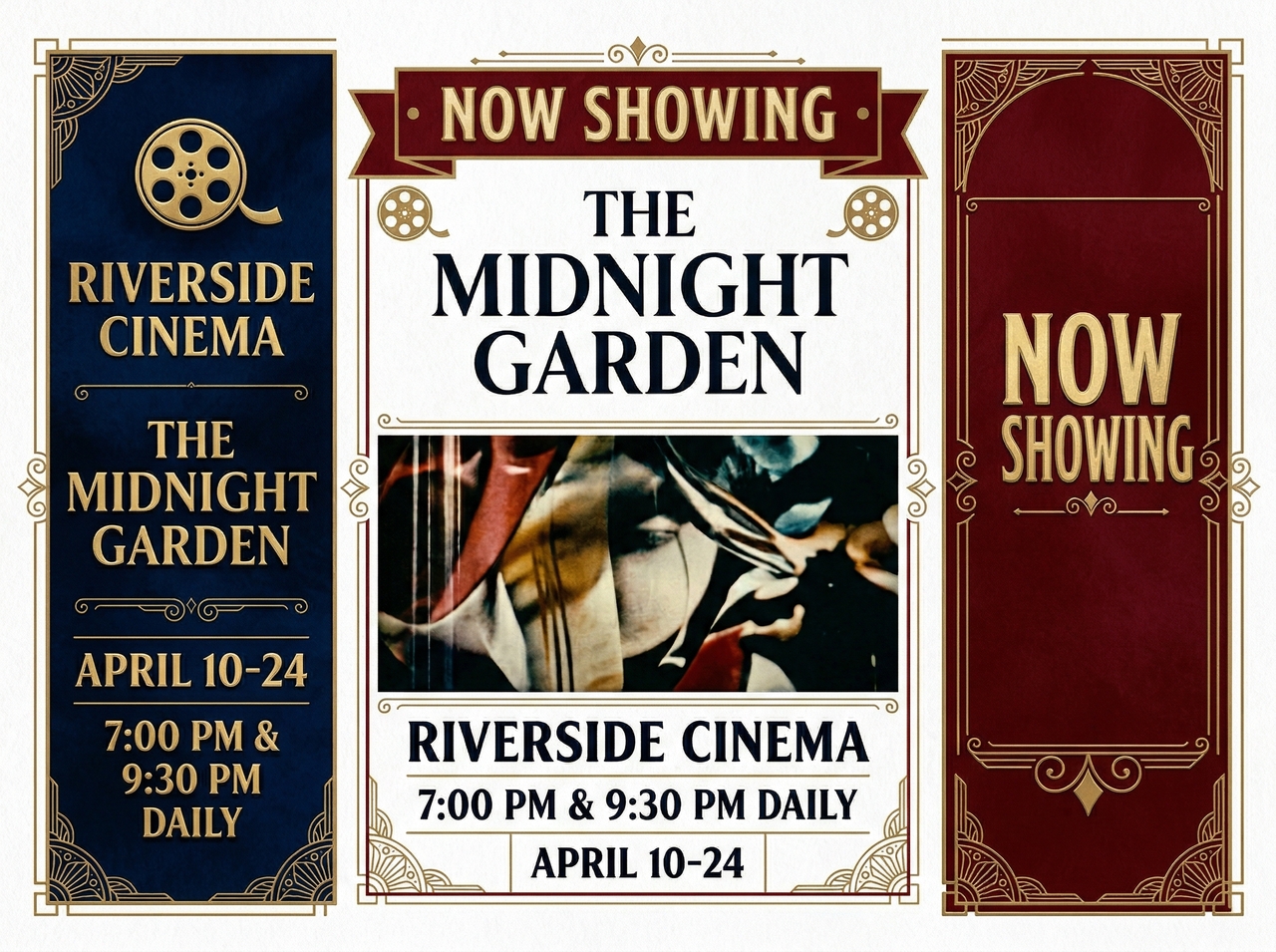
Make cinema posters that capture the full atmosphere of your upcoming screening or theater announcement. Framia Pro gives you access to retro, arthouse, and contemporary styles and generates high-resolution artwork for your venue, scheduled date, and target audience.
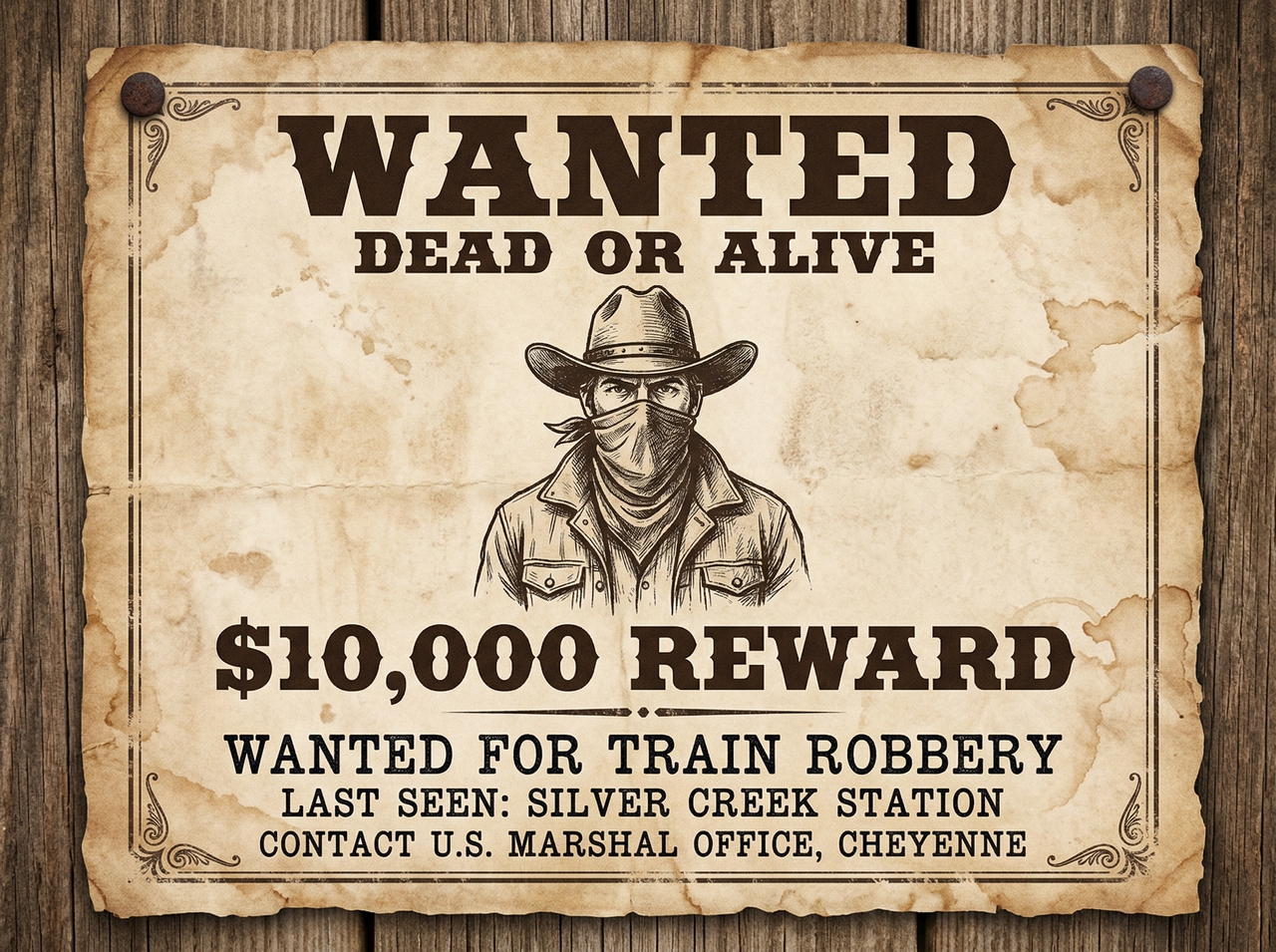
Design wanted posters for themed parties, live games, or creative concepts using Framia Pro's online poster maker. The tool applies aged parchment textures, classic Western typography, and bold bounty layouts to produce a result that looks genuinely hand-crafted.
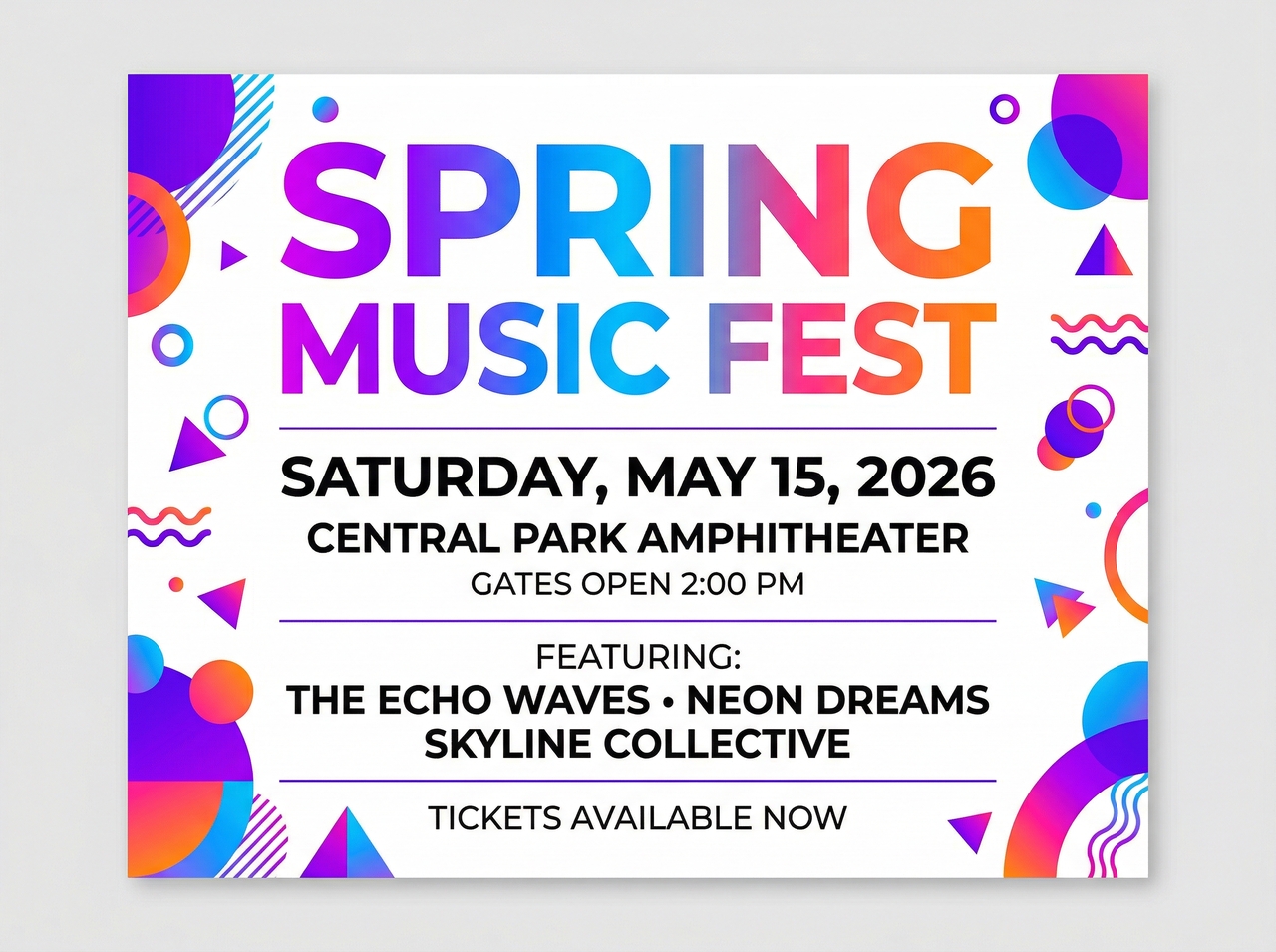
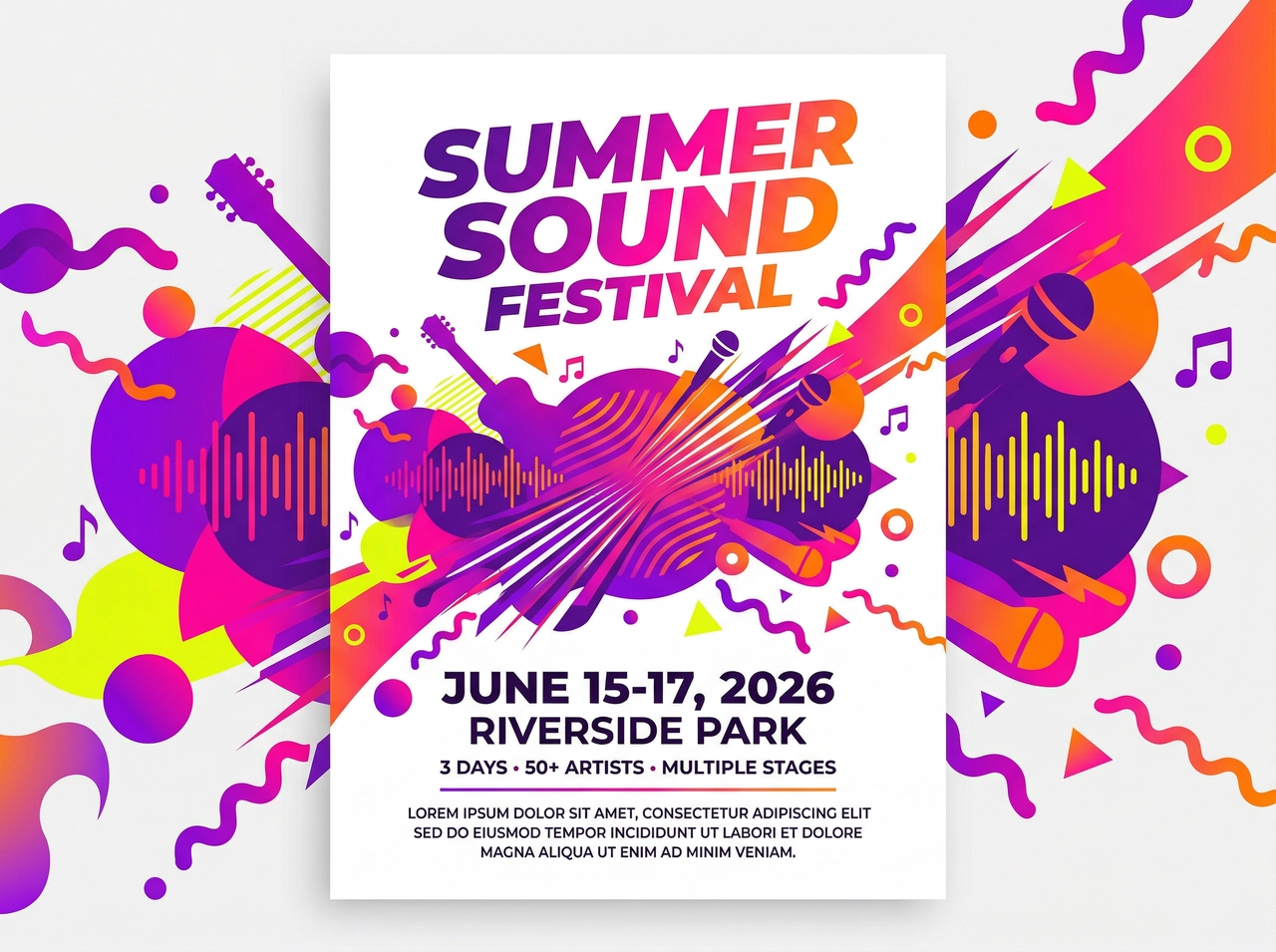
Promote concerts, webinars, and local gatherings with engaging event posters. With our poster maker online, you can select your preferred color scheme, include lineup details, and let the AI structure a design that communicates your schedule, location, and key information clearly.
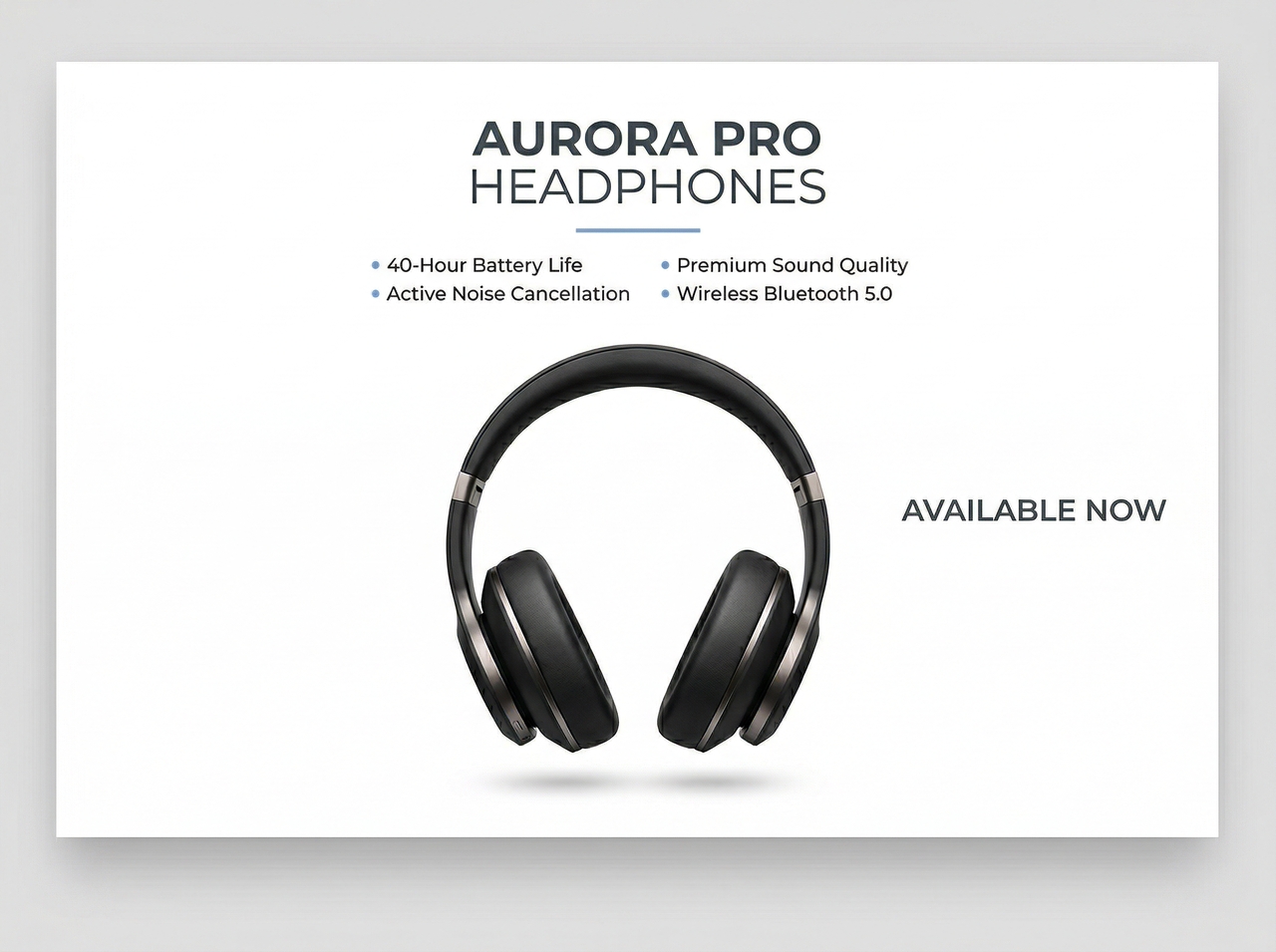
Showcase your products in clean imagery using Framia Pro's poster maker. Create professionally arranged graphics that highlight packaging, detailed textures, and key selling points. This gives your e-commerce listings and marketing materials the visual credibility they need to perform.
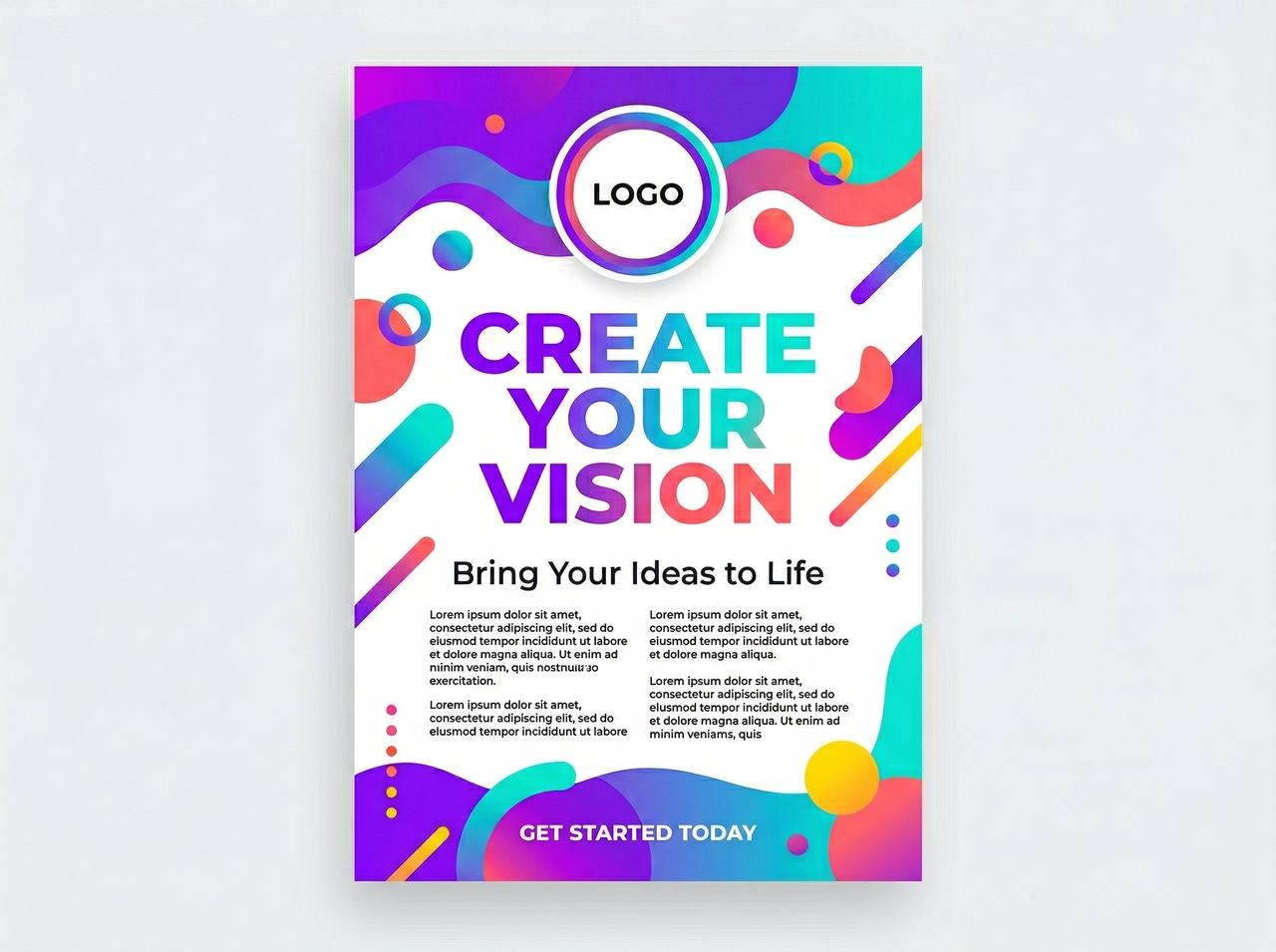
Create fully custom posters for any branding initiative, personal endeavor, or promotional push with Framia Pro. Upload your logo, describe the desired direction, and the Branding Agent assembles a on-brand result suited to your precise specifications and objectives.
Get a complete AI toolkit to create, refine, and convert every poster you create with Framia Pro
Generate poster designs from a text prompt, images, links, or PDFs with the AI models on Framia Pro. Describe your concept, select a Nano Banana, Seedream, or MidJourney v7 model, and the platform produces a fully composed result for you.
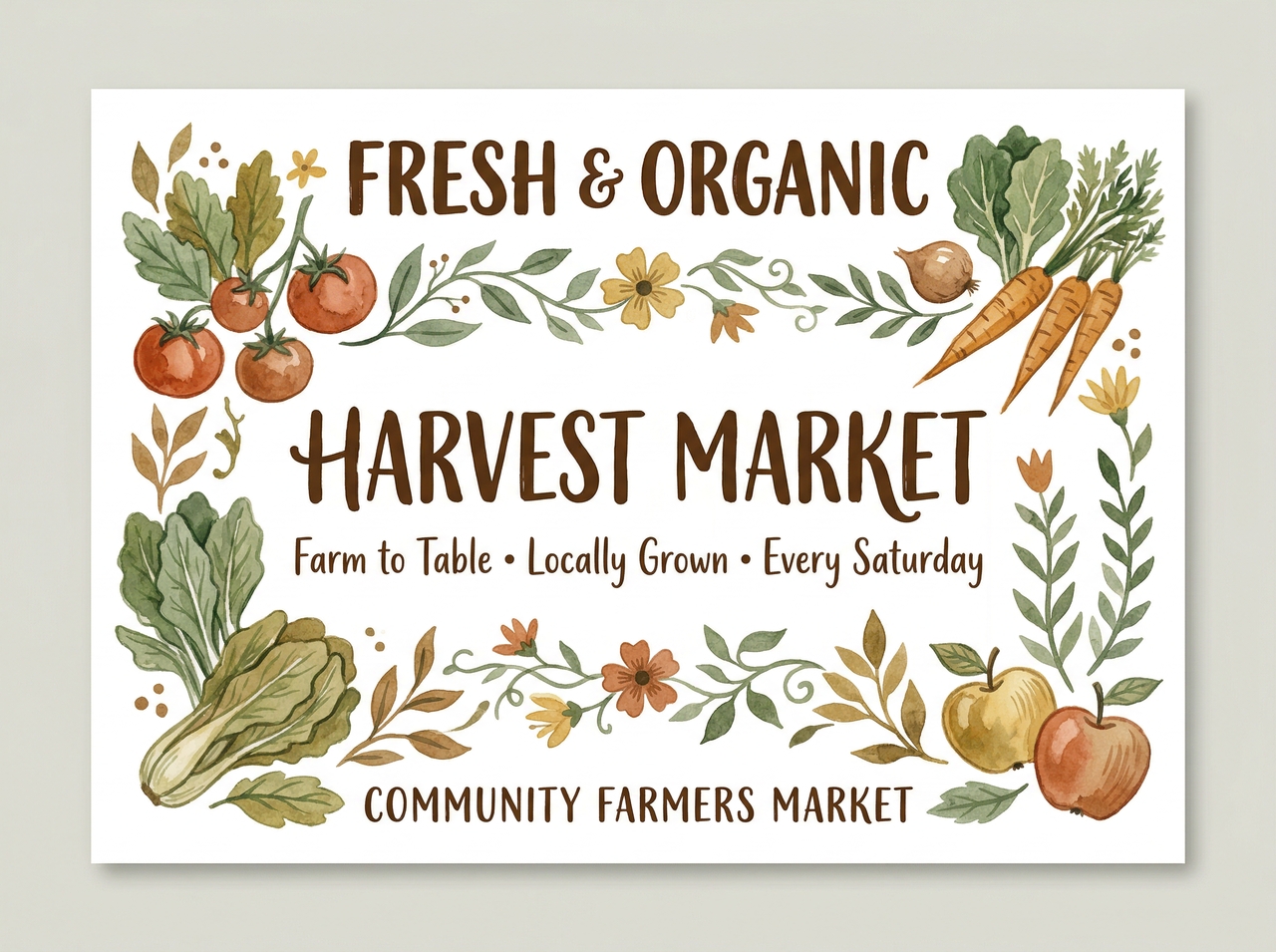
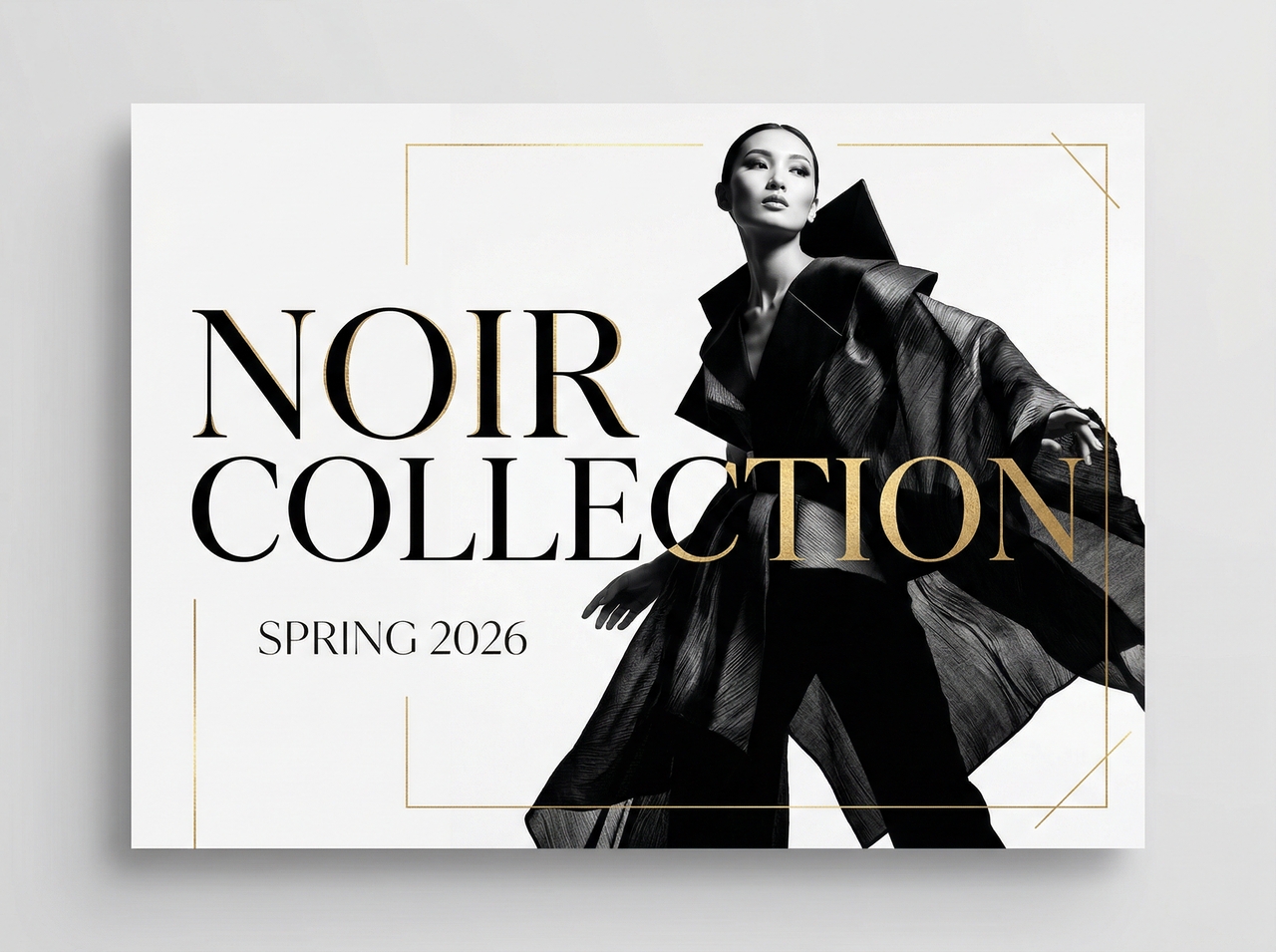
Swap your poster's background without starting from scratch. Upload your artwork, describe the replacement scene or atmosphere, and Framia Pro isolates your foreground automatically before inserting a new blended image directly behind it.
Separate your generated poster into independently editable layers. Once your layers are divided, you can target the text directly to update fonts, sizing, or copy without affecting the imagery, shapes, or structural layout beneath.
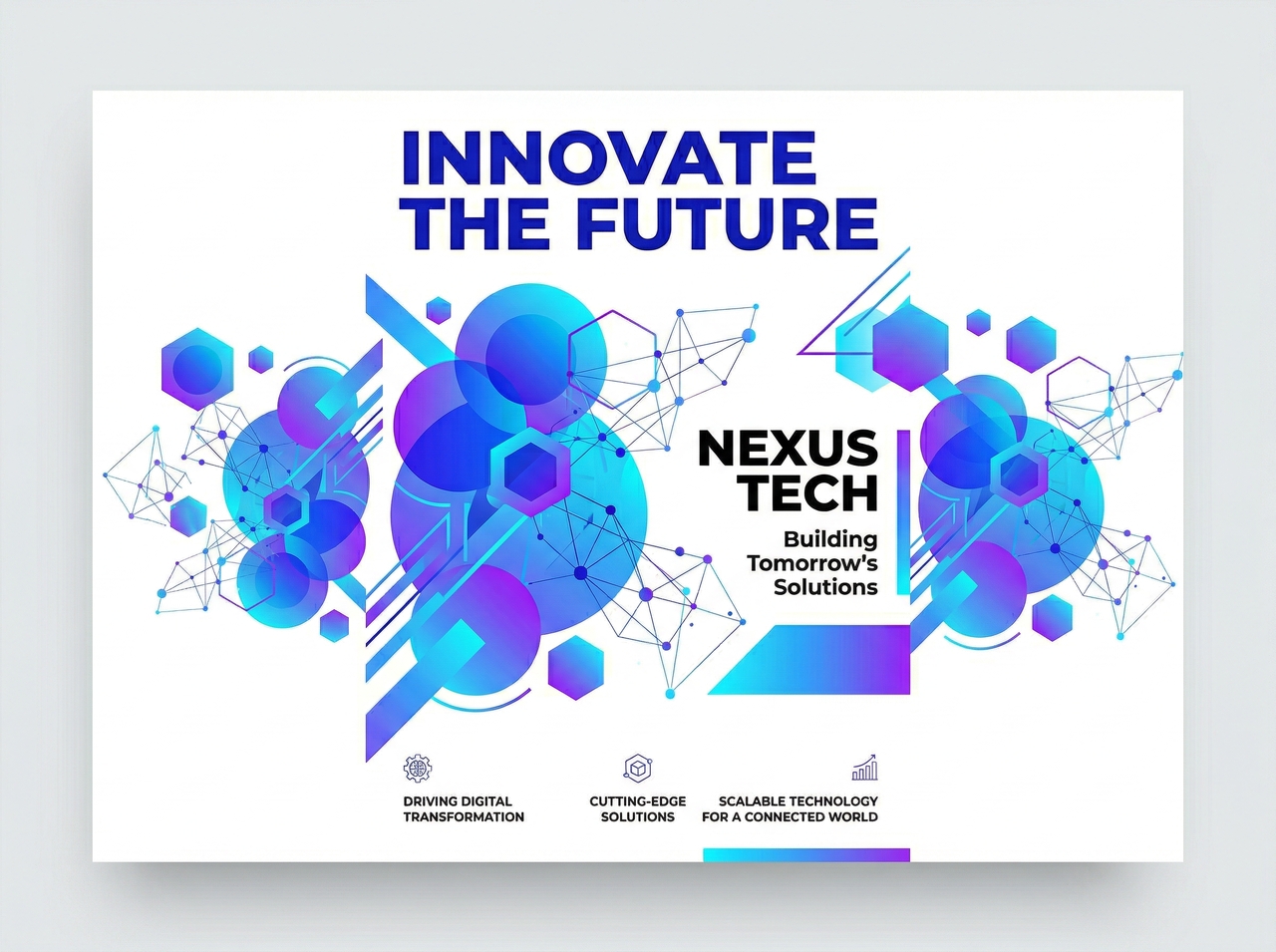
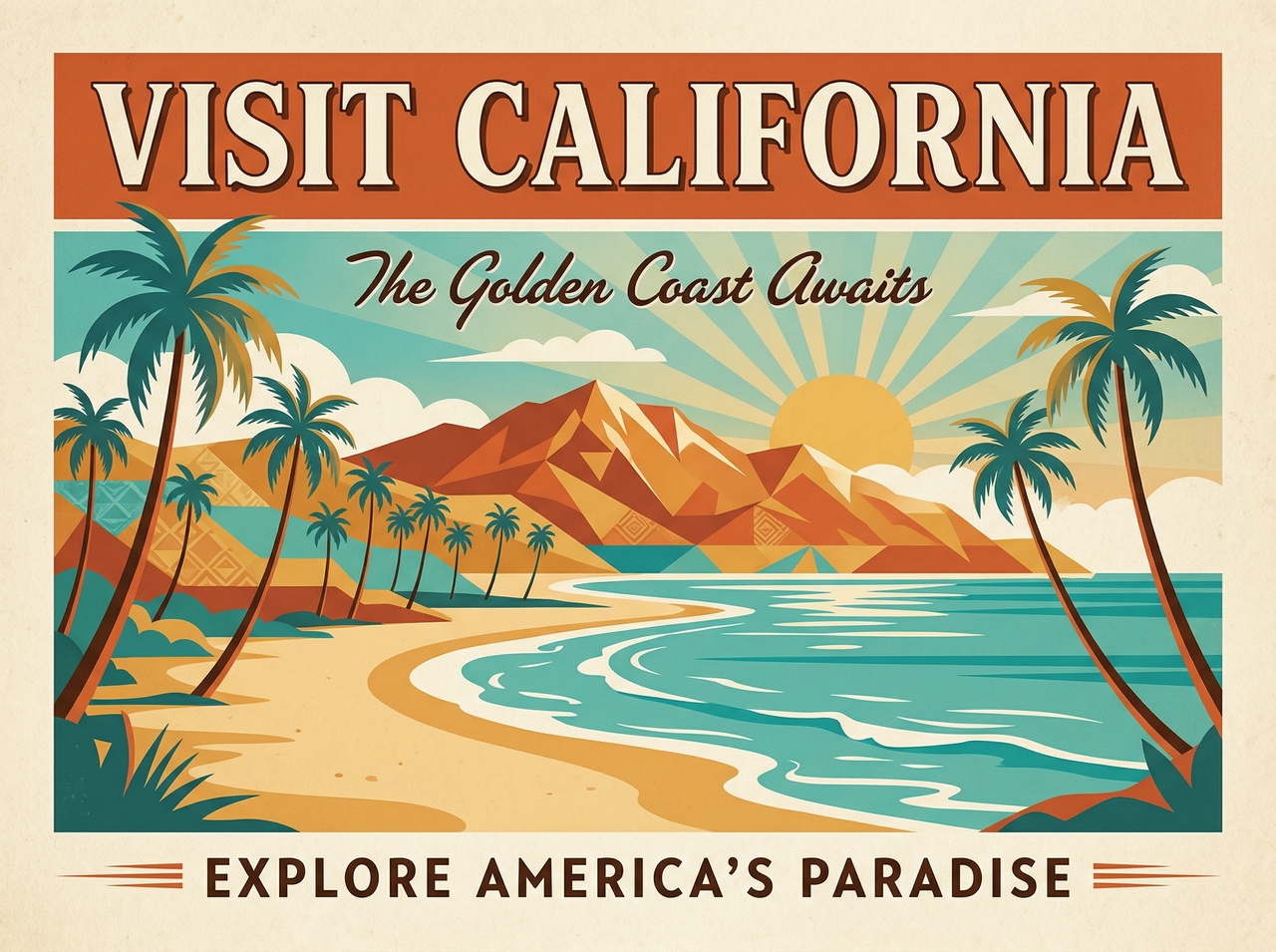
Remove unwanted elements from your poster using Framia Pro's AI eraser. Brush over the item you want deleted, and the AI fills the vacated space with intelligently matched surroundings. This leaves a clean, natural finish with no visible traces behind.
Animate your poster into a clip using Framia Pro's image-to-video conversion tool. Add motion to static visuals, set the duration, and export a shareable clip formatted for social media channels like TikTok, Instagram Reels, or YouTube Shorts.
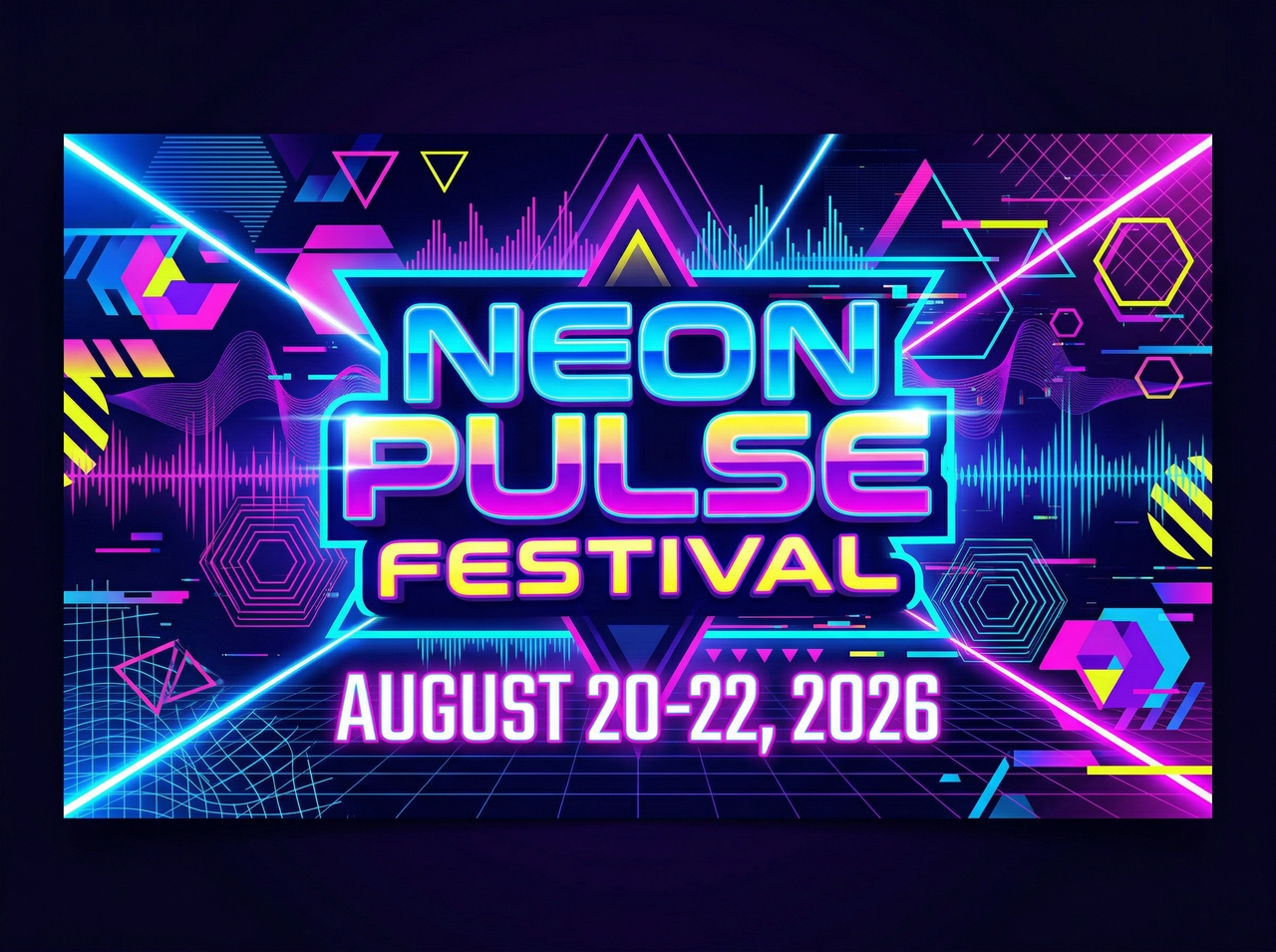
A great poster communicates clearly to grab attention. Here's what separates good posters from forgettable ones.
Step 1
Position your most important message at the top and make it the largest element on the canvas. Framia Pro's poster maker online lets you size and style a headline that visitors read instantly, before anything else competes for their attention.
Step 2
Choose a style that reflects who you are speaking to, whether that is a cinema crowd, a product buyer, or an event attendee. Framia Pro generates your posters in different themes so your design feels immediately relevant to the right people.
Step 3
Blurry visuals undermine credibility regardless of how strong your layout is. Generate original artwork directly inside Framia Pro or run any uploaded photo through the built-in AI upscaler to guarantee your imagery stays crisp at every print dimension.
Step 4
Overloading your poster with multiple instructions confuses viewers and reduces the likelihood they act on any of them. Decide on a single directive, place it in a high-contrast area, and let Framia Pro structure the surrounding elements to support it.
Step 5
Selecting your canvas dimensions before you begin designing saves you significant time and prevents layout problems later. Framia Pro supports every standard format, from social squares to 24x36 print sizes, so your composition is optimized for its destination from the start.
Step 6
Settling on a first draft limits your creative output. Framia Pro lets you regenerate, adjust prompts, swap styles, and refine specific sections as many times as needed. This gives you the freedom to explore variations until the result genuinely meets your standard.
From film students to marketing managers, here's what real users say about making posters with Framia Pro.






Create stunning posters for any purpose with Framia Pro's AI. Generate, refine, and download with powerful AI tools.