Step 1: Open the lyric video workspace
Sign in to Framia Pro, open the Video tab, and choose the music video agent to start creating a lyric video project.

Create and export lyric videos with Framia Pro's lyric video generator. Sync text to audio, apply motion effects, and produce music visuals.
Generate music videos in any theme with our video lyrics generator!
Create a cinematic lyric video with smooth camera motion. Add slow zooms, pans, and depth movement between scenes. Match transitions with the music's pace. Show lyrics as synced subtitles on screen for every line. Display Prompt: Cinematic camera motion with synced lyrics on every scene
Make a street art lyric video with graffiti textures, wall backgrounds, and bold spray paint effects. Use urban colors and rough edges. Animate text as graffiti writing. Show lyrics as subtitles on each scene. Display Prompt: Graffiti-style visuals with bold lyric subtitles on screen
Generate a grunge-style lyric video with dark tones, paper textures, scratches, and glitch effects. Use rough typography and distressed visuals. Sync scene changes with the beat. Show lyrics as subtitles throughout the video. Display Prompt: Grunge visuals with textured backgrounds and lyric subtitles
Make an audio-reactive lyric video where visuals respond to the music beat. Add waveform animation, pulsing lights, and dynamic motion. Keep visuals synced with sound intensity. Display lyrics as timed subtitles on screen. Display Prompt: Beat-synced visuals with dynamic lyric subtitles on screen
Generate a minimalist lyric video with clean backgrounds and simple typography. Use smooth text transitions and soft color changes. Focus on readability and timing. Show lyrics with clear subtitles on each scene. Display Prompt: Clean typography with clear lyric subtitles on screen
Create a looping Spotify canvas-style lyric video with subtle motion and short visual cycles. Use aesthetic visuals that repeat smoothly. Keep motion soft and continuous. Show key lyrics as subtitles within the loop. Display Prompt: Looping canvas visuals with subtle lyric subtitles on screen
Create lyric videos that match your music style with our AI lyric video generator that handles timing, visuals, and text.
Upload your MP3, WAV, or M4A file or enter your prompt, and our AI music video generator from lyrics transcribes every word with pinpoint accuracy. The tool uses Suno v5 or Mureka audio to pull clean text directly from the audio.


Feel the difference when every word lands exactly on cue. Framia Pro analyzes your track's tempo and structure, then creates lyric animations at the precise moment they play. Your listeners stay interested from start to finish.
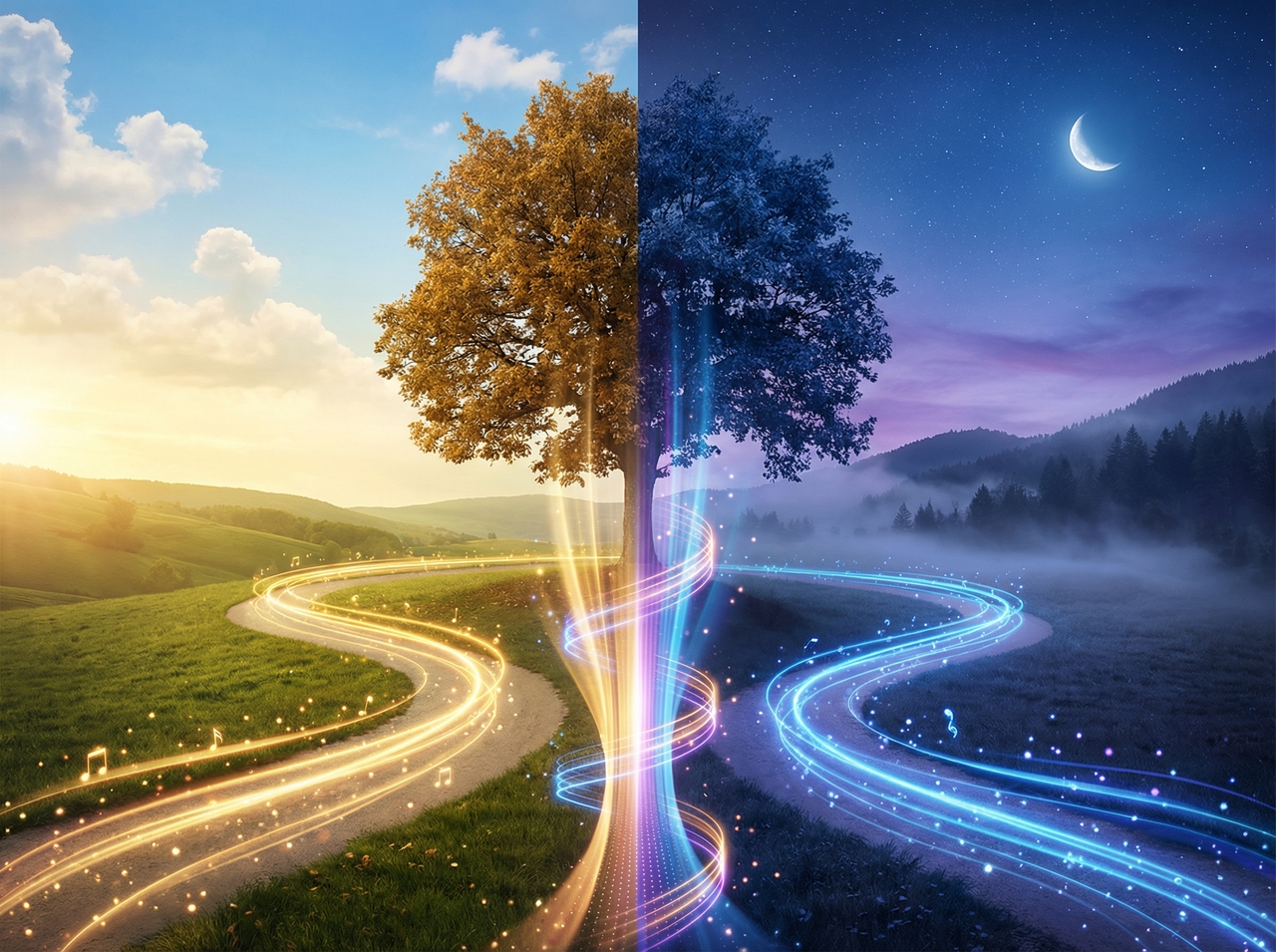
Convert the emotion in your music into stunning visual scenery using our lyric video generator for free. Describe a mood, atmosphere, or concept, and Framia Pro produces backgrounds that complement the song's tone without touching a single design tool.

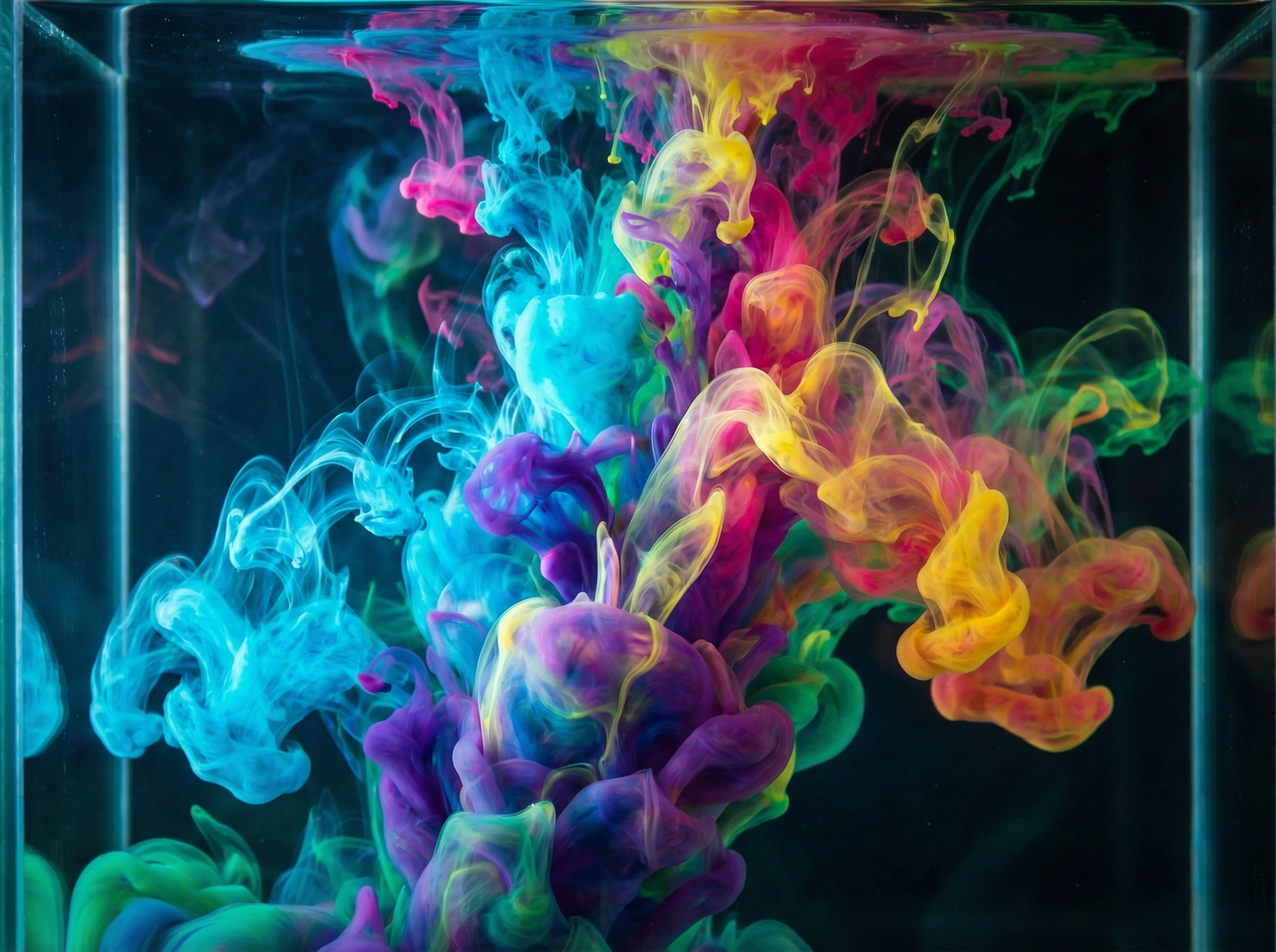
Take full creative control of how your lyrics appear on screen. You can adjust font size, color, placement, shadow, and transition timing to match your brand identity through prompts, or let the AI suggest a visual style that fits the genre.
Reach viewers from different regions by adding subtitles in multiple languages using our AI music video generator from lyrics for free. Translate your lyrics and display them clearly. Expand your audience and share your music with people who understand different scripts.

Write simple instructions to change scenes, text, or timing. With Framia Pro, you can skip editing tools and fix specific parts quickly. Update your video based on feedback or new ideas with direct text input.
Export your project in high resolution for sharp playback on all screens and maintain clarity in text and visuals using our video lyrics generator. Share your video on platforms that support high quality without losing details.

Here's how you can create a lyrical video with our AI music video generator on Framia Pro:
Discover powerful AI tools that handle every step of your music content production workflow.
Step 1
Transcribe and place captions onto any video with perfect timing and visual accuracy. Framia Pro reads your audio, detects speech patterns, and syncs styled text overlays so your audience never misses a single word you say.
Step 2
Arrange every scene of your lyric video with full control before exporting. Open the Storyboard editor after your video generates, rearrange scenes into any order, trim dead air, cut weak shots, and keep tweaking the structure until the pacing feels exactly right.
Step 3
Sharpen your lyric video into 4K resolution without rebuilding anything. Our lyric video generator analyzes each frame, improves sharpness, removes noise, and boosts clarity so your content reaches higher quality standards and plays smoothly across every mobile and desktop screen.
Step 4
Clean up any unwanted visuals behind your lyric overlays with surgical precision. Framia Pro's AI inpainting tool lets you effortlessly remove people, swap backgrounds, and fix photo imperfections by simply brushing the area and typing a prompt to transform the image.
Step 5
Repurpose your lyric video into vertical content for maximum reach. Framia Pro's Shorts Agent turns your prompt into scripts, visuals, and 9:16 clips with auto-captions, synced music, and visual effects. You get engaging content for TikTok, Reels, and YouTube Shorts in minutes.
See how creators from different fields share their real experience using this AI lyric video generator!



Stop letting great songs go unnoticed. Create your first lyric video in minutes with our lyric video generator!