Framia

Best AI Brand Kit Generator Online

Design logos, color palettes, typography, and visual assets with Framia Pro's AI Branding Agent. Export a complete and consistent brand identity.

Type your brand name, upload existing assets, describe your style and personality, and let Framia's AI create your brand kit instantly.
Plan

What can you create with Framia Pro's AI branding design generator?

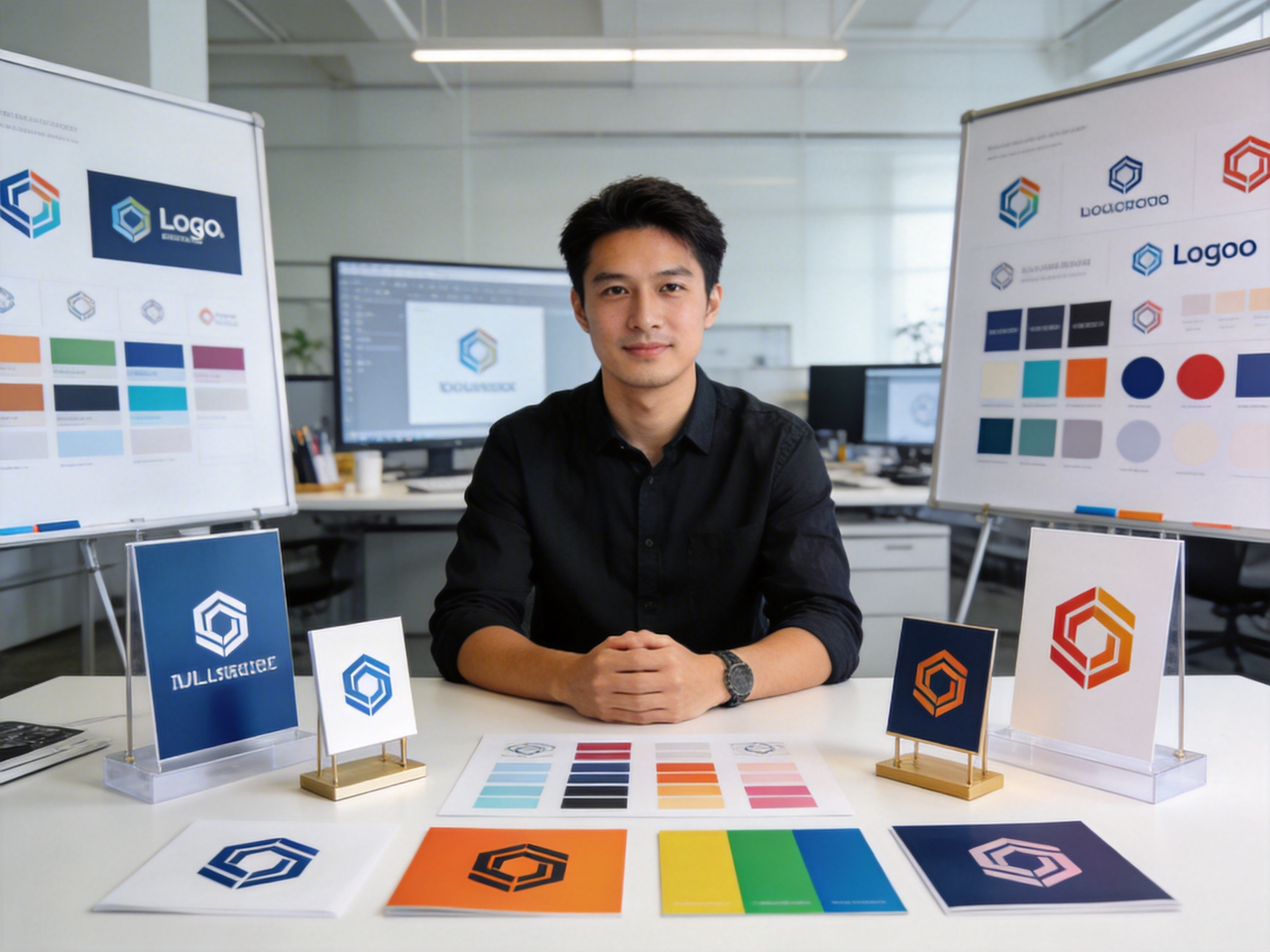
Brand logos generated by Framia Pro
Social media templates in Framia Pro
Product mockups designed by Framia Pro
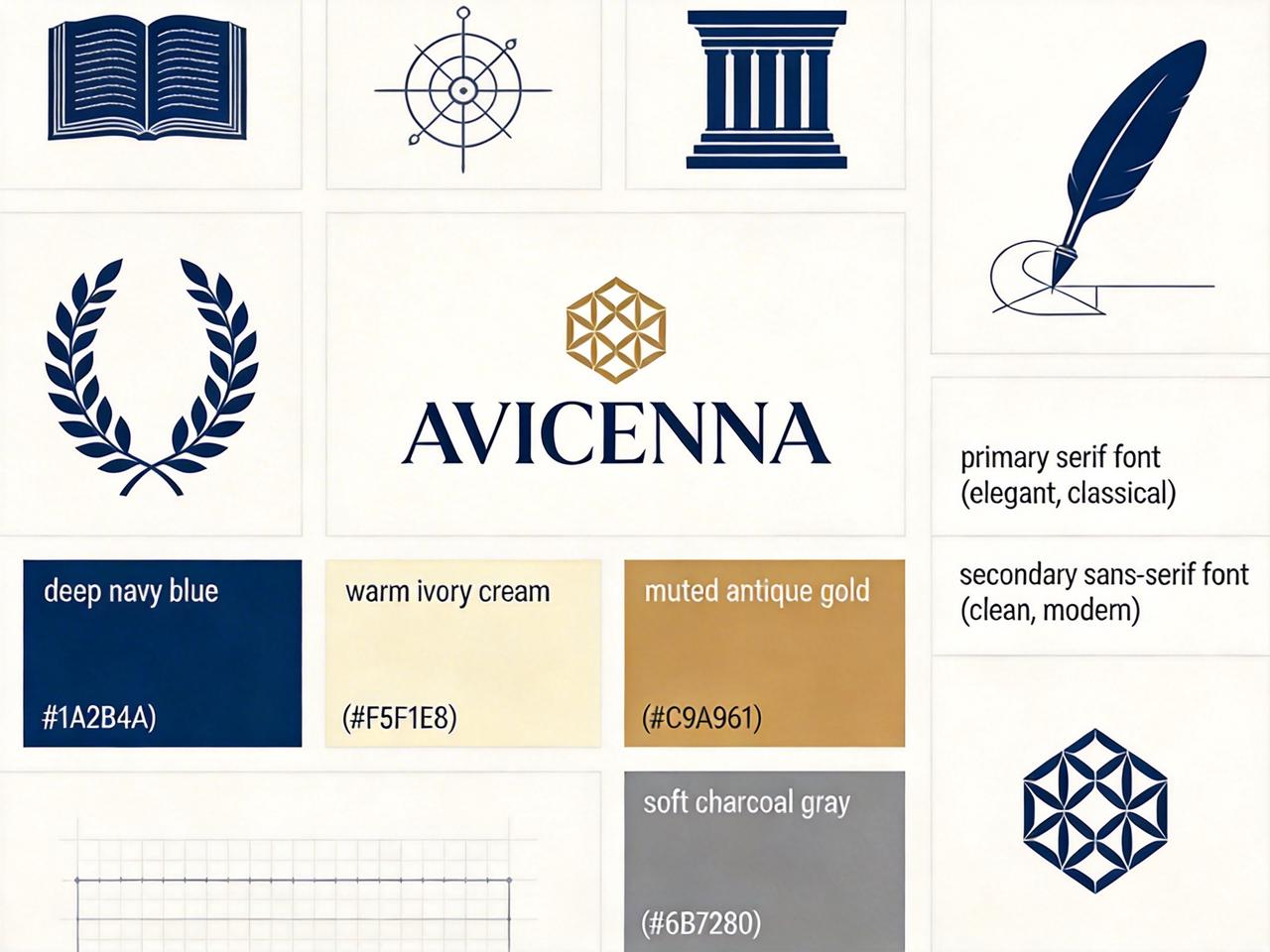
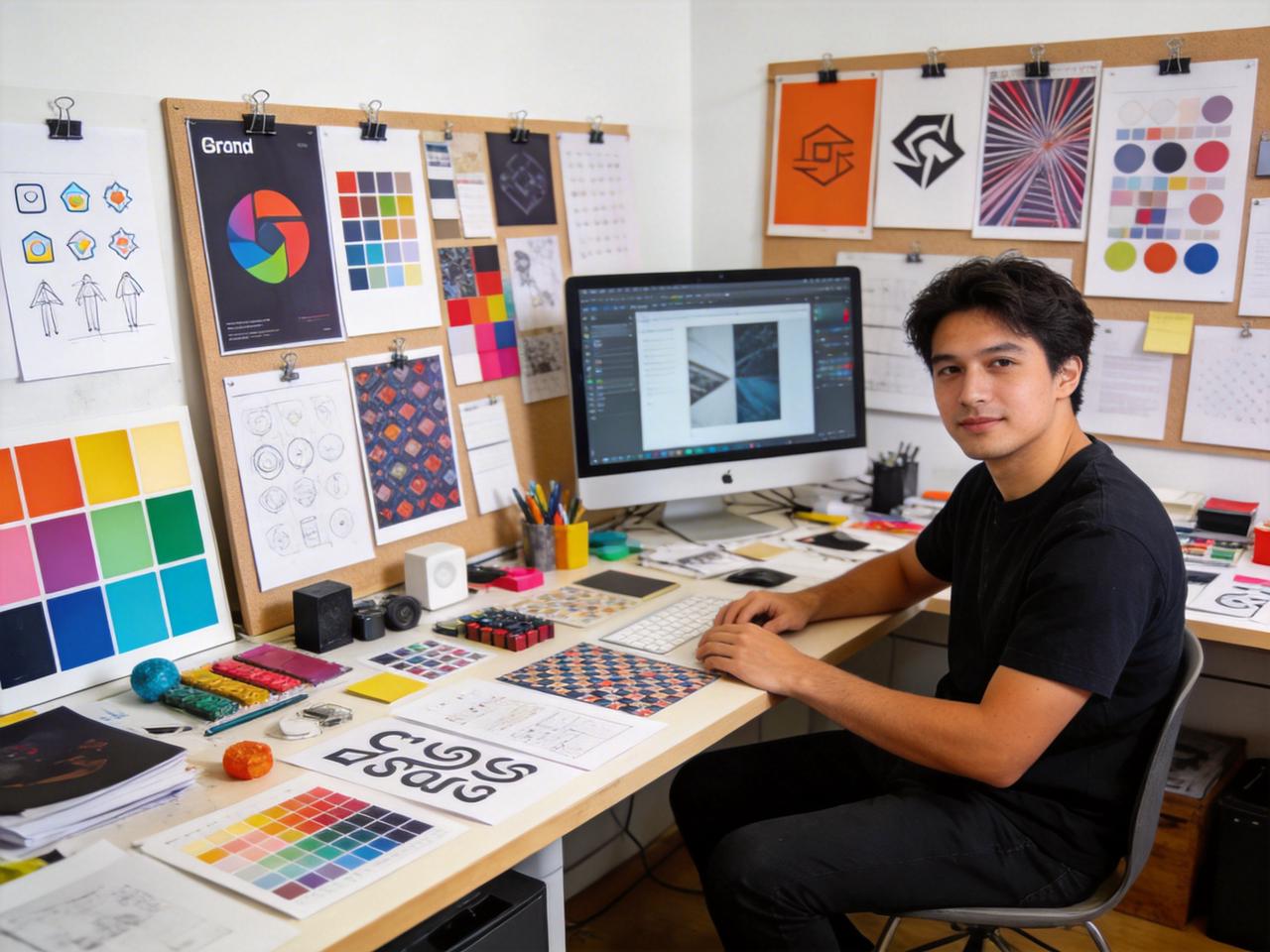
Icons and patterns created by Framia Pro
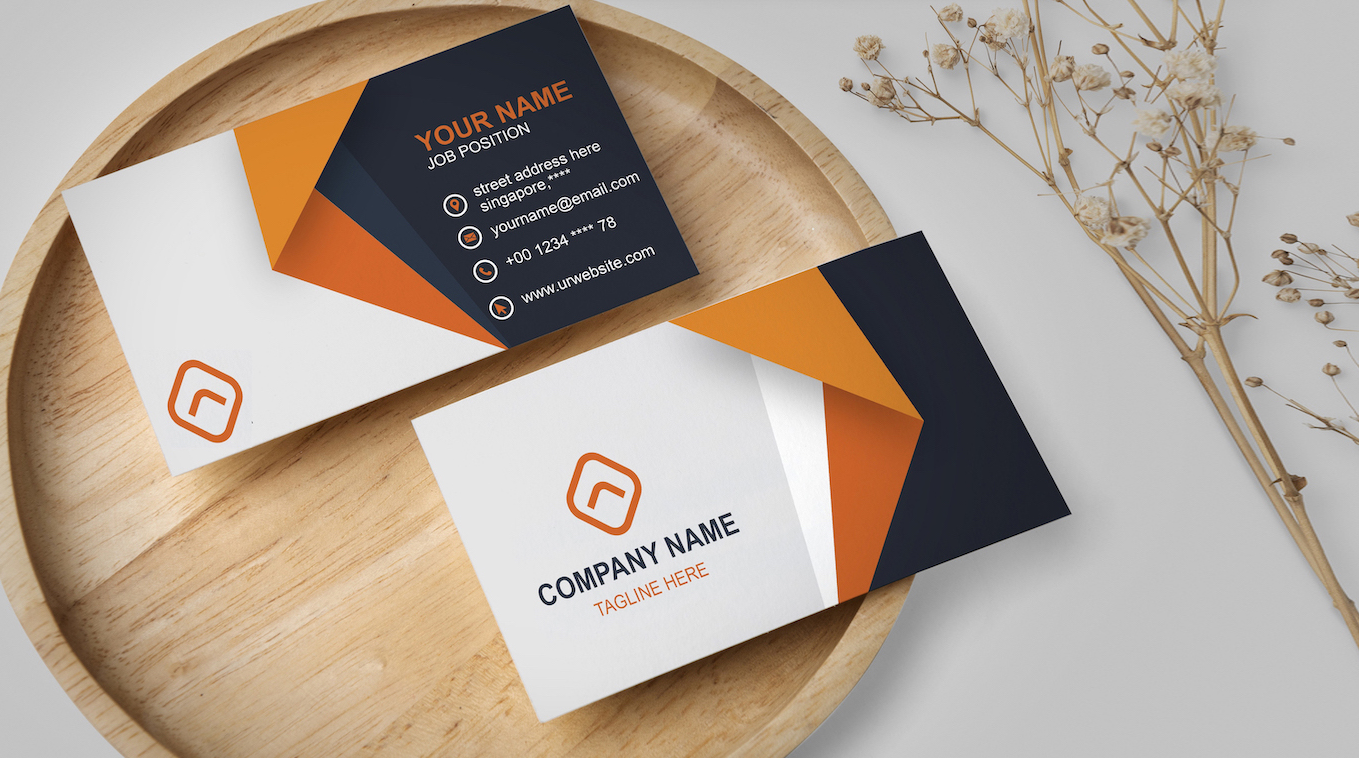
Business cards generated by Framia Pro
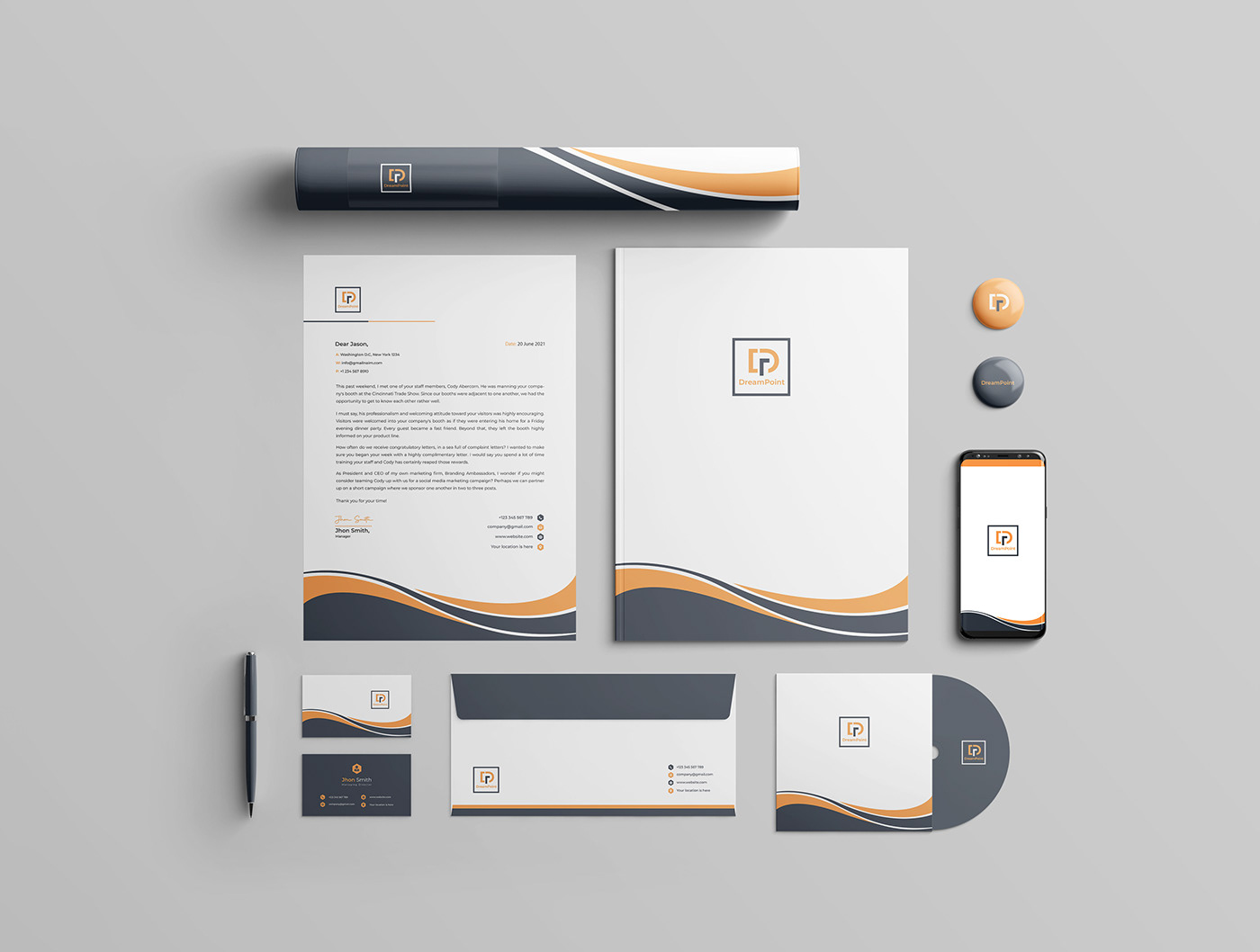
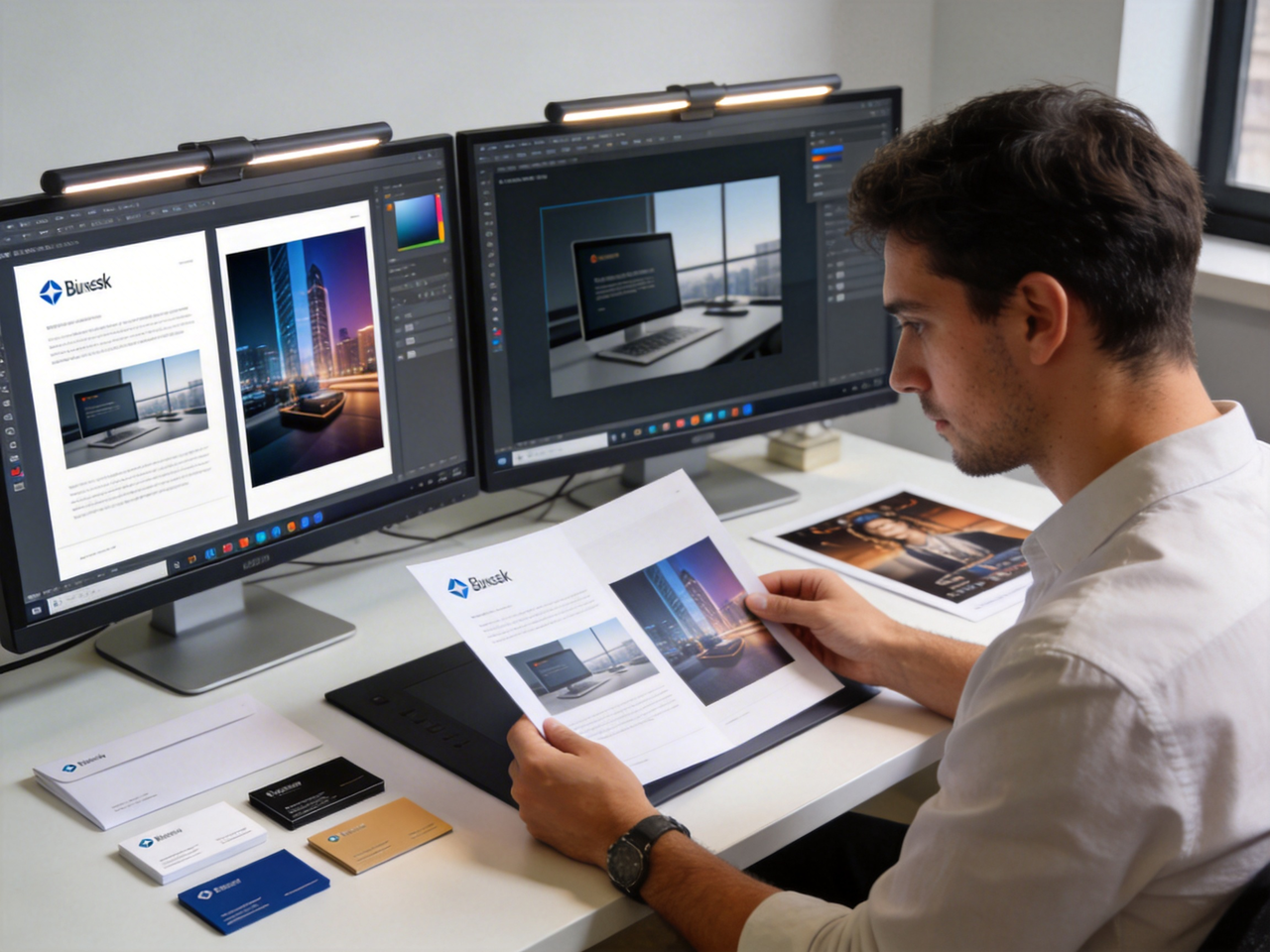
Print materials generated by Framia Pro

What does Framia Pro's AI brand kit generator do?

Builds your entire brand identity for both online and offline use!

Multi-model image generation

Generate logos, mockups, and visual assets by routing your brief through Midjourney v7, Flux Max, Seedream 4.5, Nano Banana Pro, and Qwen. Use freestyle or pro creator mode to design brand visuals that align with your business needs.

Multi-model image generation using Framia Pro
Refine your visuals using chat using Framia Pro

Refine your visuals using chat

Type simple instructions to change colors, edit typography, or refine a logo mark, and our AI branding tool updates only the selected area while preserving the rest of the design. Get control over each revision step without restarting the process or uploading files again.

Quickly plan the brand kit with AI

Plan a full concept brief covering visual direction, color approach, tone, and target audience before any design begins, using our brand kit generator. This lets you approve the strategy upfront and avoid regenerating assets because of a misaligned creative direction.

Quickly plan the brand kit with Framia Pro
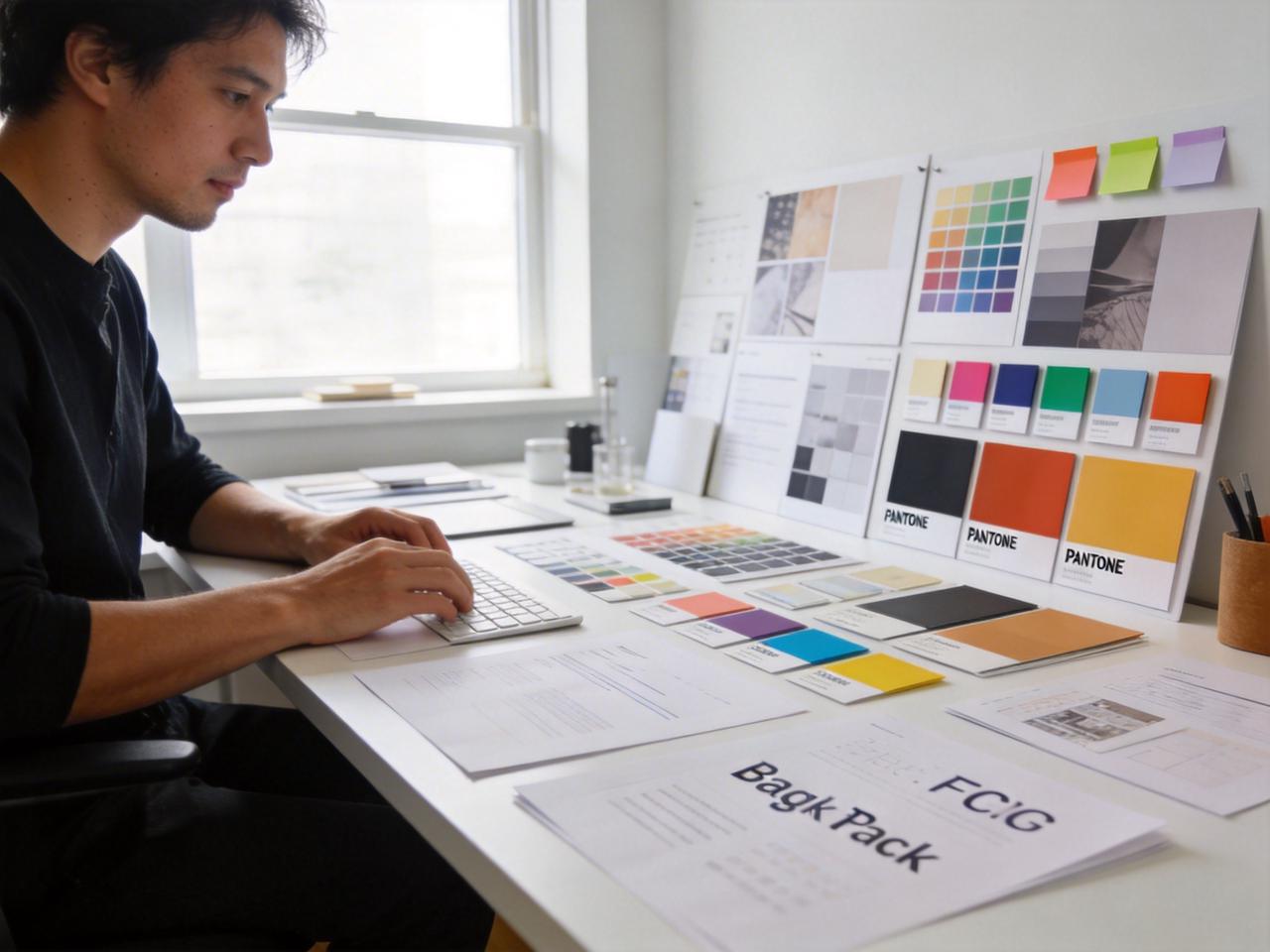
Search and create branding elements on Framia Pro

Search and create branding elements

Use web search to pull reference styles and identify visual patterns relevant to your industry using Framia Pro. You can create individual brand elements (icons, color chips, patterns, and type specimens) from a single search directly inside the canvas.

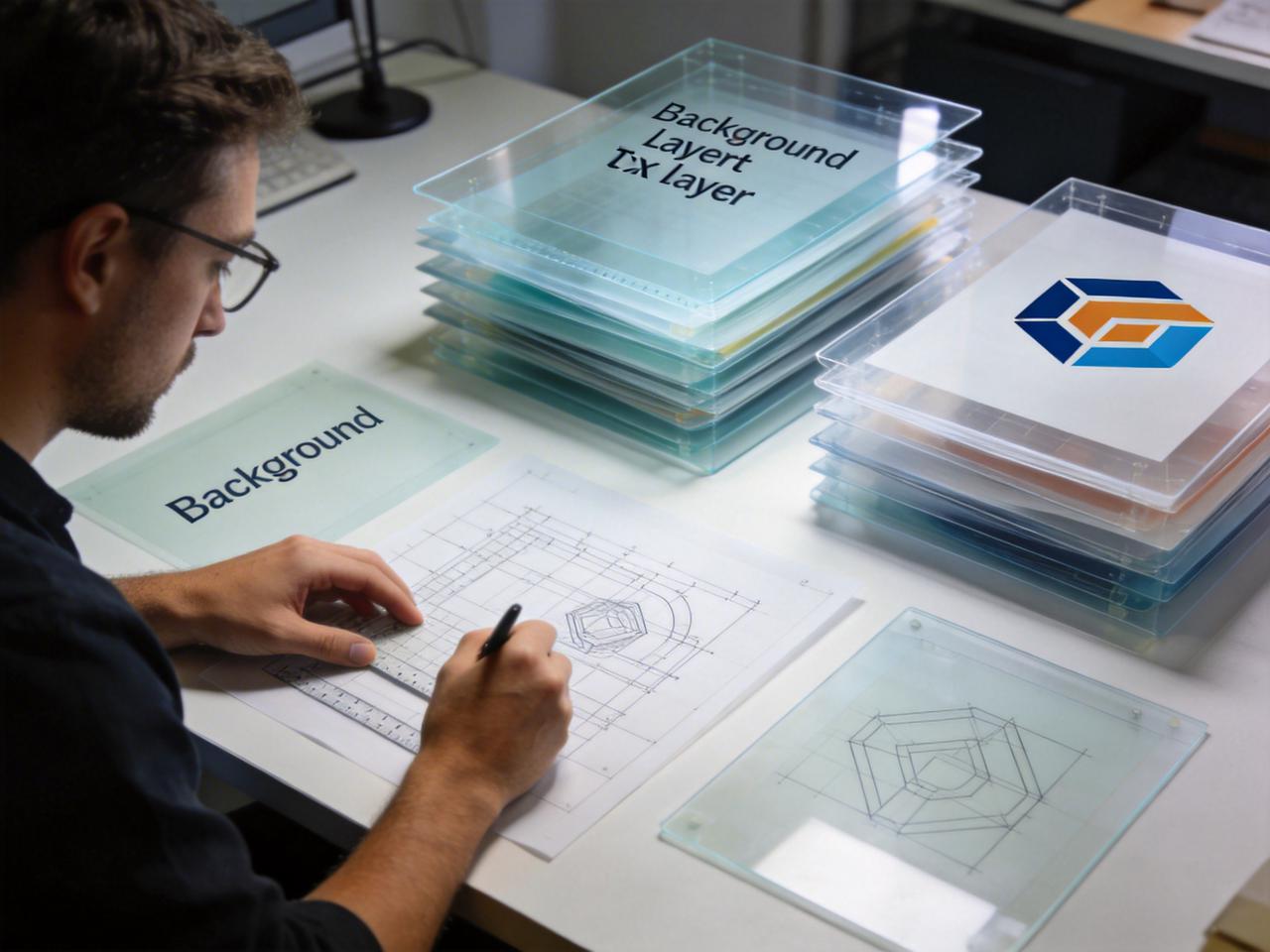
Access split-layer canvas editing

Separate elements such as background, text, logo mark, and overlays into individual layers, then update one part without affecting the rest of the design. Keep approved elements locked while refining only the section that needs changes.

Access split-layer canvas editing on Framia Pro
Reasoning-backed brand strategy using Framia Pro

Reasoning-backed brand strategy

Use models such as Claude 4.5 Opus, ChatGPT 5, and Gemini 3 to write brand guidelines, tone rules, and usage notes that explain each design decision in clear terms. Make both visuals and documentation together instead of handling them separately.

Upscale brand elements to high quality

Upscale generated designs up to 4K resolution and export files suitable for websites, social media, and print materials directly from the same workspace. Skip external tools and have all assets ready for production.

Upscale brand elements to high quality on Framia Pro

How to create a brand kit in 3 easy steps?

Step 1: Select the Branding Agent
Open Framia Pro, select "Branding Agent," and decide whether you want to use Freestyle or Pro-Creator. Enter your prompt and add the brand name.

Step 2: Generate brand kit
Upload your digital assets, set the image model, and choose the right aspect ratio for your assets. Click "Generate" and let Framia create the brand kit.
Step 3: Export brand design
Edit your branding designs to upscale, remove background, split layers, and more. Click "Download All" to save the design for immediate use on digital channels and physical materials.

Why use Framia Pro's Branding Agent over a traditional designer?

Replace the fragmented multi-tool workflow with one agent that handles your entire brand system.

End-to-end in one session
Handle logo creation, color palette, typography, social templates, and brand guidelines inside one working session on Framia Pro. This way, you never copy assets between different editing platforms to piece your brand together.
Online and offline coverage from day one
Generate assets for social media, websites, packaging, and print materials in the same session. Work with common formats such as 1:1 for Instagram posts, 9:16 for stories and reels, 16:9 for presentations, and print-ready layouts sized for posters or packaging.
Explain every design decision with AI support
Use built-in models to write clear reasoning for color choices, font pairings, and tone guidelines. Keep this documentation ready for clients or team use instead of guessing the logic behind each element.
Iteration without starting over
Select and regenerate a single layer, such as the logo mark using Framia Pro. You can keep the approved color palette and typography exactly as they are, so one revision does not send the rest of your brand kit back to square one.
Professional output at lower cost
Produce logos, templates, and guidelines in one process instead of paying for separate design stages. Avoid long revision cycles and reduce the time between idea and final output.
Consistent output across every format
Locks in your color values, type rules, and visual style across every asset the agent generates. This way, your business card, website banner, and retail poster all look like they belong to the same brand without any manual checking.

Build your complete brand kit with Framia Pro's Branding Agent

Create a complete brand kit for your work in one place with Framia Pro.

Startup founders
Launch your brand before hiring a designer or going live using our AI logo and brand kit generator. Create logos, color palettes, typography, and basic guidelines early, so your website, pitch deck, and product pages follow one clear direction from the start.
Small business owners
Create matching signage, packaging, and digital assets for your business. You can use our AI branding kit generator to set exact colors and fonts once, then apply them to store banners, labels, and social posts so nothing looks out of place.
Freelancers and agencies
Prepare client-ready brand concepts in less time with Framia Pro. Generate multiple directions, adjust designs through text prompts, and expand an approved brand into ads, banners, and print materials using the same base system.
E-commerce brands
Design packaging mockups, product visuals, and ad creatives that stay aligned as your catalog grows. Apply the same brand rules to each product. This way, your listings, promotions, and packaging follow one consistent look.
Brick-and-mortar retailers
Make store visuals such as window signage, in-store displays, and loyalty cards alongside digital assets. Preserve the selected color palette and typography unchanged, so any revision affects only the targeted element while the rest of your brand kit remains intact.
Content creators and personal brands
Develop a clear visual style for videos, posts, and thumbnails. Use formats such as 9:16 for short videos, 1:1 for posts, and 16:9 for banners, so each piece of content matches your brand identity.

What users say about Framia Pro's brand kit generator?

Create your brand with confidence! Real users share honest feedback on Framia Pro's branding kit generator.


Ethan Caldwell
Ethan Caldwell
Startup Founder
When I began shaping my SaaS brand, I needed a clear direction quickly. Framia Pro guided the process from logo to pitch visuals in one flow. After a few refinements through text prompts, I had a full brand kit ready to share.
Sophie Laurent
Sophie Laurent
Marketing Strategist
A recent client project required multiple brand concepts in a short time. Framia Pro made it easy to test different styles and compare outputs. Once the direction was approved, I extended it into ads and presentations with no extra steps.
Lucas Bennett
Lucas Bennett
E-commerce Seller
Managing a growing product line made consistency hard to maintain. Framia Pro allowed me to apply the same colors and fonts to packaging and listings. Gradually, my store began to look more organized and easier for customers to recognize.
Maria Gonzalez
Maria Gonzalez
Freelance Creative
Client edits often slowed down my workflow when small changes affected the full design. With Framia Pro, I updated only the logo symbol while keeping other elements intact. This saved time and allowed me to deliver revisions much faster.
Carlos Mendes
Carlos Mendes
Retail Business Owner
Running a physical store meant I needed visuals that worked both offline and online. Framia Pro let me create signage, posters, and banners in one session. This kept my store identity aligned across every customer touchpoint.
Hannah Kim
Hannah Kim
Content Creator
Maintaining a consistent style across platforms used to feel difficult. After using Framia Pro, I set clear formats and visual rules for my content. Now each thumbnail, post, and video follows the same direction every time I upload.

Frequently asked questions

We've compiled the most important information to help you get the most out of your experience. Can't find what you're looking for?Contact us
Yes, Framia's branding agent takes your brand name and input and generates logo, banner, flyer, business card, ads, and other assets that you can use for both physical retal and online.
Still have questions?
Have questions or need assistance? Our team is here to help!

Create your brand identity with Framia Pro!

Stop piecing together assets manually. Create a complete brand identity from a single description with Framia's AI brand kit generator!