Framia

Best AI UGC Video Creator for Marketers

Create short UGC-style videos from text or images using our AI UGC video generator. Quickly add characters, voiceovers, and scenes for social ads, promotions, and product clips.

Type your idea — we'll help you bring it to life with motion and sound.
Plan

Key features of Framia Pro's AI UGC video generator

Framia Pro packs a lot into one tool. Here's what makes it worth trying for UGC ads and short-form content.

Instant UGC video generation from prompts

You type in your idea, and Framia gets to work. The tool runs on Seedance 2.0, Veo 3.1, Kling AI, Sora 2, and Veo 3.1. You can go from a rough idea to a finished UGC clip in no time.

Instant UGC video generation from prompts
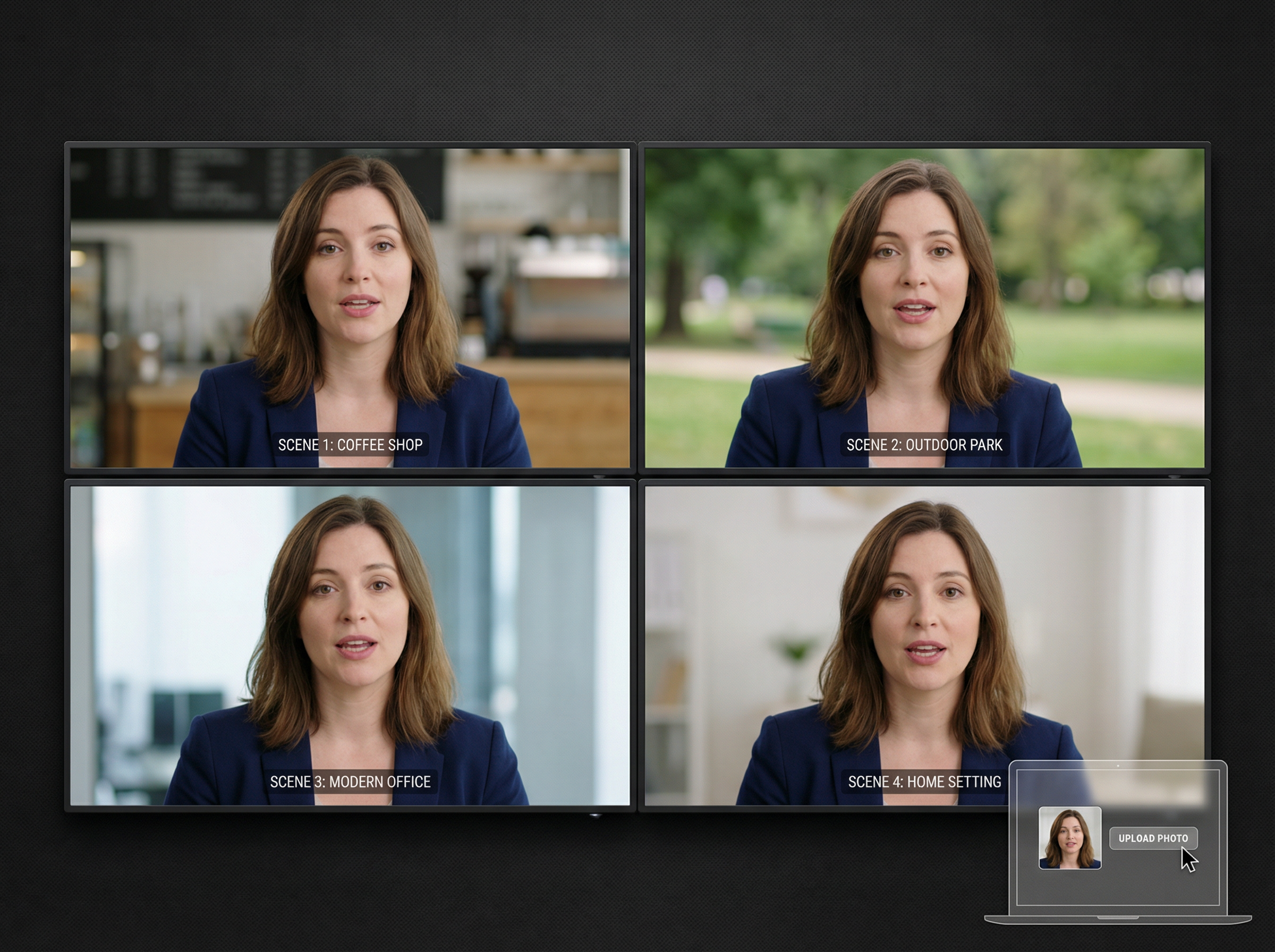
characters consistency in scenes

Keeps characters consistent in scenes

Keep one face or look across all the clips you make. Upload a character image from your PC, and Framia locks that character in and keeps it consistent. It also adds a voiceover with lip sync that actually matches.

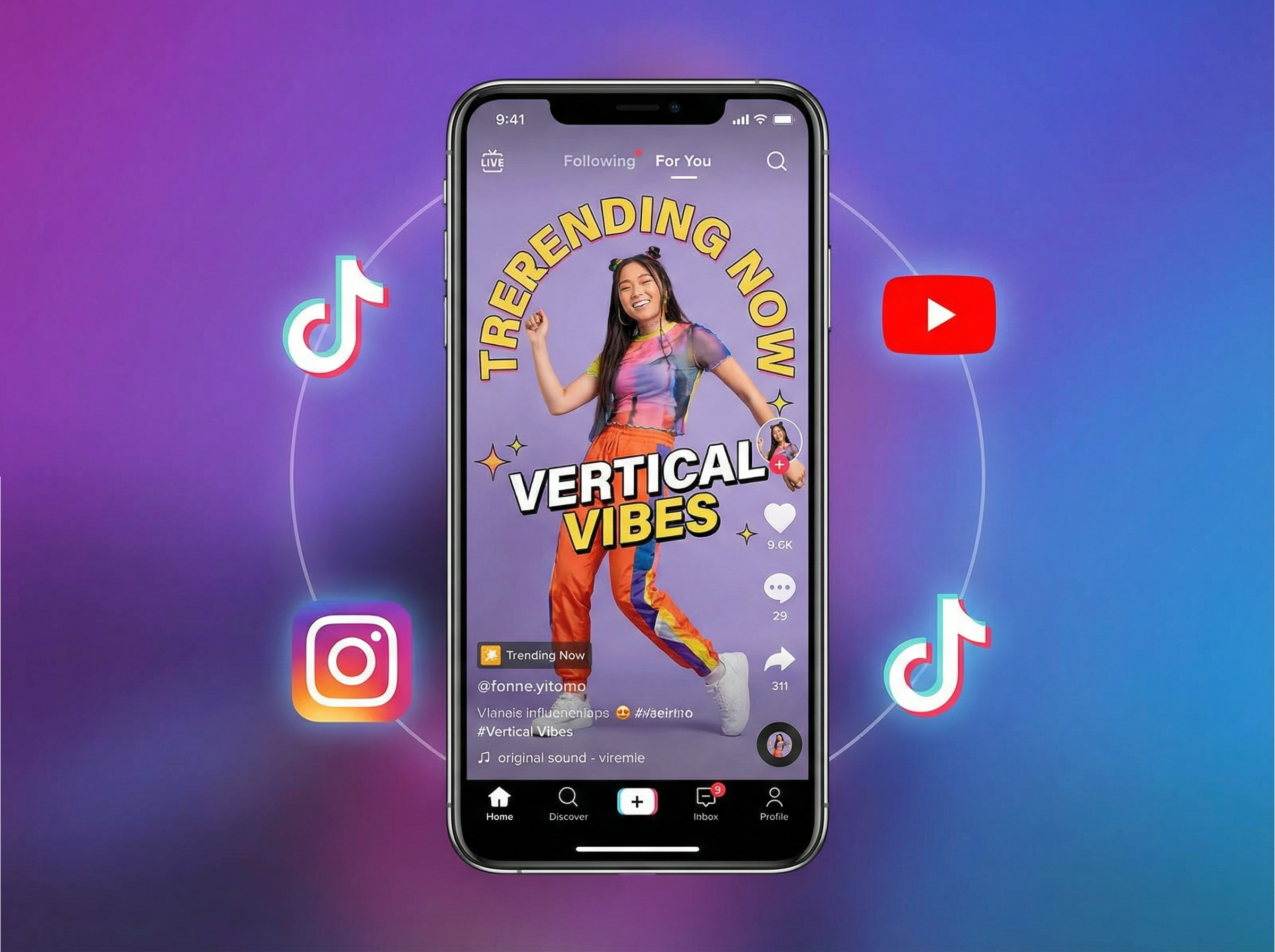
Get mobile-first vertical output for TikTok & Reels

You do not have to crop or reformat your videos for different platforms. Framia outputs vertical video for TikTok, Instagram Reels, and YouTube Shorts. You can pick your aspect ratio before generating, so the video comes out the right size from the start.

Mobile-first vertical output for TikTok & Reels
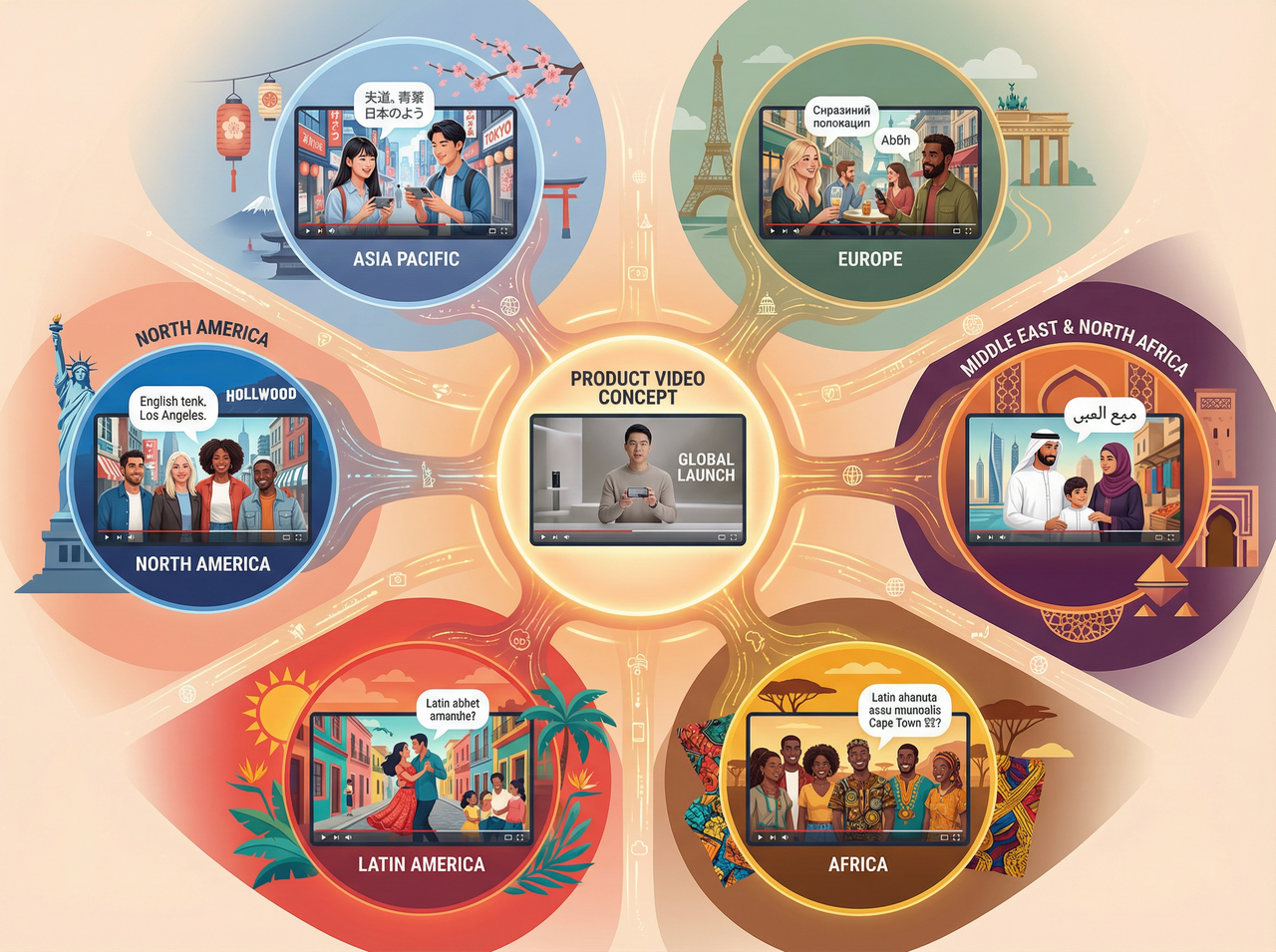
Localize clips with different languages & styles

Localize clips with different languages & styles

Localize your video by choosing a language or style. Our UGC video generator can generate speech or text to match local audiences. One video idea can reach a lot more people without starting from scratch.

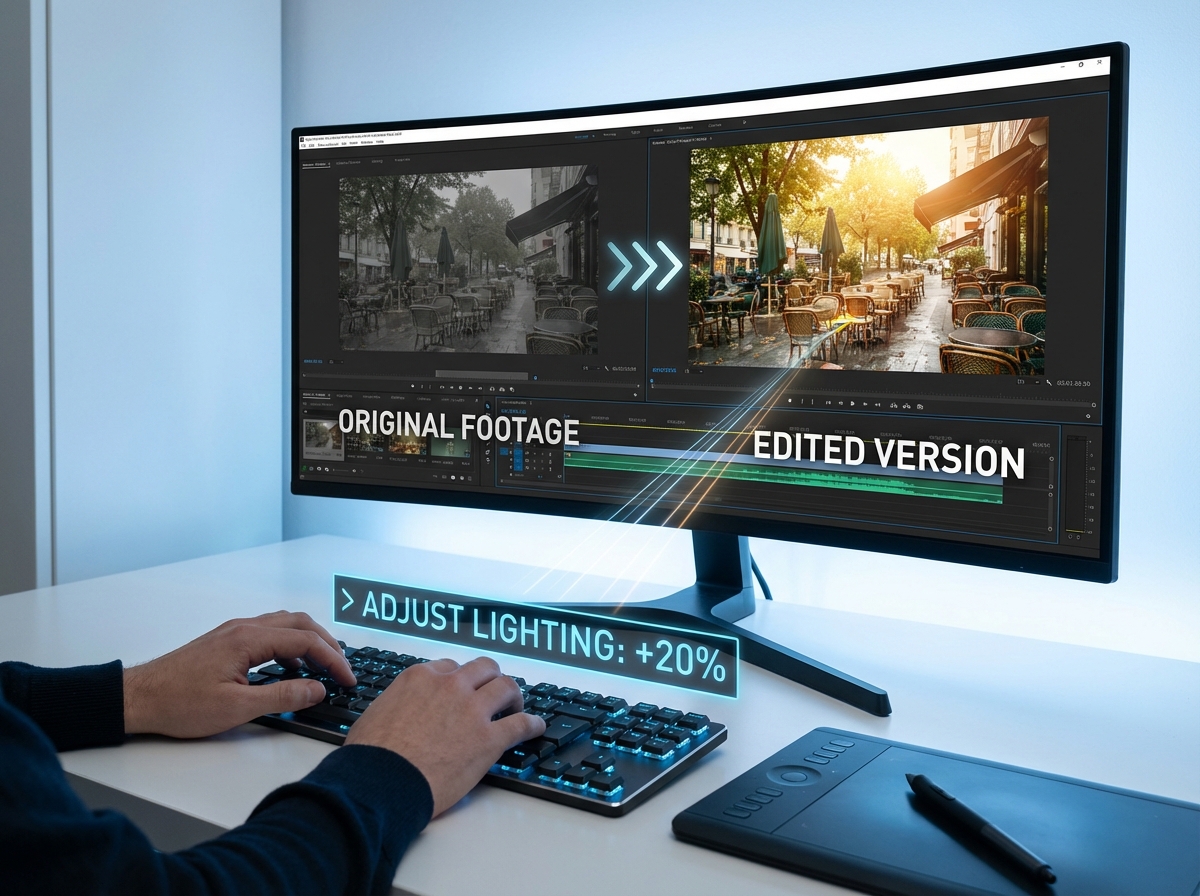
Edit videos using simple text commands

Type a sentence to edit what you already have with Framia's AI UGC video generator for free. You can easily extend video scenes, refine motion, improve lighting, or change angles using plain language. Just type and edit!

Edit videos using simple text commands
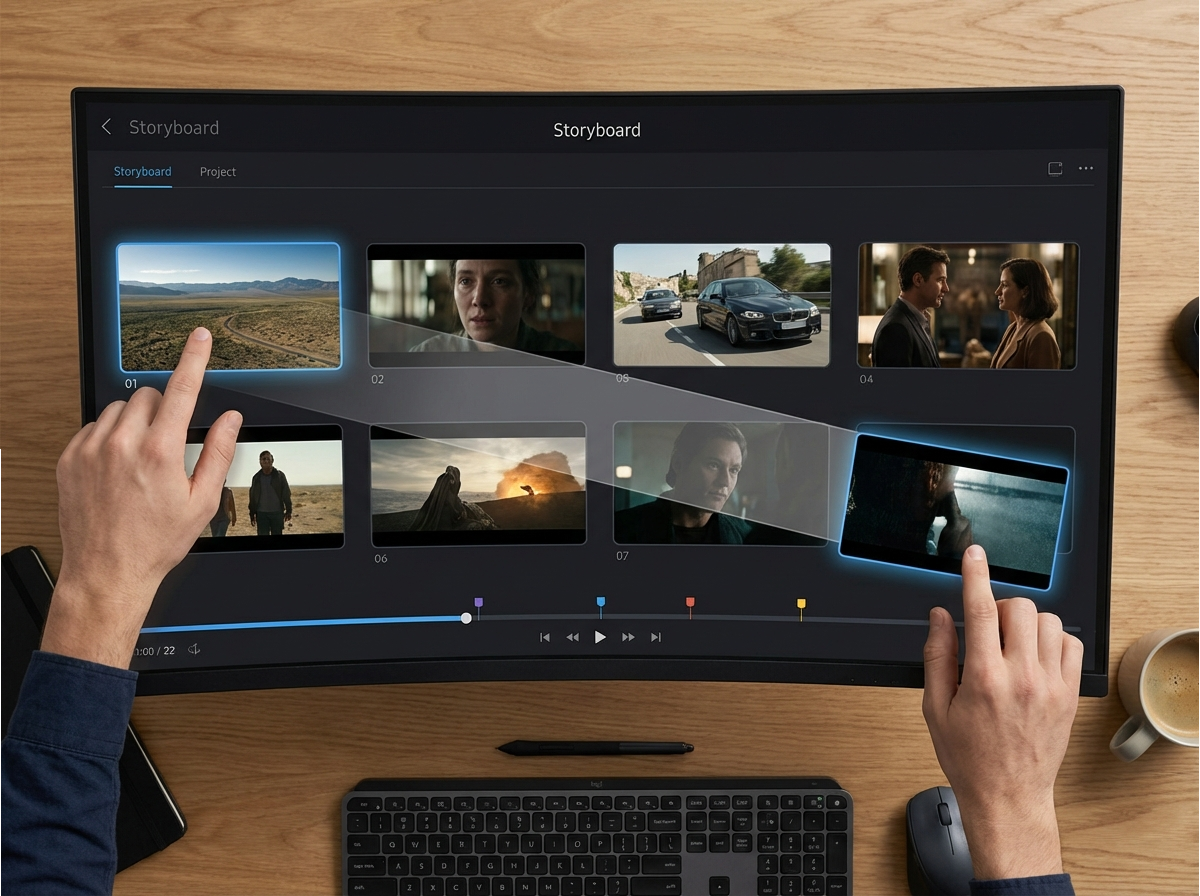
Access the storyboard editor for scene control

Access the storyboard editor for scene control

If you want more hands-on control, the storyboard editor is there. You can plan each scene, move things around, and adjust things after the video gets generated. It gives you more say in how the final cut comes together.

How to generate AI UGC videos with Framia Pro?

Step 1: Prompt
Start with an idea and describe your video. Enter a short prompt about your product or message, then click "Plan" if you want Framia Pro to help structure the video.

Step 2: Generate UGC video
Upload your product images and actor/avatar image, choose the model, aspect ratio, and video duration, then click "Generate." Framia Pro automatically creates a UGC-style video from your prompt.
Step 3: Review and export
Play the generated video and make quick edits in "Edit in Storyboard" if needed. When everything looks good, click "Download" to save the video to your computer.

What types of videos can you create with Framia Pro?

Our UGC video generator handles more than one type of video. Here is what solo creators and marketers are actually using it for.

Generate authentic testimonials and reviews

Create videos of people sharing their thoughts about a product. You can upload a character image from your PC, and the tool keeps the same look and voice across every scene. Attract viewers and urge them to learn more about your product.

Create UGC-style ads for social platforms

Make videos that look like a regular person filmed them to provide your product review. Add a voiceover, text, or effects to each scene using Framia. When an ad looks like normal content, people are more likely to stop and pay attention.

Produce many ad variations quickly

Test different hooks, faces, or scripts without starting over each time. You can easily swap one thing, keep everything else the same. This way, you can run ten versions of the same ad and find out which one actually gets clicks.

Turn product content into videos

Easily convert your product images, screenshots, or short descriptions into video content. Our AI UGC video generator adds movement, expressions, and lip-synced speech to present the product clearly and stops people mid-scroll.

Make quick clips for product demos

Show your product steps or features in a few scenes using Framia's ad video maker. Highlight specific parts, add text instructions, and include voiceovers, so every step flows smoothly for viewers.

Who is Framia Pro's UGC AI video generator for?

Our AI video generator for UGC content works for anyone who needs authentic social videos without a camera, a crew, or hours spent editing footage.

Small business owners making social ads
When you have a product worth talking about but not a big budget to film and edit videos, Framia lets you create social ads that look like real customer content. This lets you run campaigns without hiring a production team.
E-commerce brands wanting short product clips
Your product pages and ads often need video, but shooting new footage for every item takes too long. With Framia, you can quickly turn your existing product content into short clips you can use across Instagram, TikTok, and paid ads.
Content creators who need quick videos
Your audience expects fresh content on a regular schedule, but keeping up with that demand is quite hard. Our AI UGC ad maker produces videos faster, so you spend more time on the ideas and topics that actually build your following.

Why use Framia Pro's best AI UGC video generator?

You can create more short videos with less effort using Framia. Adjust ideas fast, reach new markets, and keep campaigns moving!

Scale video output for campaigns
Create many videos for one campaign without slowing down work using Framia. Start from one idea, then duplicate, adjust scenes, and change scripts. This flow lets campaigns grow while messages stay clear and organized across platforms with steady pacing.
Replace traditional filming and production
You have to book a crew, find a location, and edit raw footage, which takes days before you have anything usable. Framia removes those steps entirely, so you go from idea to finished video in a fraction of the time it used to take.
Reach global markets fast
Different markets respond to different languages and cultural references before they trust a brand enough to buy. Our UGC ad maker adapts your videos for each audience quickly. You can enter new markets and stay connected to the people you are trying to reach.
Update videos in minutes
When a product detail changes or a promotion ends, your videos need to reflect that right away. Framia lets you make those updates quickly without reshooting anything. Your content stays accurate and current without disrupting the rest of your workflow.
Keep content fresh weekly
Audiences disengage when they see the same video repeated across your feed week after week. Our video ad maker gives your team the speed to publish on a regular schedule so your brand stays visible and your audience has a reason to keep coming back.

Why marketers love Framia Pro's AI UGC video generator?

See how teams are cutting production time and getting more out of every campaign with Framia Pro.


Sarah M.
Sarah M.
Performance Marketing Manager
We were spending way too much time trying to get UGC from actual customers. With Framia Pro, I just type what I want, pick a style, and it's done. Our ad testing went from three videos a week to about fifteen.
Daniel K.
Daniel K.
E-commerce Brand Owner
Honestly, I was skeptical at first. I thought it would look fake or too generated. But the videos came out looking like something a real customer filmed at home. My product page conversion went up, and I haven't touched a camera since.
Priya T.
Priya T.
Social Media Strategist
My biggest problem used to be keeping up with content volume. Framia Pro changed that. I can put out fresh videos every single week for each client, and they all look different enough that nobody notices they came from the same tool.
James O.
James O.
Paid Ads Specialist
Split testing demands more variations than any team can manually produce. Framia gets me those variations in a fraction of the time. I stop guessing which ad works and start actually knowing because I have the data to back it up.
Lena R.
Lena R.
DTC Growth Marketer
Before Framia Pro, launching a new product meant waiting weeks for video assets. Now I generate a full set of UGC-style ads in the afternoon. Our launch campaigns hit faster, and creativity actually converts.
Marcus T.
Marcus T.
Freelance Creative Strategist
My clients used to wait two weeks for video assets. Now I deliver in two days. The UGC style looks authentic, not templated. It's made me look faster and more capable without actually working more hours. That's a hard thing to find.

Frequently asked questions

We've compiled the most important information to help you get the most out of your experience. Can't find what you're looking for?Contact us
Framia Pro lets you produce UGC-style videos straight from a script or idea. The output is quite authentic enough to run directly in paid campaigns and organic social feeds.
Still have questions?
Have questions or need assistance? Our team is here to help!

Generate high-converting UGC videos on Framia Pro!

Create, test, and scale UGC videos faster with Framia Pro. Use tools like the storyboard editor, Ad Agent, and Shorts Agent to produce authentic, high-performing content for every campaign, all in one place.