Upload a photo
Go to the Framia Pro's home page and select "Video." Type in your prompt and click "+" to upload the photo of the characters to animate.

Turn any image into a speaking character with natural voice, lip sync, and motion with Framia Pro's AI talking photo tool. Upload a photo, type your script, and quickly get a video.
Animate any photo into a lifelike speaking video with synced voice and expressive motion.
Upload one portrait, illustration, or product photo, and Framia Pro converts it into a fully animated and lip-synced speaking clip. The AI builds realistic head movement, lifelike facial expressions, and voice delivery from a static image, no studio or footage required.
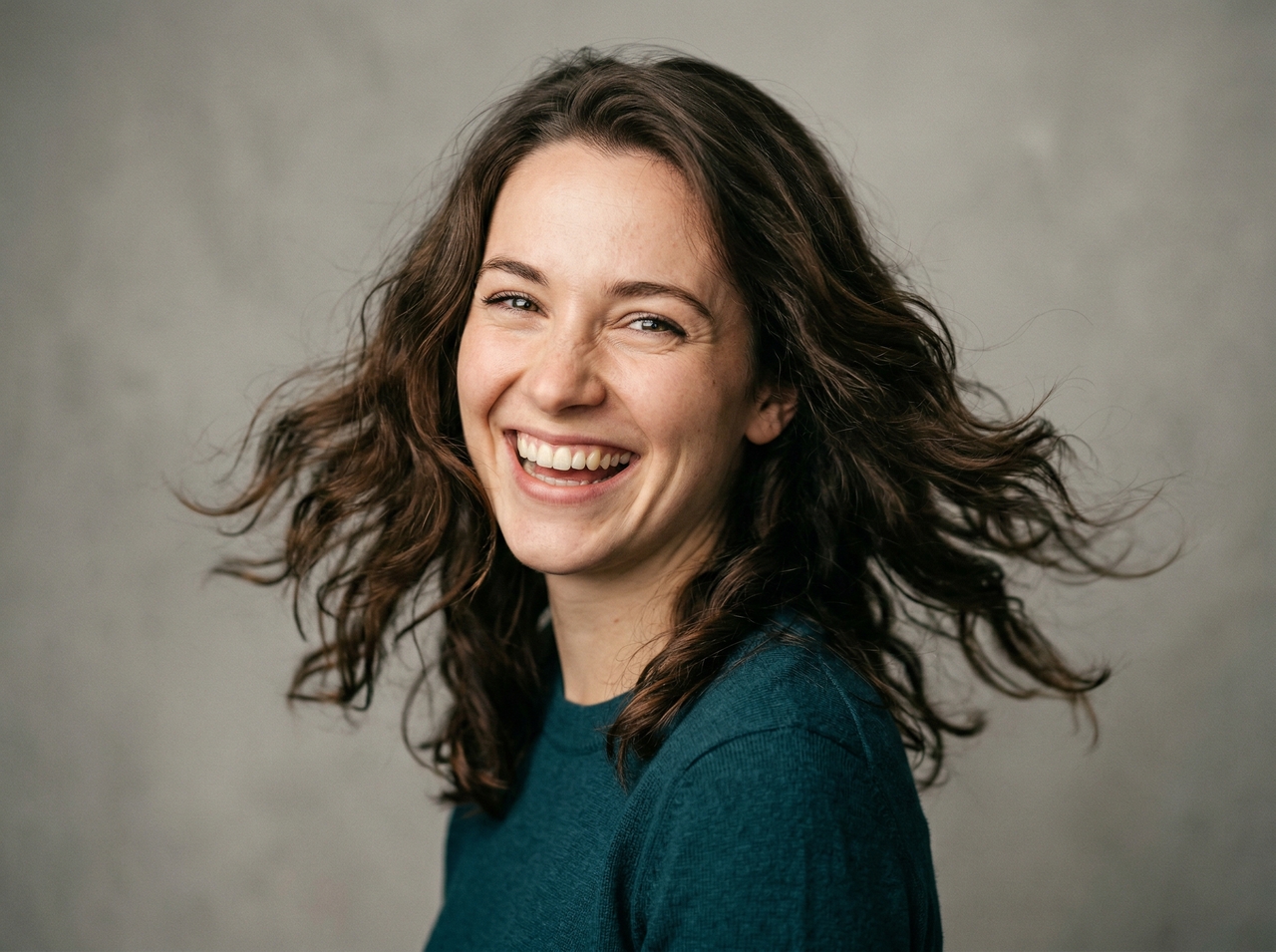
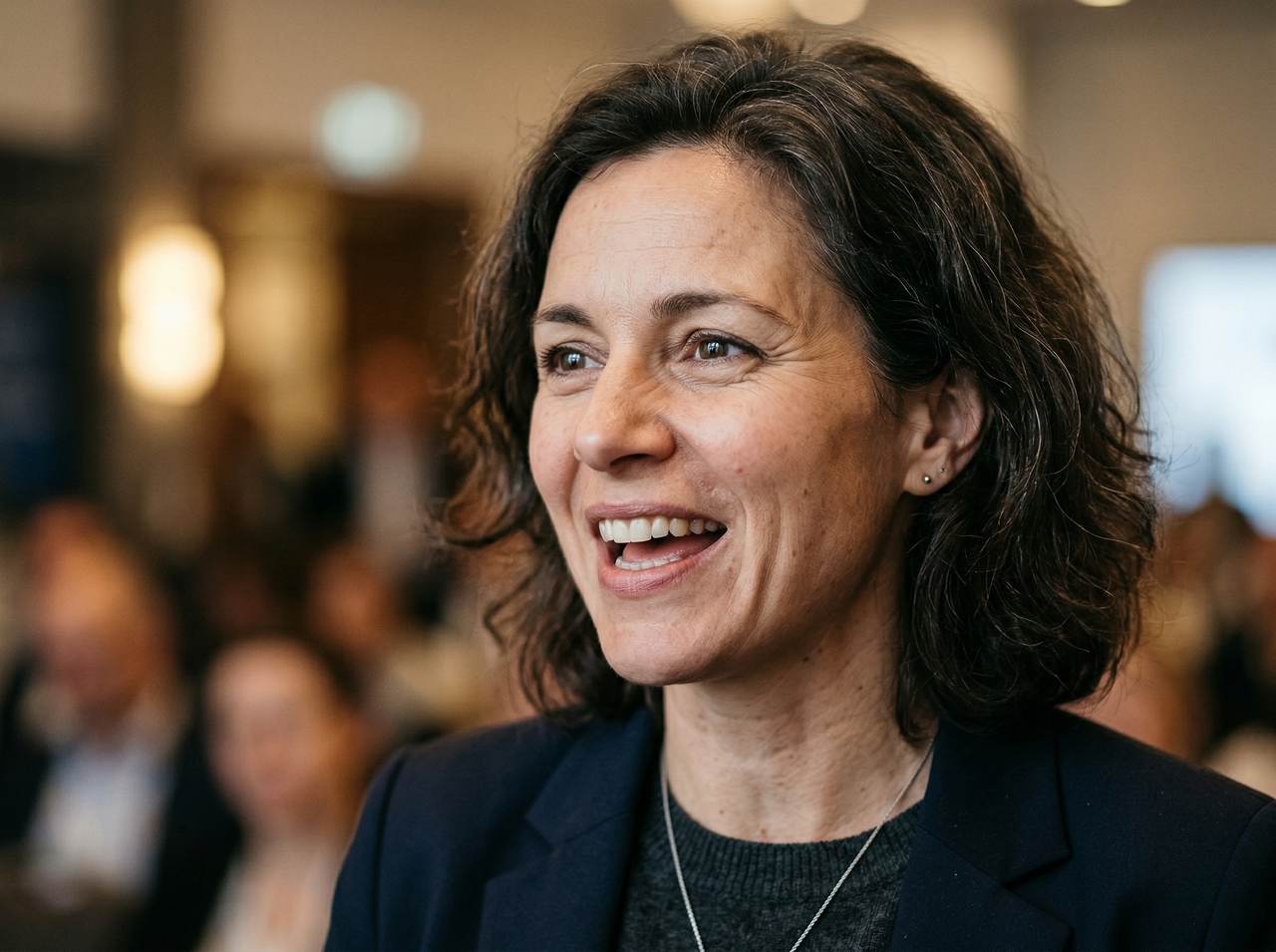
Create realistic facial movement and head motion that match spoken words with our AI talking head for free tool. The model reads emotional tone from your script and translates it into jaw tension, brow shifts, and eye expressiveness.
Make videos in different languages using text or audio input with Framia Pro. This allows you to produce localized versions of the same content without recording separate clips, so you can connect with audiences across regions.

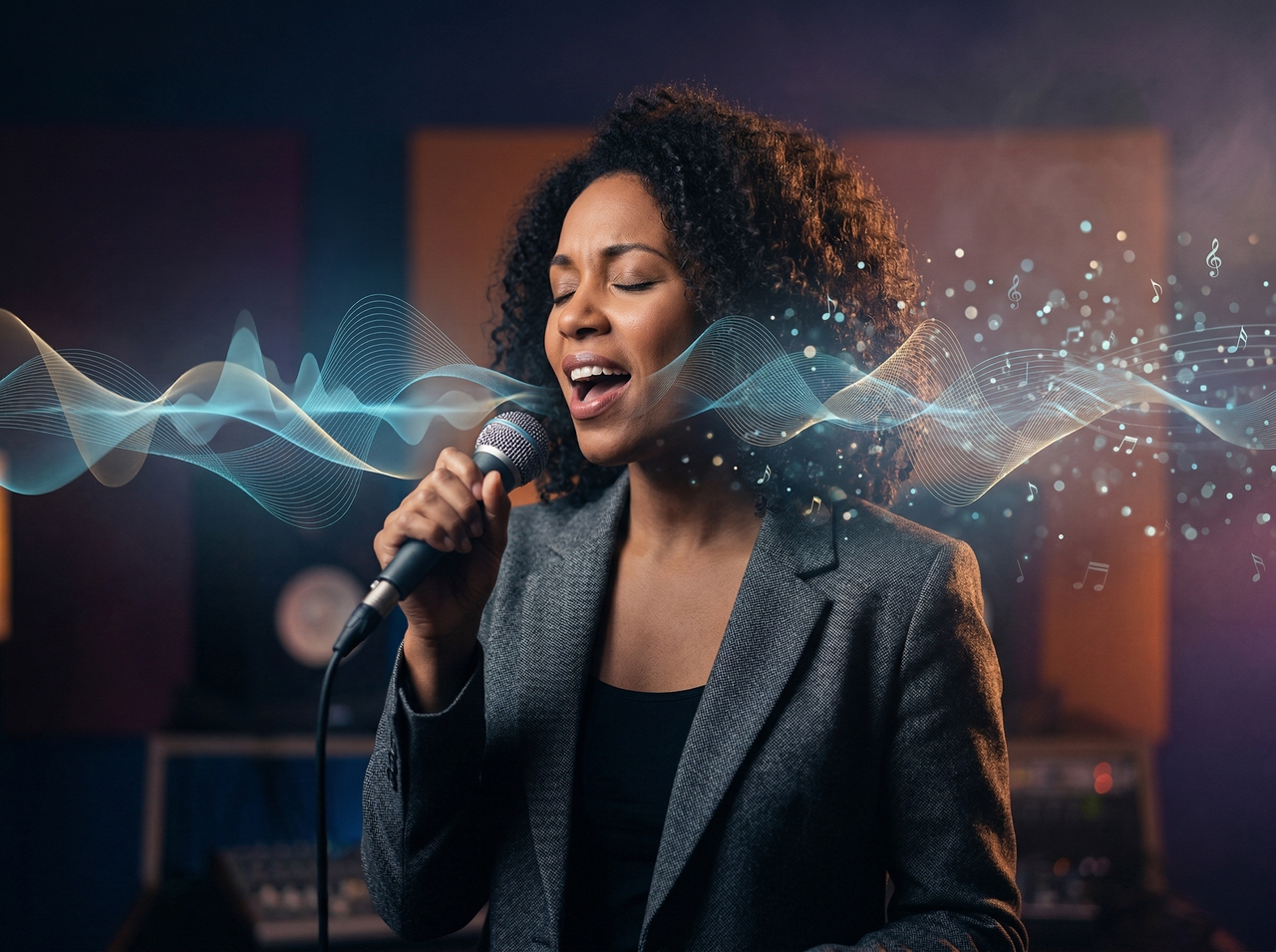
Compose original background tracks timed to your project's rhythm and overall creative mood with the music agent on Framia Pro. You can also add a subtitle layer to keep every scene readable without sound to increase accessibility and boost viewer engagement.
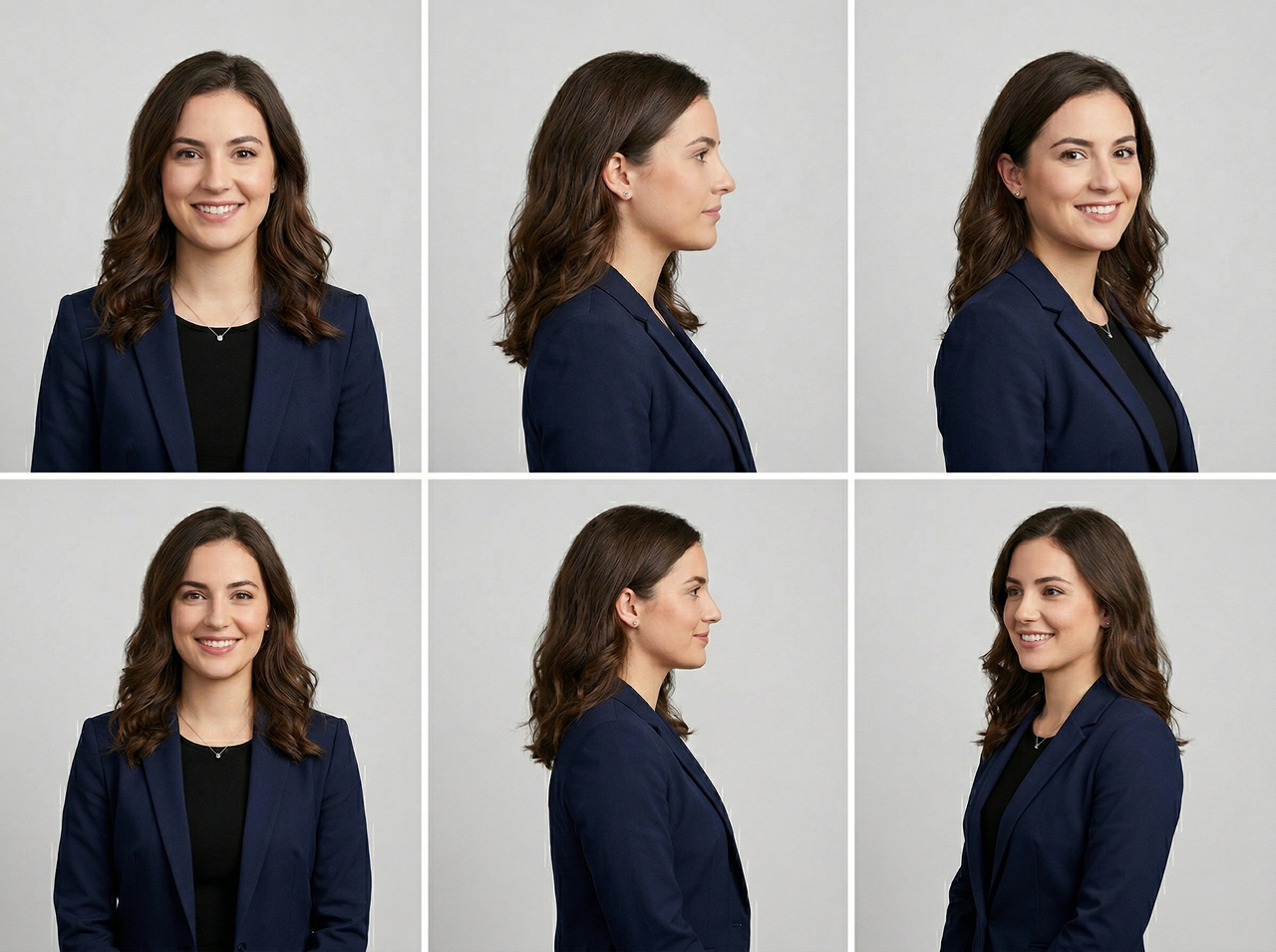
Preserve skin tone, jawline definition, and identifying physical details on every rendered frame using Framia Pro. The subject stays identical throughout the entire production, which reduces identity drift that weakens character credibility in competing AI tools.
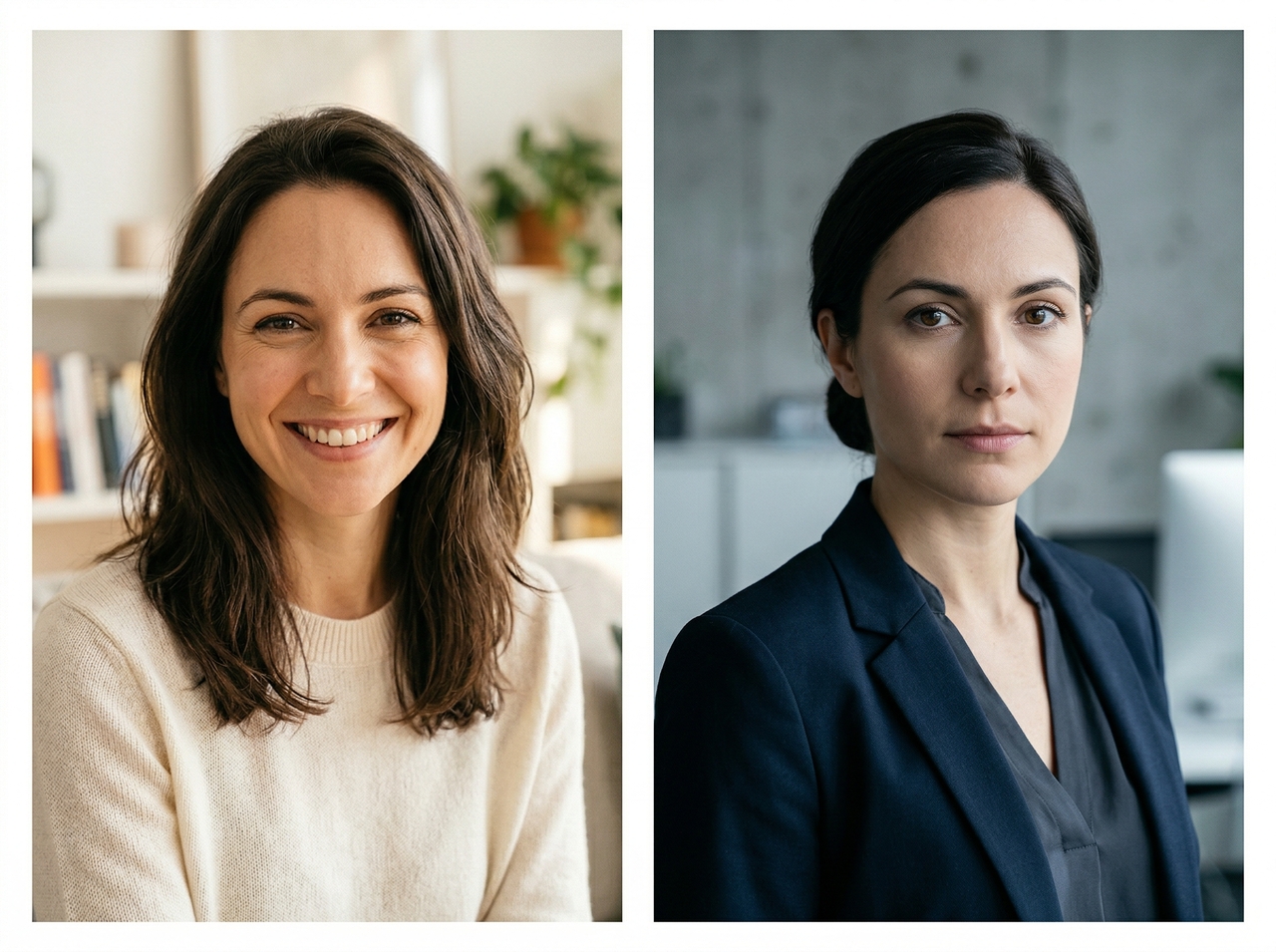
Refine your final video by typing plain instructions directly into Framia Pro. Request a slower pace, a different backdrop, or sharper expressiveness, and the platform applies each revision immediately without requiring a timeline editor or any prior technical knowledge.
Get started with the AI talking head for free tool on Framia Pro by following these three quick steps:
Create engaging talking visuals from photos for marketing, learning, and daily content.
Turn simple photos into speaking videos without filming or editing tools using our AI talking photo tool!
See how people across industries brought still photos to life with Framia Pro's talking photo AI.


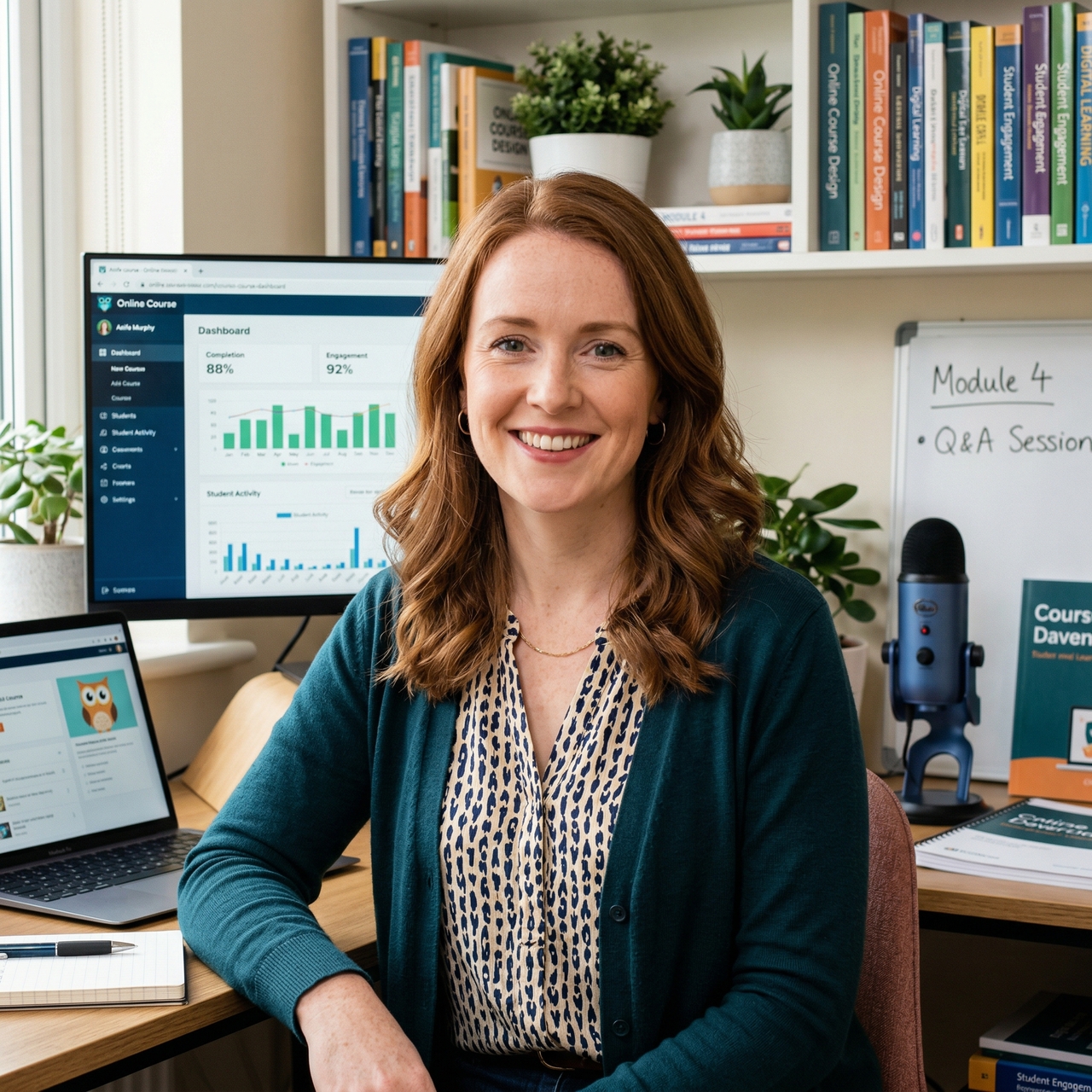


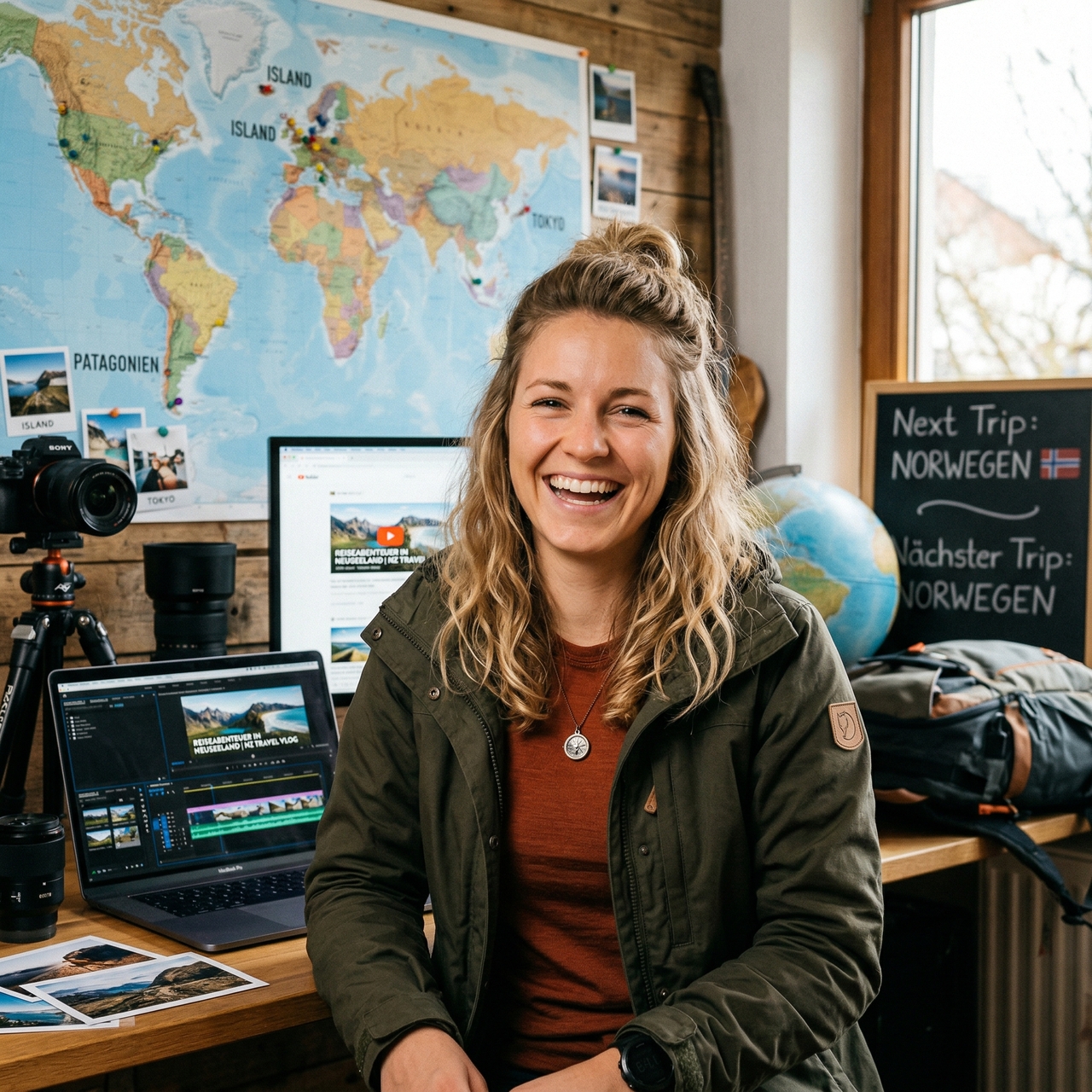
Turn any image into a speaking video with voice, motion, and lip sync using Framia Pro. Create, edit, and share content online.