Free AI Product Video Generator
Generate and export product videos with Framia's AI. Showcase features, add voiceovers, apply branded visuals, and deliver polished ads.
Why choose Framia Pro's AI product video generator?
Create product videos with simple tools and clear controls using Framia Pro.
Cut production costs
Avoid the studio bookings, crew fees, and freelancer invoices by letting Framia Pro handle production for you. Your cost per video drops, so your budget covers more campaigns. You don't have to spend extra on the production team.


Make multiple video variations
Generate several versions of your product video from one photo by switching styles, formats, or messaging. Your team gets more options to test without rebuilding the whole video from scratch each time.
No editing skills needed
Upload your product image, pick a style, and our AI product video generator creates the full video for you. This means anyone on your team can produce content for different campaigns on day one.


Export in HD/4K for social or ads
Download your finished video in HD or 4K with one click. Every clip stays sharp in social feeds, paid ads, and video platforms, which gives your audience a clear and detailed look at your product.
Scale video output for campaigns
Produce multiple videos in one sitting for product launches or seasonal promotions. Line up several concepts at once so your campaign always has fresh, consistent content ready to publish on schedule.

Customize with logos, colors, and branding
Add your logo, brand colors, and preferred fonts directly into every video. Your videos match your store, website, and ads, so your audience sees the same style in every clip.

Features of Framia Pro's product video AI generator
Create clear, short product clips with Framia Pro's AI product demo maker.

Turn product assets into videos with AI
Upload product photos, short clips, or design files and let Framia Pro arrange them into motion scenes. It detects key elements, adds camera movement, and generates a video sequence from static assets, complete with script and audio.
Create a video from product descriptions
Type out what your product does, and the AI builds a full video around that description. You can use the "Plan" option so Framia Pro confirms everything with you before generation. This works well when you want to test a concept before a shoot.


Use multiple AI models for better output
Access Sora 2, Kling AI 2.6, Seedance 1.5, and Veo 3.1 from one place, so each video gets the right engine for the job. This gives you sharper results without needing separate subscriptions or switching between different tools.

Edit and scale using simple text commands
No need to touch a timeline. Simply type instructions like "speed up the intro" or "swap the background," and the AI applies changes right away. Tweak scenes, adjust timing, or shift the visual style, all with plain text.
Show product breakdowns with explosion video
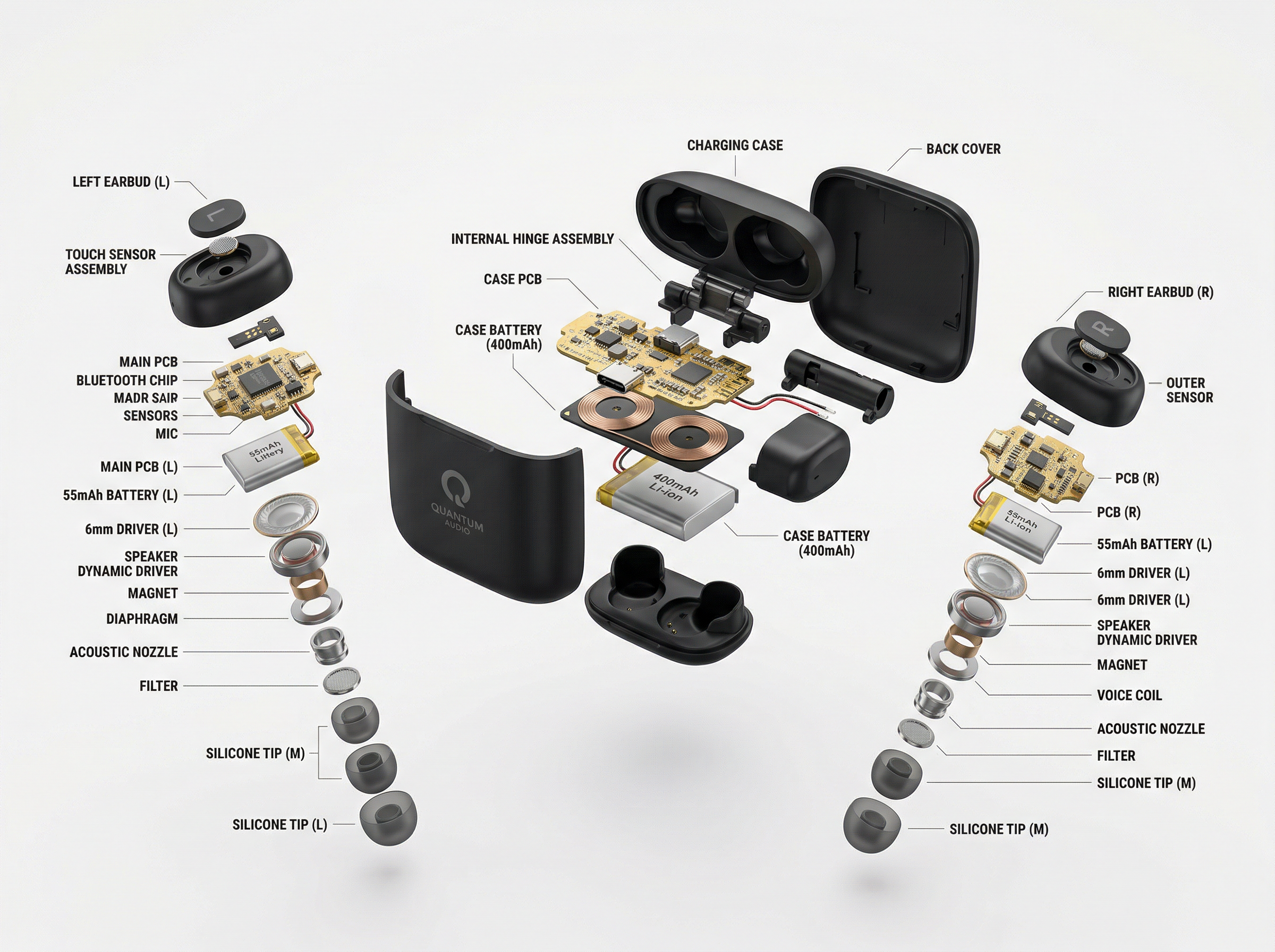
Separate a product into its individual parts and animate each one pulling outward to show exactly how it is built. This works especially well for tech products or anything with internal components worth highlighting.

Upload actor images for realistic AI avatar videos
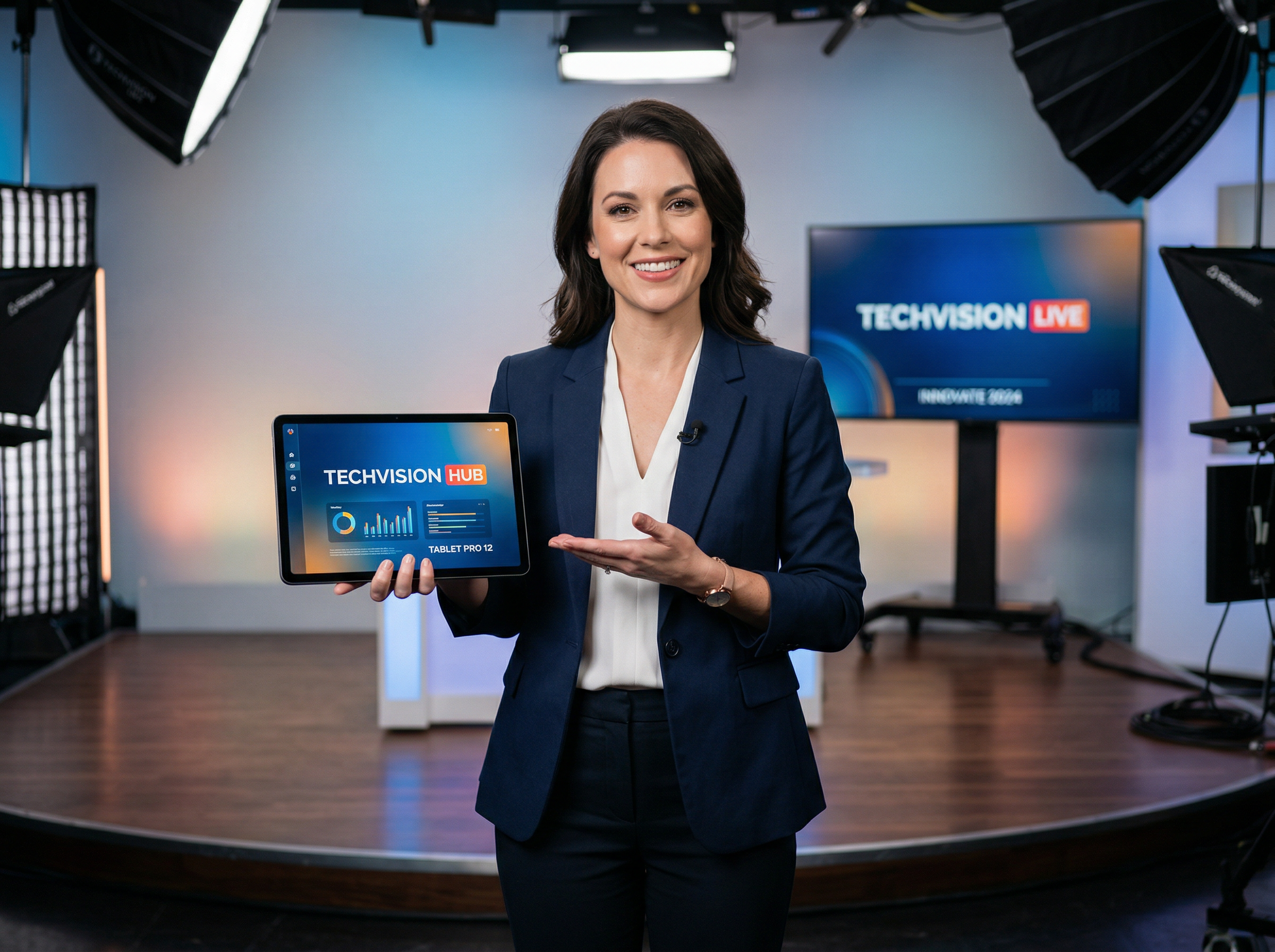
Add a clear face photo and pair it with your script, and Framia Pro turns it into a speaking avatar that moves naturally, shows real expressions, and presents your product just like a person would on screen.
How to use Framia Pro's product video creator?
Go from product idea to an engaging video in three simple steps with Framia Pro.
What can you do with Framia Pro's AI product demo video maker?
From quick social clips to full campaign ads, our AI product demo video maker covers it all.
Tips for creating product videos with AI on Framia Pro
Get better results from every video you create on Framia Pro with these practical tips.
What users say about Framia Pro's AI product video generator
Here's what creators and marketers are saying after using Framia Pro to make their product videos.


Frequently asked questions
Explore More
Stop booking studios. Upload your product image and let Framia Pro's AI handle the scene, motion, and audio from start to finish.