Framia

Veo 3.1: The Secret to Viral Videos

Generate high-quality 1080p AI videos with built-in audio, smooth motion, and multi-scene control using Google Veo 3.1 on Framia Pro.

Type your idea — we'll help you bring it to life with motion and sound.
Plan

What features does Google Veo 3.1 offer on Framia Pro?

Google's most advanced AI video model just leveled up. Here's everything it can do and why creators are calling it a game-changer.

Create a video with just a sentence

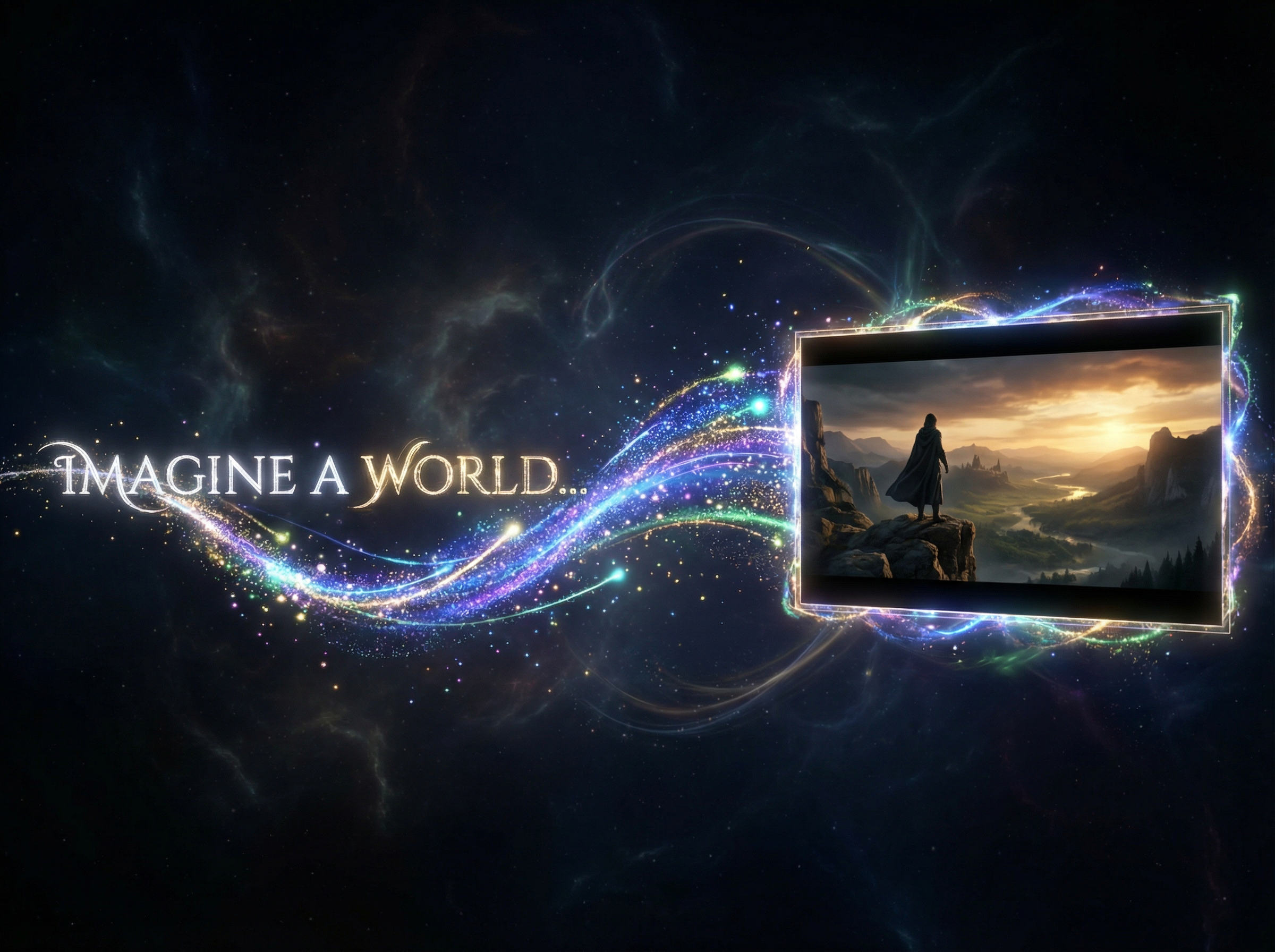
Type one sentence and Google Veo 3.1 generates an 8-second video with 1080p resolution and 24 FPS frame rate. The model handles camera movement, lighting, and motion, so you don't have to edit the content afterward.

Create a video with just a sentence
Use multiple reference images in one scene

Use multiple reference images in one scene

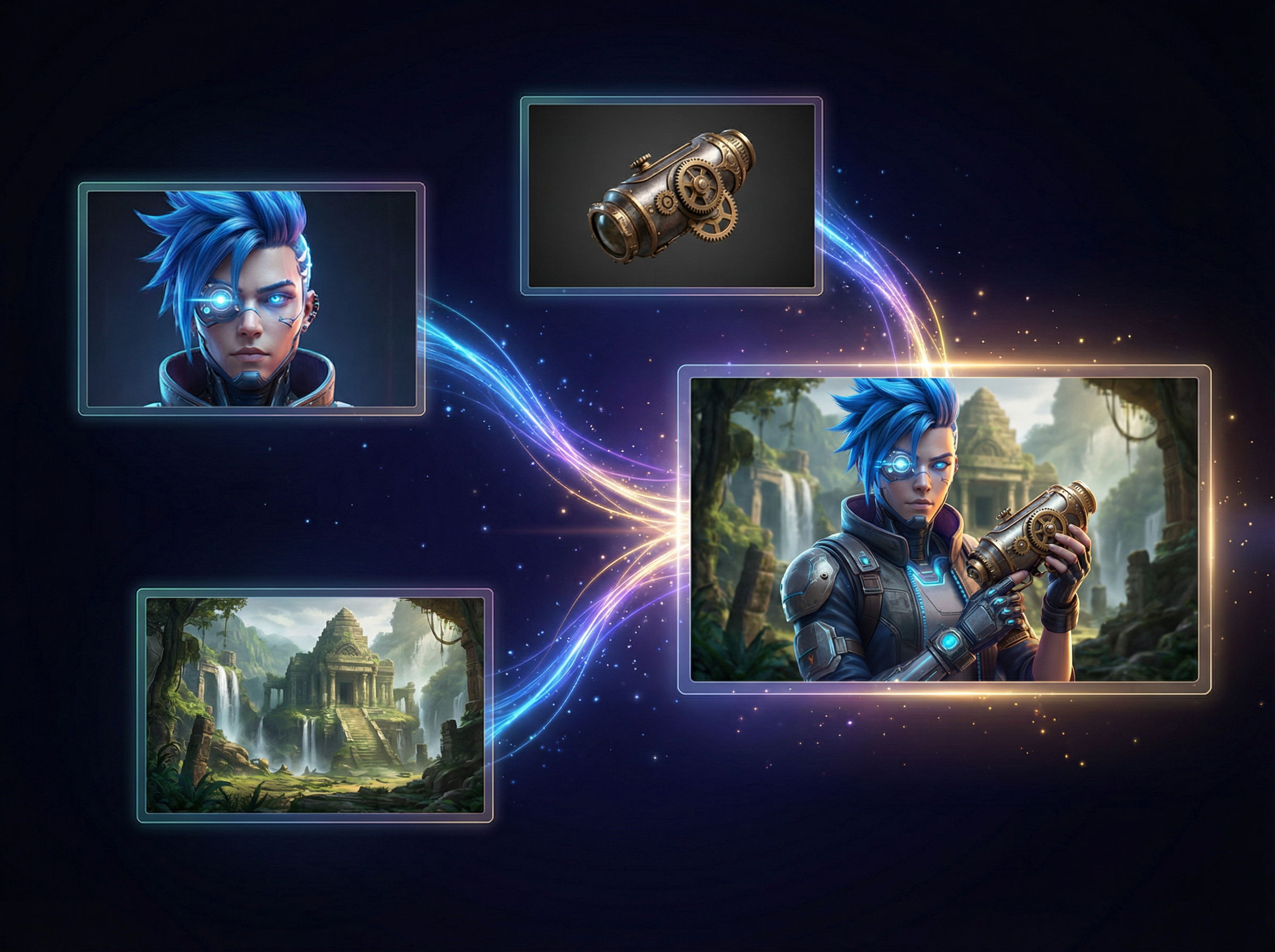
Upload up to 3 reference images to direct characters, objects, and style. Veo 3.1 AI image video generator quickly combines these elements into one clear video scene, even when they come from completely different sources, shoots, or visual styles.

Improved smart ingredients to video tool

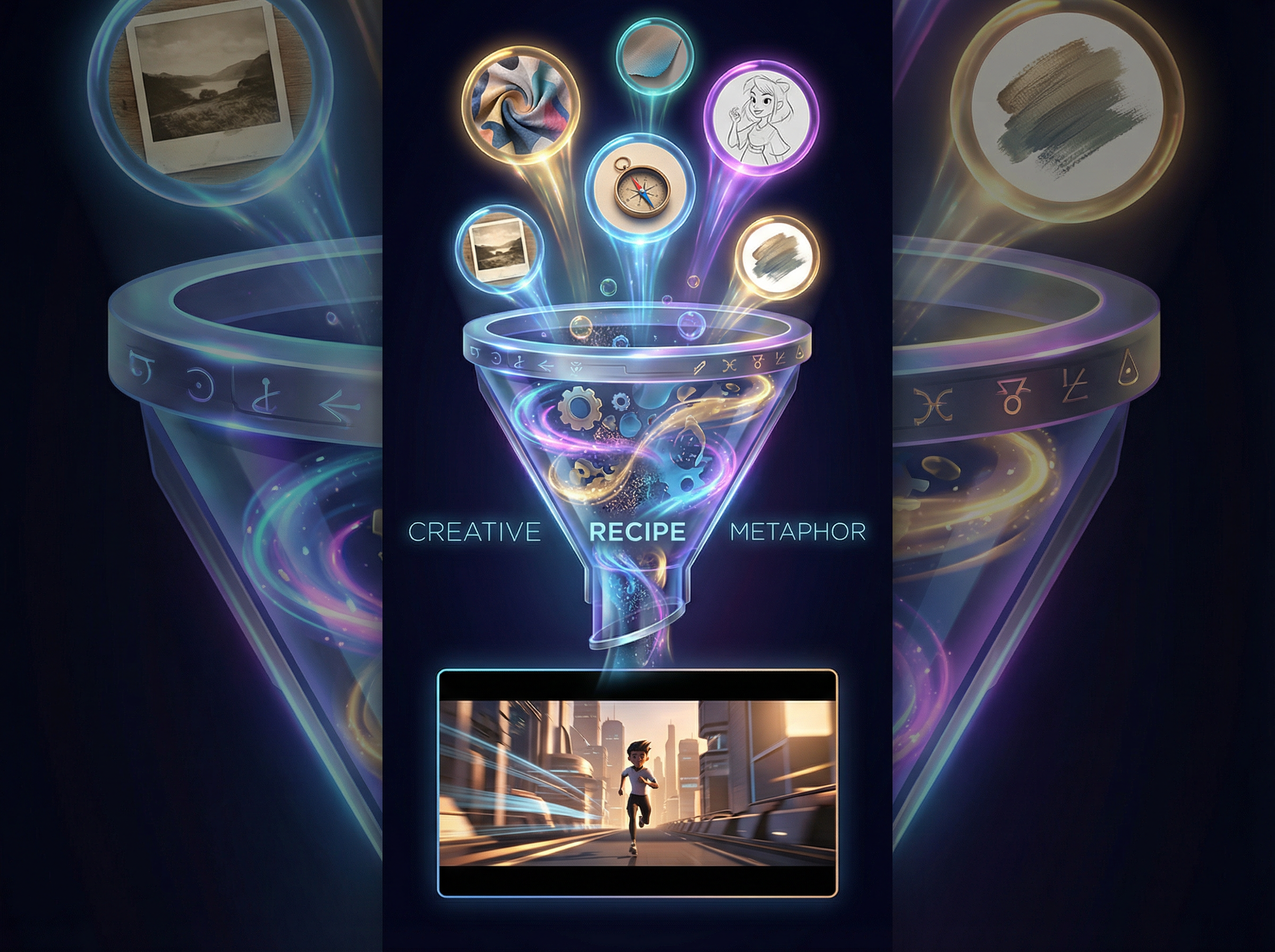
Veo 3.1 adds an "Ingredients to Video" option through its Flow tool. This update turns reference images into short videos with clearer motion and story flow. Even a short prompt now gives you better control over the scene and style.

Improved smart ingredients to video tool
Easily control first frame and end frame

Easily control first frame and end frame

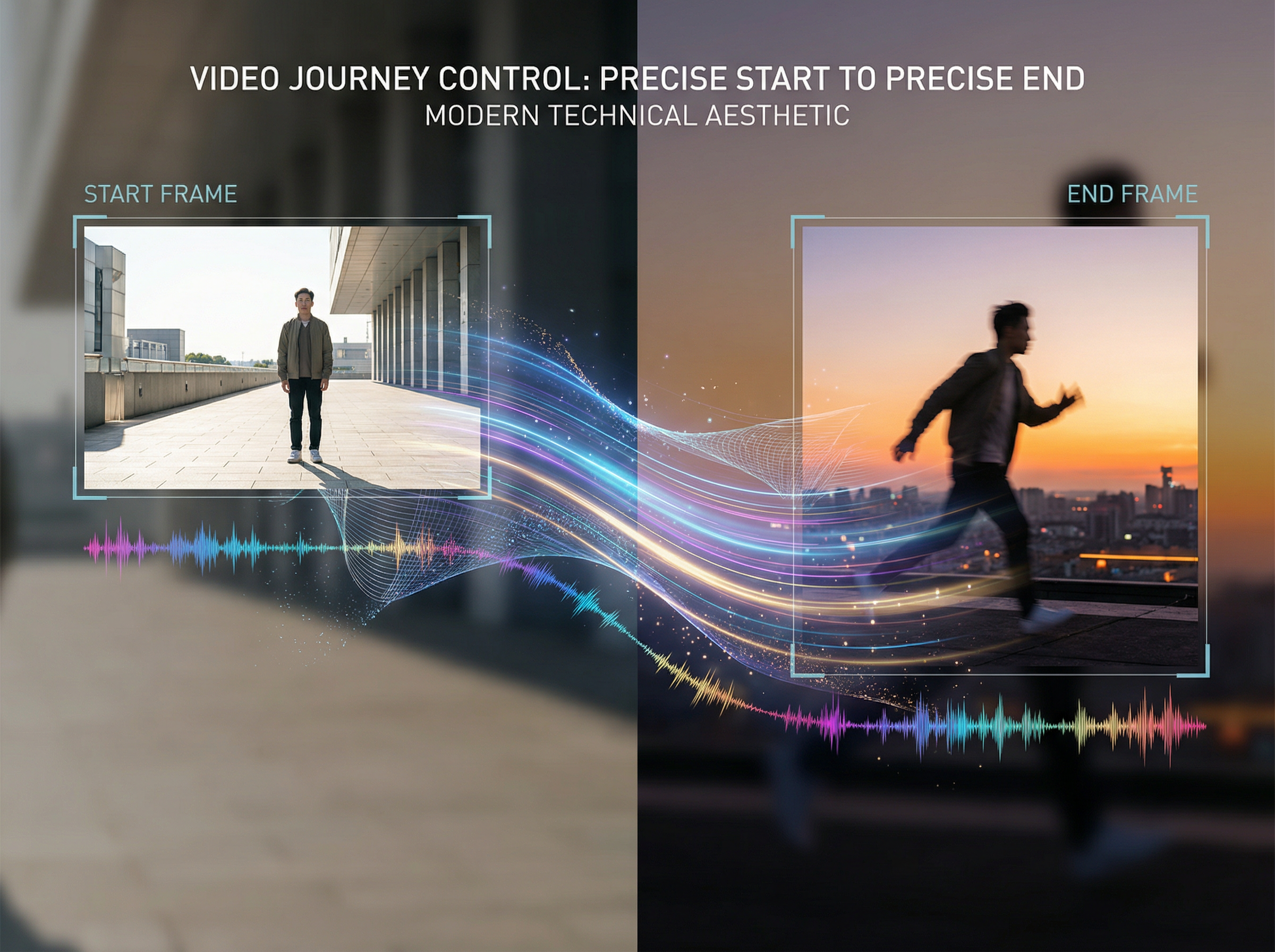
Provide two images, one for where the video starts, one for where it ends, and Google Veo 3.1 on Framia generates the full transition between them, complete with motion and synchronized audio. Create 4 to 8-second clips from simple frames.

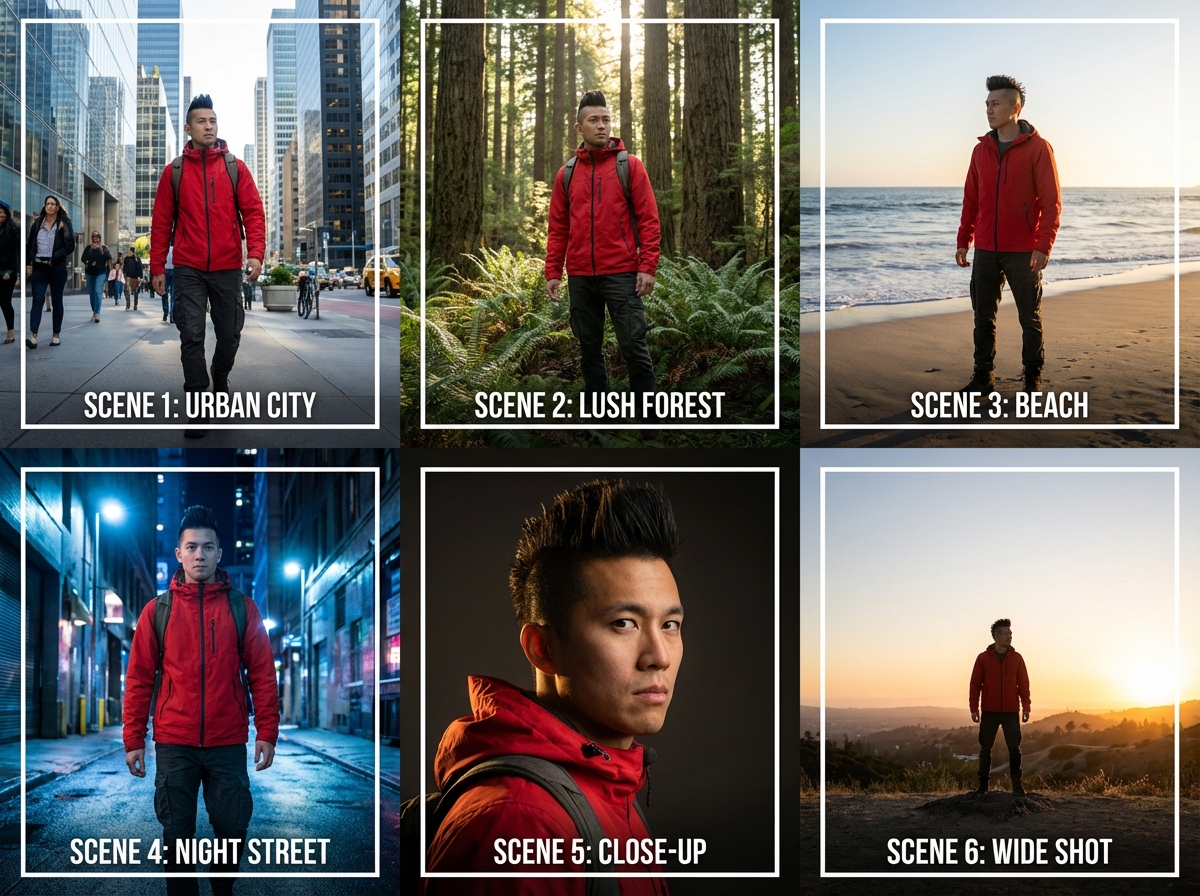
Keep character the same in different shots

Keep the subject's identity and appearance the same in all frames with Veo 3.1, even as the setting, lighting, or camera angle changes. This way, the characters are recognizable in multiple scenes without manual adjustments or re-uploading reference images each time.

Keep character the same in different shots
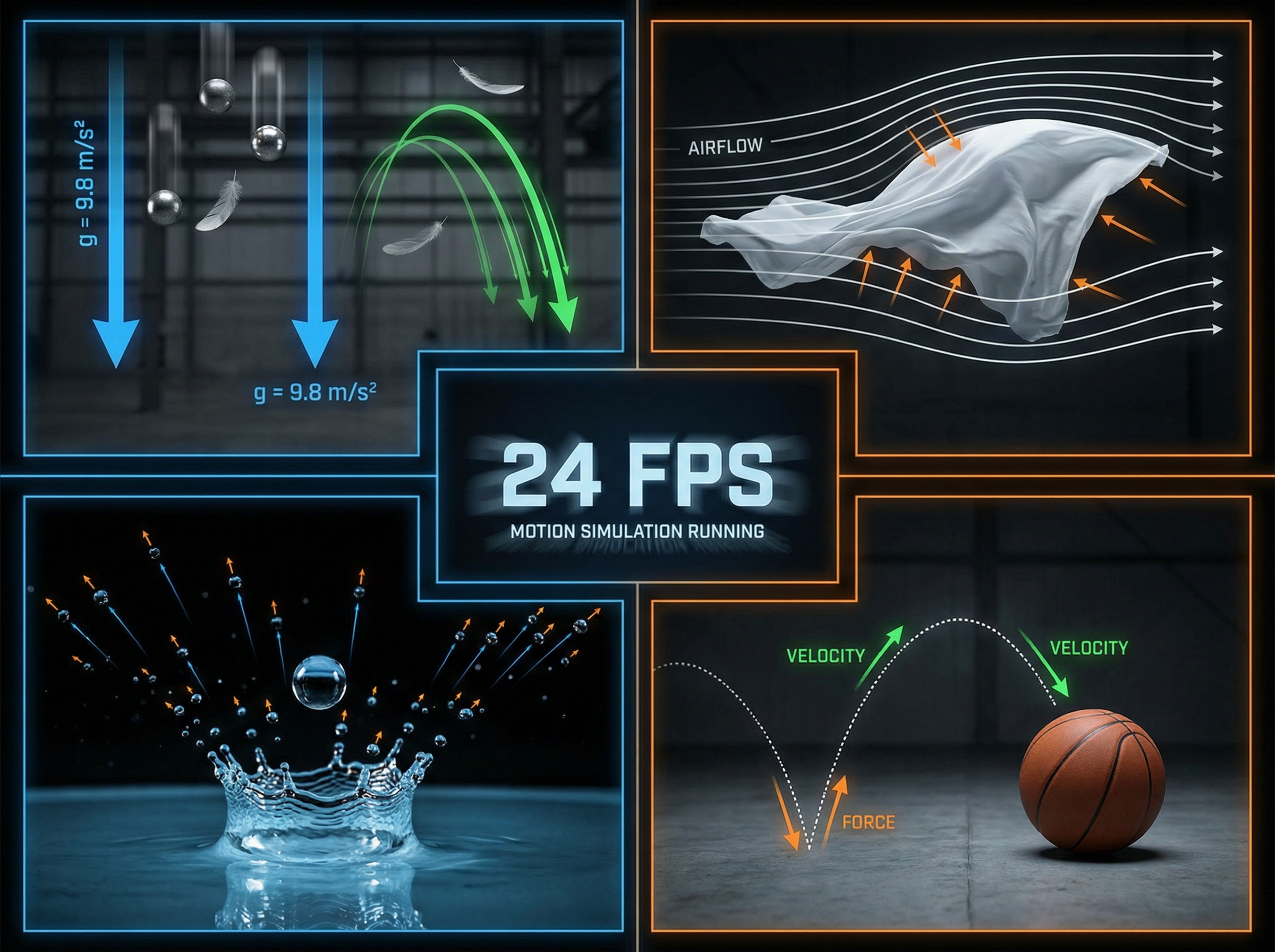
Handle real-world physics with natural motion

Handle real-world physics with natural motion

Veo 3.1 captures true-to-life textures and motion during different frames at 24 FPS. Objects fall, cloth moves, and fluids behave accurately in your video. The model processes motion physics directly, and you don't have to create any manual animations or set keyframes.

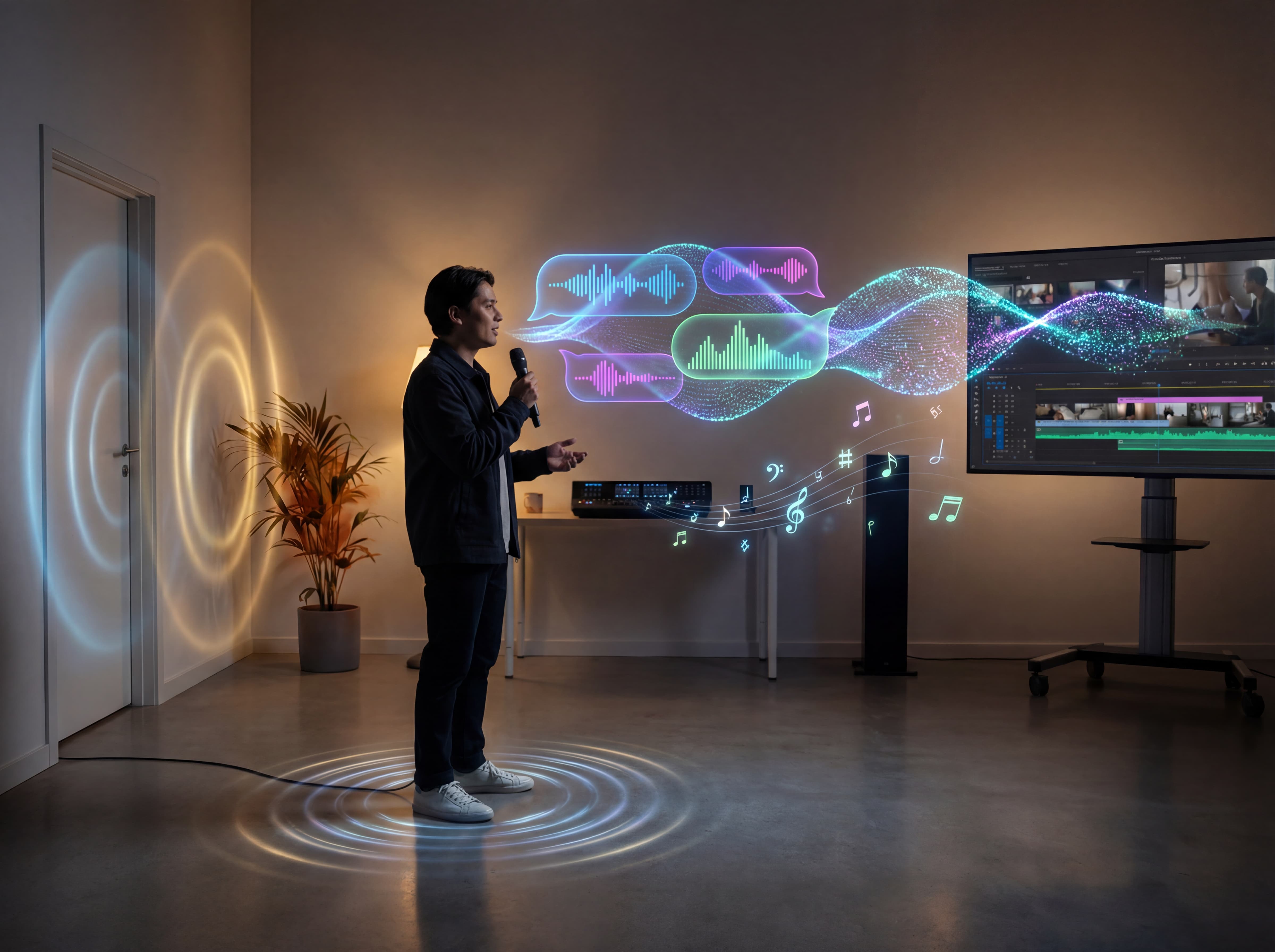
Get video with built-in sound and dialogue

Veo 3.1 generates richer native audio, such as natural conversations or synchronized sound effects, embedded directly in every video. In Google's MovieGenBench evaluation across 1,003 prompts, Veo 3.1 ranked first for overall preference.

Get video with built-in sound and dialogue

How to use Veo 3.1 AI video generator on Framia Pro?

Step 1: Prompt
Sign up for Framia Pro, enter a prompt describing the video you want to create, and click “Plan” if you want AI to help outline the scenes.

Step 2: Generate
Select "Veo 3.1" from the Video models, set the duration and aspect ratio in Settings, then click "Generate."
Step 3: Review & Download
Preview the video and make edits with Edit in Chat or Edit in Storyboard. When ready, click "Download" to save the MP4 file.

Who is Framia Pro's Veo 3.1 for?

Generate high-quality video from text or images with built-in audio using Google Veo 3.1. Here are five use cases where it saves the most time.

Content creators and influencers
TikTok, Instagram Reels, and YouTube Shorts each require a steady stream of new video content week after week. Veo 3.1 cuts production time from hours to seconds, so you can keep up with platform demand without burning out or hiring a team
Marketers and small businesses
Marketers running paid ads on Meta, Google, and TikTok need fresh video content every single week. Veo 3.1 produces product clips with reference images, motion control, and native audio from one prompt, to cut agency costs and long production delays entirely.
Storyteller and filmmakers
Storytelling requires shot-to-shot character consistency, clean scene transitions, and synchronized dialogue, which can eat up a lot of your time. That's where Veo 3.1 holds character identity across scenes, generates controlled frame transitions, and outputs native 48kHz stereo audio per clip.

Explore bold, creative ideas with Veo 3.1 on Framia Pro

Why you should try Veo 3.1 on Framia Pro?

Veo 3.1 sits at the top of AI video models right now. Here is exactly what it does and why that matters to your work.

Produce cinematic, high-quality clips

Viewers decide within 3 seconds whether a video is worth watching. Veo 3.1 generates video that has sharp detail, consistent color grading, and smooth motion that holds up on large screens. Your audience stops scrolling and watches your content till the end.
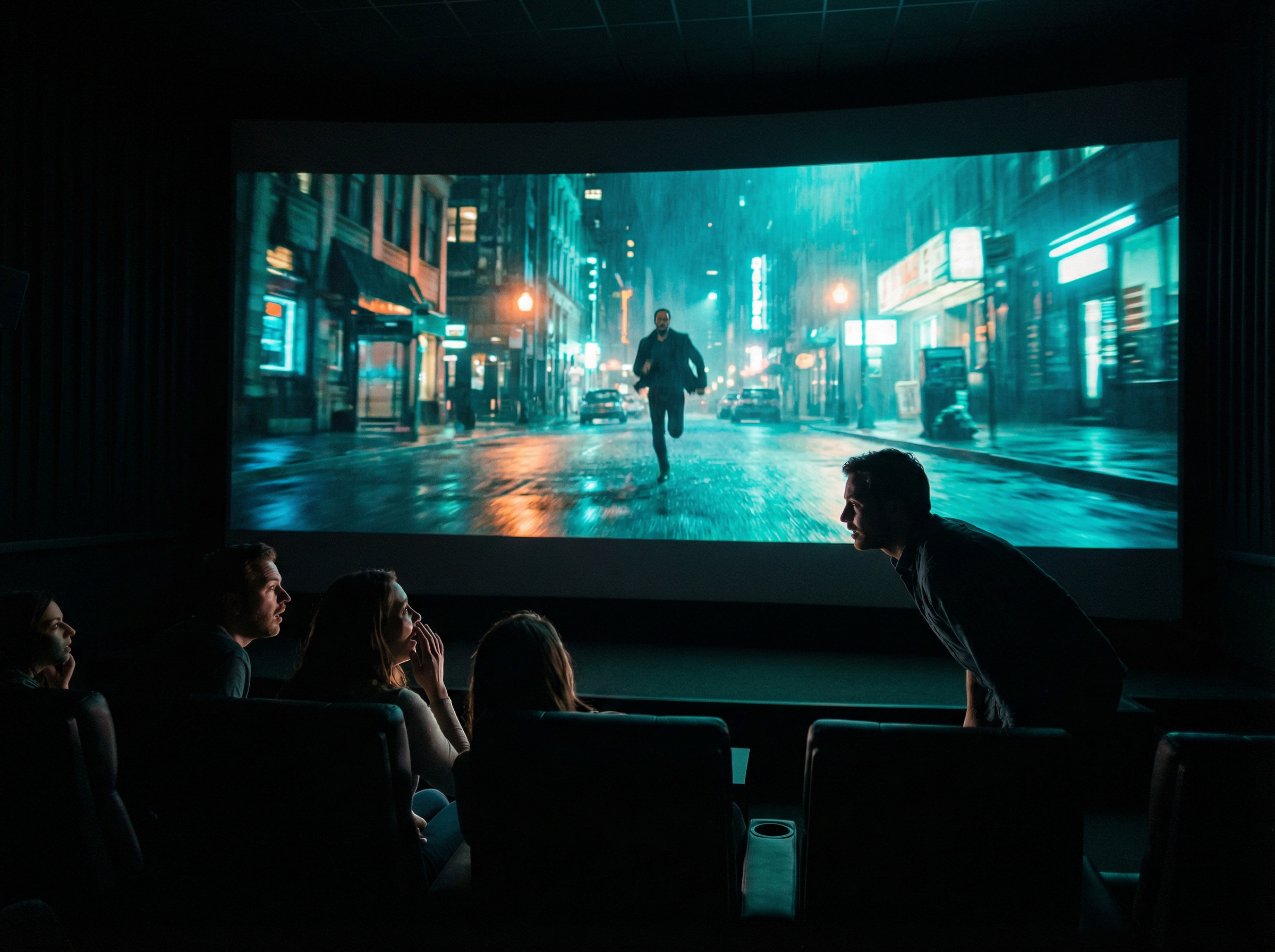
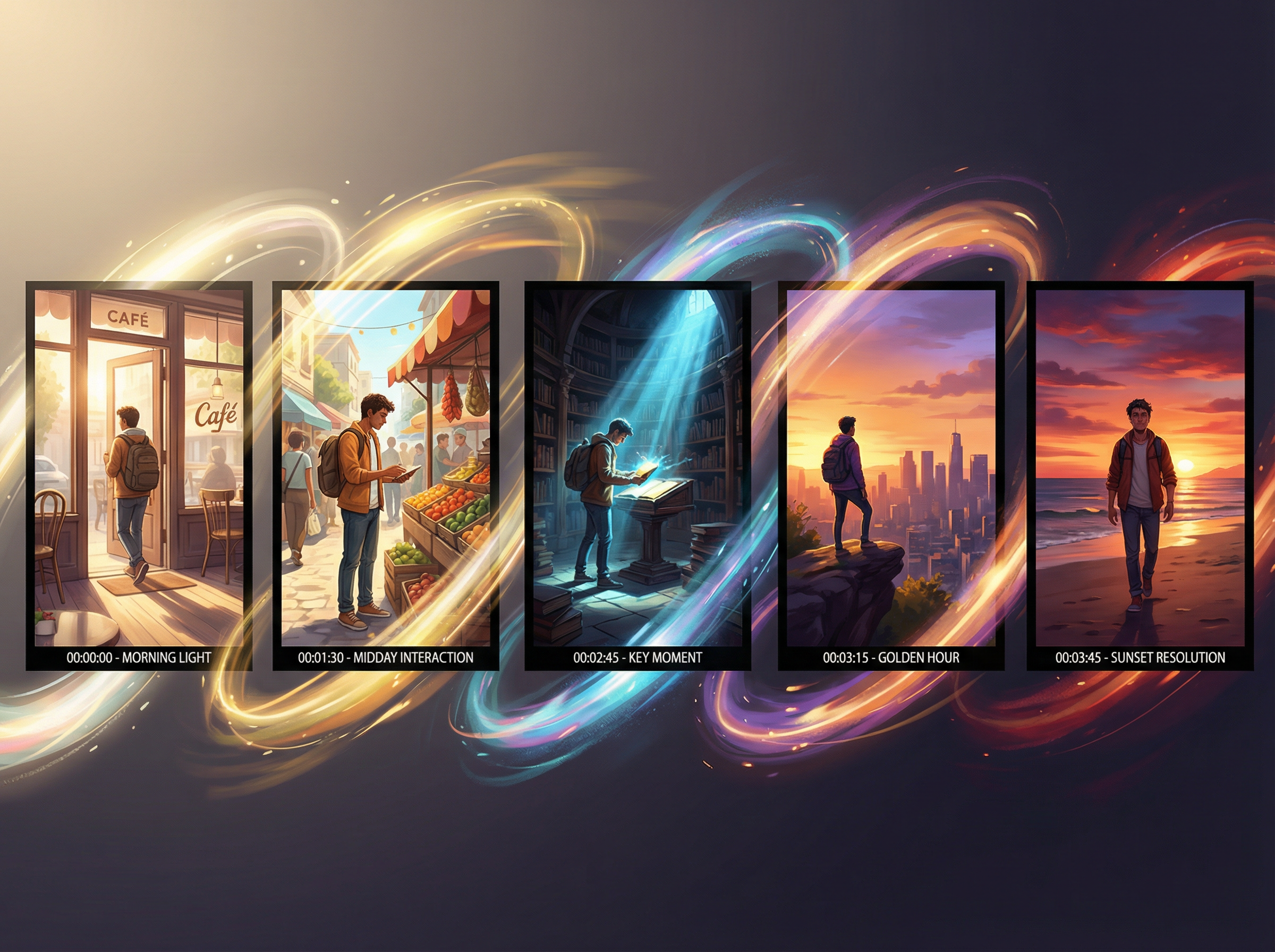
Produce cinematic, high-quality clips
Generate multi-scene sequences

Generate multi-scene sequences

Most brand campaigns, short films, and course videos span several scenes, not just one. Veo 3.1 handles extended narratives with visual coherence across every cut, so the story stays intact from the opening shot to the final frame.

Add realistic sound and dialogue

Videos with poor audio lose viewers twice as fast as those with poor visuals. With Veo 3.1 on Framia, you can create videos with audio quality that matches the visual standard, so both elements land with equal weight on screen.
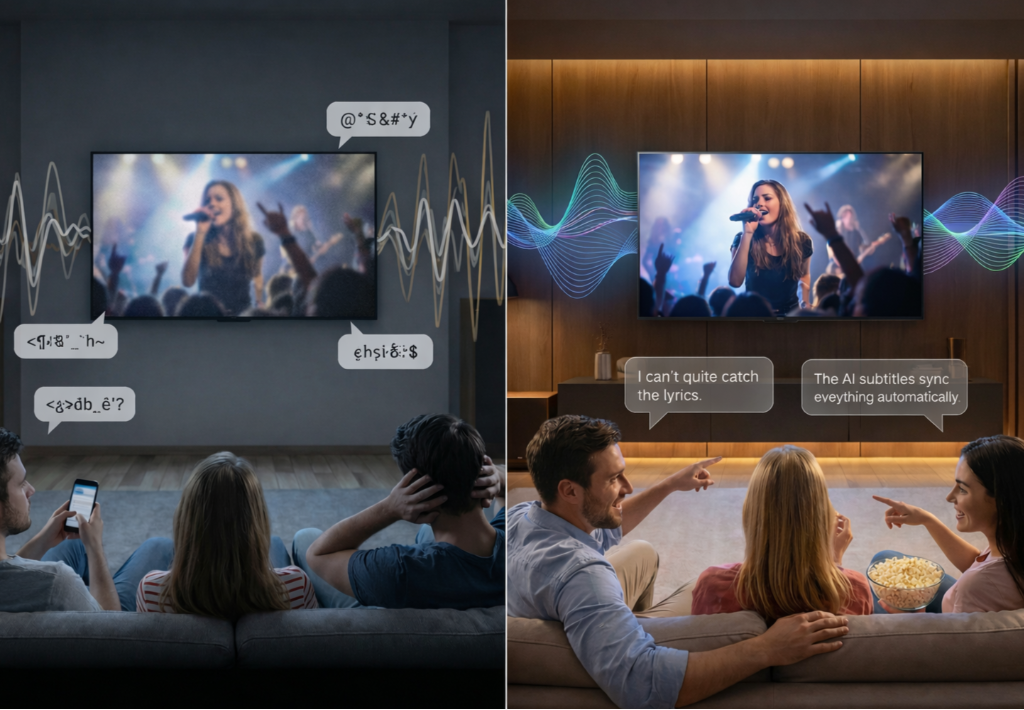
Add realistic sound and dialogue
Make vertical or horizontal videos

Make vertical or horizontal videos

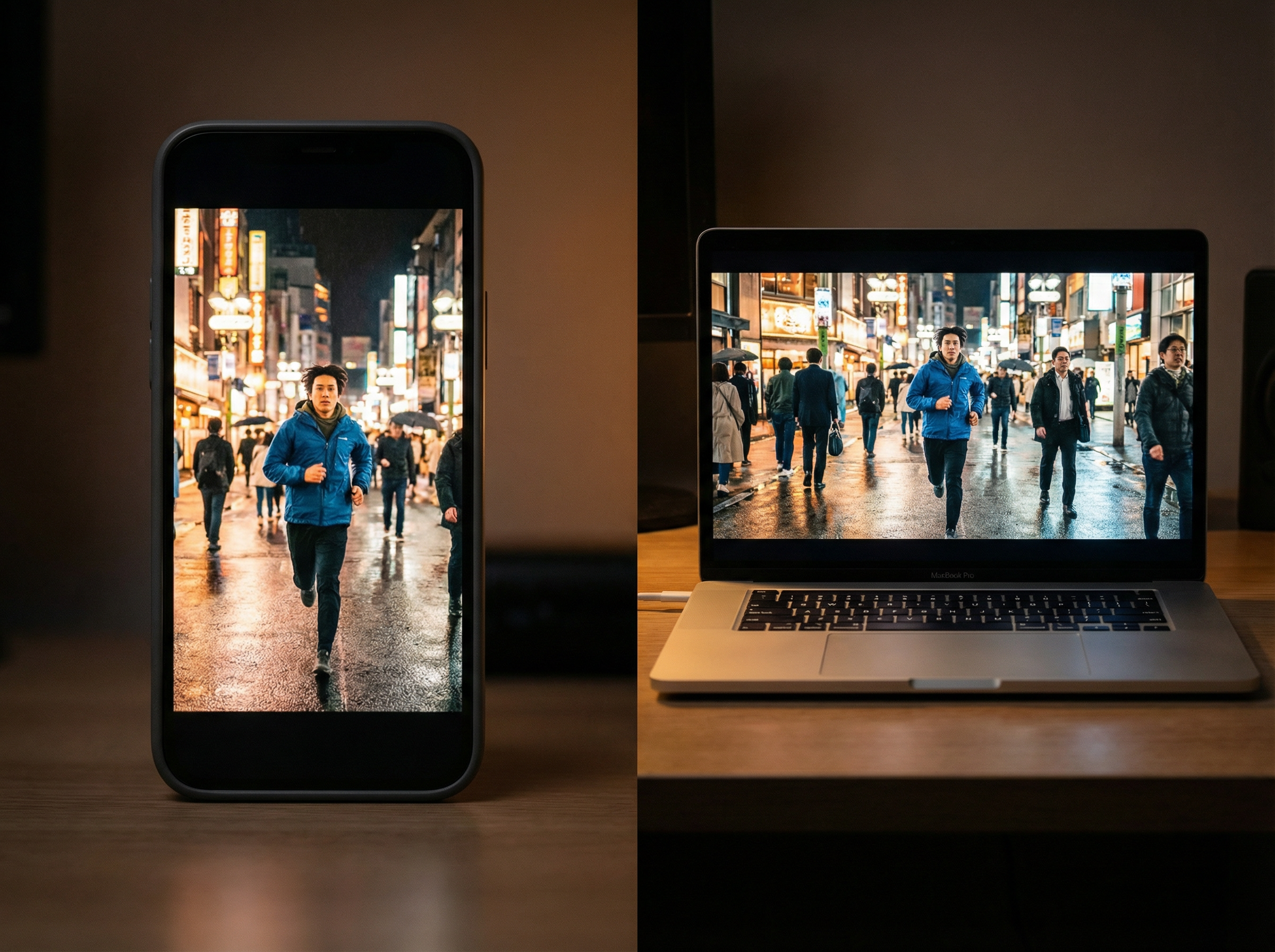
TikTok and Instagram run on 9:16 vertical video, while YouTube and web demand 16:9 widescreen. Veo 3.1 supports both aspect ratios natively, so the same concept works across every platform without losing composition or cropping out key elements.

Experiment with lighting, motion, and effects

Lighting and motion define how a scene is perceived. Veo 3.1 lets you test different visual styles, from soft natural light to high-contrast cinematic setups, so you can pick the best version before anything is finalized.
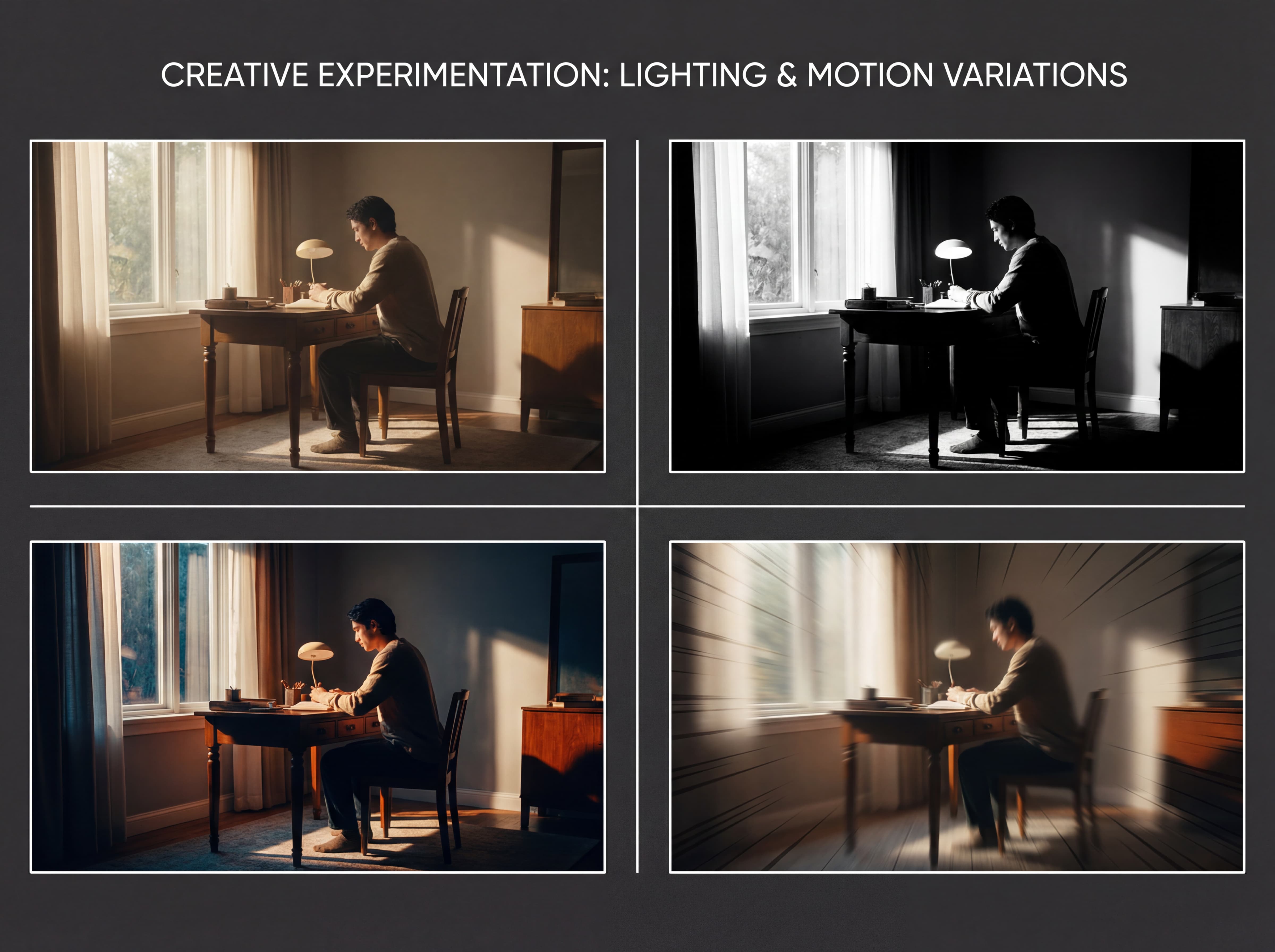
Experiment with lighting, motion, and effects

What can you create with Veo 3.1 on Framia Pro?

Veo 3.1 works across creative genres that most tools can't handle. From immersive world-building to tight product shots, here is what it produces best.

Build fantasy or sci-fi worlds
Sci-fi and fantasy demand environments that have never physically existed. Veo 3.1 generates these worlds from a text description, with consistent atmosphere and depth in every frame. The result is a fully realized setting that holds its visual logic from the first second to the last.
Create dramatic action scenes
Action lives and dies on timing. Veo 3.1 captures physical intensity with accurate motion pacing and keeps every strike, chase, and collision anchored in natural cause and effect. That precision is what separates a gripping action clip from one that simply looks busy.
Design stylized brand visuals
Google Veo 3.1 on Framia generates stylized content that stays the same in different scenes, color tones, and creative directions. That consistency is what turns a brand from something people see into something people actually remember.

What people say about Framia's Veo 3.1 model

Words from actual users carry more weight than any feature list. Here is what people say after using Framia's Veo 3.1 model on real projects.


Marcus Reid
Marcus Reid
YouTube Creator
I've canceled six AI video tool subscriptions before the first month ended. Veo 3.1 was different from day one. The output actually matched what I had in mind. I haven't looked at another tool since.
Lena Kowalski
Lena Kowalski
Brand Strategist
Managing three client campaigns at once meant long nights and rushed decisions. Veo 3.1 on Framia cut the back-and-forth in half. Clients approve faster, revisions are dropped, and we've highly reduced what we used to spend on agencies.
James Okafor
James Okafor
Indie Filmmaker
My short film sat in pre-production for four months because testing visual ideas cost too much. With Veo 3.1 on Framia, I tested five scene concepts in one afternoon, picked the strongest, and finally moved forward.
Claire Fontaine
Claire Fontaine
Course Creator
My course enrollment went up 28% after I started adding video to each lesson. This AI video generator was the only reason that was possible on a solo creator budget. I had no prior video experience and no team behind me.
Tyler Mercer
Tyler Mercer
Mobile Game Developer
Game trailers are a full project on their own, and I could never justify the cost of hiring a dedicated video team for a one-person studio. Veo 3.1 on Framia changed that completely. My app store page went from static screenshots to a full preview video in a single day.
Nadia Osei
Nadia Osei
E-learning Consultant
I was producing slide decks and calling them content. Veo 3.1 on Framia changed my entire delivery format. My clients now get polished video summaries after every session. Engagement doubled, and my renewal rate has never been higher.

Frequently asked questions

We've compiled the most important information to help you get the most out of your experience. Can't find what you're looking for?Contact us
Framia Pro plans come with different generation limits. The higher the plan, the more videos you can generate each month. Upgrading your current plan is the direct way to get more.
Still have questions?
Have questions or need assistance? Our team is here to help!

Create cinematic videos with Veo 3.1 on Framia Pro

Bring your ideas to life with Veo 3.1 on Framia Pro. Generate high-quality videos with realistic motion, built-in audio, and full creative control.