Framia

Sora 2: OpenAI's Next Video & Audio Model

Create short cinematic videos with synced sound, lifelike motion, and real-world scenes using simple text or images.

Type your idea — we'll help you bring it to life with motion and sound.
Plan

Why do creators choose Sora 2 video generator?

Sora 2 gives creators tools that no model could match, from physics-accurate motion to synced audio, all from a single text prompt.

Generate short video clips from simple text prompts

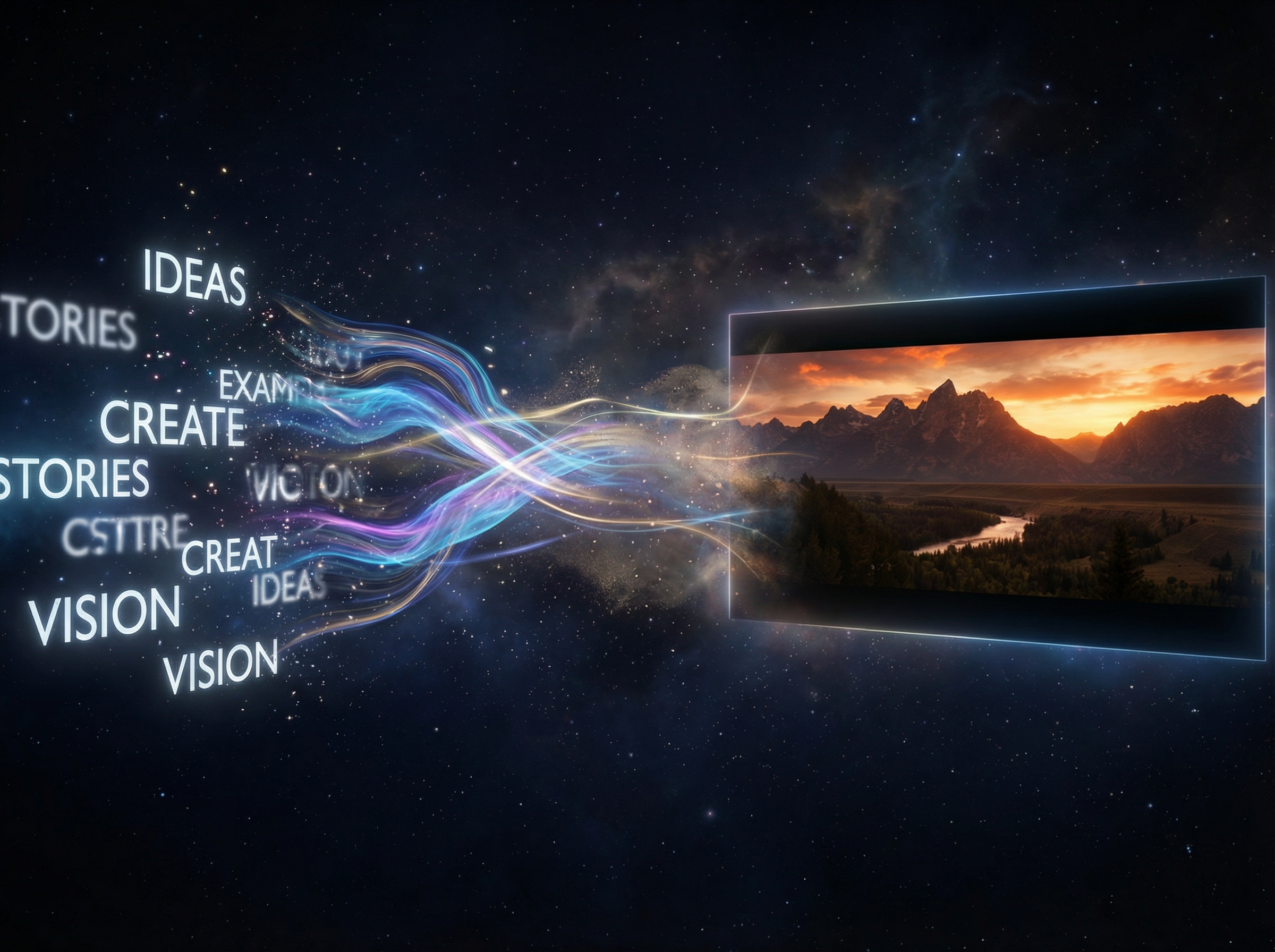
Sora 2 reads a text description and produces a video clip directly from it. Just describe any scene, camera angle, or action in plain language, and the model creates it into a short video clip in your selected aspect ratio and duration.

Text to video generation
Realistic audio generation

Produce realistic sound with dialogue and effects

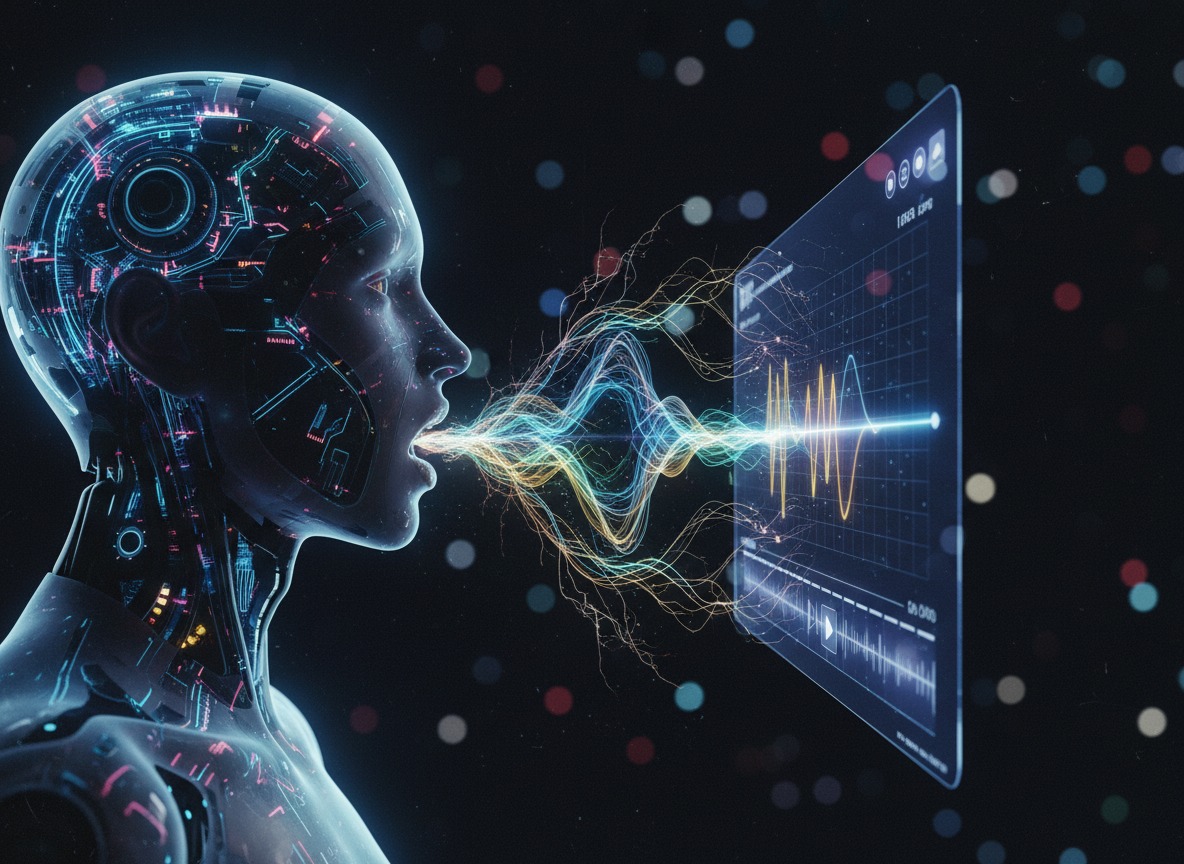
Creates background soundscapes, speech, and sound effects with a high degree of realism using Sora 2 on Framia. The audio syncs precisely with on-screen action, so spoken dialogue, ambient noise, and effects all land at the right moment within the same generation pass.

Keep motion natural with real-world physics applied

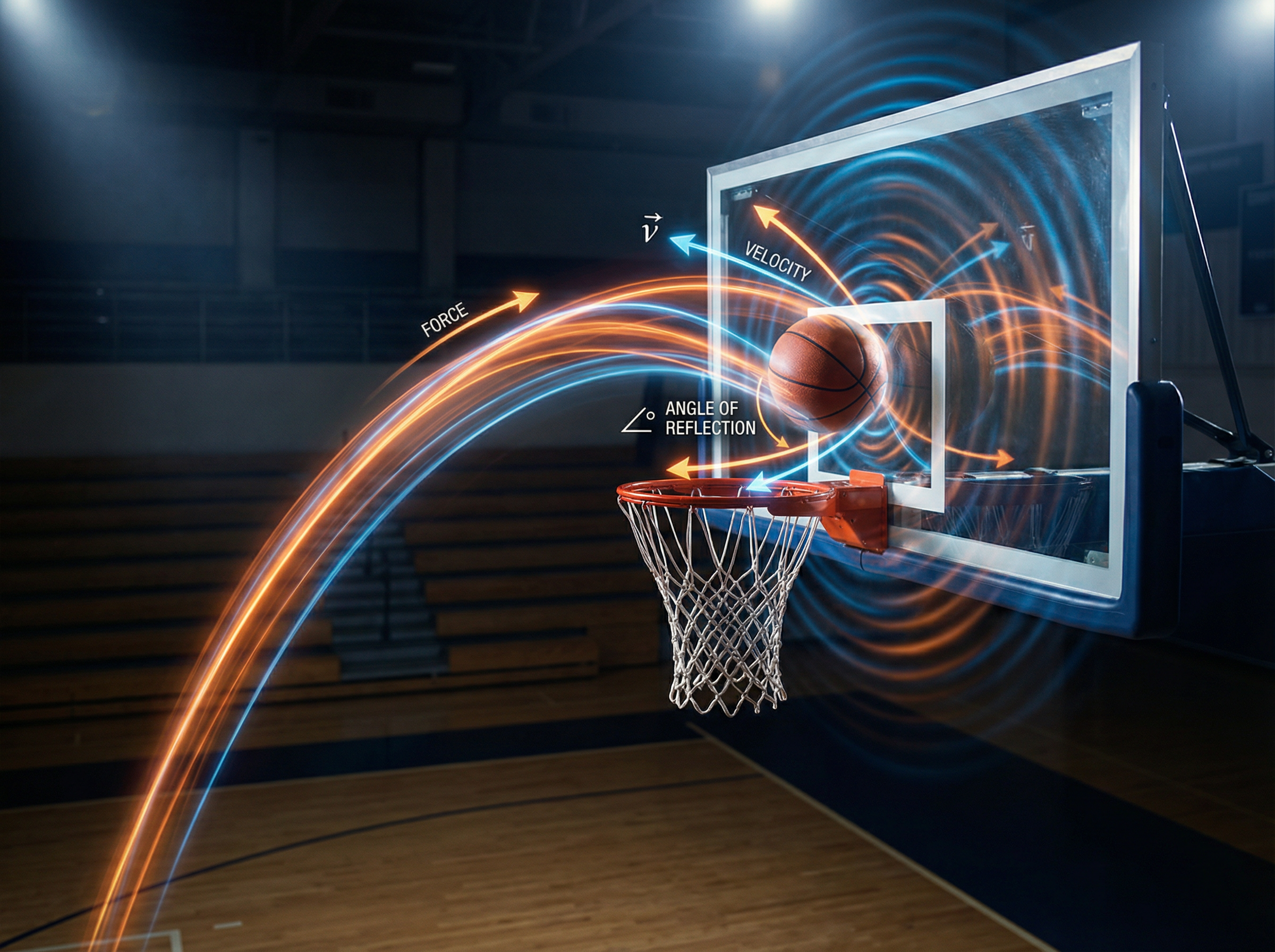
Sora 2 models how objects actually behave, so if a basketball misses a shot, it rebounds off the backboard correctly. Every action follows real physical rules, so motion across each frame looks grounded and accurate rather than artificially smooth.

Natural motion in videos
Physically accurate videos

Get physically accurate and realistic videos

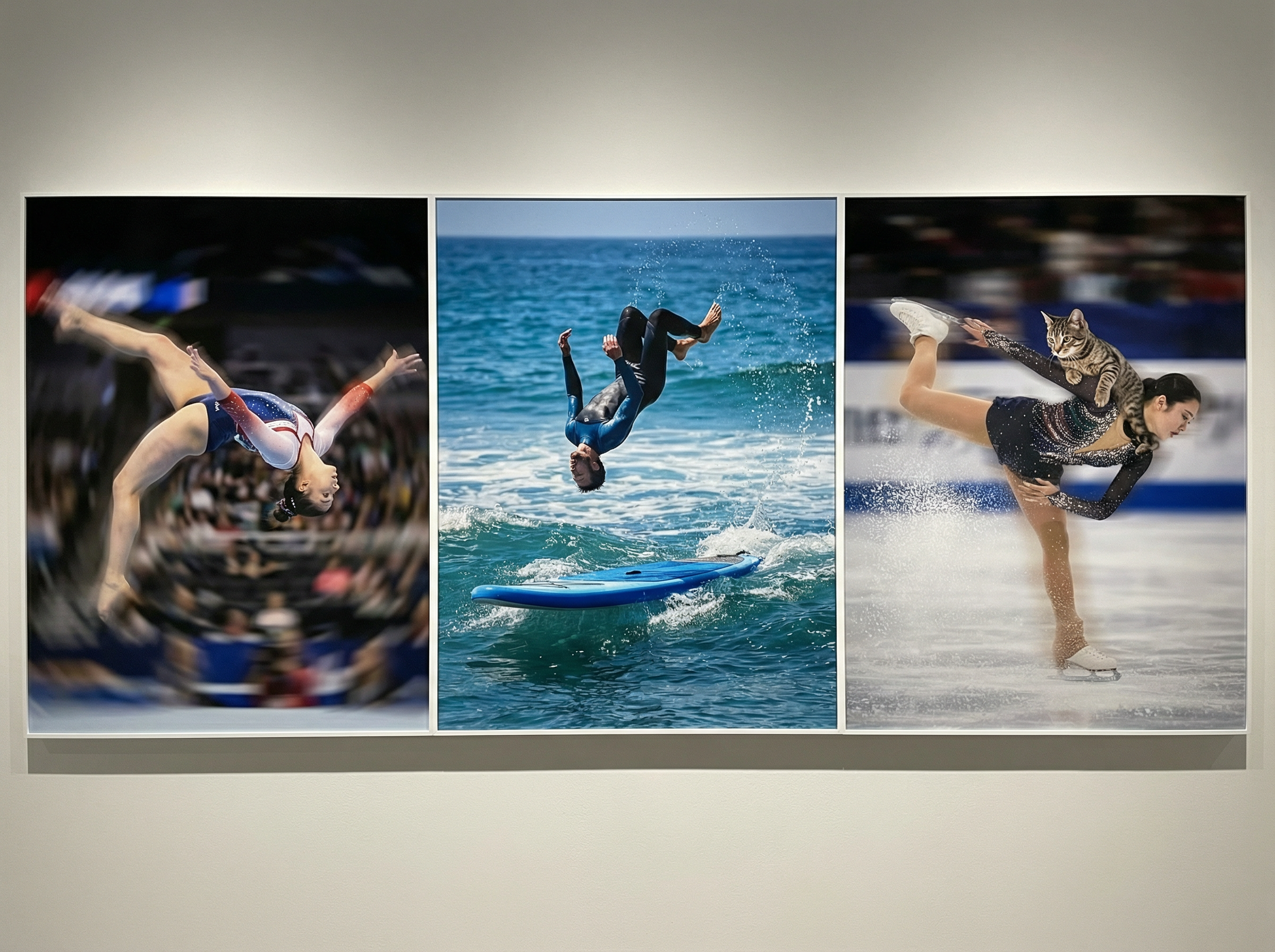
Accurately render Olympic gymnastics routines, a backflip on a paddleboard that models the dynamics of buoyancy and rigidity, and a triple axel while a cat holds on throughout. They reflect real physical behavior that prior models could not generate at this level of accuracy.

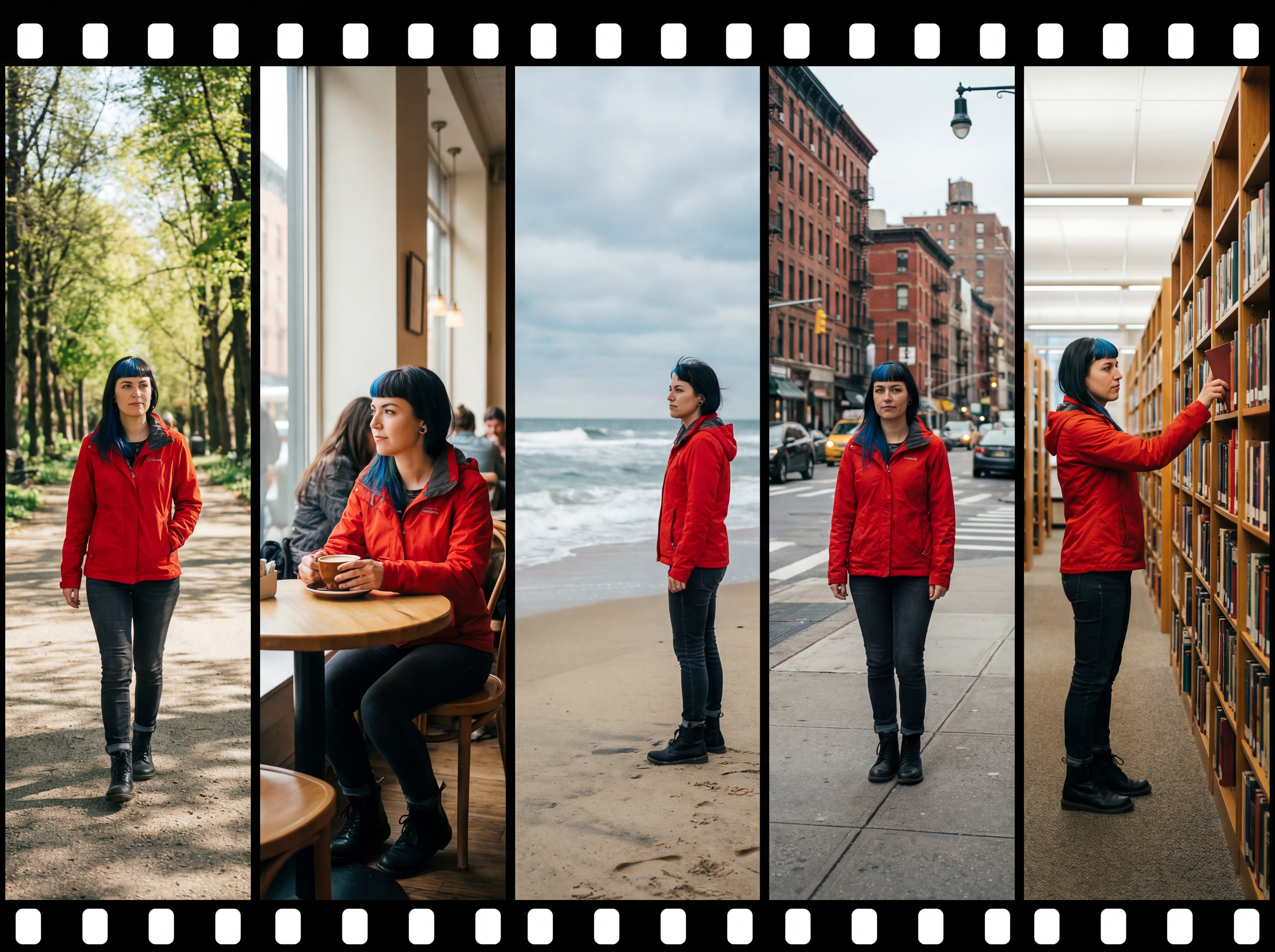
Maintain character consistency in multiple clips

Tracks each character throughout a sequence of clips with Sora 2. It follows multi-shot directions while accurately persisting world state, so a character's face, clothing, and movement stay the same from one shot to the next, which makes multi-scene storytelling practical for creators.

Character consistency in videos
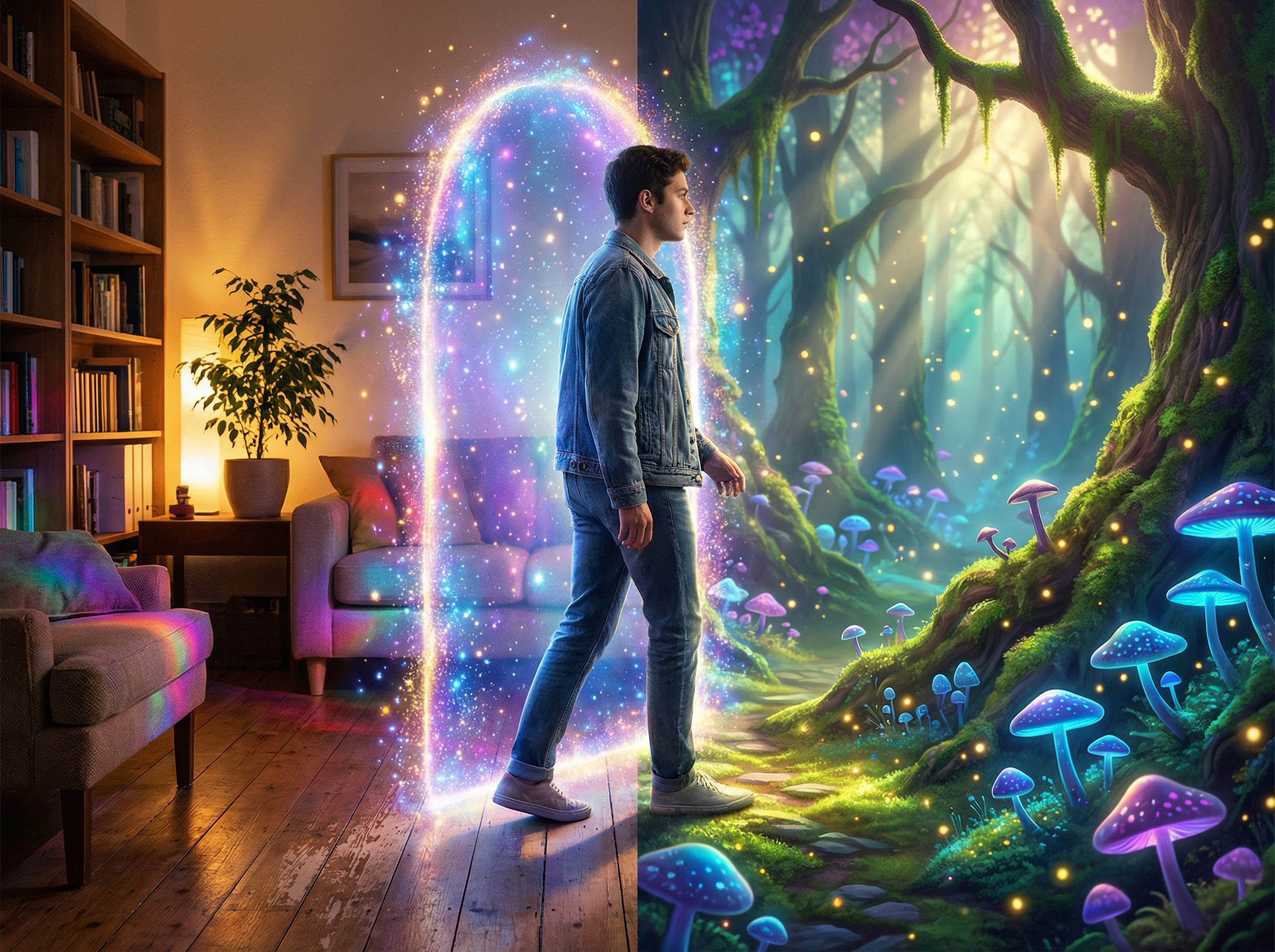
Insert anything in videos

Insert yourself or objects into generated videos

By observing a short video of a person, Sora 2 inserts them into any generated environment with an accurate match of their appearance and voice. This works for any person, animal, or object. Place real-world elements directly into any scene you create!

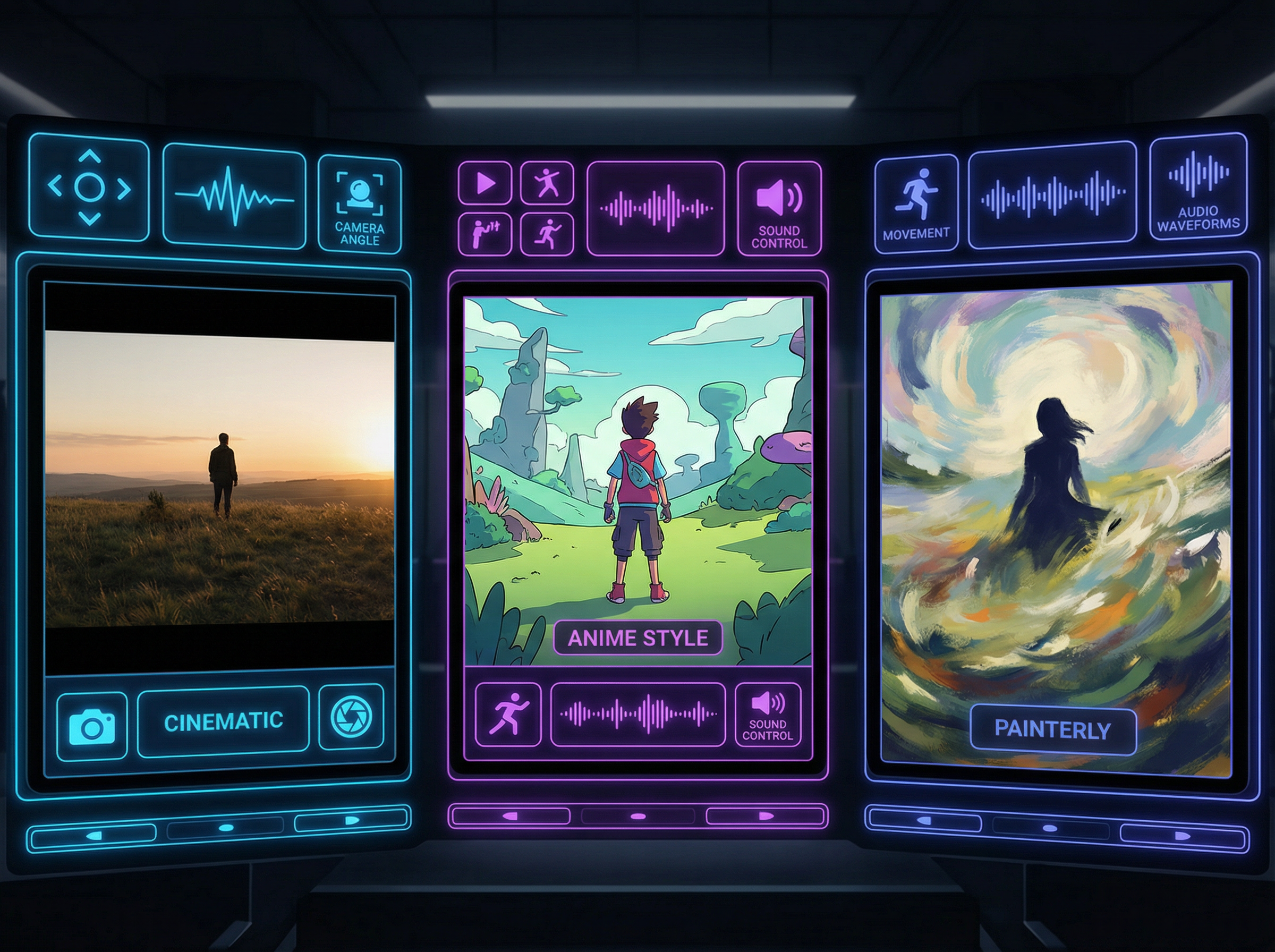
Control style, action, and audio for each scene

Sora 2 follows user direction with high fidelity to create videos that are both imaginative and grounded in real-world dynamics. Direct camera moves, character actions, and audio tone per scene. It excels in realistic, cinematic, and anime styles.

Style, action, and audio control

How to create videos with Sora 2 on Framia Pro?

Step 1: Prompt
Sign up for Framia Pro and describe the video you want. Add details about the scene, style, and action, and click "Plan" if you want AI to map out the video structure.

Step 2: Generate
Select Sora 2 from the Video models, set the duration and aspect ratio, then click "Generate." Framia turns your prompt into a complete video.
Step 3: Edit & Download
Preview the video and make quick edits using follow-up prompts in chat. When everything looks right, click "Download" to save the MP4 file.

Try creative ideas with Sora 2 on Framia Pro

Who should try Sora 2 on Framia Pro?

See who gets the most out of Sora 2 on Framia Pro, from marketing teams running paid campaigns to hobbyists exploring AI video for the first time.

Marketers and agencies
Marketers and agencies work under tight deadlines with multiple campaigns running at once. Sora 2 cuts production time by generating a video from a written brief. This makes it practical to test different creative directions before committing to a final version.
Content creators with wild ideas
Some ideas are too expensive or physically impossible to film. Sora 2 turns written descriptions into fully generated scenes, so creators can produce content that exists only in their heads and publish it directly to short-form platforms with no production crew involved.
Social media managers
Social media managers handle multiple platforms, each with different formats and posting schedules. Sora 2 generates short clips quickly, so you can have a regular publishing pace on TikTok, Instagram Reels, and YouTube Shorts without waiting on a video production pipeline.
Educators and storytellers
Explaining complex topics through text alone loses audience attention fast. Sora 2 creates visual sequences that follow a narrative arc and support educators and storytellers in presenting difficult subjects through cinematic or animated scenes that are easier to follow and retain.
Video editors looking for quick concepts
As an editor, you need a rough visual reference to test scene direction. Sora 2 generates concept clips from a text description. This way, you can have a working visual to review, adjust, and align with a director or client early in the process.
Hobbyists who love experimenting with visuals
Hobbyists do not need professional output; they need creative freedom. Sora 2 lets them generate scenes in realistic, cinematic, or anime styles with no prior video editing experience, so anyone curious about AI-generated video can jump in and start experimenting right away.

Why you'll love Sora 2 on Framia Pro?

Discover what makes Sora 2 worth using daily. Cut straight through traditional production timelines with open-ended creative experiments and cinematic outputs!

Experiment with creative ideas without limits
Sora 2 has no restriction on scene type, style, or subject matter. You can push ideas as far as you want, from surreal abstract visuals to hyper-realistic environments, and generate a working result each time.
Generate cinematic-quality content without editing skills
Sora 2 handles composition, lighting, and motion internally based on the text prompt provided. The outputs are ready to use, so you can stay focused on ideas rather than technical execution and still produce high-quality cinematic video.
Save time compared to traditional video production
A scene that would take a production team days to shoot and edit generates in minutes on Sora 2. You can spend that saved time refining your concepts, publishing more content, or moving on to the next project sooner.
Add dynamic backgrounds without manual editing
Sora video generator produces full environments as part of the video itself. You describe the background alongside the action, and the model builds both together in a single pass with no separate compositing step involved.
Explore endless video concepts with AI guidance
Every prompt produces a unique result with Sora, so no two generations are identical. You can run multiple variations of the same concept, compare outputs, and refine direction based on what each generated clip reveals about the idea.

Explore Sora 2 on Framia reviews that speak for themselves

Discover real feedback from people who use Sora 2 daily. It covers campaign production, personal projects, and classroom content.

Marcus L.
Marcus L.
Freelance Creative Director
I described a slow-motion desert chase scene, and Sora 2 on Framia nailed the lighting, dust physics, and camera movement. I've tested five AI video tools this year. None came close on the first try.
Claire Novak
Claire Novak
Social Media Manager
My biggest problem used to be keeping a consistent posting schedule across three platforms. Sora 2 cut clip production to minutes. But character consistency sealed it; the same person looks identical from one clip to the next.
Tom Ashford
Tom Ashford
High School Science Teacher
I generated a visual sequence showing tectonic plates shifting and colliding. My students watched the whole thing without losing focus, which rarely happens with standard diagrams. The cinematic style made a genuinely dry topic engaging.
Sofia Renner
Sofia Renner
Independent Content Creator
I prompted Sora 2 to create a figure skater landing a triple axel in a snowstorm. The motion was physically correct, the ice spray followed the right arc, and the audio matched every landing. I posted it the same day.
Jordan Blake
Jordan Blake
Video Editor at a Production Studio
I use Sora 2 strictly for concept work before a full shoot. Clients approve direction early, and we skip the guesswork entirely. It has removed at least two revision rounds from every project this quarter.
Priya Nair
Priya Nair
Brand Content Producer
Before Sora 2 on Framia, mood boards never fully sold a concept to clients. Now I generate an actual scene and walk them through it. Sign-off happens in the first meeting. That alone saves days per project.

Frequently asked questions

We've compiled the most important information to help you get the most out of your experience. Can't find what you're looking for?Contact us
Sora 2 is OpenAI's second-generation video model. It generates short video clips from text prompts with physically accurate motion, synced audio, and support for realistic, cinematic, and anime styles.
Still have questions?
Have questions or need assistance? Our team is here to help!

Start Creating with Sora 2 for free!

Turn your ideas into cinematic videos with Sora 2 on Framia Pro. Generate realistic motion, synced sound, and consistent characters in minutes.