Step 1: Prompt
Open Framia Pro, select Design, and enter your image prompt. Click "Plan" if you want AI to outline the creation process first.
Turn your ideas into sharp 4K images using Seedream 5.0 on Framia Pro. Create brand visuals, product photos, and marketing designs with AI that searches the web for current info.
Turn text and reference images into native 4K visuals with Seedream 5.0. Blend multiple images into one style, edit them through text commands, and stay current using live web data.
Describe what you want in natural language, and Seedream 5.0 creates images that match your creative intent with accurate details, logical layouts, and readable text. It understands context and complex composition needs from your words alone.

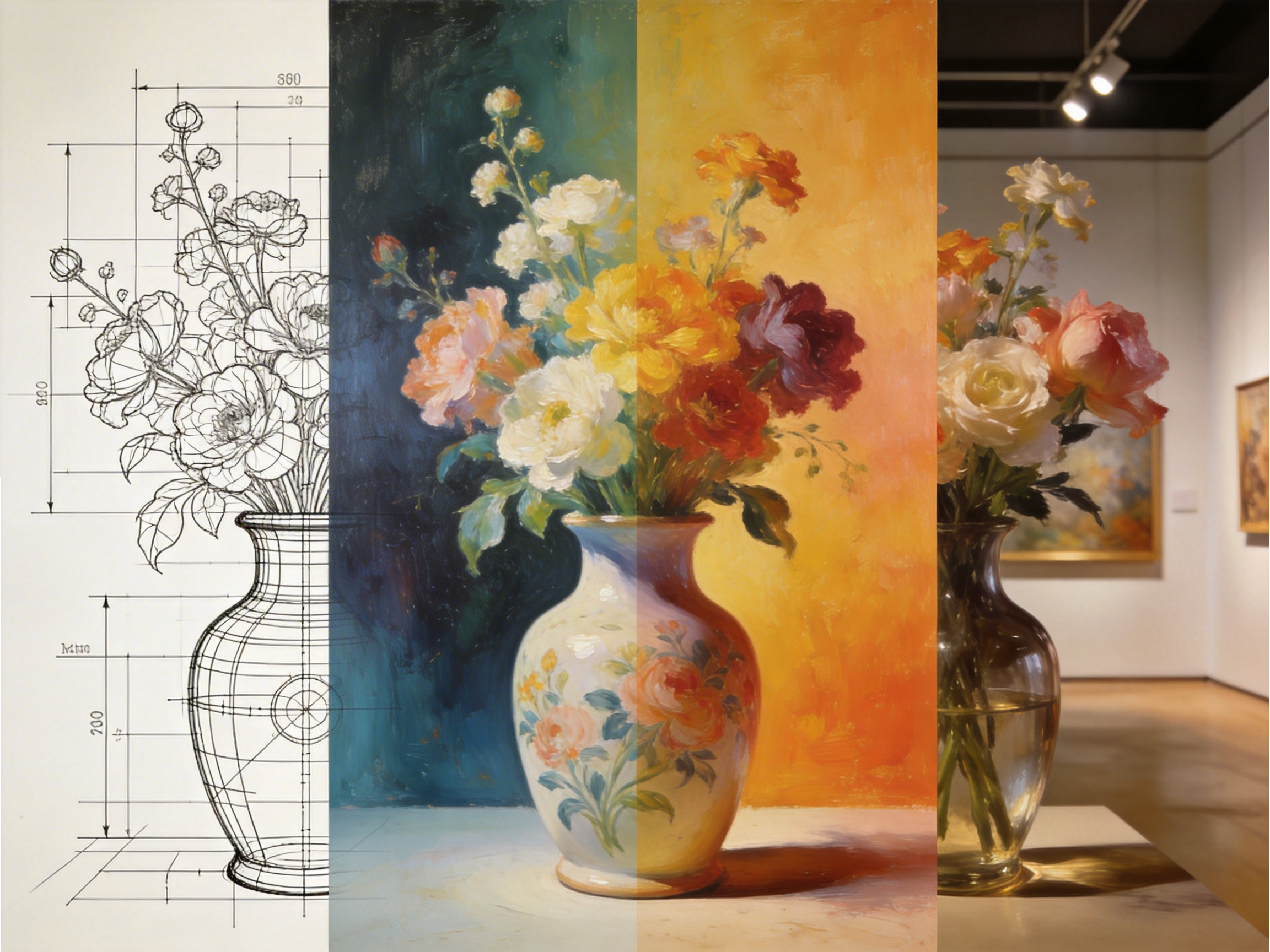
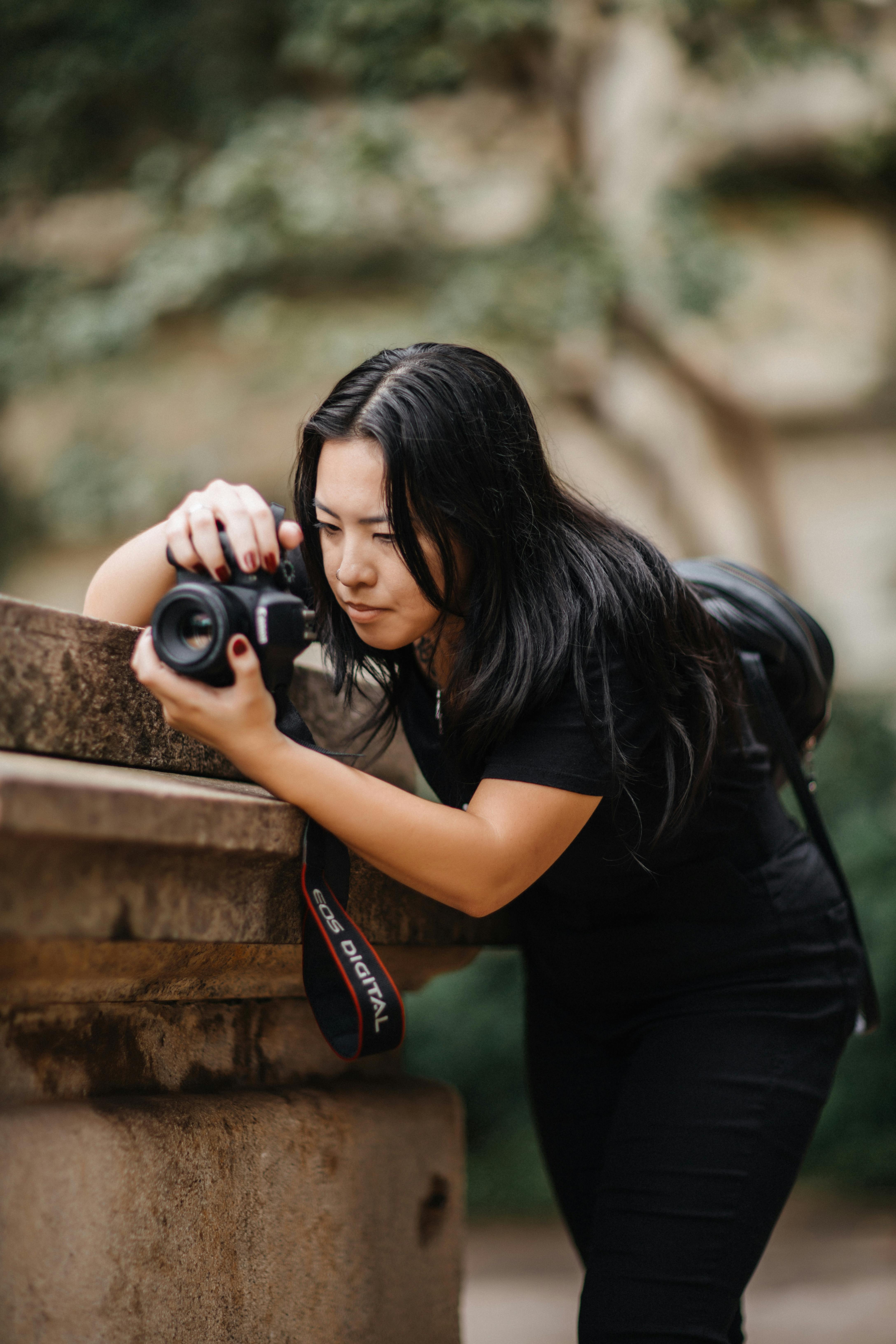
Upload up to 14 reference images and adapt the same product or character in different contexts with Seedream 5.0. It maintains character faces, outfits, and accessories identically in all your generated outputs. Change scenes, camera angles, or lighting.
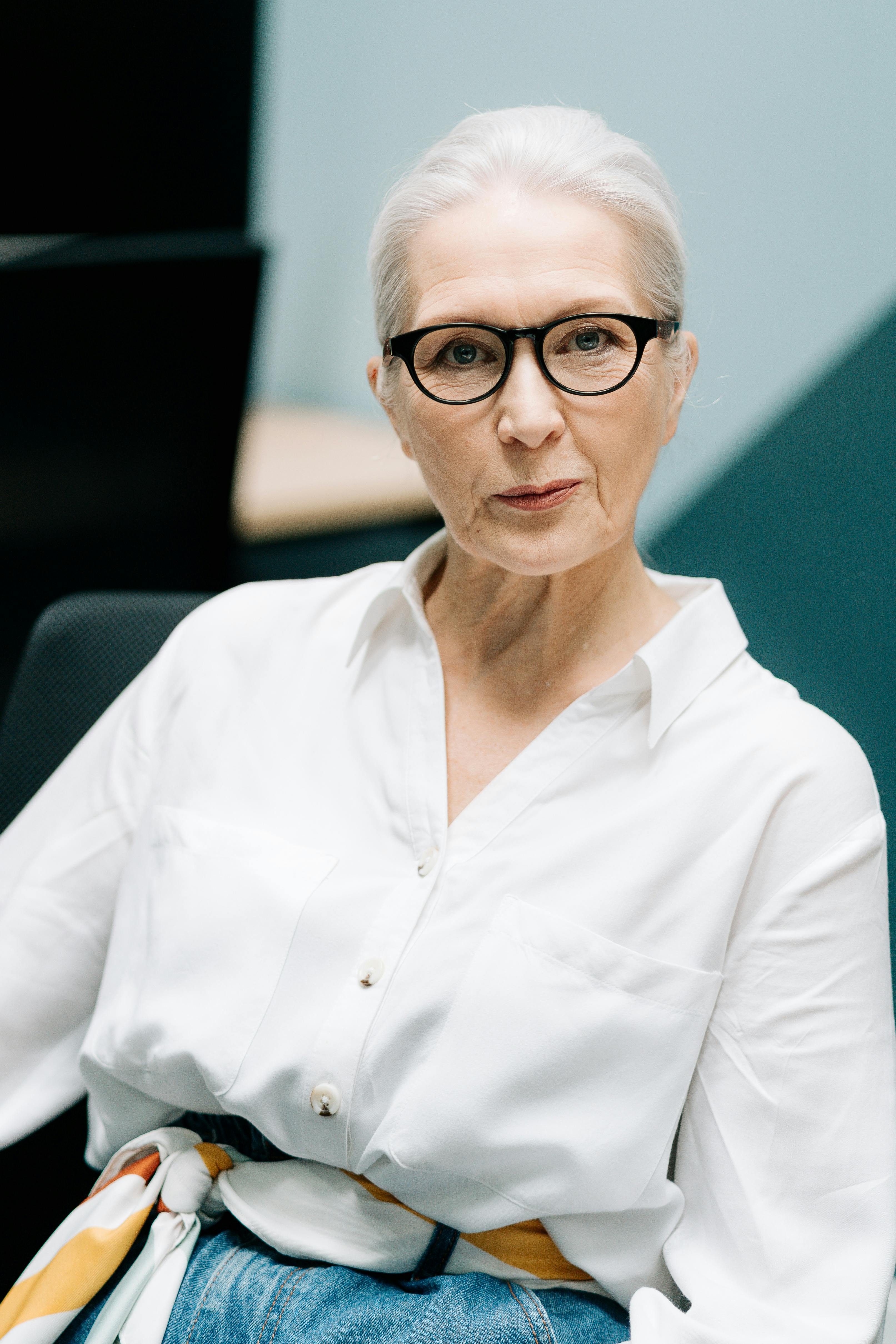
Create high-resolution images with photography-grade detail without needing extra upscaling software. The AI design generator produces realistic skin textures, fabric patterns, and accurate reflections at 2K resolution and above.

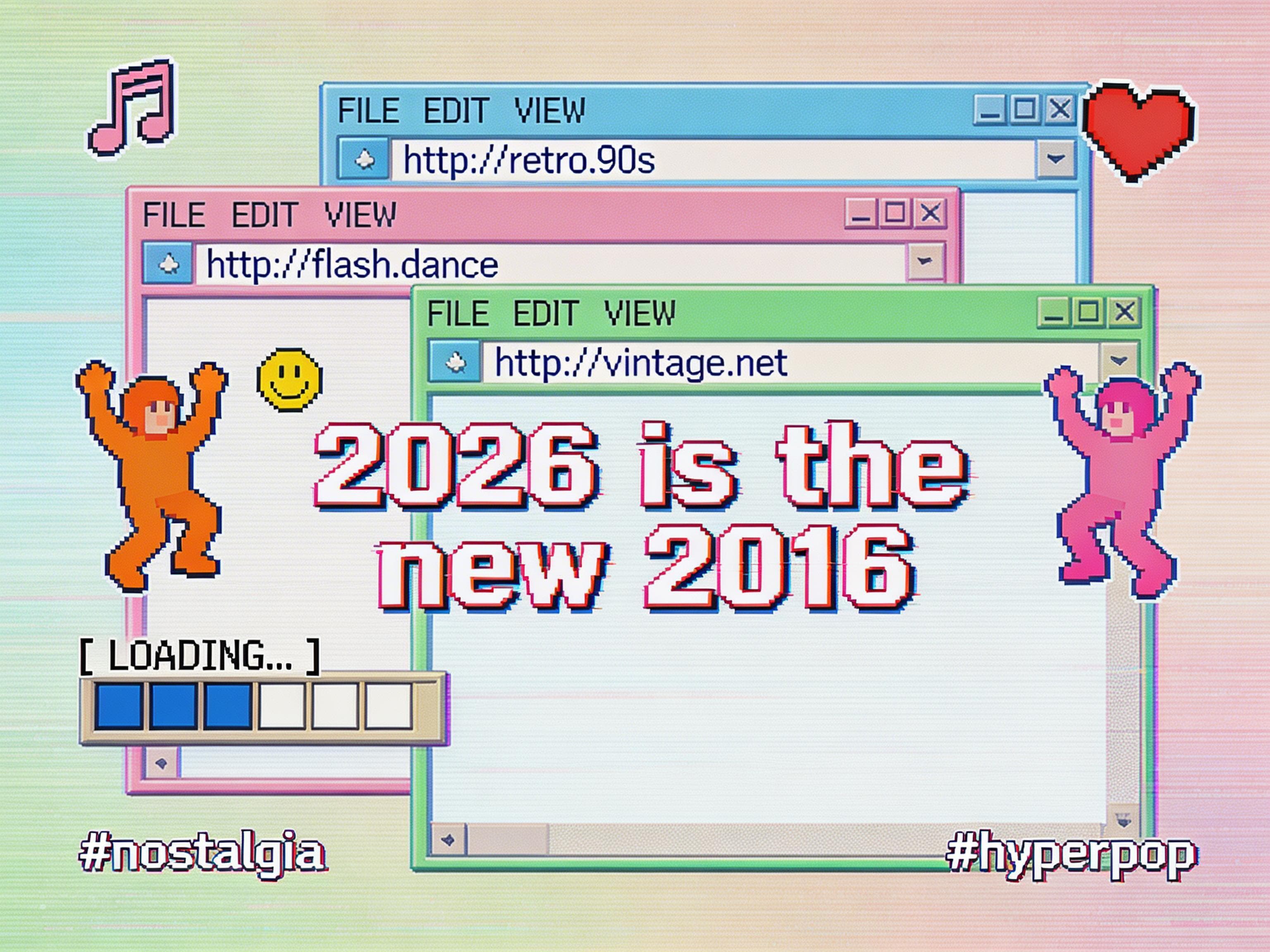
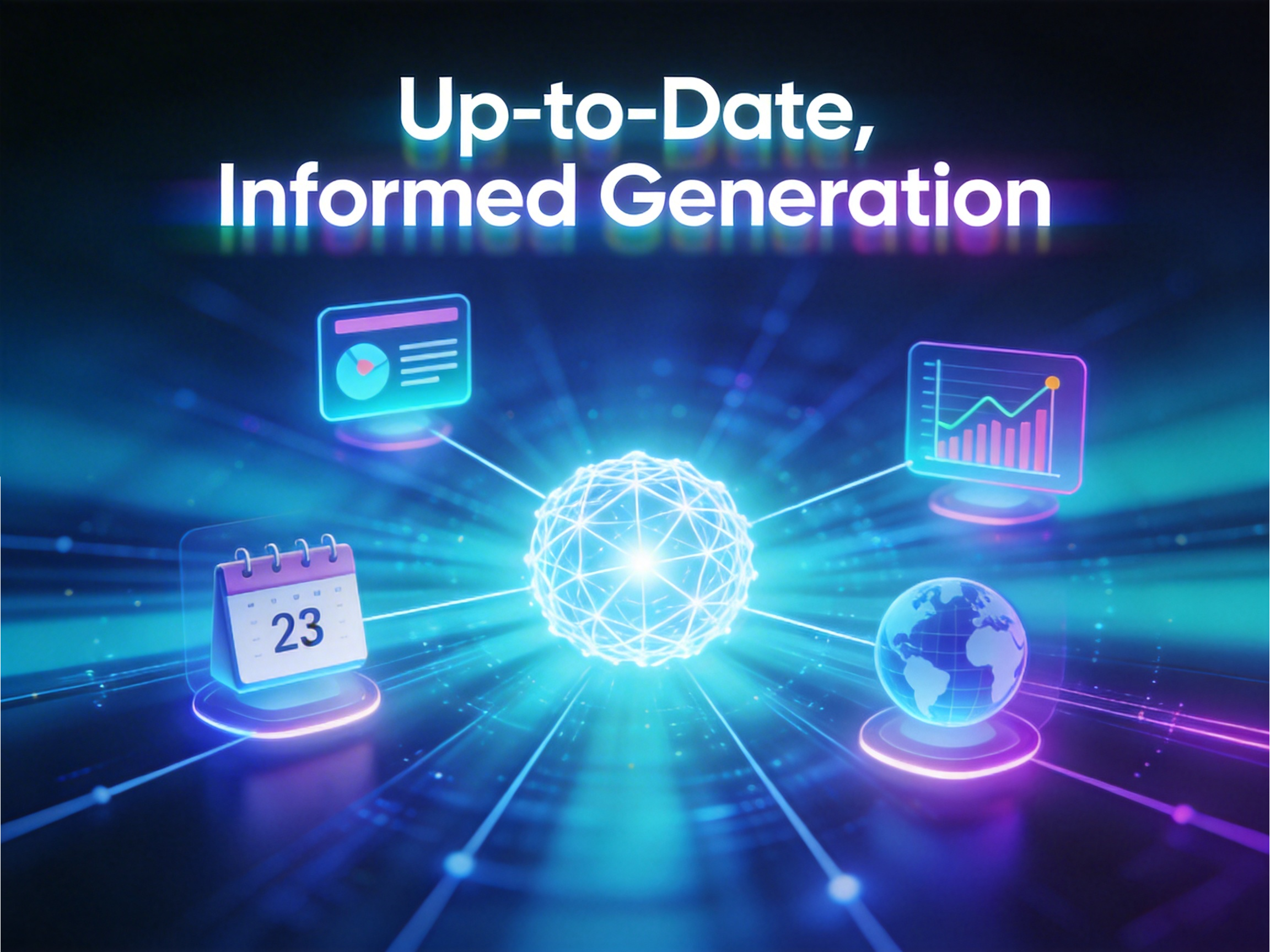
Generate visuals based on current information by turning on the web search feature during image creation. The Seedream 5.0 AI can access recent events, popular trends, public figures, brand elements, and location-specific content to produce relevant imagery.
Type what you want to edit in your images and let Seedream 5.0 apply the changes using AI. It follows instructions closely, applies feature transfer from reference images, and updates specific elements without altering the rest of the composition.
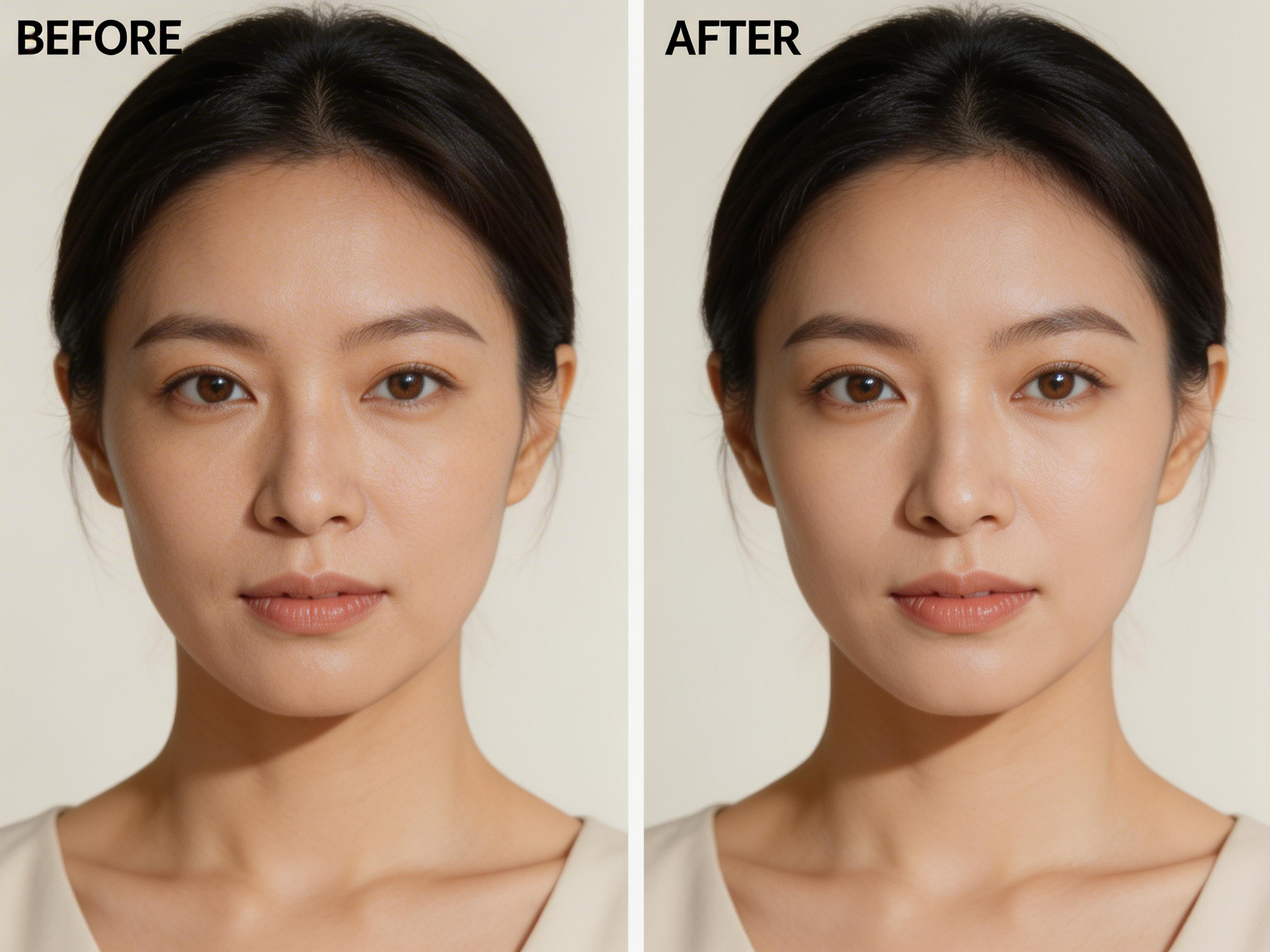
If you want to create artwork, posters, banners, or other images with Seedream 5.0 on Framia Pro, just follow these three quick steps:
From restoring family memories to building brand campaigns, this AI design tool handles visual tasks that traditionally require specialized skills or expensive production teams.
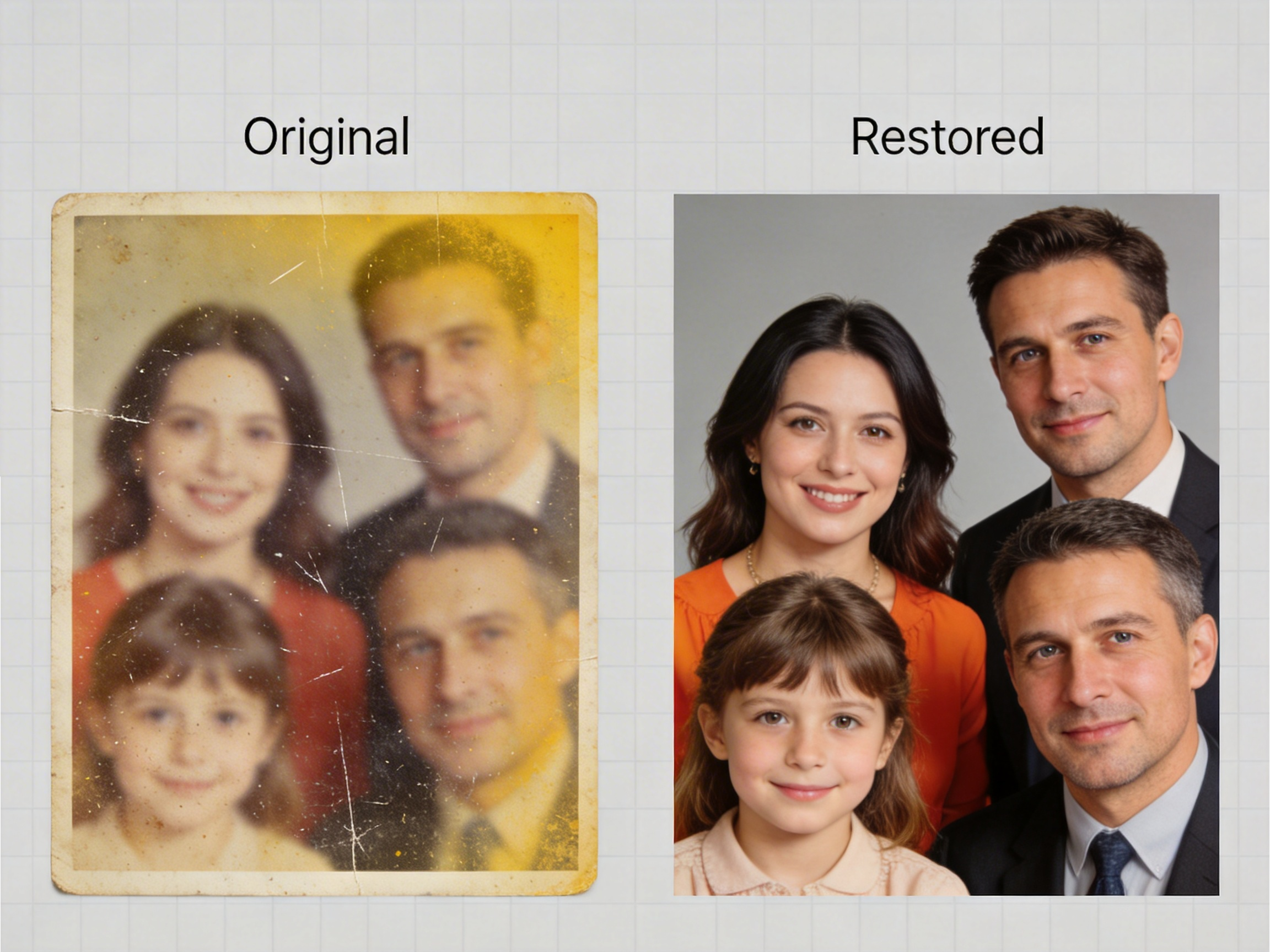
Bring old prints back to life using the Seedream AI image creation model that repairs tears, fixes faded colors, and clears grainy spots. You get images that look newer, with smoother edges and balanced shades, so memories feel fresh again without looking over-edited.

Create promotional photos with clear, readable text and sharp logo placement using AI. Your product names, slogans, and brand marks appear professional. These graphics work well for e-commerce and marketing materials where text clarity and visual impact matter for effective customer communication.
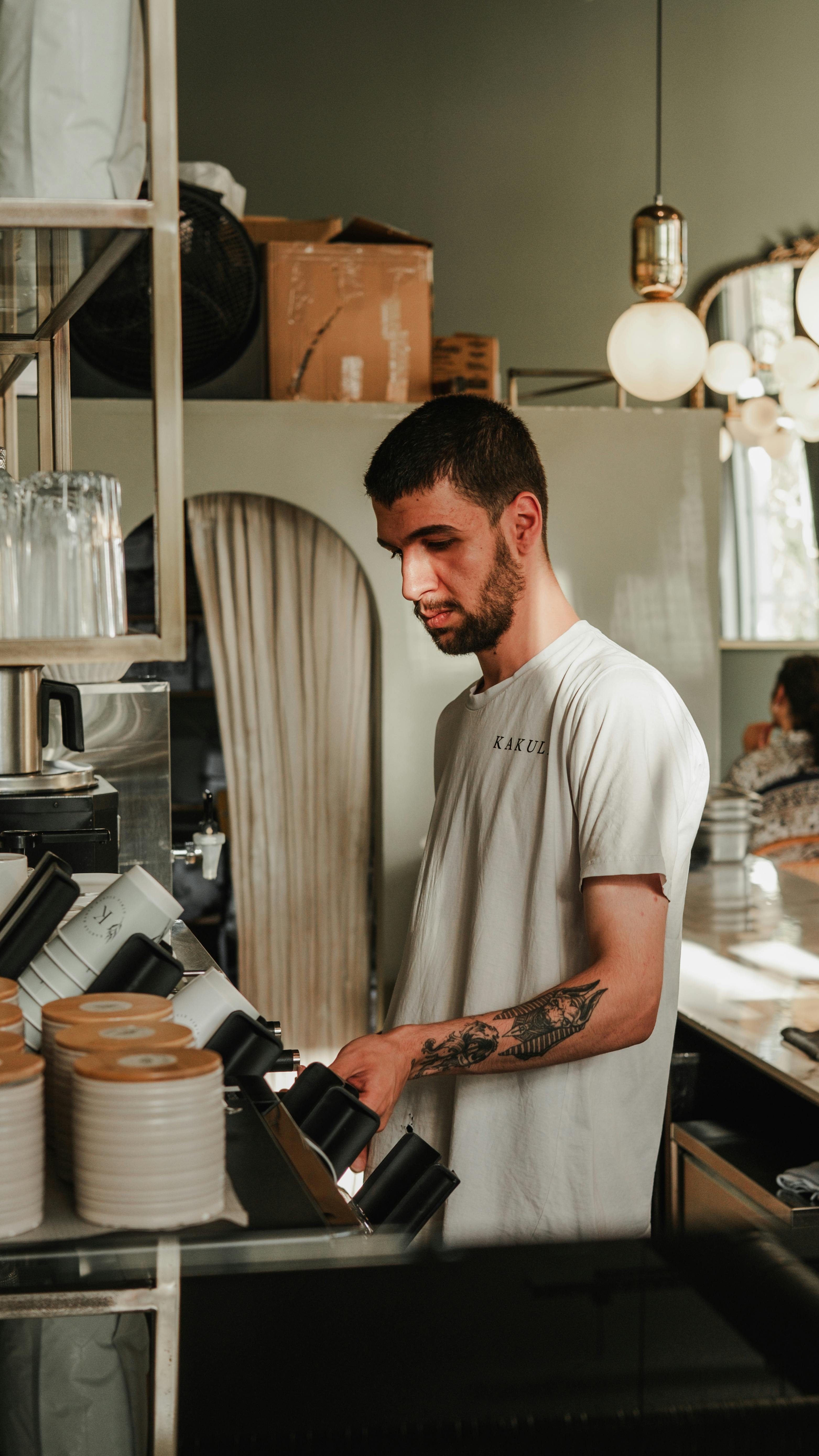
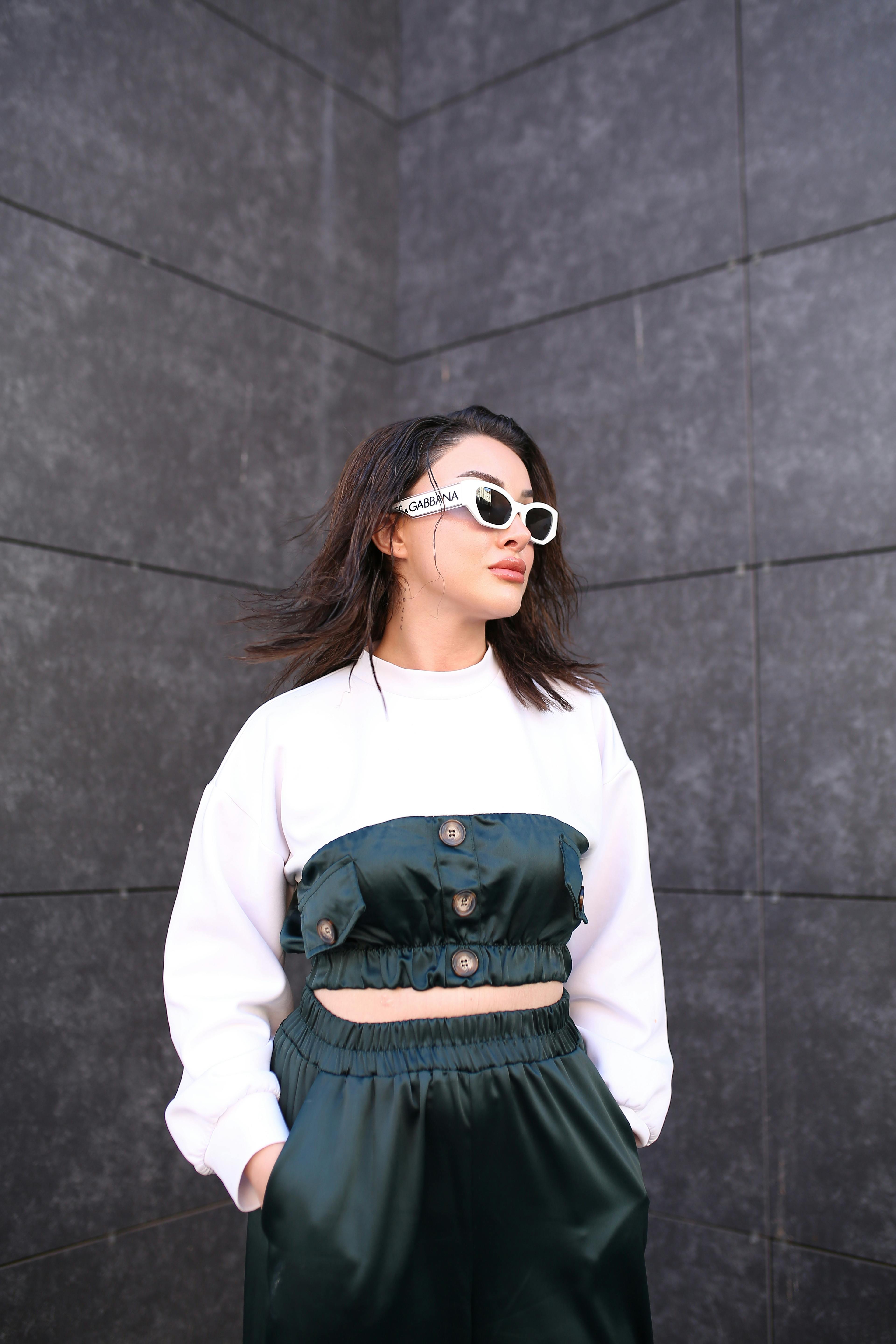
Create realistic product displays with clothing, jewelry, and accessories on lifelike models. These previews show people how items look when worn, which can make them more likely to buy. You can show off different styles without having to set up professional photo shoots.
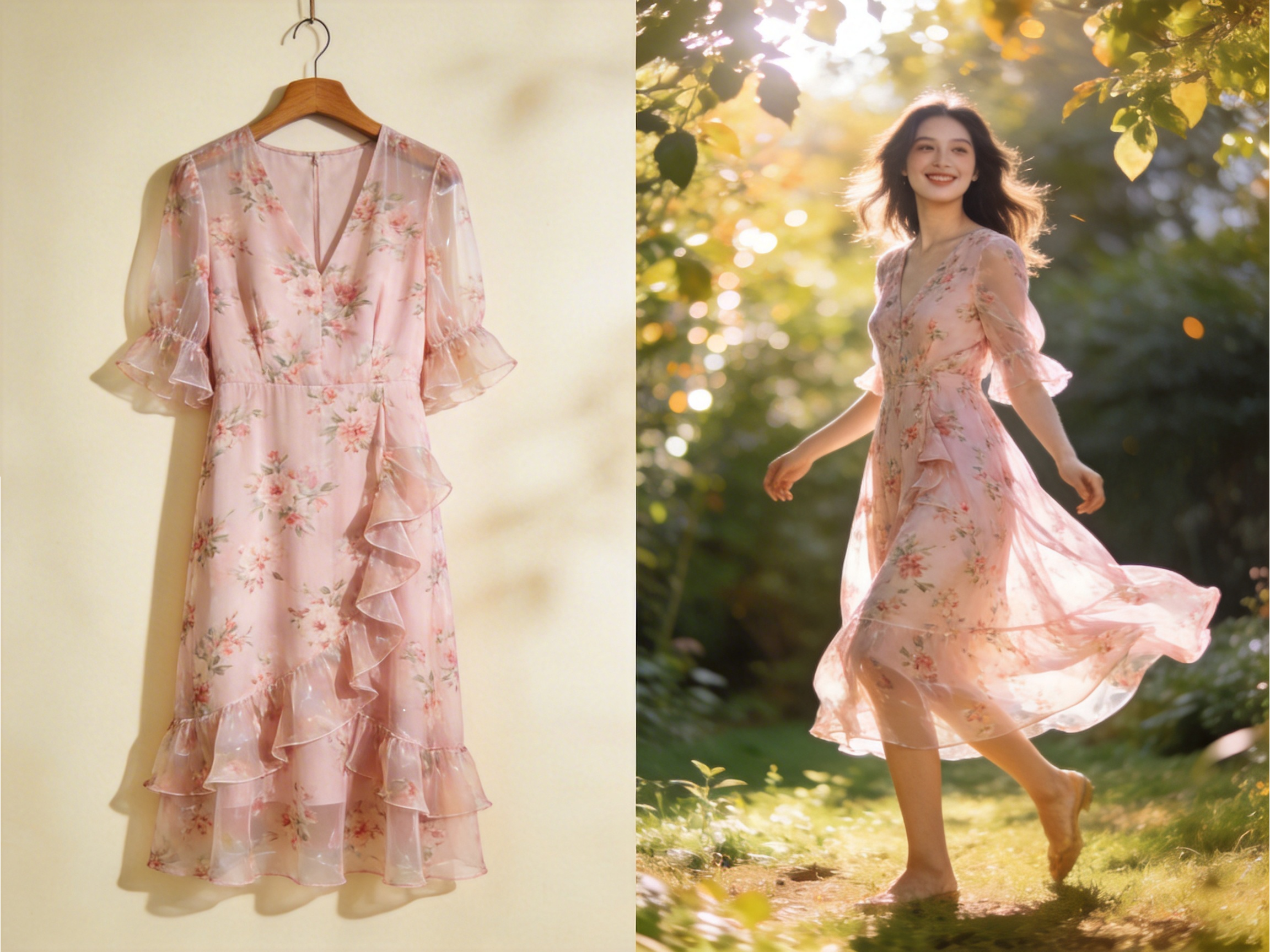

Design posters and banners with Framia Pro's AI design generator. It balances colors, titles, and images, so messages stand out. These visuals are ready for social feeds or print ads and grab attention without hours of manual layout work.
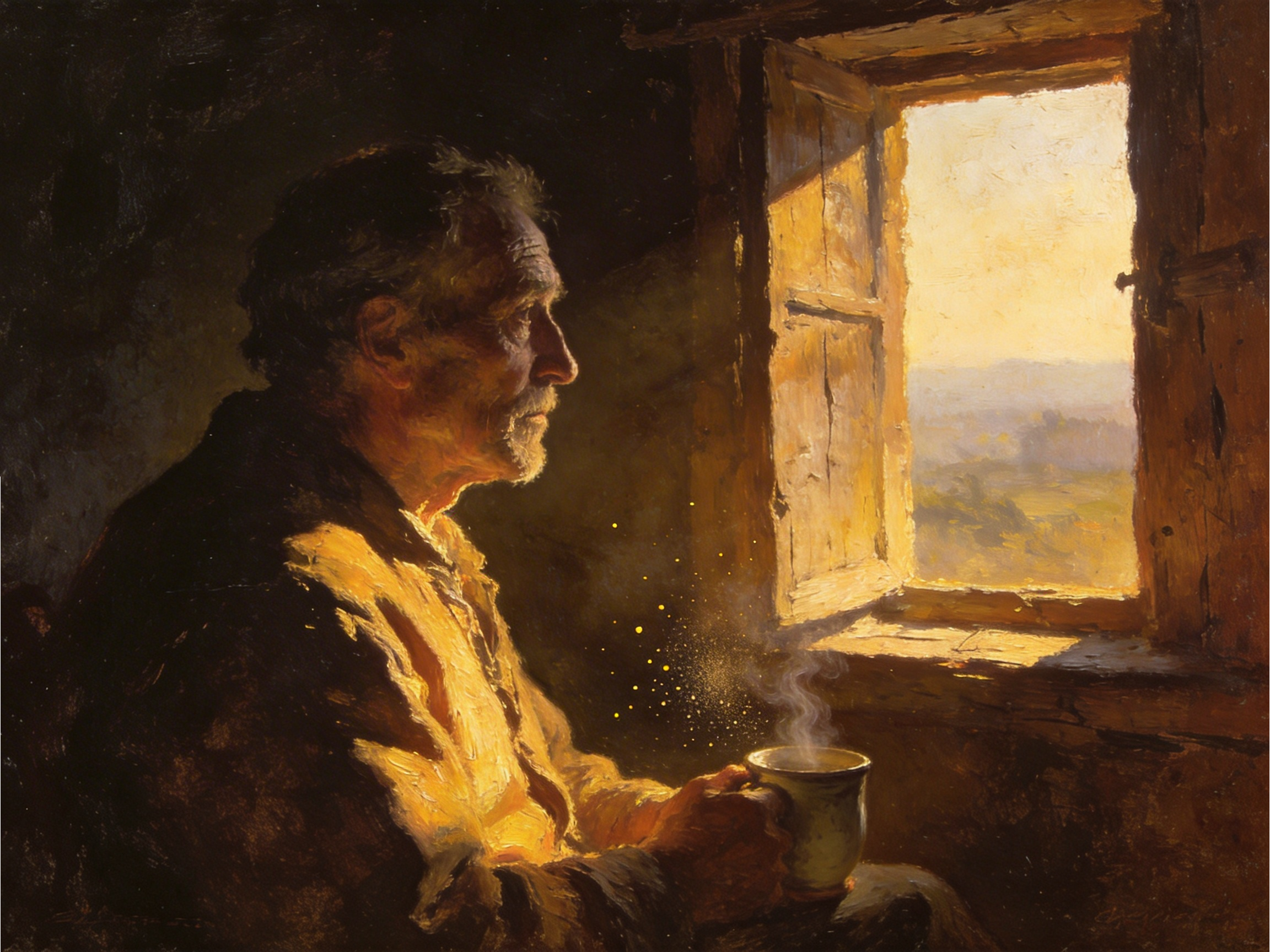
Turn a simple concept into themed art that fits a mood or genre, like anime scenes, landscapes, or fantasy art. The AI generates images that show creativity and a consistent style, lifting your personal or project with richer expression.
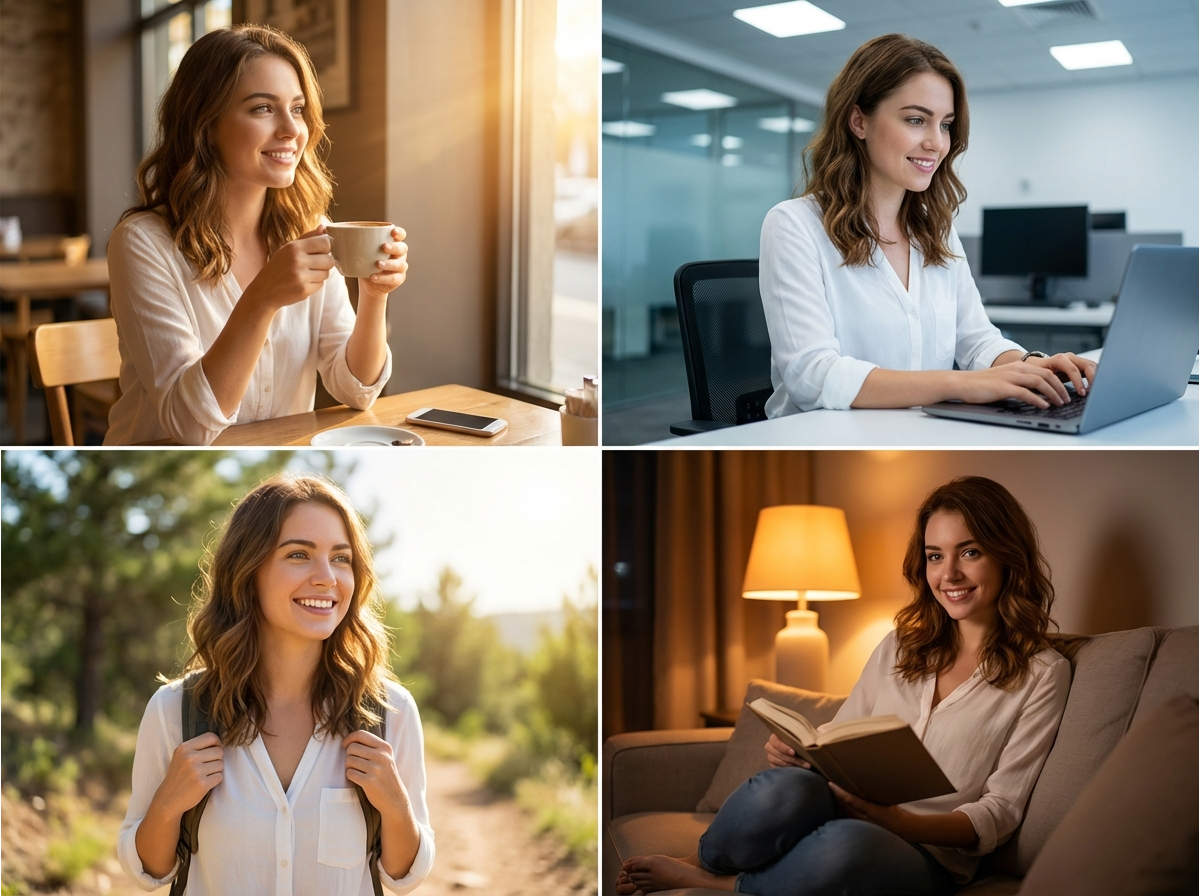
Build a recognizable digital character that represents your brand across websites, social media, and customer service using Seedream 5.0 on Framia Pro. These AI avatars keep a steady look in different poses or outfits, keeping your project cohesive across visuals.
Seedream 5.0 stands out for how closely it follows your idea. Below are the key reasons creators pick it when image accuracy and control matter.
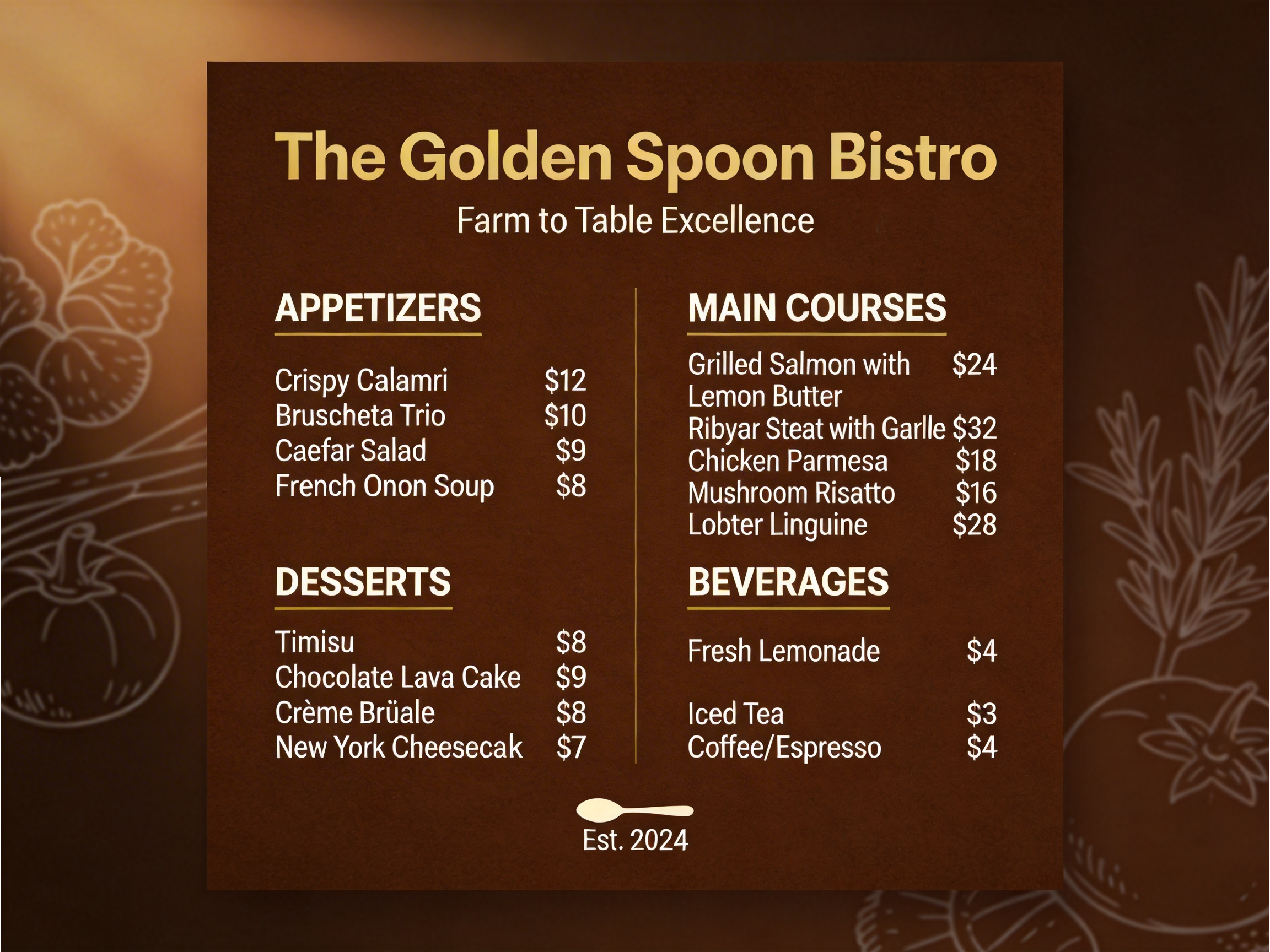
Your signs, menus, and product labels actually say what you typed. Restaurant owners can create readable chalkboard menus. Designers get poster text that looks professional right away. Our AI design generator handles your brand taglines and event dates.
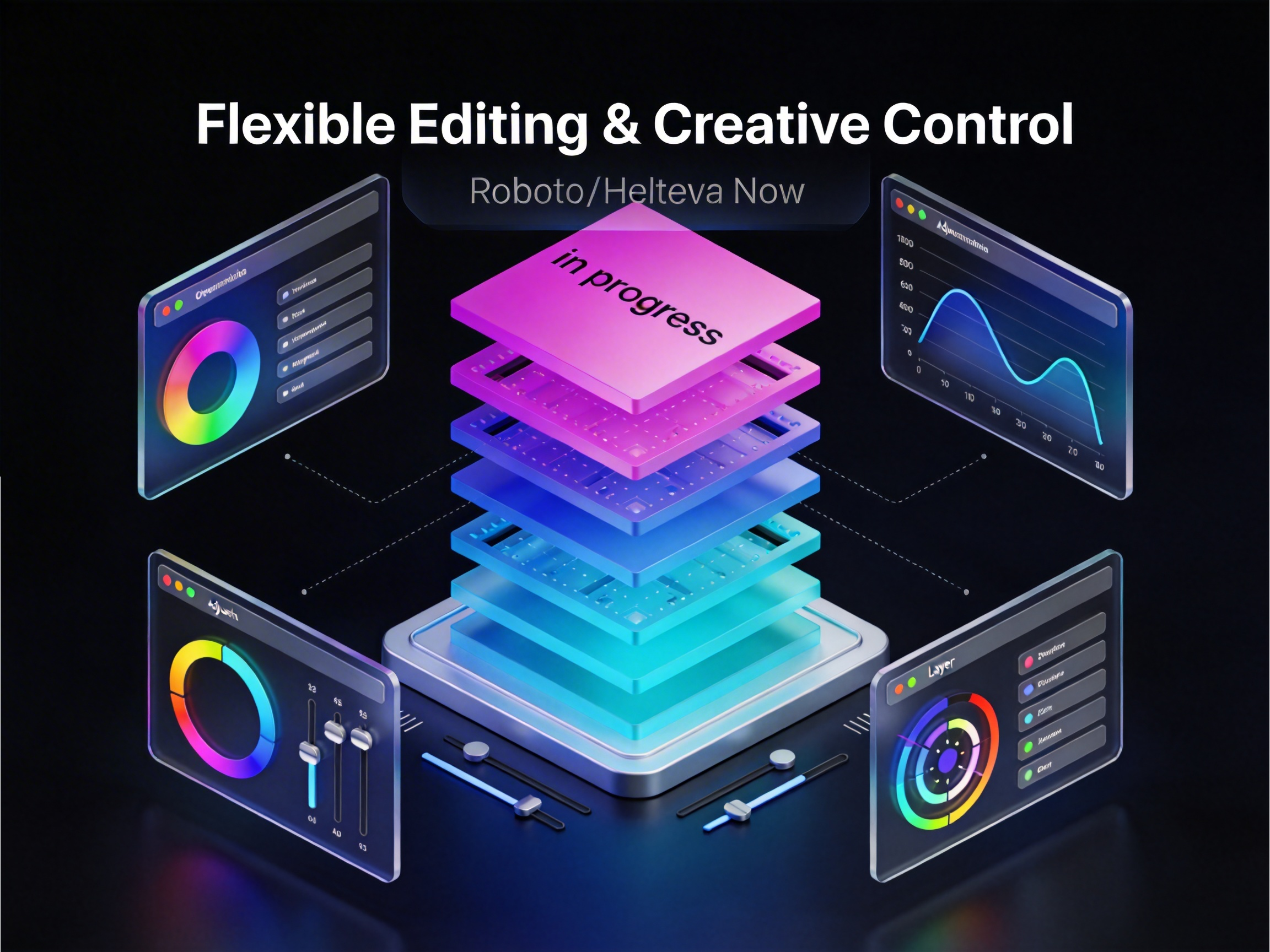
Change the sky color or swap someone's outfit just by typing what you want differently. You're not stuck with the first result. You can also make the lighting warmer or move objects around without starting completely over.
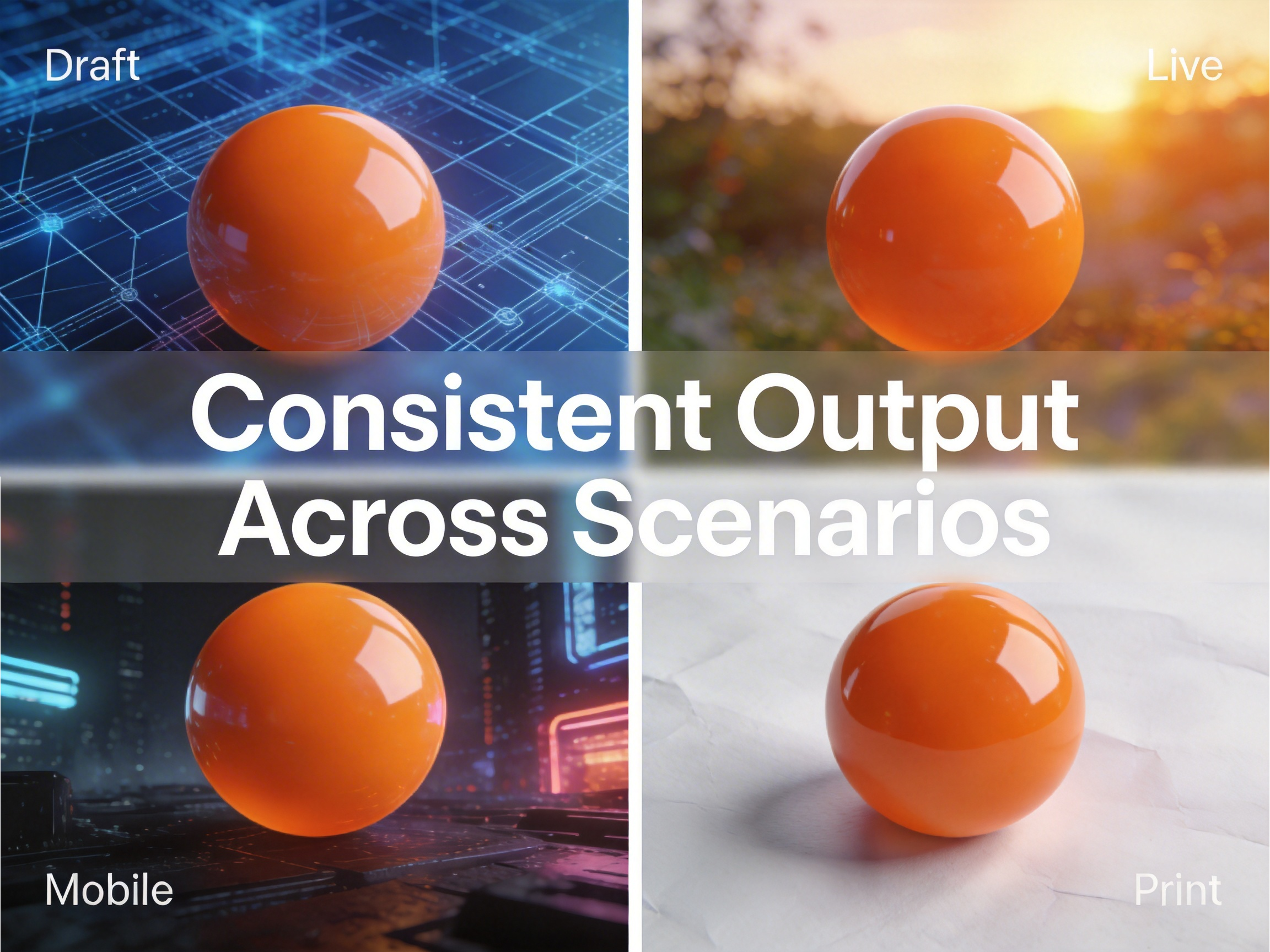
Your character looks identical whether they're at the beach or in an office. Same face, same style, same vibe every single time. Seedream AI image generator also keeps your product shots matching in different backgrounds, so your Instagram grid feels cohesive.
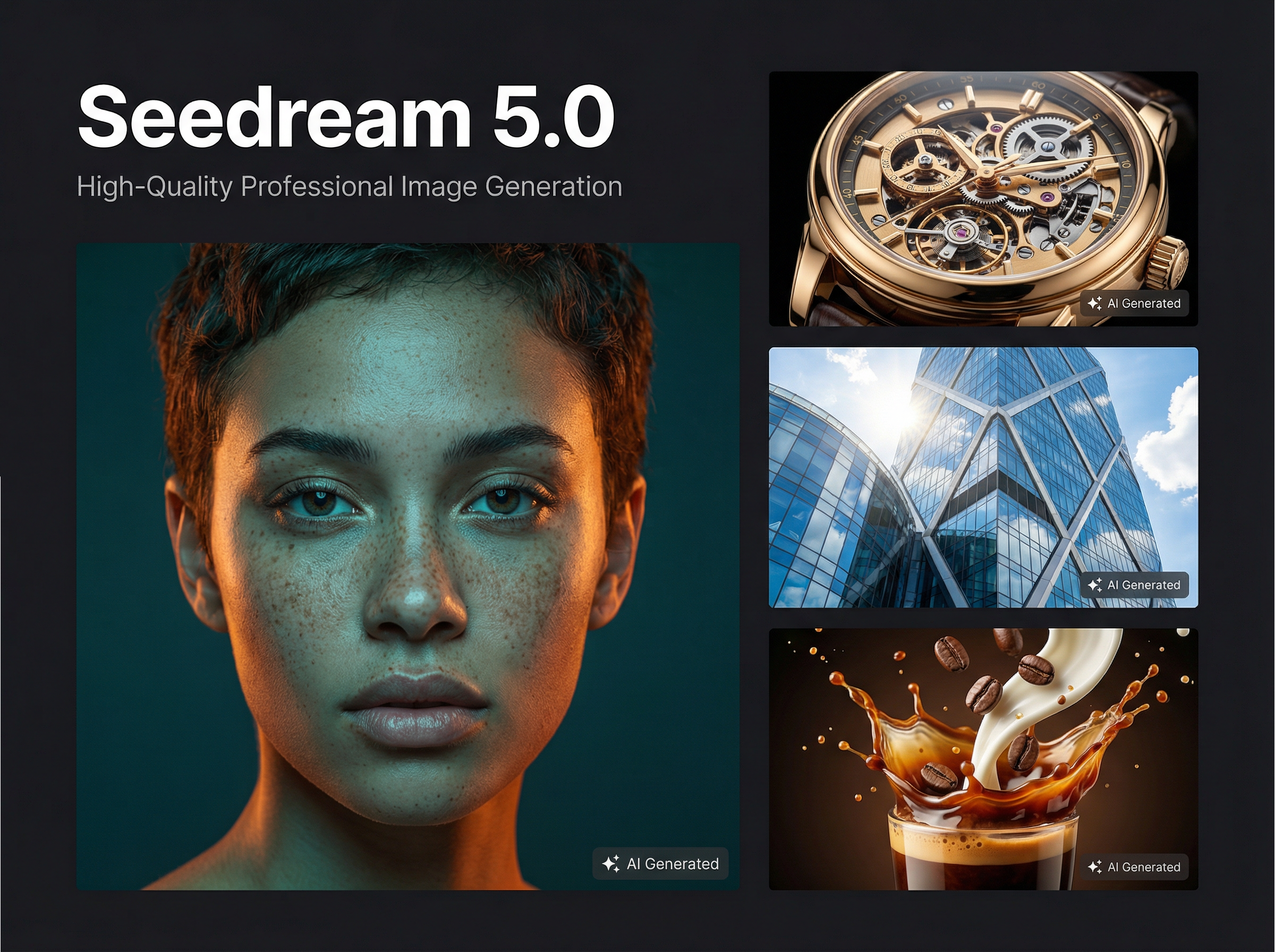
Seedream 5.0 rivals what expensive cameras capture, which lets small businesses compete with bigger brands. Clients can't tell you used Seedream instead of hiring a traditional studio, so your portfolio looks stronger and lands better projects.
Create images featuring current fashion trends, recent car models, or this year's tech gadgets. The AI design tool knows what things actually look like right now. Your images feel modern and informed rather than accidentally outdated, which keeps your brand looking fresh.
Real users share how Seedream solved their biggest creative challenges and saved them serious time and money on visual content.