Step 1: Enter your prompt
Open Nano Banana, enter your prompt, click "Plan" for scene and lighting setup, and toggle "Web" to use live Google Search data for your image.

Powered by Gemini 3.0 reasoning, produce photorealistic 4K images that follow prompts closely with Nano Banana Pro!
Explore the core features of Gemini 3 Nano Banana Pro and see how the model generates accurate visuals:
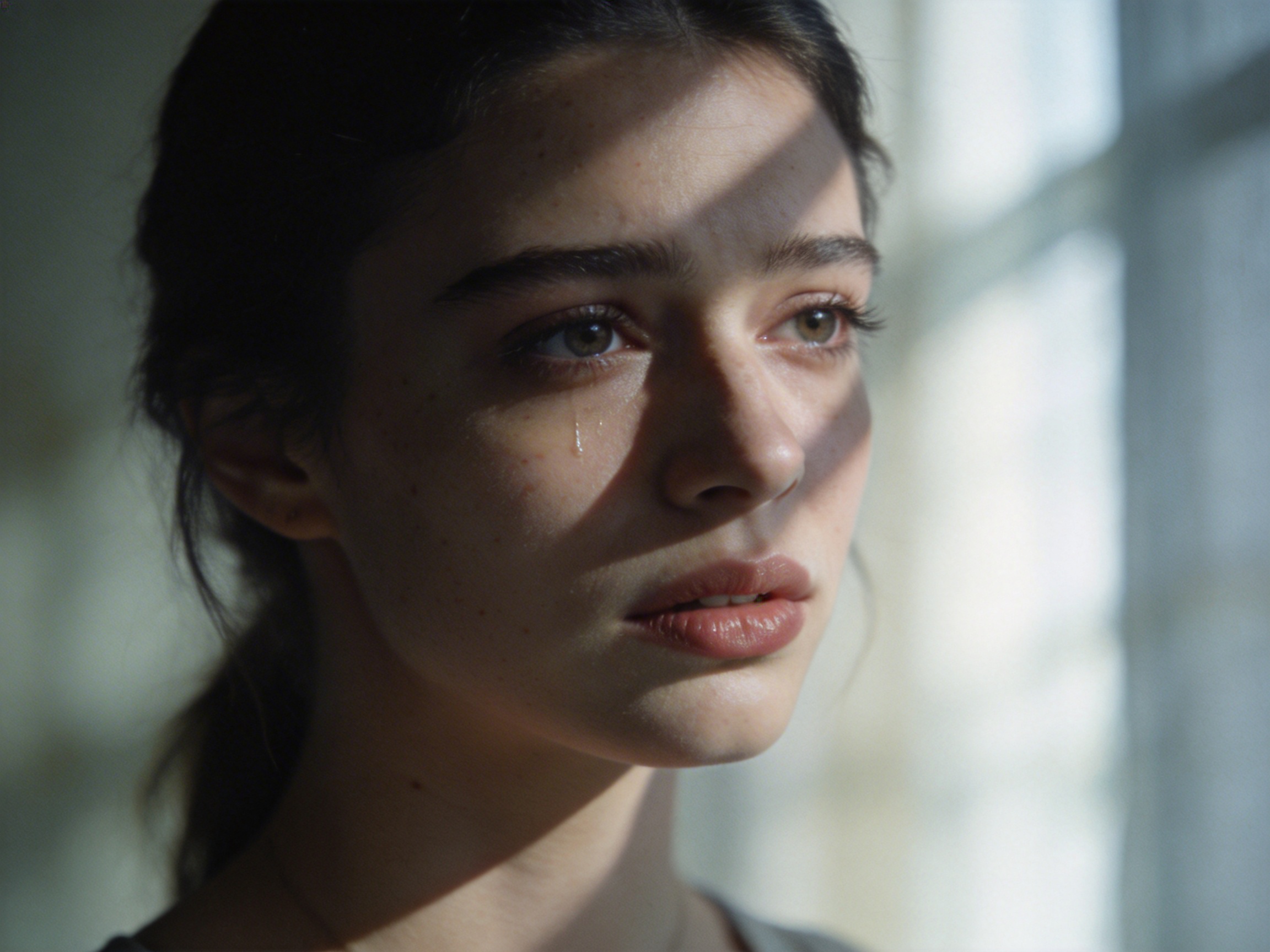
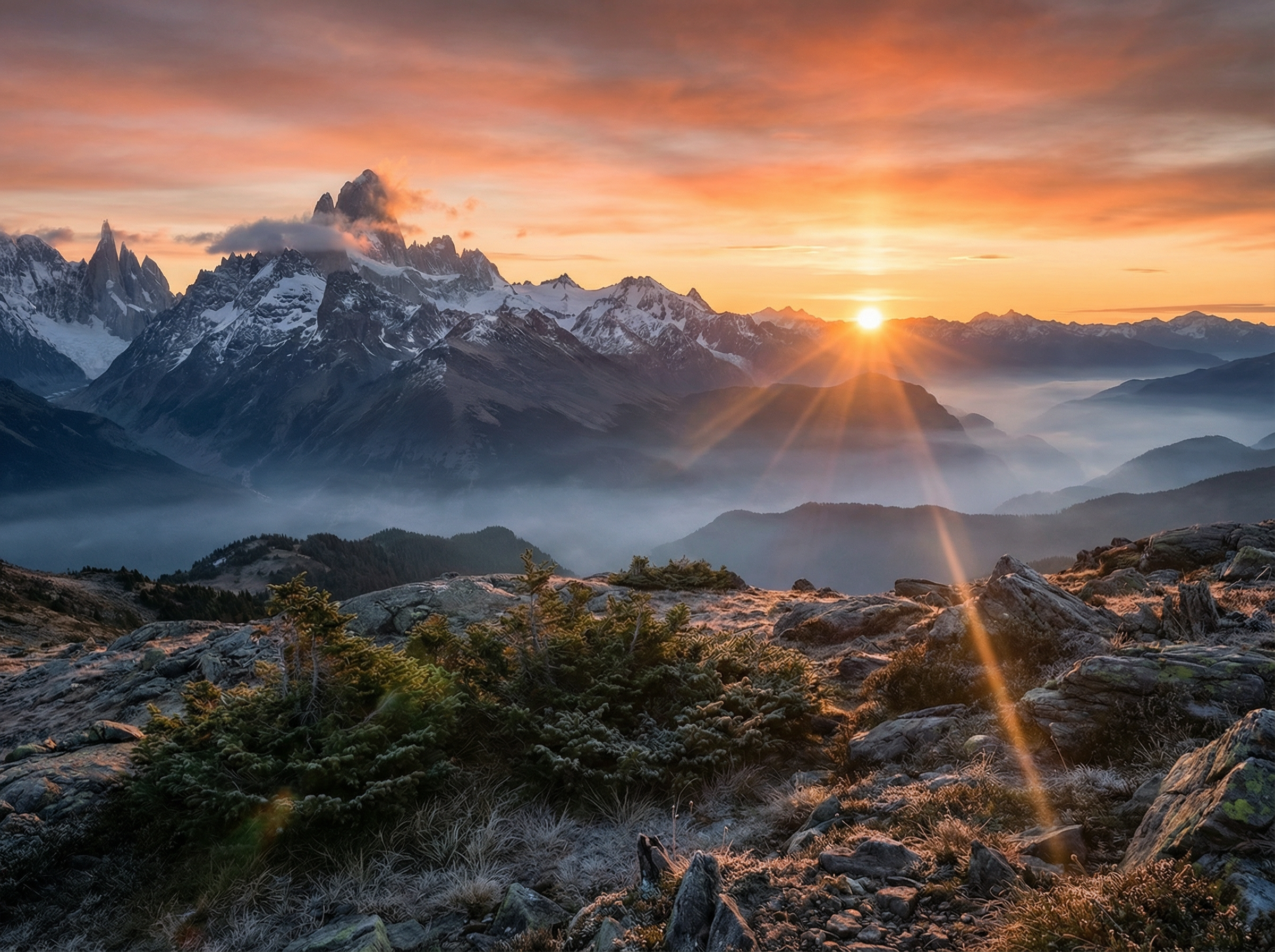
Describe what you want in plain language, and Google 3 Nano Banana Pro generates 4K images that follow the physically based rendering rules for lighting, skin texture, reflection, and shadows. This way, you can make high-quality images for posters, presentations, and commercial graphics.
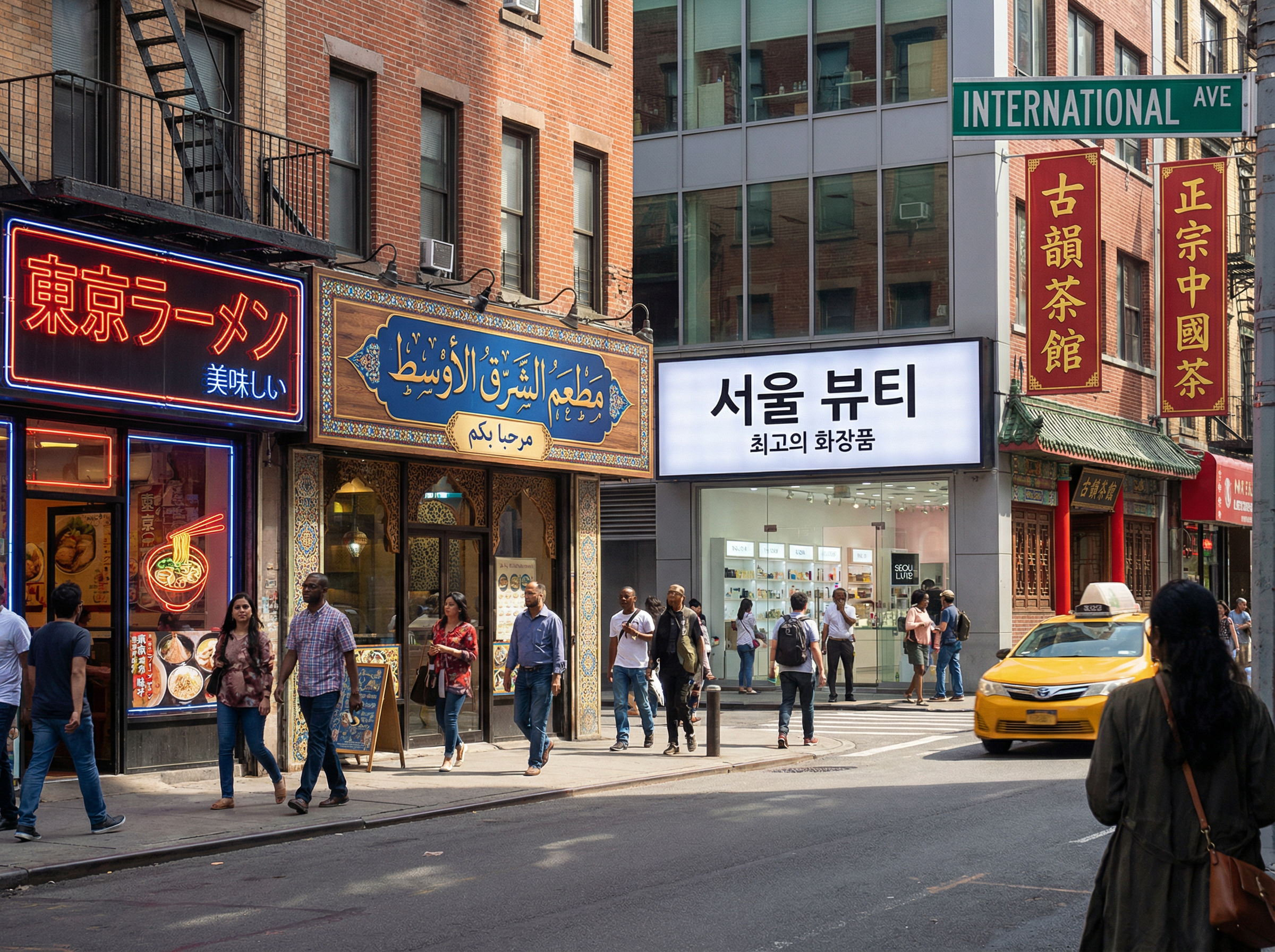
Produce legible multilingual typography in Arabic, Japanese, Chinese, Korean, and Latin scripts inside any generated image. The model interprets the semantic context of a scene to apply correct glyphs, spacing, and directionality, and keeps the surrounding artistic style and layout.
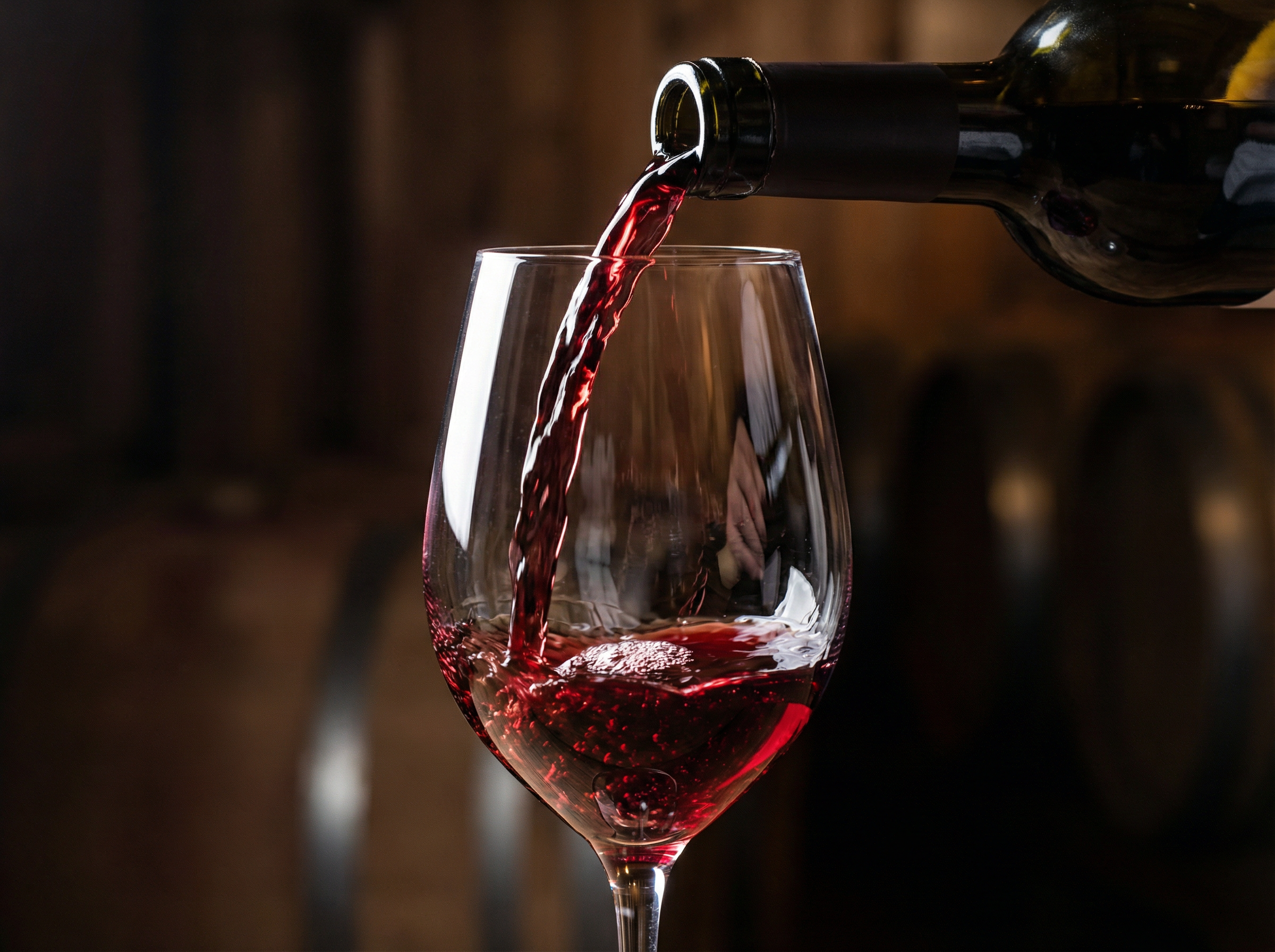
Plan scenes using causal logic before rendering begins. The Gemini 3 backbone models how liquids flow, how objects rest, and how light bends. This produces accurate shadows, fluid motion, and weight distribution that standard diffusion models consistently fail to replicate.
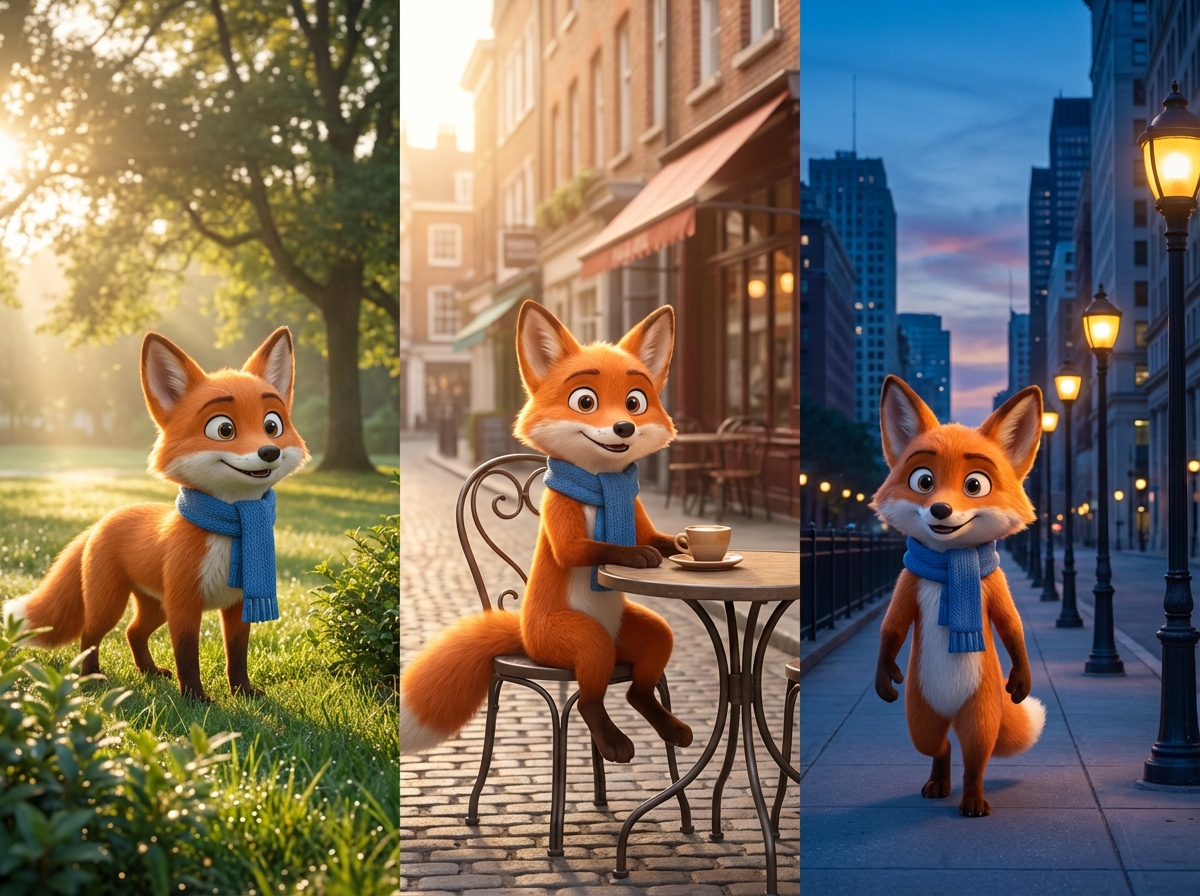
Upload up to 14 reference images per session. Gemini 3 Nano Banana Pro identifies unique visual traits for each character and retains them through different environments, lighting, and camera angles. Brand mascots and visual identities stay consistent from the first to the final asset.
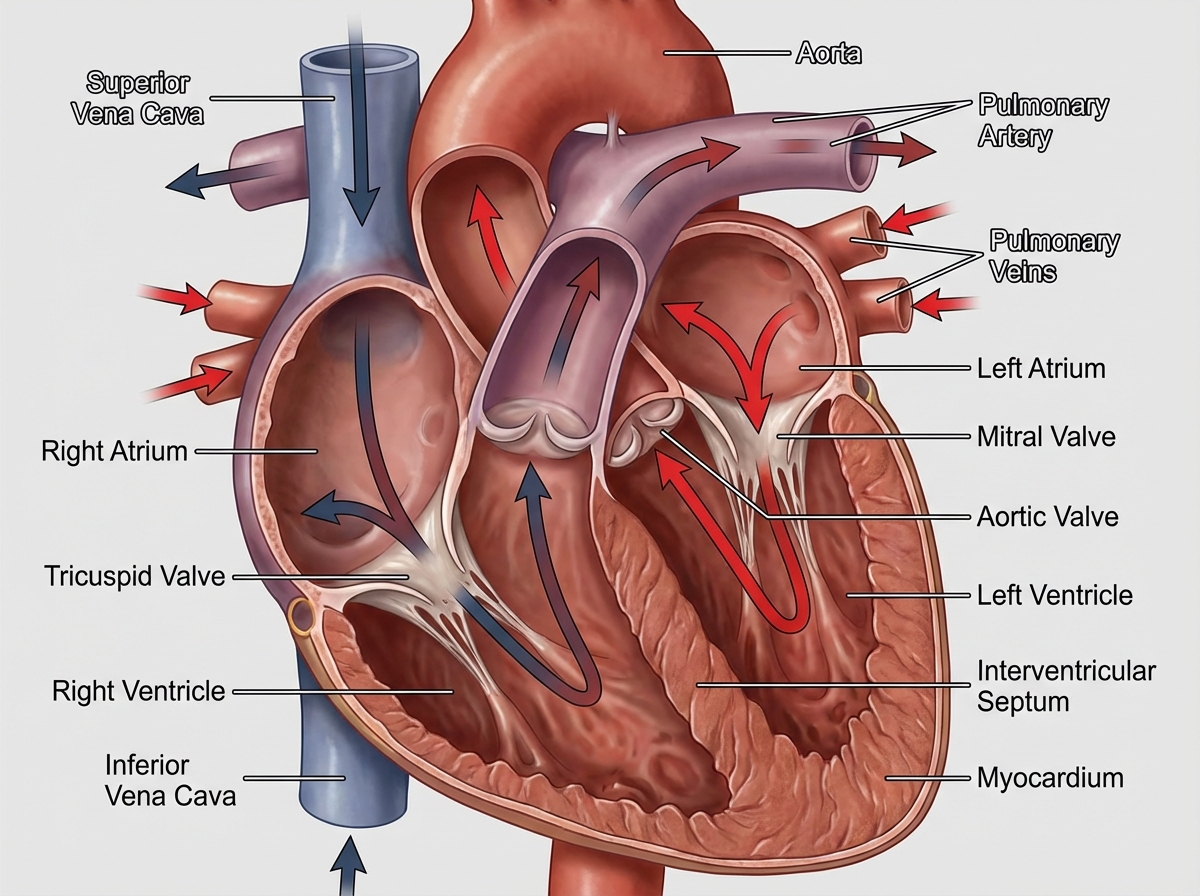
Use Google Search data during image creation while using Nano Banana Pro on Framia Pro. This way, diagrams, maps, and learning visuals follow real information. The system places correct labels, facts, and details inside the generated image.
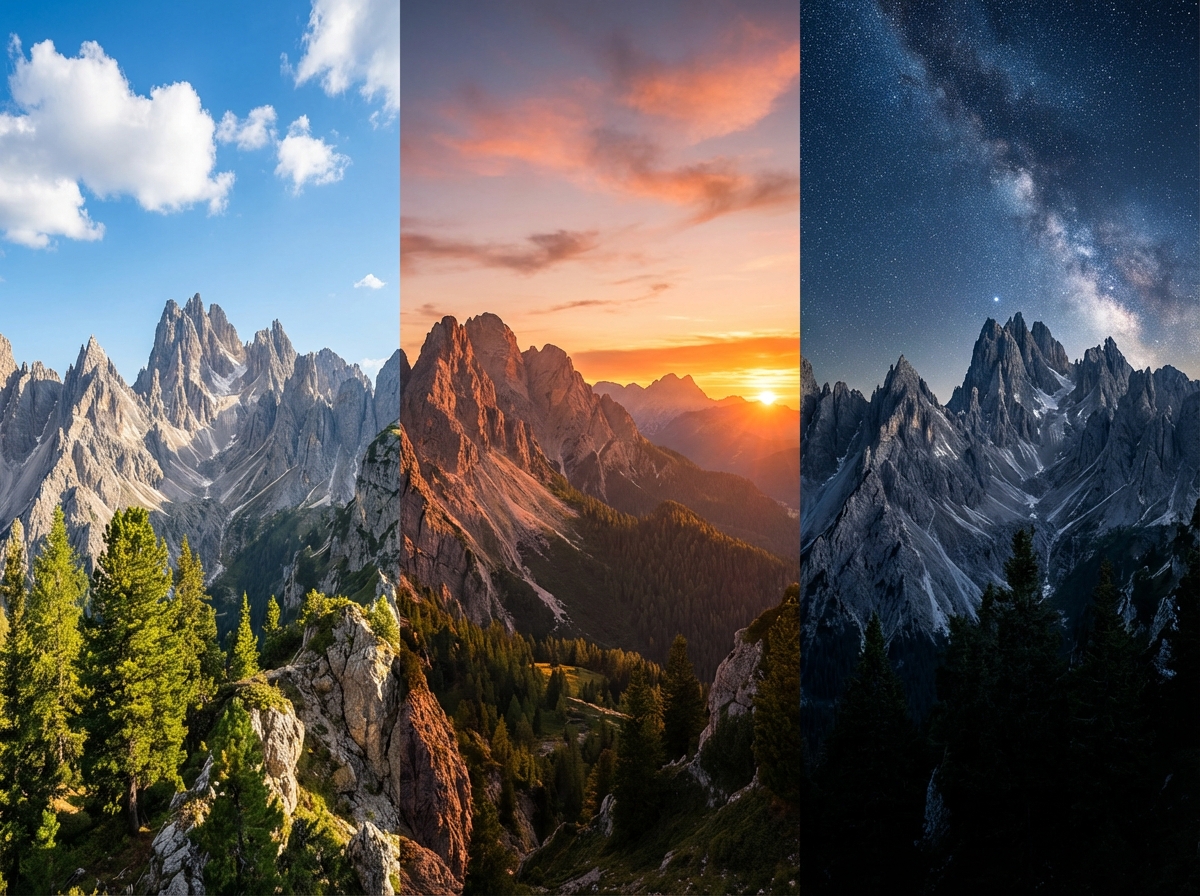
Type a targeted instruction to swap an object, replace a background, or shift lighting from day to night. Nano Banana Pro on Framia processes each edit step in sequence and updates the scene while preserving existing elements and layout.
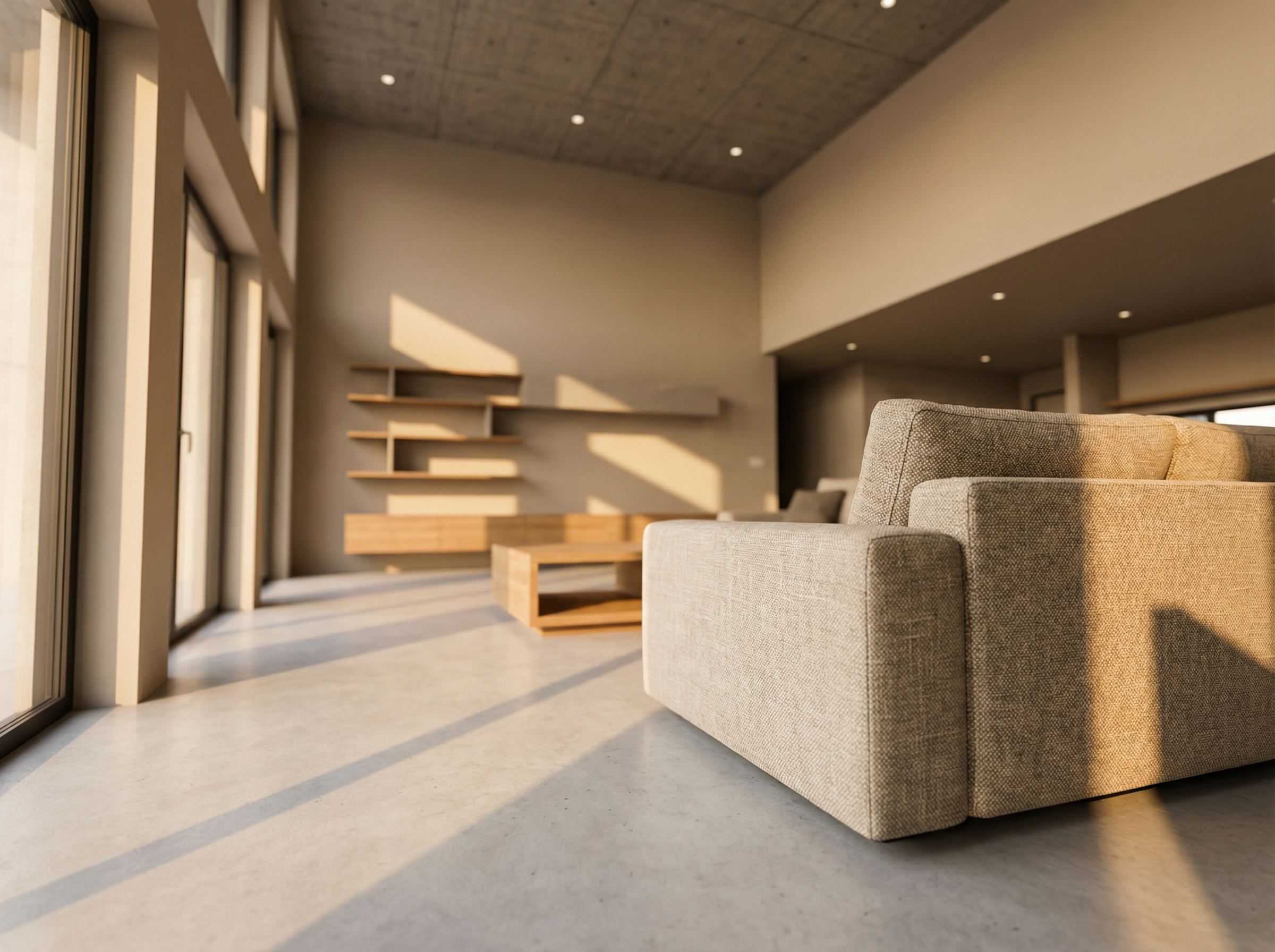
Set angle, lighting direction, brightness, depth of field, focus, and color style in your prompt. This lets Gemini 3 Nano Banana Pro apply these settings during generation to produce precise images for product photos, architectural visuals, and cinematic storyboards.
With these quick steps, you can create images, artwork, and banners using Nano Banana Pro on Framia:
Create images quickly for different projects. Give Nano Banana Pro a try now!
Compare Nano Banana and Nano Banana Pro to see which model fits your needs.
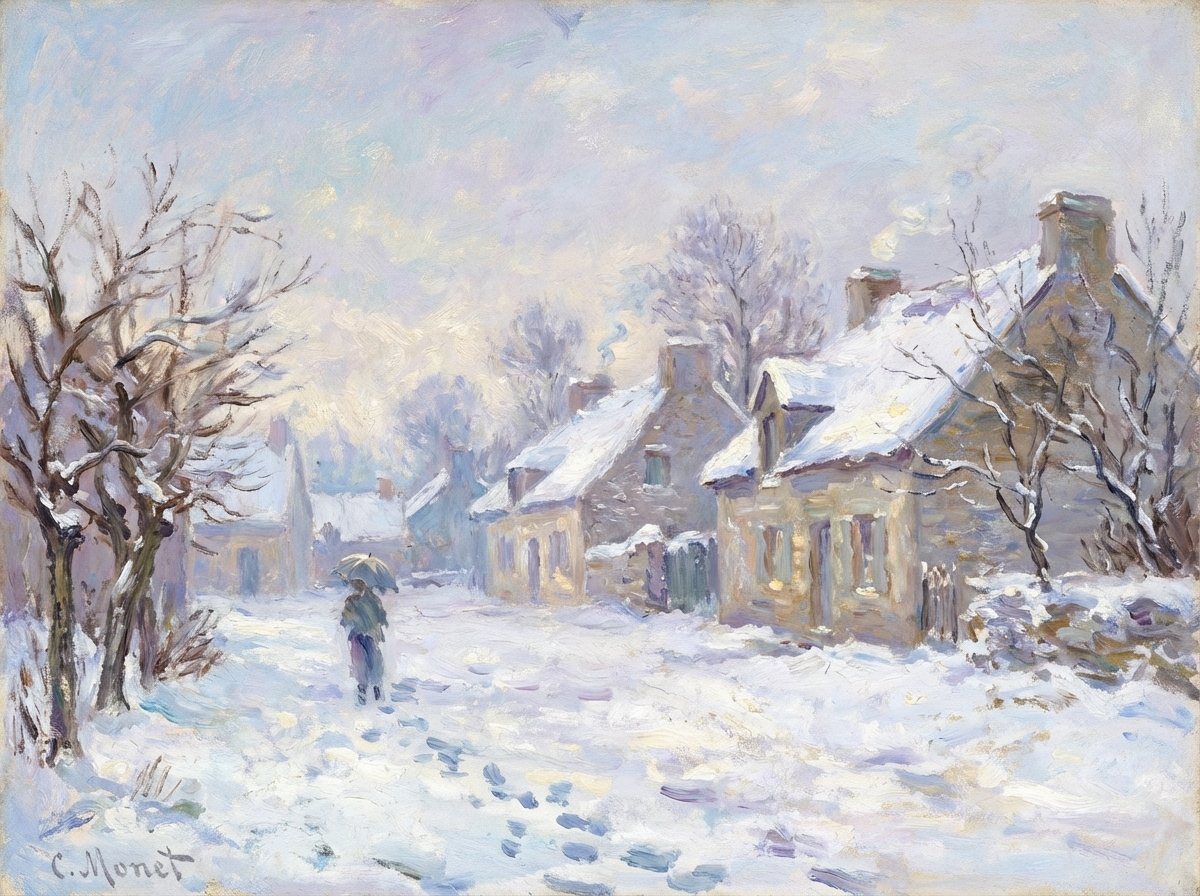


Hear directly from the designers, teachers, and marketers who replaced the entire production workflow.






Generate 4K images, edit scenes, and publish clean visuals with Nano Banana Pro on Framia. Describe your idea and render it instantly.