Framia

Nano Banana Image Generator

Create and edit images from text or photos with Nano Banana. Adjust scenes, styles, and details with simple prompts and quick results.

Describe your image, drop a reference photo, or type an edit. Nano Banana reads your words and gives you high-quality output.
Plan

Discover the core features of Nano Banana AI

Generate photorealistic images, edit them by typing commands, and export them in any aspect ratio.

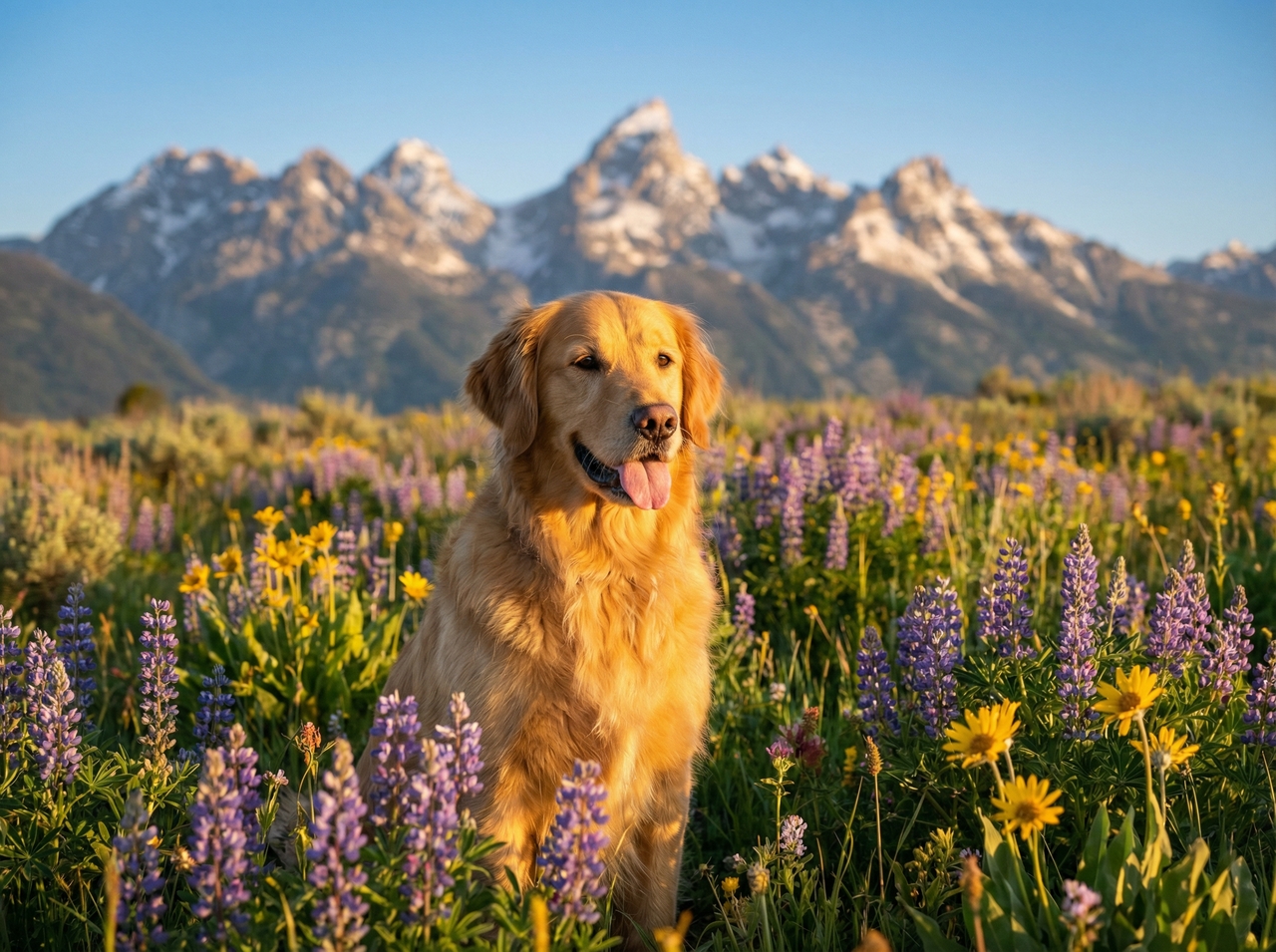
Create images from simple prompts

Write what you want to see in plain language. Nano Banana reads your description and creates an image that matches your words. It can capture subjects, settings, and styles based on what you type.

Image from text prompt
Natural language image editing

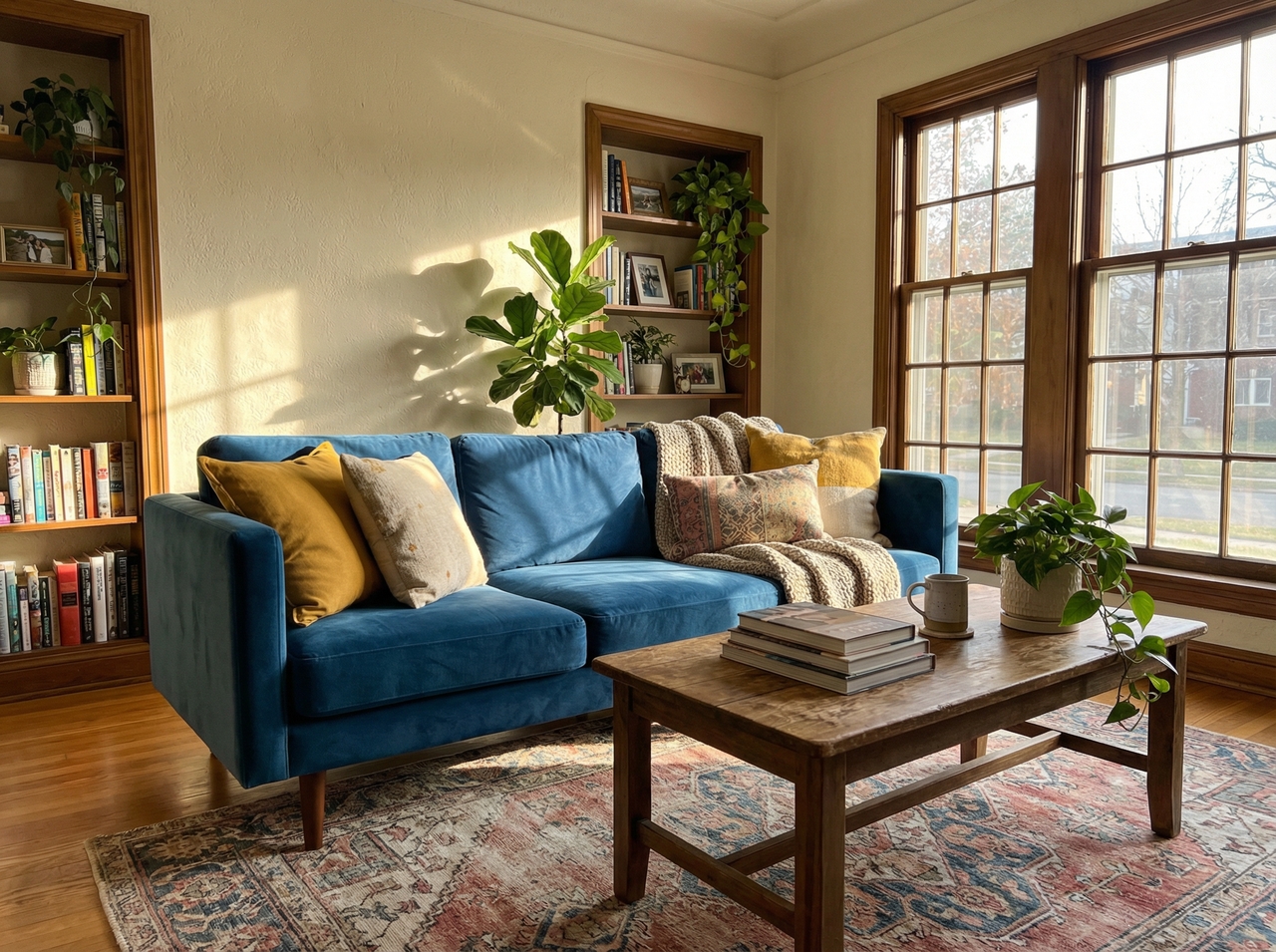
Edit images with natural commands

Upload your image, then write the change you want. Swap objects, fix colors, or adjust light with a short sentence. The system updates only that part, so the rest of your image stays the same and clean.

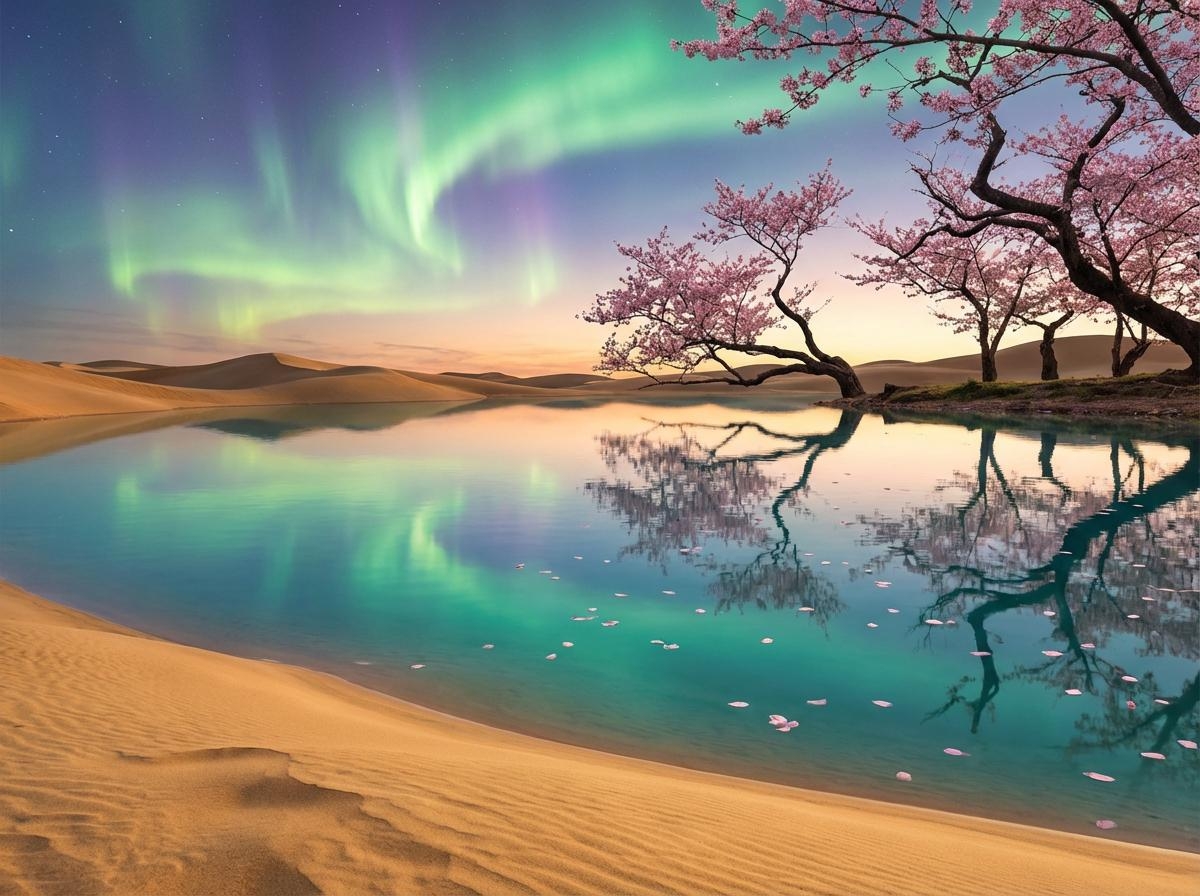
Blend multiple images into one scene

Upload up to 14 reference images in one prompt, and Nano Banana fuses their objects, lighting, and compositions into a single output. The final image feels like one scene instead of separate pieces joined together.

Blending multiple images into one scene
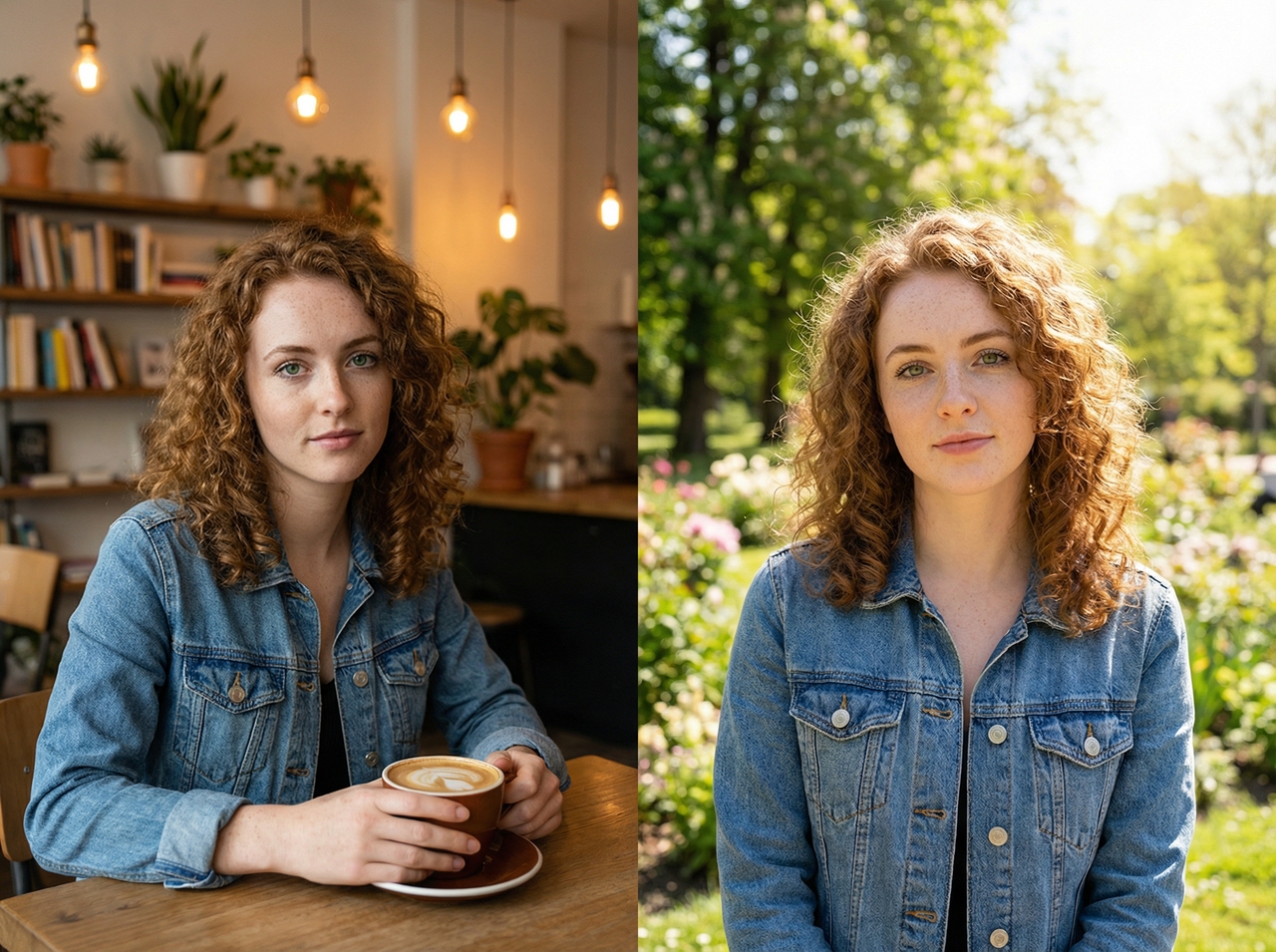
Character consistency on images

Keep characters consistent across edits

Start with one reference image. Nano Banana keeps the same face, outfit, and details when you create new scenes. This works well when you want the same person or subject to appear in different images.

Control objects, backgrounds, and layout

Describe what should change in your scene. Move objects, switch backgrounds, or adjust placement using simple words. Nano Banana follows your instructions and updates the layout while keeping the rest of the image steady.

Object and background control
Generate images in multiple sizes and ratios

Generate images in multiple sizes and ratios

Pick from 14 native aspect ratios, including 9:16, 16:9, 1:1, and 21:9, and Nano Banana outputs at your target dimensions. The model adjusts the scene to fit the frame, so your subject stays clear, and nothing important gets cut out.

How to use Nano Banana on Framia Pro for free?

Check out the steps below to create images with Nano Banana AI on Framia Pro:

Step 1: Type your prompt
Open Framia Pro, type your idea or scene, and then click "Plan" to set lighting, layout, and composition before generating the image.

Step 2: Generate the image
Choose Nano Banana, add reference images, pick an aspect ratio under "Settings > Design," and click "Generate" to create your images.
Step 3: Download to your device
Preview your image, type edits to change objects, backgrounds, or lighting, then click "Download" to save the final version to your device.

Why do creators use the Nano Banana image generator?

Below are the reasons why creators and marketers love using Nano Banana on Framia Pro:

1. Fast image creation
Get an image in just 6 seconds with Nano Banana on Framia. It processes your input quickly and returns results almost instantly. This short wait lets you try new ideas, test changes, and move through concepts without slowing your workflow.
2. Strong prompt understanding
Write simple, clear instructions, and Nano Banana follows them closely. It picks up objects, scenes, and styles from your words. Better prompts lead to sharper results, so even small details such as lighting or mood can guide the final image more clearly.
3. Creative styles and visual themes
Add a few words to your prompt to try different styles. You can go for realistic shots, sketches, or cinematic vibes. Nano Banana tweaks colors, textures, and tone, which means each image fits the look you want.
4. Consistent characters and subjects
Start with one reference image and get the same character in new scenes. Nano Banana keeps faces, outfits, and details steady, so your visuals stay connected. It is great for stories, branding, or showing the same person repeatedly.
5. Easy image editing with text
Upload an image and write what should change. Remove objects, adjust lighting, or swap elements with short instructions. Nano Banana on Framia updates only the selected part. This way, the rest of the image stays unchanged.
6. Flexible image sizes and formats
Choose the format before you generate the image. Pick square, vertical, or wide layouts based on your needs. Nano Banana on Framia Pro adjusts the scene to fit the frame. Your subject stays clear, and the composition looks balanced.

Trending AI image edits created with Nano Banana

Me and Younger Me (Time Travel Edit)

Prompt: A present-day adult hugging their younger self, soft lighting, emotional moment, realistic faces, natural skin tones, cinematic depth of field
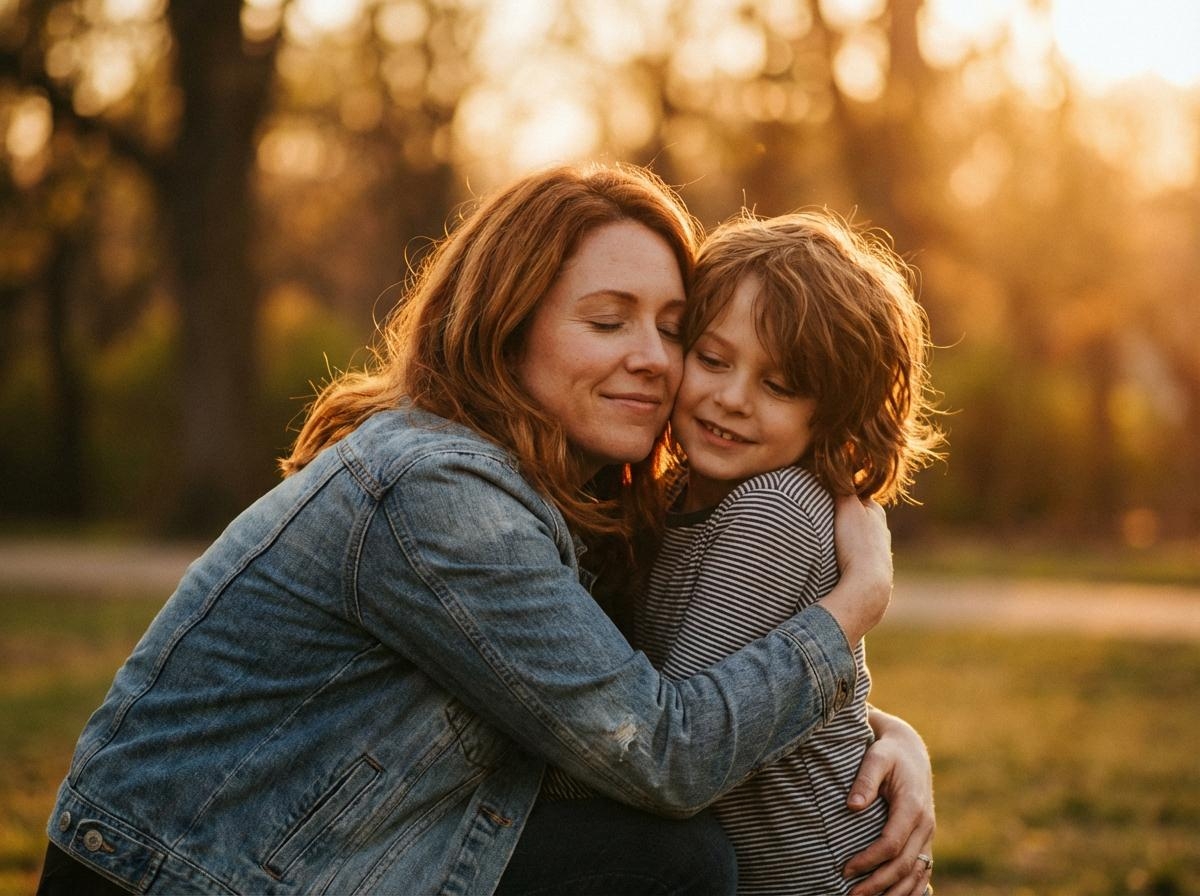
Me and Younger Me (Time Travel Edit)
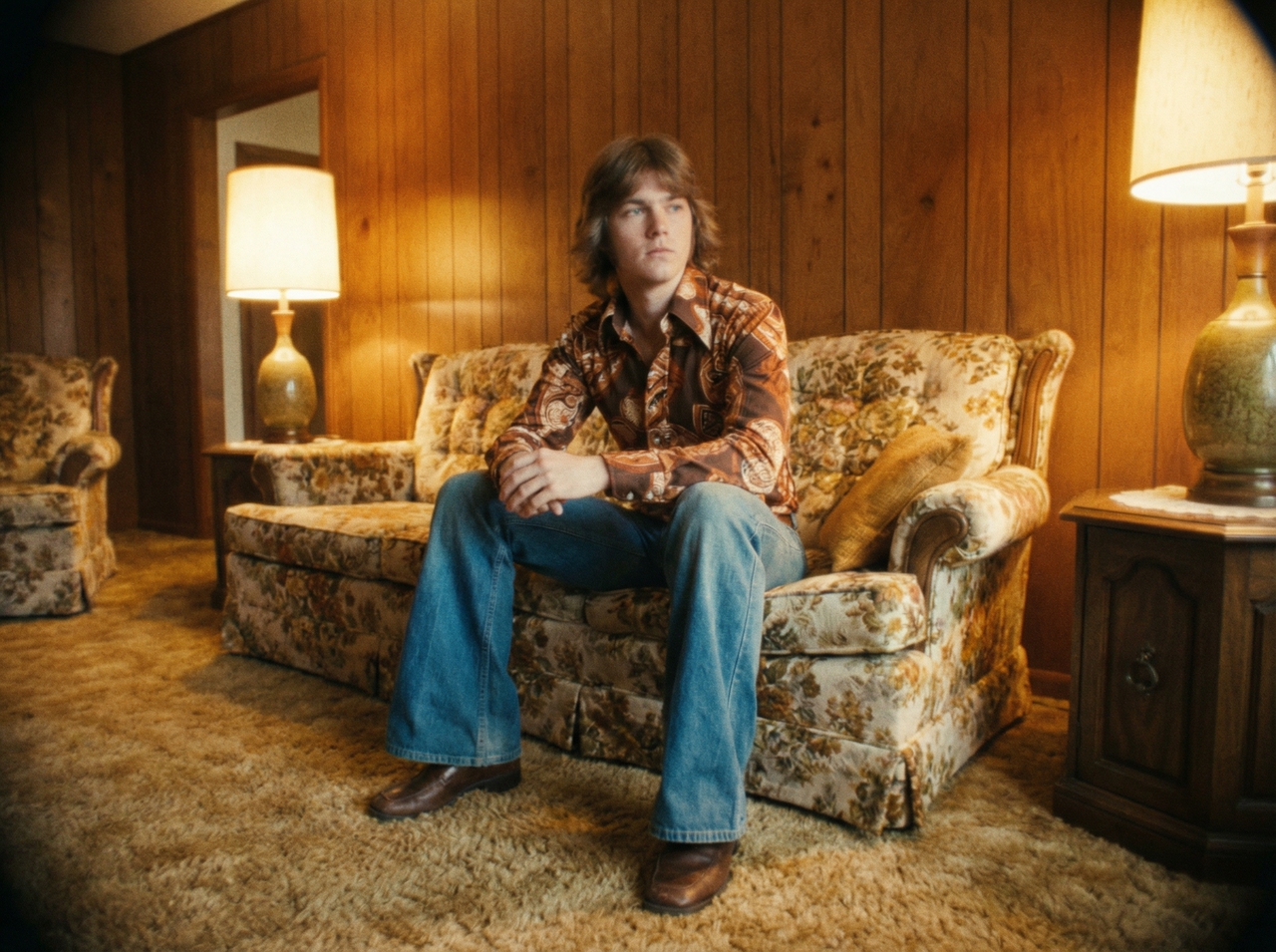
Vintage Era Transformation

Vintage Era Transformation

Prompt: Portrait in 1970s style, retro outfit, film grain, warm tones, analog camera look, authentic vintage background.

Snow Landscape Aesthetic

Prompt: Portrait of a person standing in a snowy village, falling snow, soft winter light, cinematic composition, peaceful mood, and great detail.
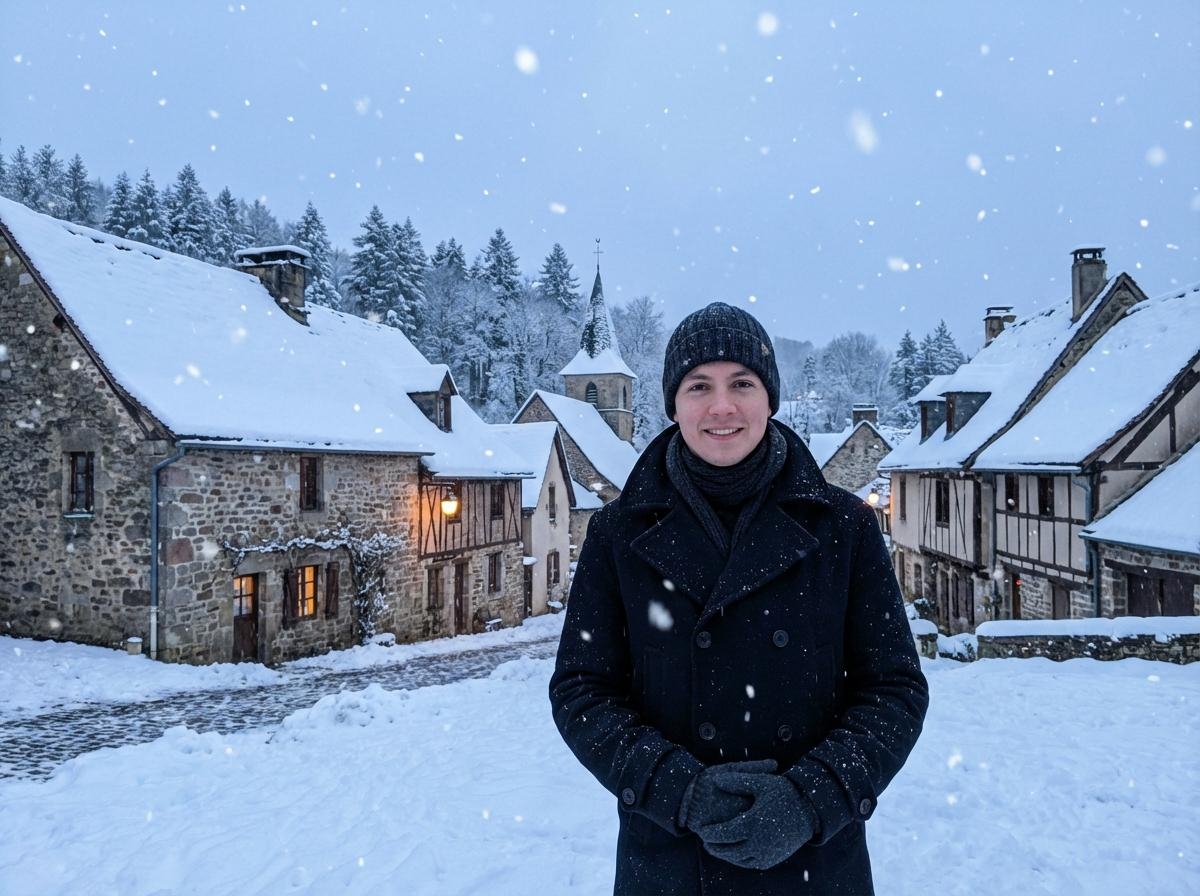
Snow Landscape Aesthetic
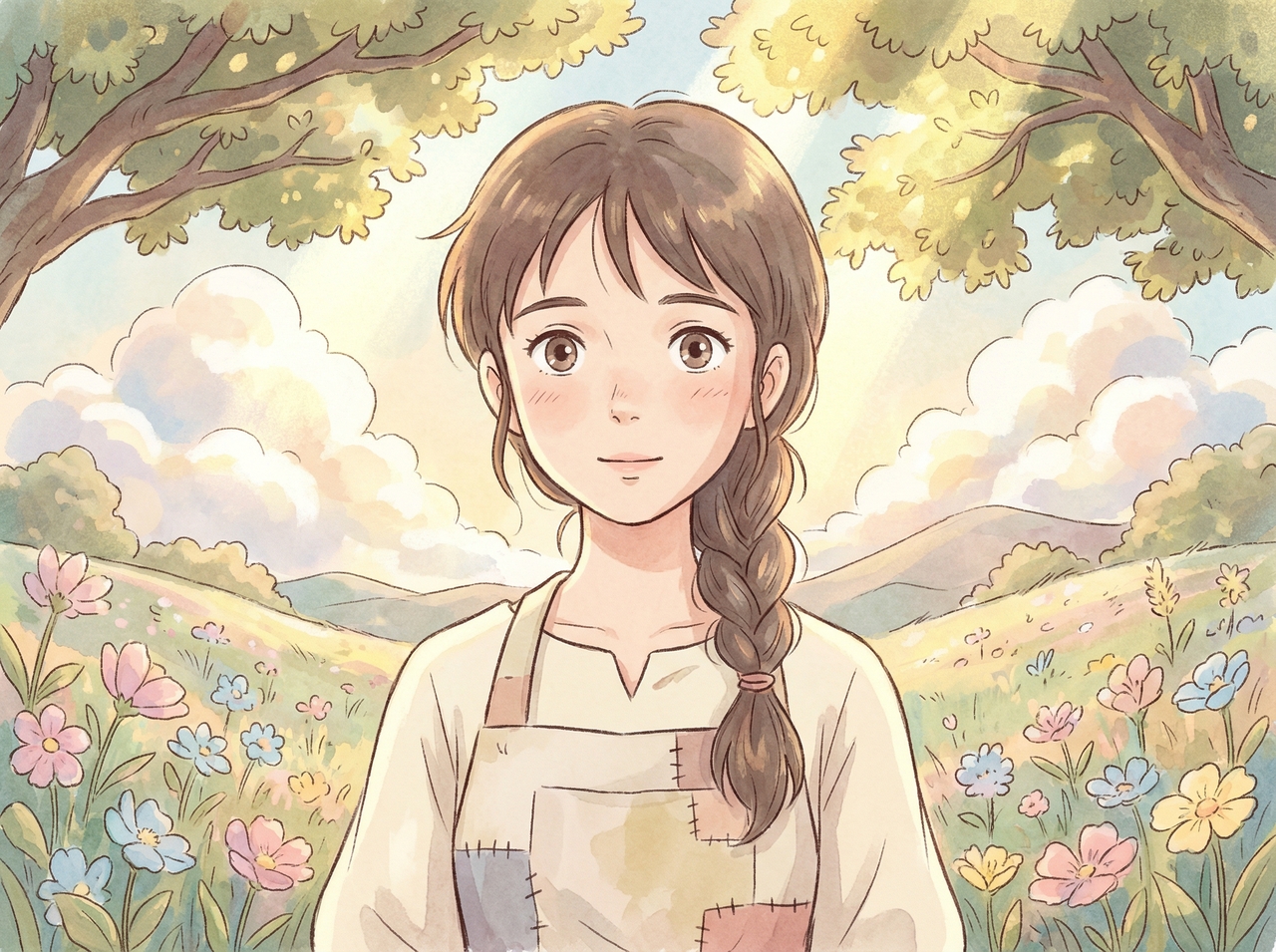
Ghibli Style Art

Anime / Ghibli Style Art

Prompt: Convert this photo into soft anime style, hand-drawn look, pastel colors, detailed background, expressive eyes, and warm lighting.

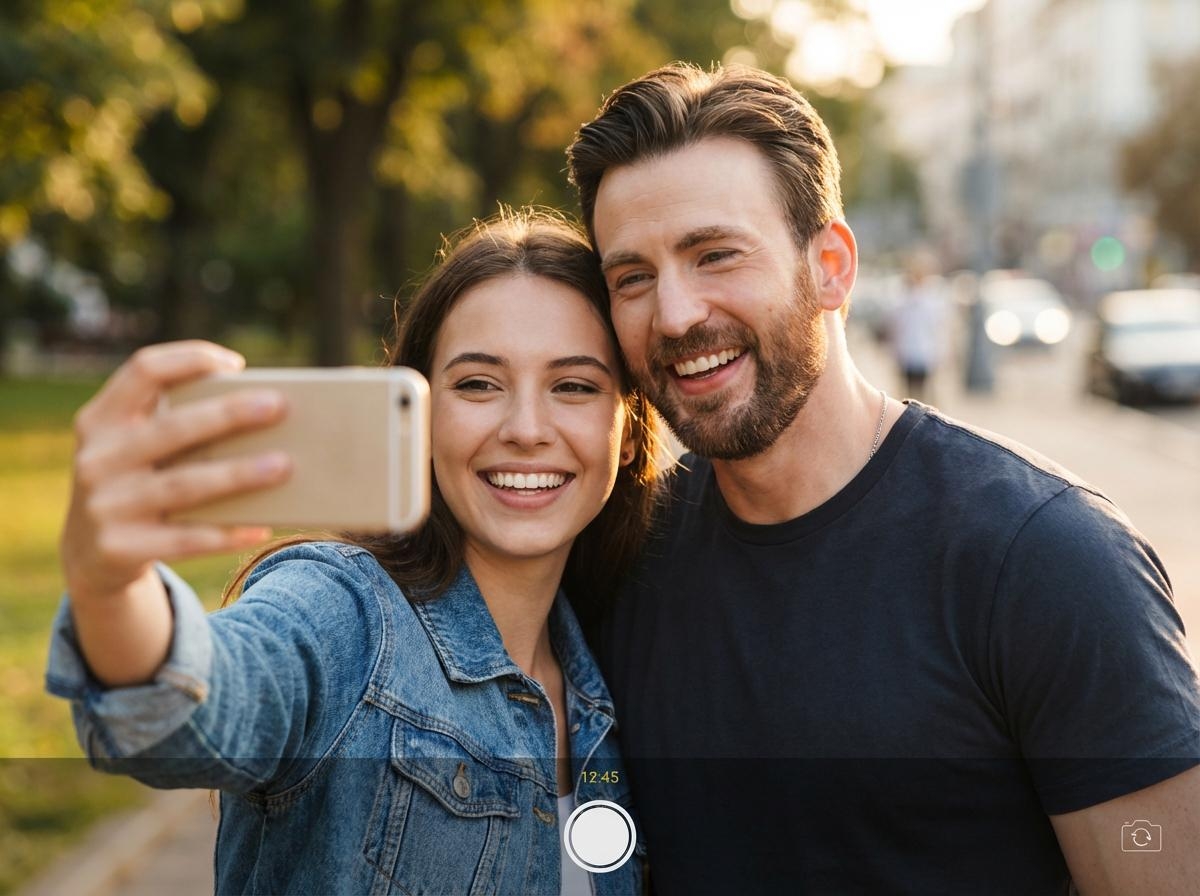
Celebrity Selfie Style

Prompt: Realistic selfie with a famous actor, casual pose, natural lighting, outdoor setting, smartphone camera angle, sharp facial details.
Celebrity Selfie Style
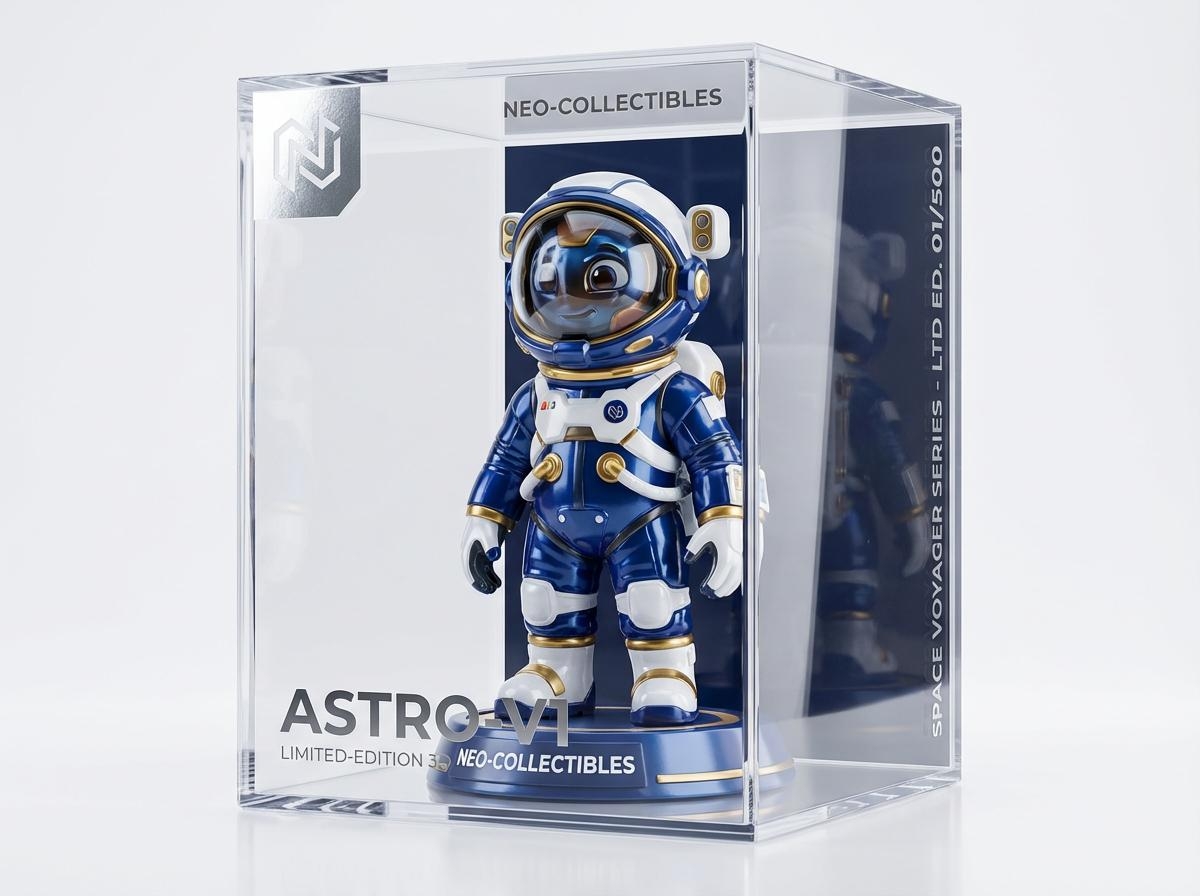
3D Figurine Collectible

3D Figurine Collectible

Prompt: Turn this person into a premium 3D collectible figurine inside a display box, glossy finish, toy packaging design, and studio lighting.

Practical use cases for Nano Banana image generator

Create visuals for posts, ads, and stories. Nano Banana fits different content needs with quick prompts.

1. Make social media content
Plan fun and engaging posts using short text ideas. Generate visuals for feeds, reels, or stories. Test different looks quickly and pick the best one. This keeps your page active and gives you new content for daily sharing.
2. Generate product mockups
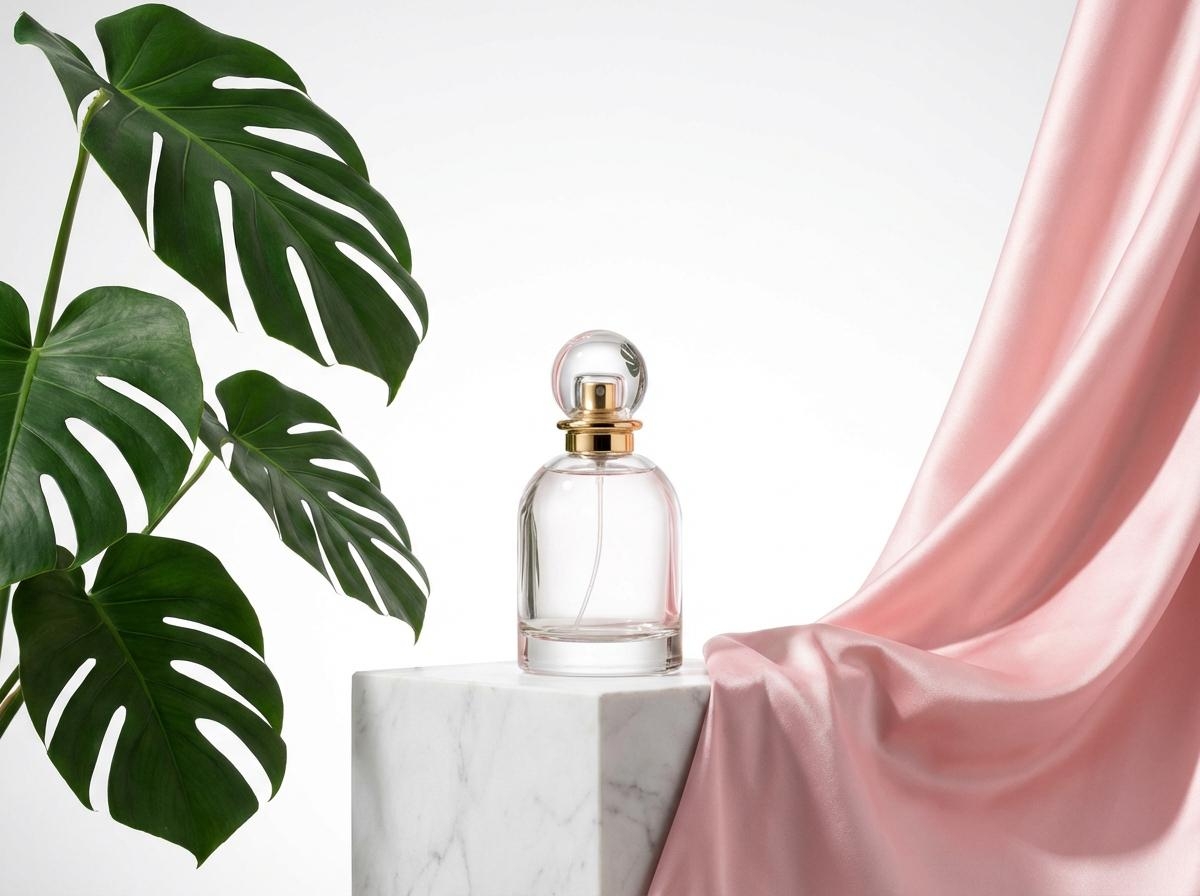
Show items in realistic setups using AI. You can add context such as a desk, shelf, or outdoor scene. The model blends shadows and angles so the item fits the space and looks natural in the final image.
3. Design complete story visuals
Place the same character in ten different scenes. Nano Banana 2 keeps the face, outfit, and details identical in every frame. Your story stays visually connected from the first image to the last.
4. Produce marketing assets
Create banners, covers, or promo visuals with Nano Banana. Change the layout, colors, and focus to match your idea. The model supports different formats, so you can make content for social posts, ads, or anywhere you need.
5. Blog and website visuals
Pick images that fit your topic and page layout, describe the idea and mood, and generate content that matches. This makes your content easier to follow and your page more engaging for readers.
6. Ad creatives for campaigns
Create multiple ad versions using one idea using Nano Banan Pro. Change small details in each version to test different results. This gives you options to compare and select visuals that match your campaign goals and audience style.

Explore users' testimonials about Nano Banana on Framia Pro

Hear what creators say after using Nano Banana for real projects and quick visual work.

Maria, K
Maria, K
E-commerce Seller
I had a product shoot planned, but had to drop it last minute. So I tried Nano Banana out of curiosity. I wrote an idea, and the result came out clean. It looked good enough to post and saved me a full day.
Olivia Turner
Olivia Turner
Social Media Manager
I used to spend hours fixing small image issues. Then I started typing what I wanted changed instead. At first, it felt odd, but after a few tries, it started to click and fit into my daily routine.
Daniel Brooks
Daniel Brooks
Digital Marketing Manager
I run a small page, so I need fresh posts often. That used to slow me down, but now I test different looks in minutes. After that, I pick one and move on without getting stuck on one design.
Sophia Bennett
Sophia Bennett
Story Writer
I tried it for a short story idea with Nano Banana, just to see what happens. Then I noticed the same character stayed consistent in every scene. That made things easier, since I did not need to repeat details again.
James Carter
James Carter
Digital Marketer
I wanted clean ad visuals, but I did not want complex tools. So I gave Nano Banana a try. I wrote what I had in mind, made a few small changes, and ended up with something I could actually use.
Lucas Reed
Lucas Reed
Freelancer
At first, I thought the results might look random. But when I tested this model, each change followed what I wrote. After a few tries, I started trusting it more and now use it for quick visual tasks.
Nano Banana is an image model by Google that you can use to create images and edit visuals. It works well for quick design tasks using simple prompts.
Still have questions?
Have questions or need assistance? Our team is here to help!

Start creating with Nano Banana today!

Turn ideas into images using simple text input. Adjust scenes, refine details, and download clear results in seconds.