Framia

Kling O1 Video Generator

Generate, edit, and extend cinematic videos with Framia's Kling O1. Blend inputs, lock characters, and export clean scenes.

Describe your scene, upload reference images or footage, and let Kling O1 handle generation, editing, and motion for you!
Plan

How to use Kling O1 for free on Framia Pro

Generate videos with Kling O1 on Framia Pro using these three simple steps:

Step 1: Create your Framia Pro account
Start by creating a Framia Pro account. Type your idea in the prompt box and describe the scene clearly. Mention the subject, setting, and action. Click "+" if you want to upload any reference image.

Step 2: Generate video with Kling O1
Open Select Models, then go to the Video section and choose Kling O1. Set the clip duration, pick the aspect ratio, and click "Plan" to map out each shot before the generation starts. Press Generate and let Kling O1 turn your prompt into a short video scene.
Step 3: Check the result and export
Play the generated clip and check how the motion, camera view, and scene flow appear. Add another prompt if you want small changes. Once satisfied, press Download to save the final video file to your device.

Key features of Kling O1 AI on Framia Pro

Generate, edit, and restyle videos using Kling AI video generator on Framia Pro! Create cinematic videos now!

Generate videos from text prompts & images

Type a description, and Kling O1 uses Chain-of-Thought reasoning to plan camera angles, spatial layout, and motion before rendering. Upload up to 7 reference images to lock characters, outfits, or props into a 3-10 second cinematic output.
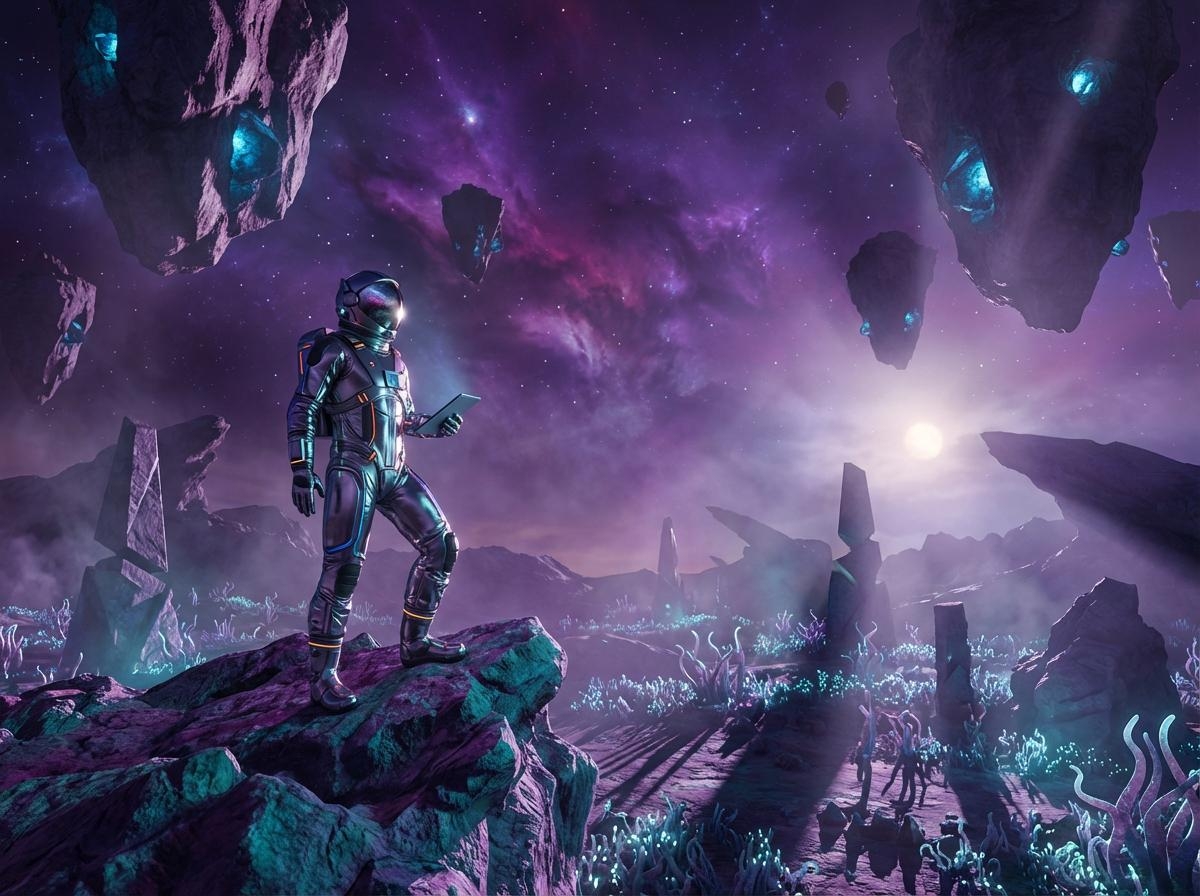
Generate video scenes from a text prompt
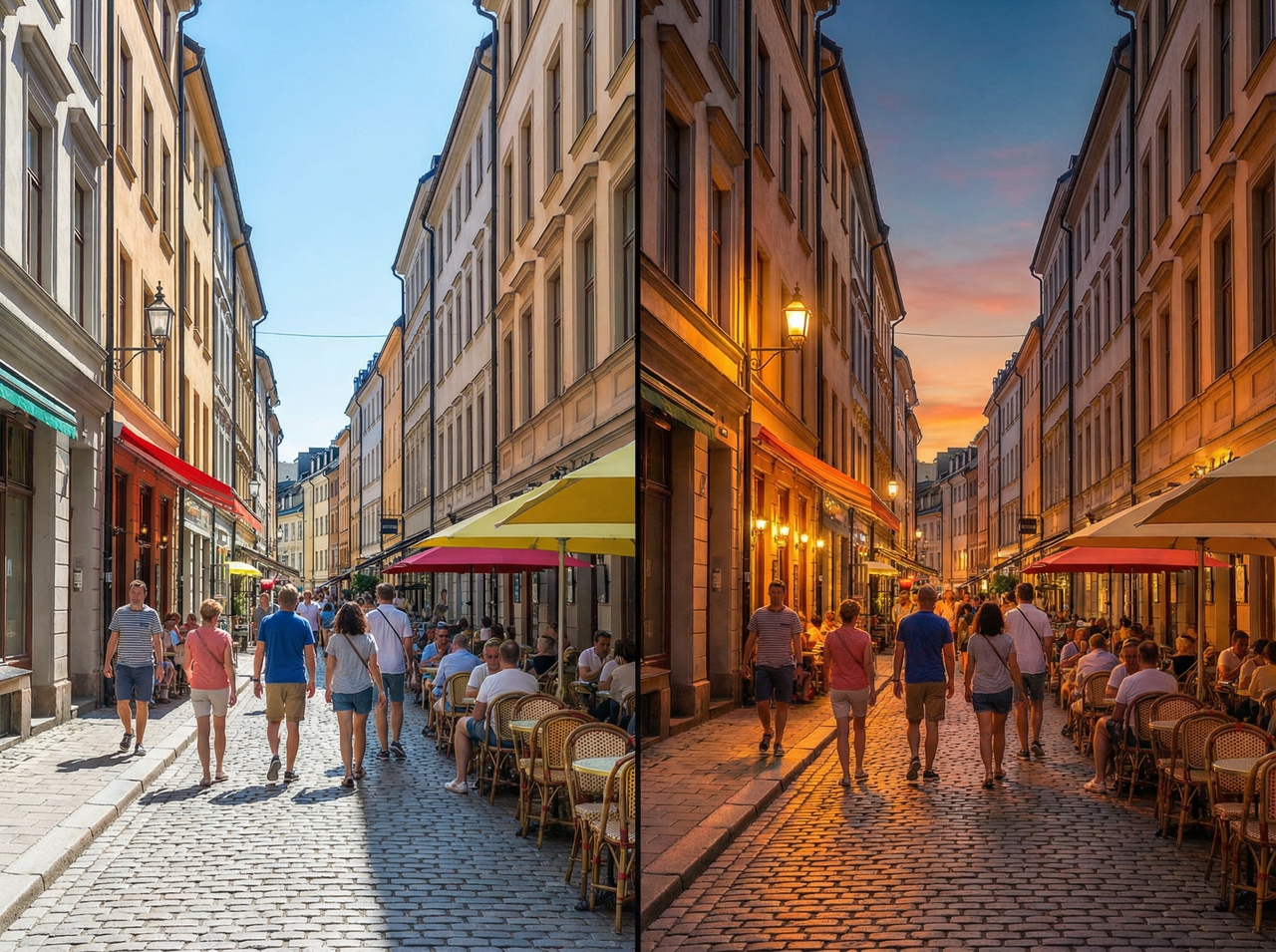
Change lighting and cinematic atmosphere

Change lighting and cinematic atmosphere

Type "transition day to dusk" or "add cinematic lighting," and Kling O1 reconstructs the scene at the pixel level. The model reads 3D geometry to recast light and shadow in every frame, so the atmosphere changes with physical accuracy.

Change lighting and cinematic atmosphere

Switch from a wide shot to a close-up or change the lens type by typing a simple text prompt. Kling O1 recalculates depth, spatial relationships, and camera geometry to deliver physically accurate results after every framing change.
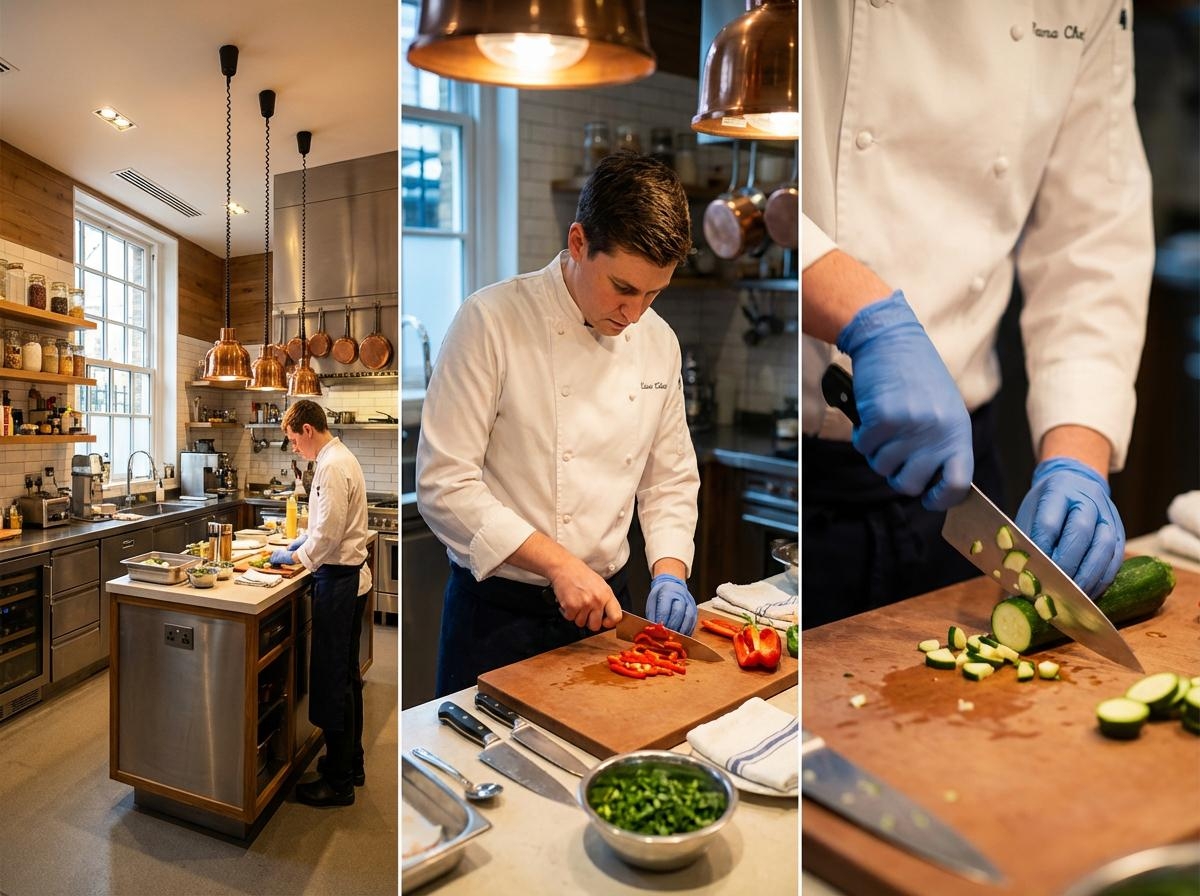
Change lighting and cinematic atmosphere
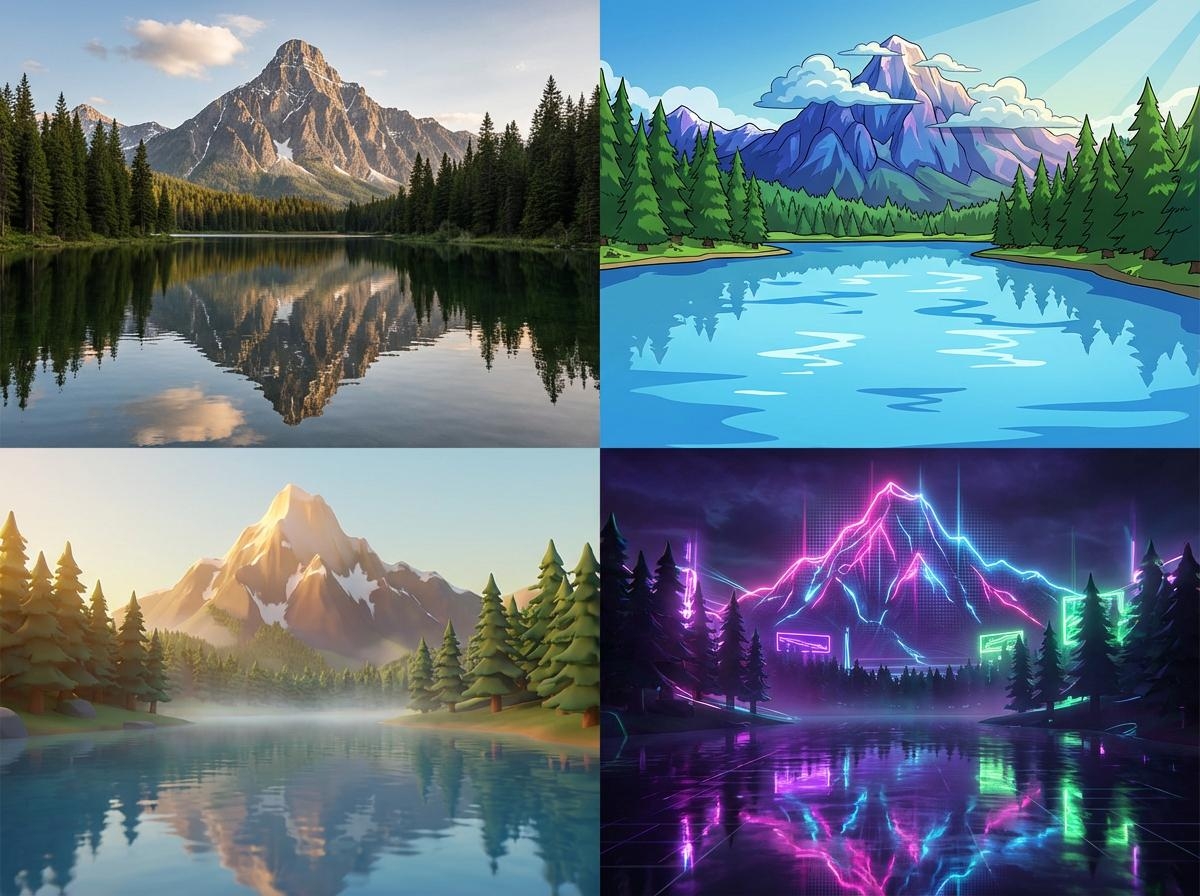
Apply new colors or artistic styles

Apply new colors or artistic styles

Recreate a footage in anime, Pixar-style, cyberpunk, or cinematic realism by typing your desired style. Kling O1 applies full-frame style reconstruction and preserves subject identity, motion, and spatial depth. You can also change the color of an object or shift the color grade.

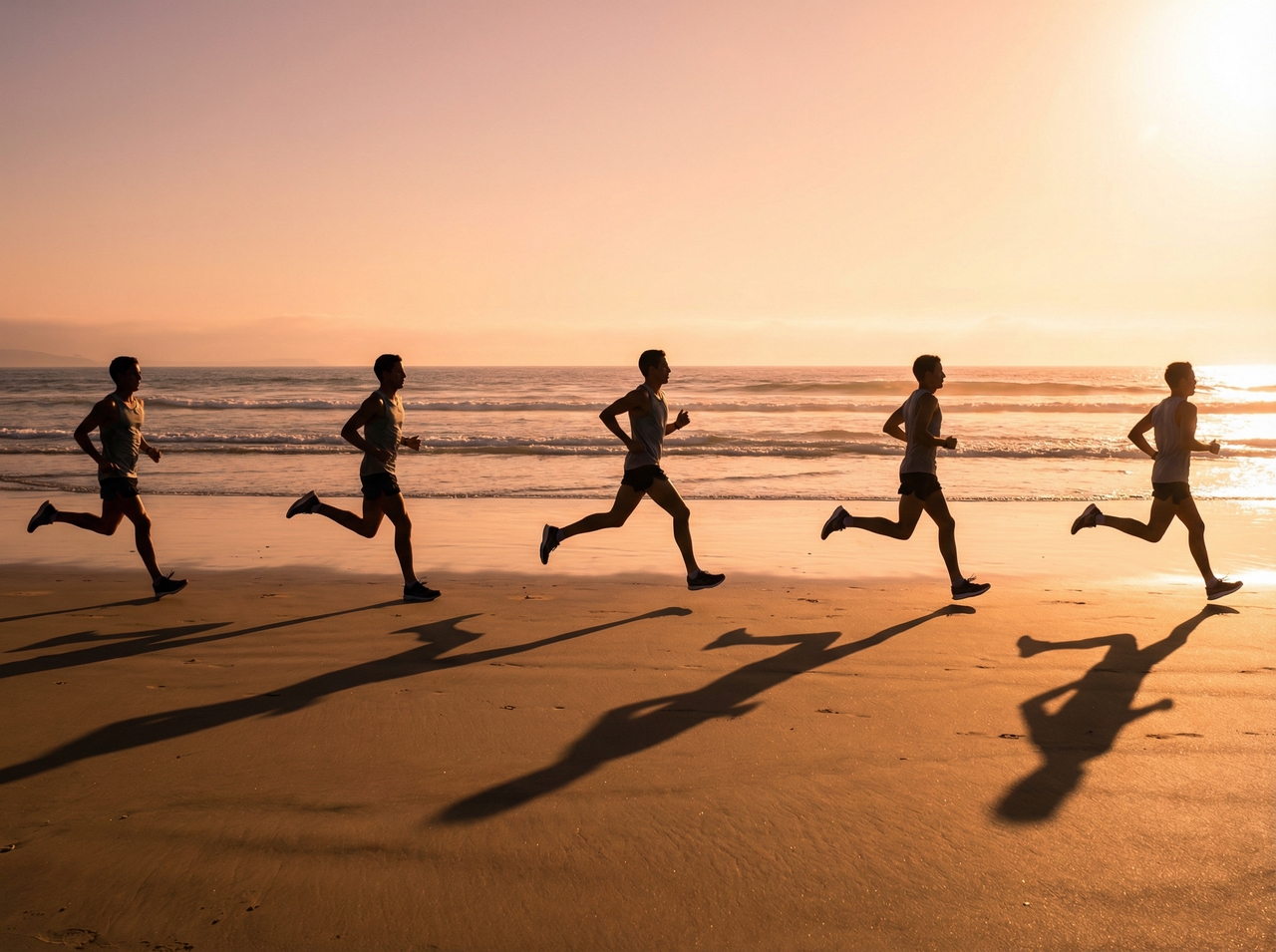
Extend scenes and generate new frames

Add footage beyond your clip's endpoint by prompting Kling O1 to continue the scene. The model analyzes existing motion, lighting, and pacing, and then generates additional frames at matching visual quality with no visible seam at the join point.
Extend scenes and generate new frames

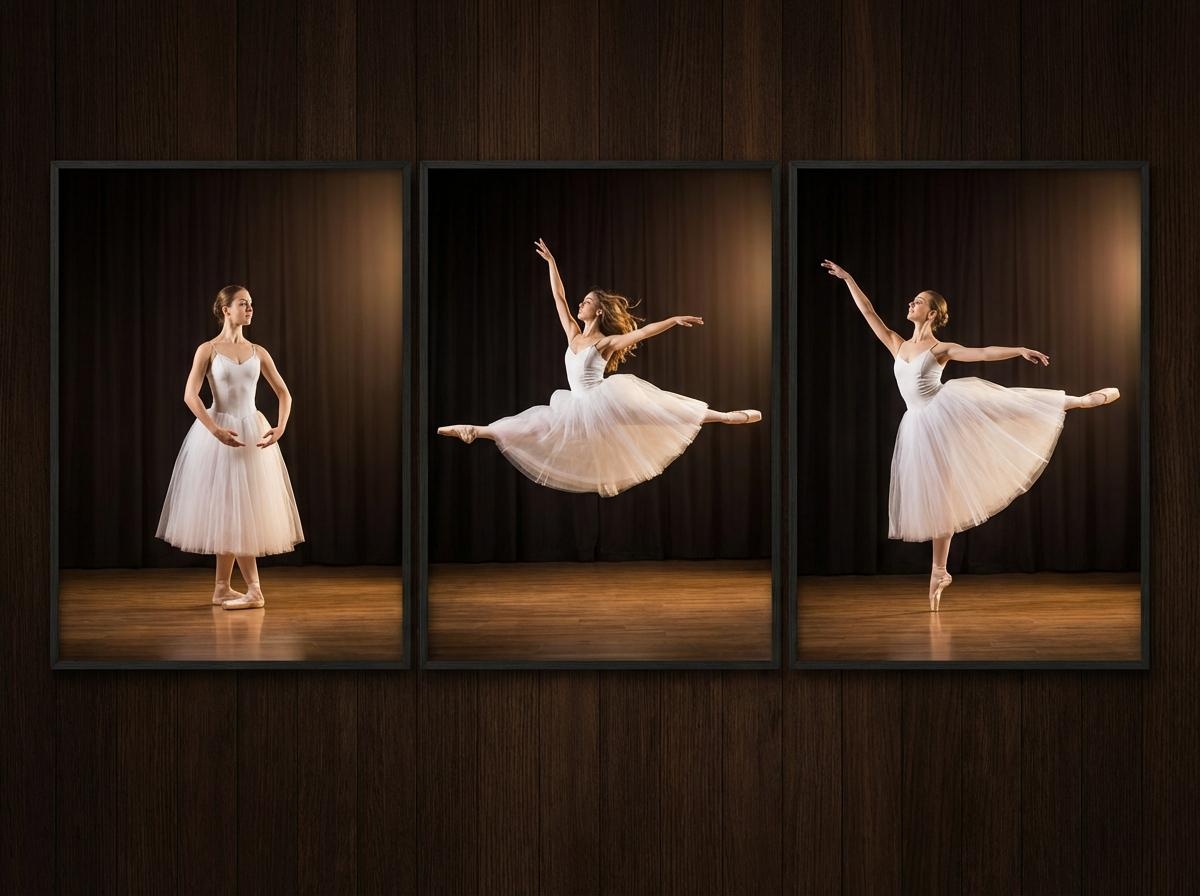
Generate motion between two key frames

Upload a start image and an end image and ask Kling O1 to fill in the motion between them. The result flows smoothly from one pose or scene to the next. You can connect two different scenes or actions to get a complete video.
Generate motion between two key frames

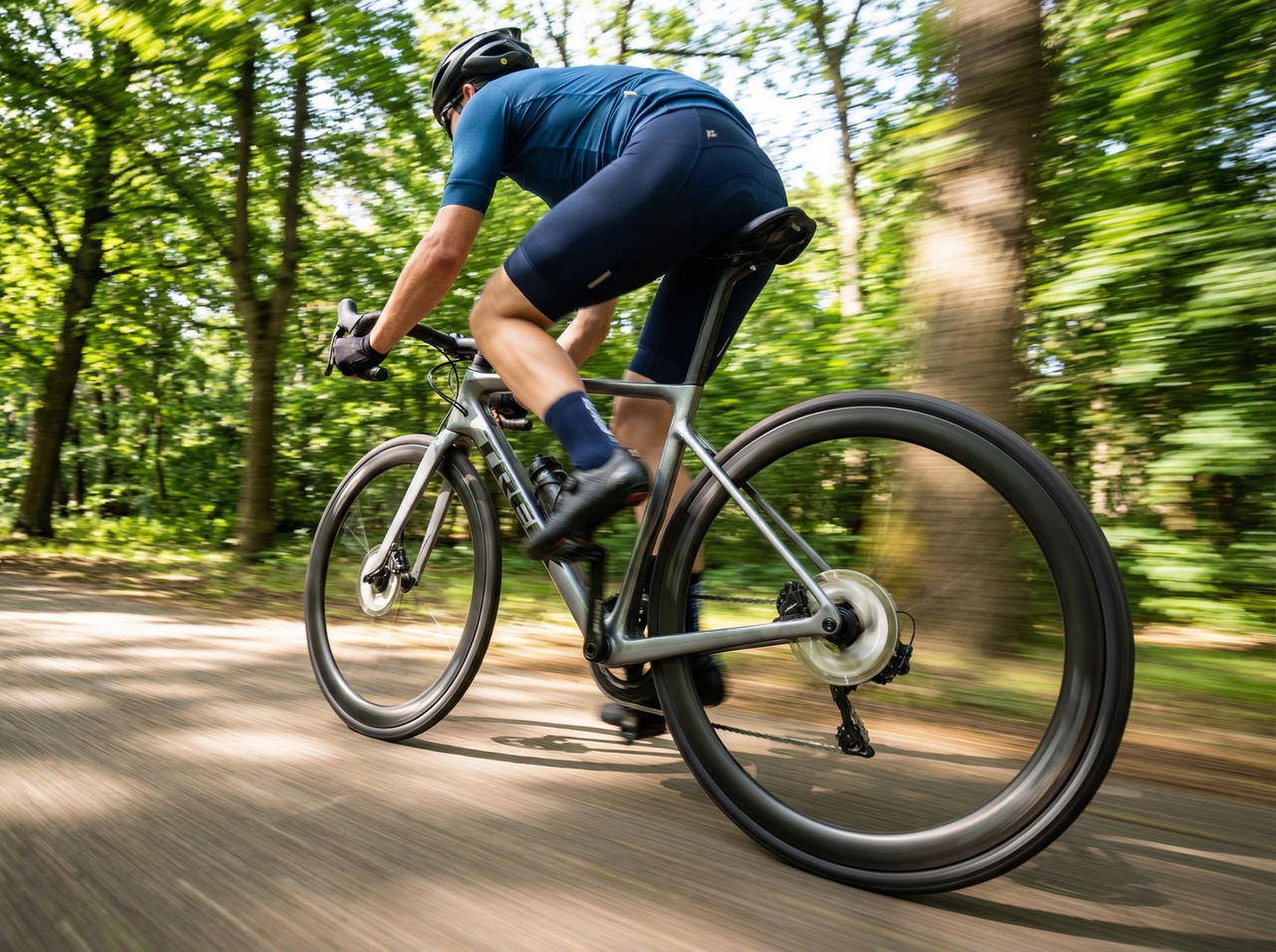
Replace objects while preserving motion

Swap any element in footage by typing a text command. Kling O1 runs pixel-level semantic reconstruction on the target object to replace it while preserving camera angles, spatial relationships, and the original motion pattern in every frame.
Replace objects while preserving motion

What makes Kling O1 different from other AI models

See why Kling O1 outperforms standard AI video tools with deeper camera control, smarter scene logic, and edits

1. Control pacing and copy camera movements
Upload a clip with a camera movement, and Kling O1 extracts and applies that exact motion path to a new character or scene.
2. Consistent characters across video shots
Upload reference pictures so Kling O1 on Framia tracks your subject through every scene. Faces, outfits, and props don't "morph" between shots the way they do in many video tools.
3. Precise editing inside generated videos
You can insert, remove, or swap content with natural language. The model quickly updates your video at the pixel level without you needing to mask or re‑render each frame on your
4. Unified multimodal visual reasoning
Kling O1 reads text, pictures, and video together in the same pipeline. This lets it understand your creative intent more naturally (how elements relate to each other), so the final output reflects your full intent accurately.
5. Animate slight character gestures
Kling O1 can generate small character actions that make scenes feel more natural. A person may slightly tilt their head, shift posture, blink, or move their hands for a moment. These details prevent them from appearing frozen or mechanical.

Kling O1 video showcase: Real outputs from the community

Practical use cases for Kling O1 AI video generator

Explore what you can create with the Kling O1 AI video model on Framia for your creative projects.

1. Produce product visuals for e-commerce
Shoot your product once and generate multiple angle variations using Kling O1 AI video generator. The model renders lighting, shadows, and surface textures with physical accuracy, which gives each product shot a studio-quality finish at a fraction of production cost.
2. Create cinematic scenes for social media
Type a scene description, and Kling AI video converts it into a cinematic sequence with matched camera motion and controlled pacing. You can quickly get content for Instagram Reels, TikTok, and YouTube Shorts natively.
3. Generate AI visuals for creative projects
Get a fully rendered video clip with Kling O1 AI video from a simple concept, a mood board, or a reference image. Artists, directors, and designers use the model to prototype scenes, test visual styles, and produce final-grade footage
4. Make fun educational content or presentations
Animate a static diagram, a historical scene, or a step-by-step process by typing your topic into Kling AI for free. The generated footage holds viewer attention longer than slide decks and works directly inside presentations, course videos, and explainer content.
5. Create gaming trailers and cinematic cutscenes
Make a cinematic cutscene with consistent character identity, controlled camera angles, and accurate in-frame motion using the Kling O1 AI video generator. Game studios and indie developers use it to produce trailer footage before a build is production-ready.

Real user reviews of Kling O1 on Framia

Read what creators, marketers, business owners, and casual users have to say about using Kling O1 on Framia!
Daniel Brooks
Daniel Brooks
E-Commerce Brand Owner
I was spending $800 per product shoot. I switched to Kling O1, and the output matched studio quality on the first try. My conversion rate went up 34% last quarter. I genuinely did not expect such clean results from an AI, too.
Mark Steve
Mark Steve
Freelance Video Editor
I tested Kling O1 for a quick concept clip, and it honestly surprised me. The motion between frames looked smooth, and the camera shift felt natural. Usually, I spend hours fixing tiny issues, but this time the result already felt usable right away.
James Okafor
James Okafor
Independent Game Developer
Building a trailer before my game was production-ready felt impossible on a solo budget. I used the Kling O1 AI video and got a full cinematic cutscene with consistent characters. Sent it to three publishers. Got two callbacks the same week.
Lucas Wagner
Lucas Wagner
Product Marketing Specialist
I needed a short visual for a product announcement, so I experimented with Kling O1 through Framia. The tool handled lighting and scene flow nicely. What stood out was how simple it felt to guide the camera direction.
Hannah Cole
Hannah Cole
Content Creator
I create short storytelling videos online, and Kling O1 on Framia gave me a fun way to test ideas quickly. I uploaded two images and let it generate the motion. The transition between scenes looked smooth and natural.
Priya Nair
Priya Nair
Social Media Strategist
Kling O1 generates, edits, and restyles videos from text, images, and video clips. All tasks run in one place, so you can complete your creative project in no time.
Still have questions?
Have questions or need assistance? Our team is here to help!

Make cinematic videos with Kling O1!

Bring your scenes to life with Kling O1 on Framia Pro. Blend text and visuals, lock characters, and export engaging videos.