Step 1: Sign up for Framia Pro
Sign up for Framia Pro to access the home page. Type your scene with specific details and select "Plan" to map out each video shot.

Generate, refine, and export cinematic videos using Framia's Kling 2.6 AI. Capture motion, detail, and depth across every scene you create.
Generate cinematic scenes, native audio, and physics-accurate animation from a prompt with Kling AI on Framia Pro. Here's what it offers:
Write a scene description with characters, camera movements, and dialogue, and Kling 2.6 outputs a complete 1080p clip in a single pass. Each generation runs up to 10 seconds at 24 to 30 frames per second in landscape or vertical format.
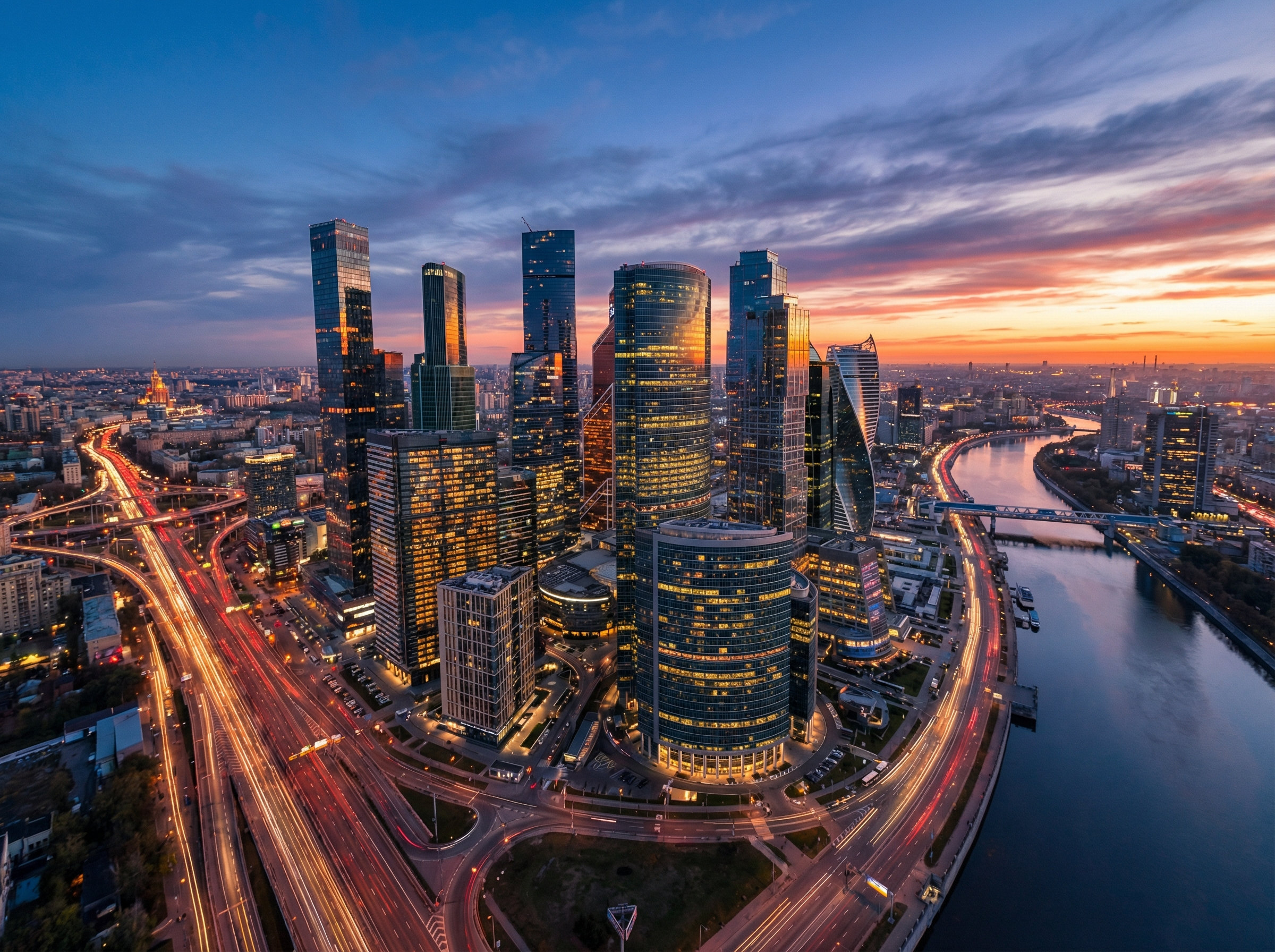
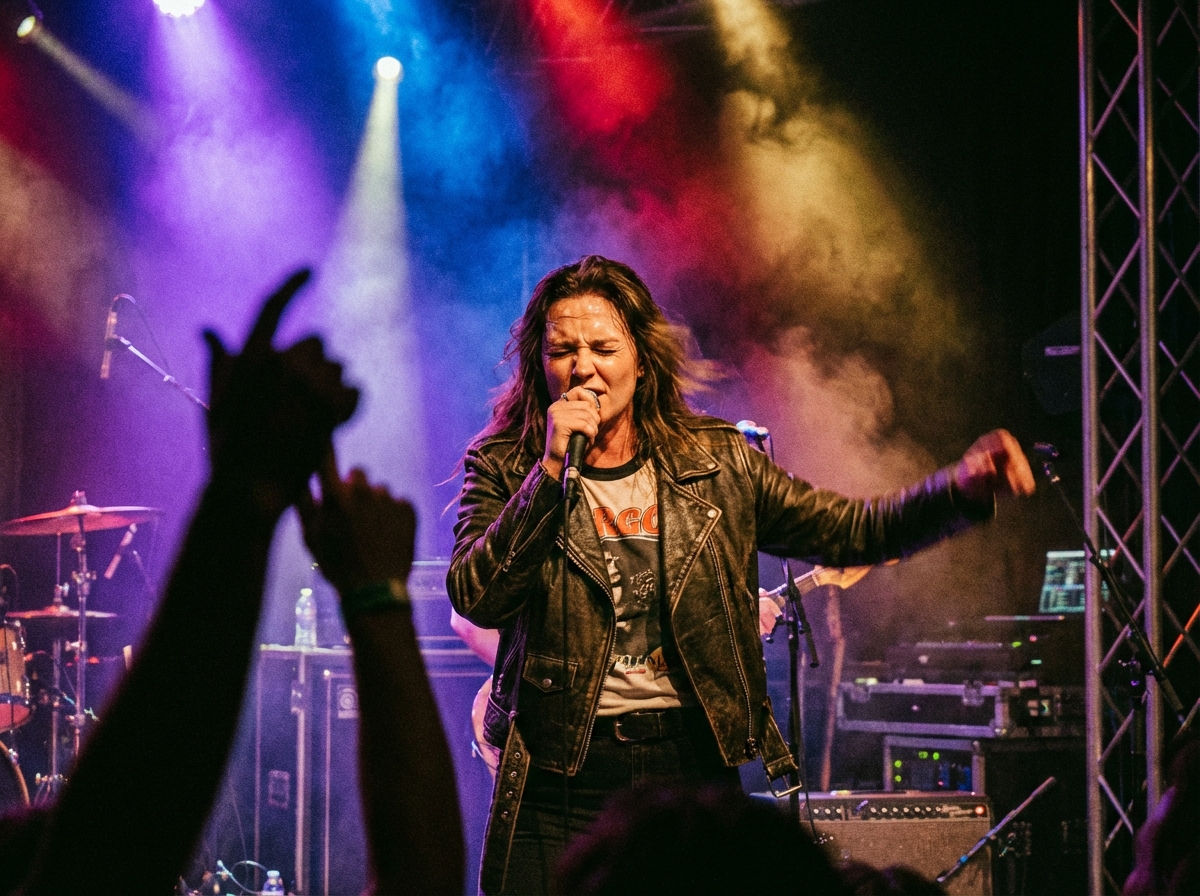
Produce dialogue, narration, singing, rap, and ambient soundscapes in the same generation as the video frames. Kling 2.6 supports up to two distinct character voices per clip in English and Chinese, with automatic translation for other input languages.
Upload a static image, and Kling 2.6 adds physics-accurate movement to your animation, synchronized audio, and facial expression to every frame. Hand movements come out precise and blur-free, while facial expressions and lip sync stay natural throughout the output.
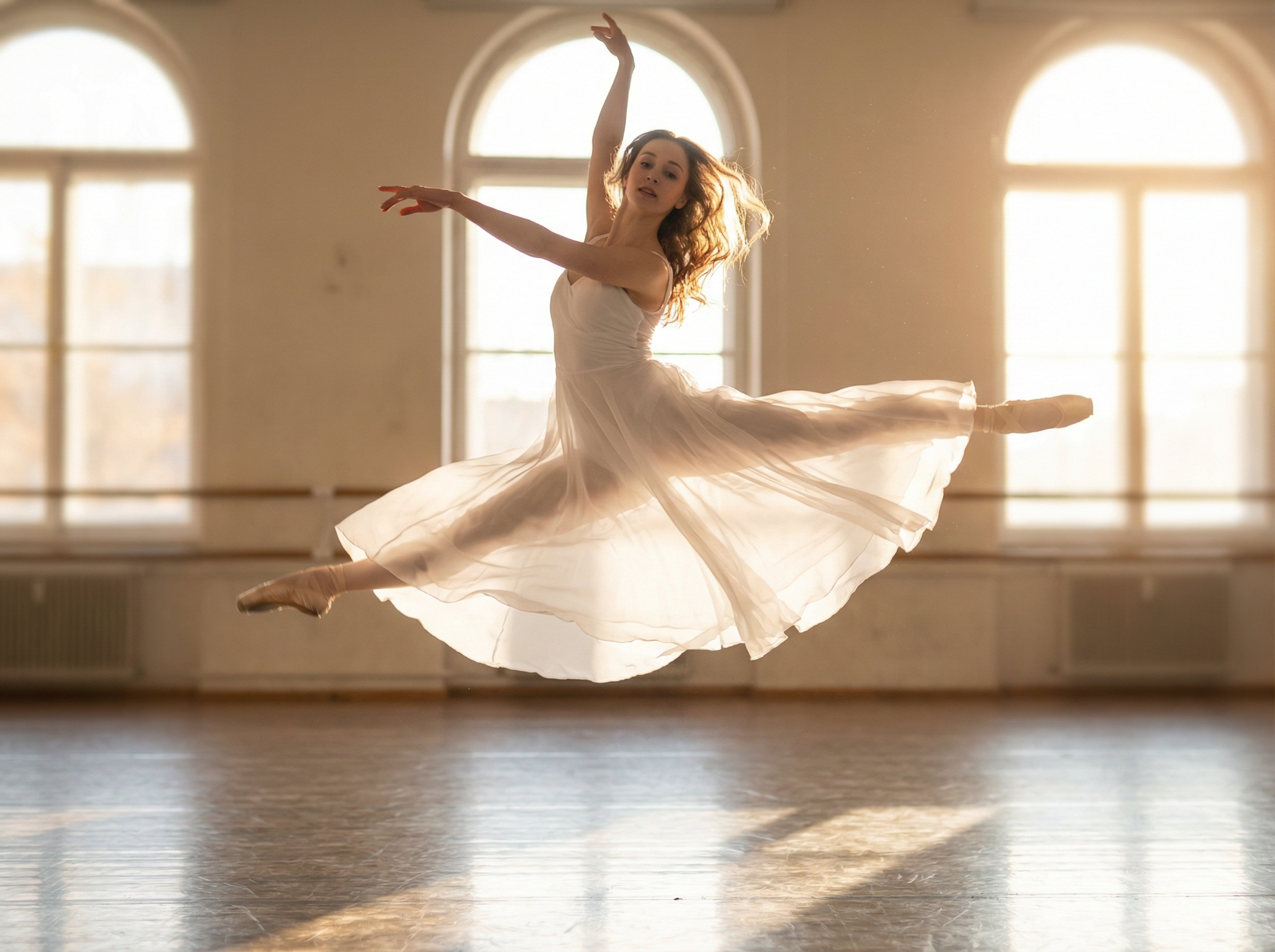
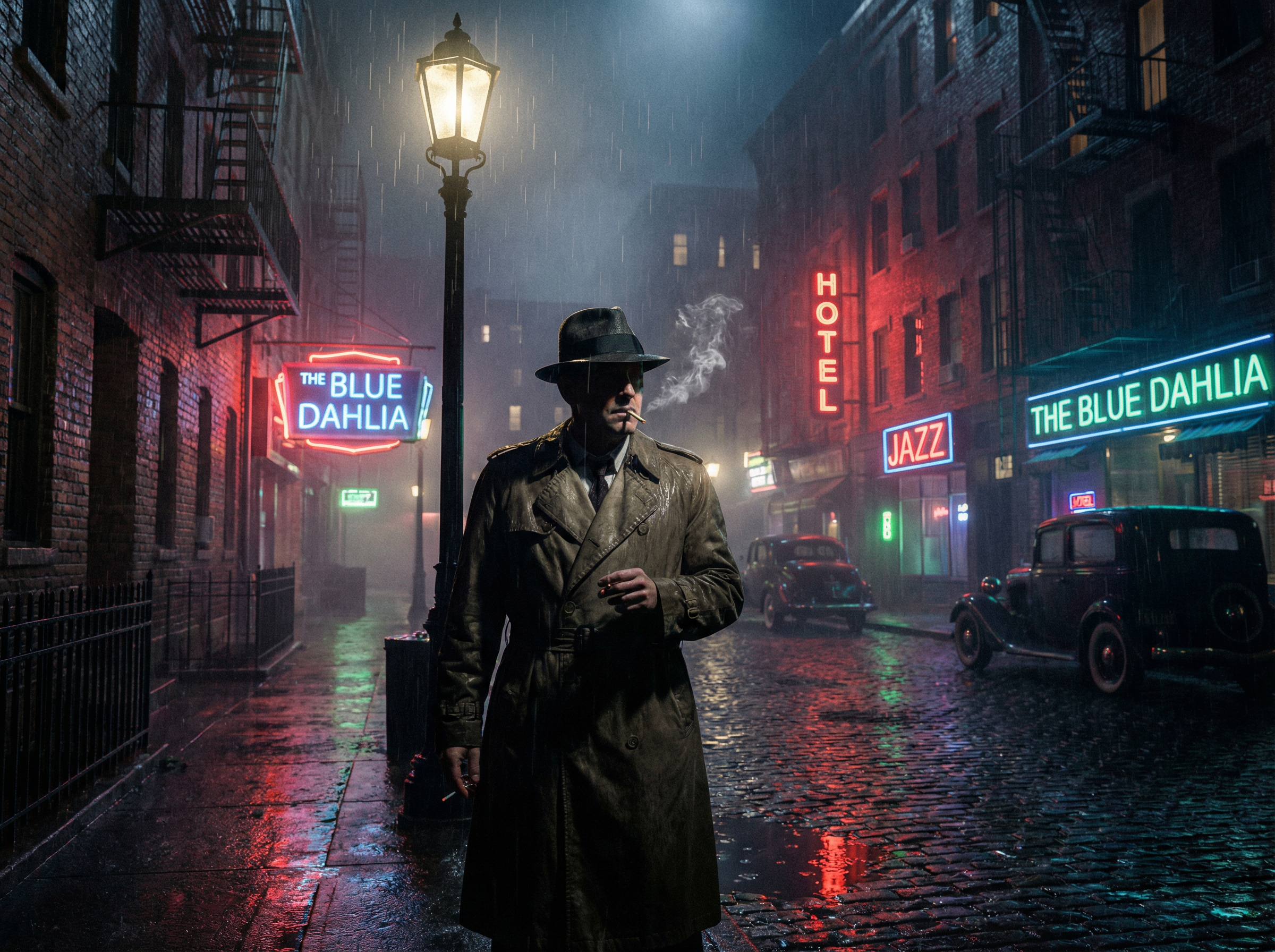
Type camera instructions, background conditions, or atmospheric details into the prompt, and Kling 2.6 applies each independently from character motion. Use prompts like "handheld shake," "golden hour lighting," or "rain-soaked street" to update the environment in real time.
Simulate gravity, inertia, cloth deformation, and weight transfer in every generated clip using Kling 2.6 on Framia. Fabric drapes and flutters accurately, hair sways with volumetric coherence, and hands grip objects with correct contact physics.
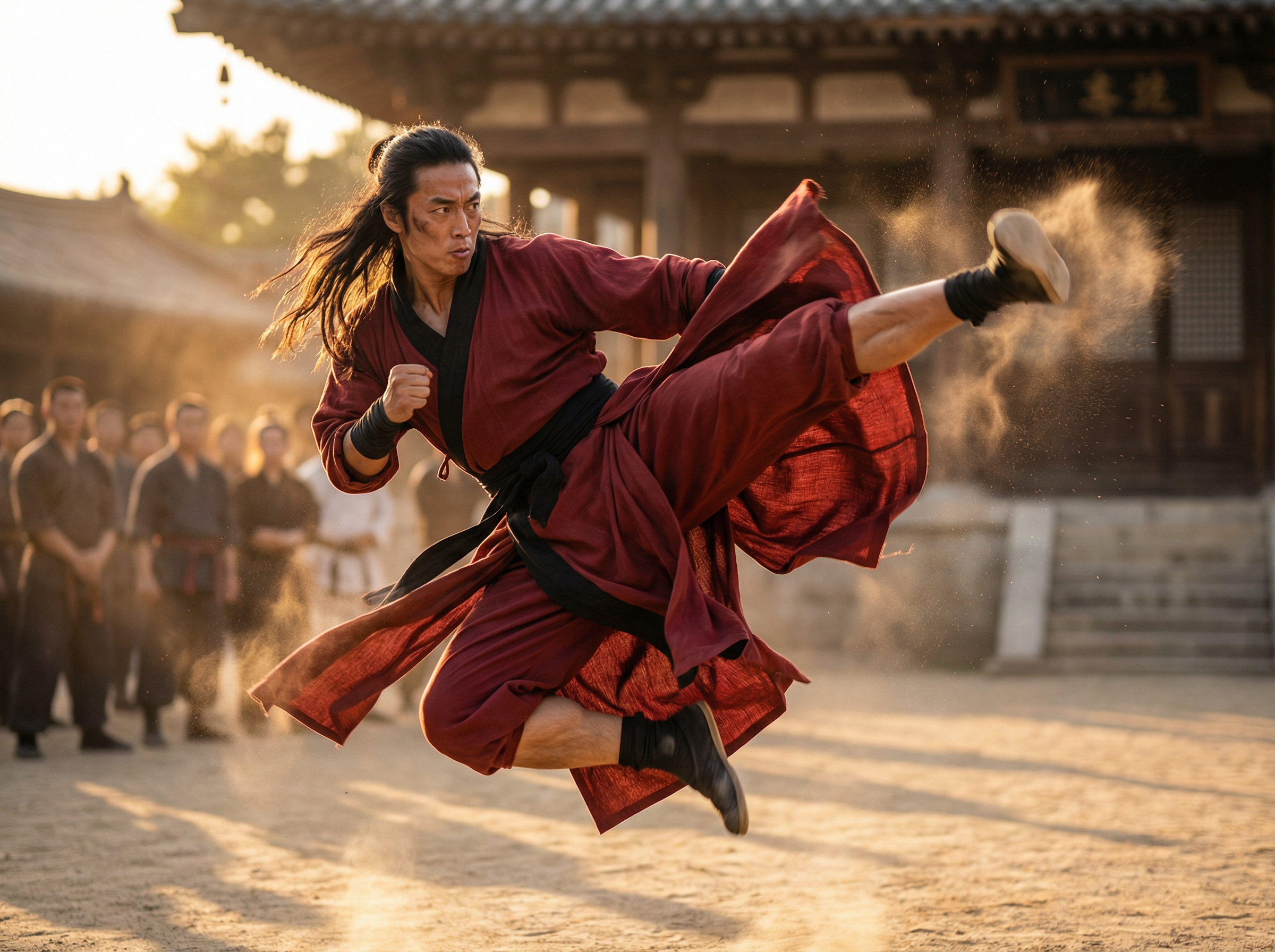
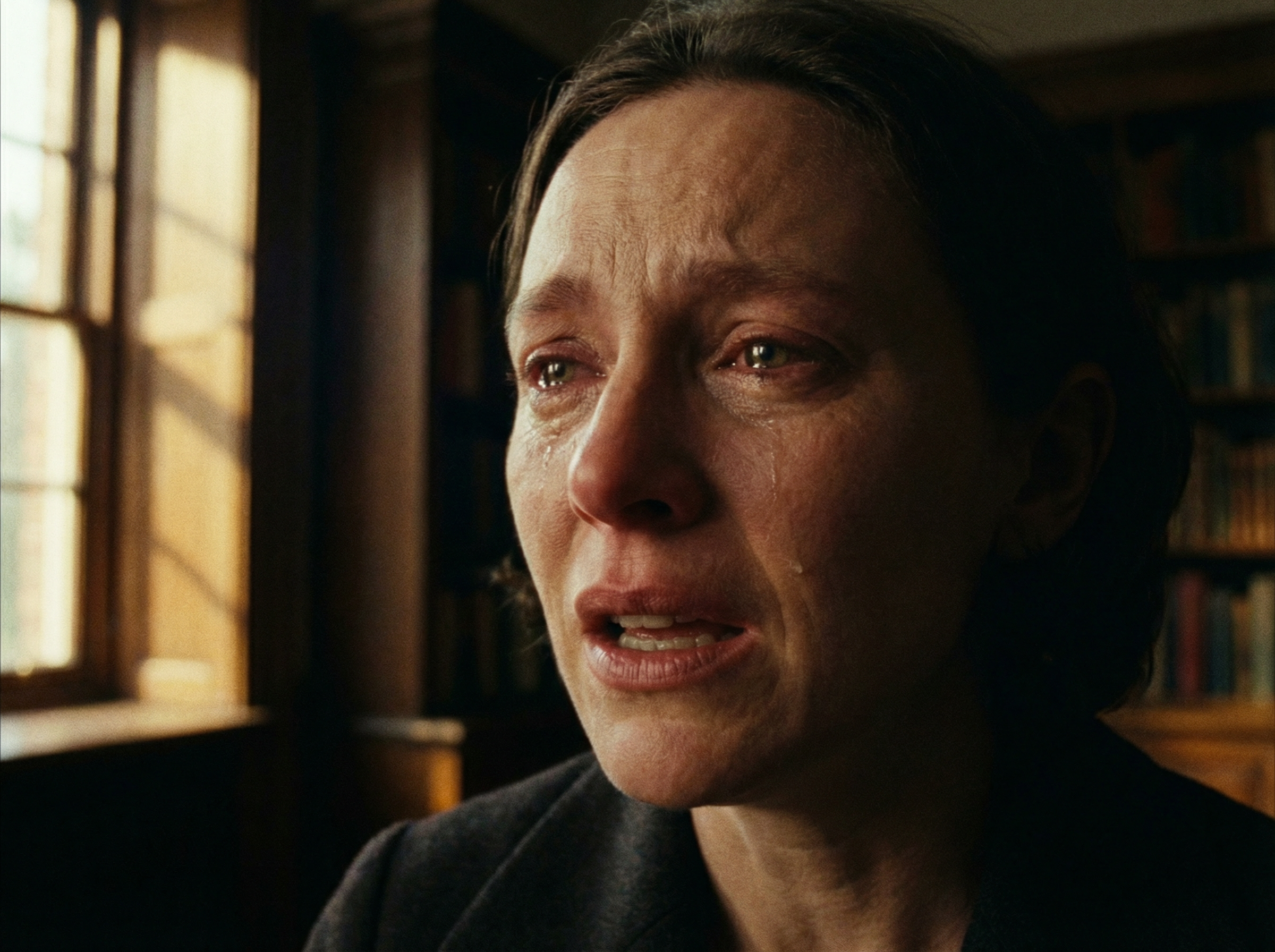
Specify voice delivery style, emotional intensity, gesture type, or lighting conditions directly in the prompt. Kling AI video generator renders lip-synced dialogue and adjusts voice character and scene atmosphere at the same time.
Upload a 3-to-30-second clip, and Kling 2.6 extracts the full motion sequence frame by frame and maps each posture, gesture, and expression onto the character image. You get natural movement in the whole body, including hands, fingers, arms, legs, and facial expressions.
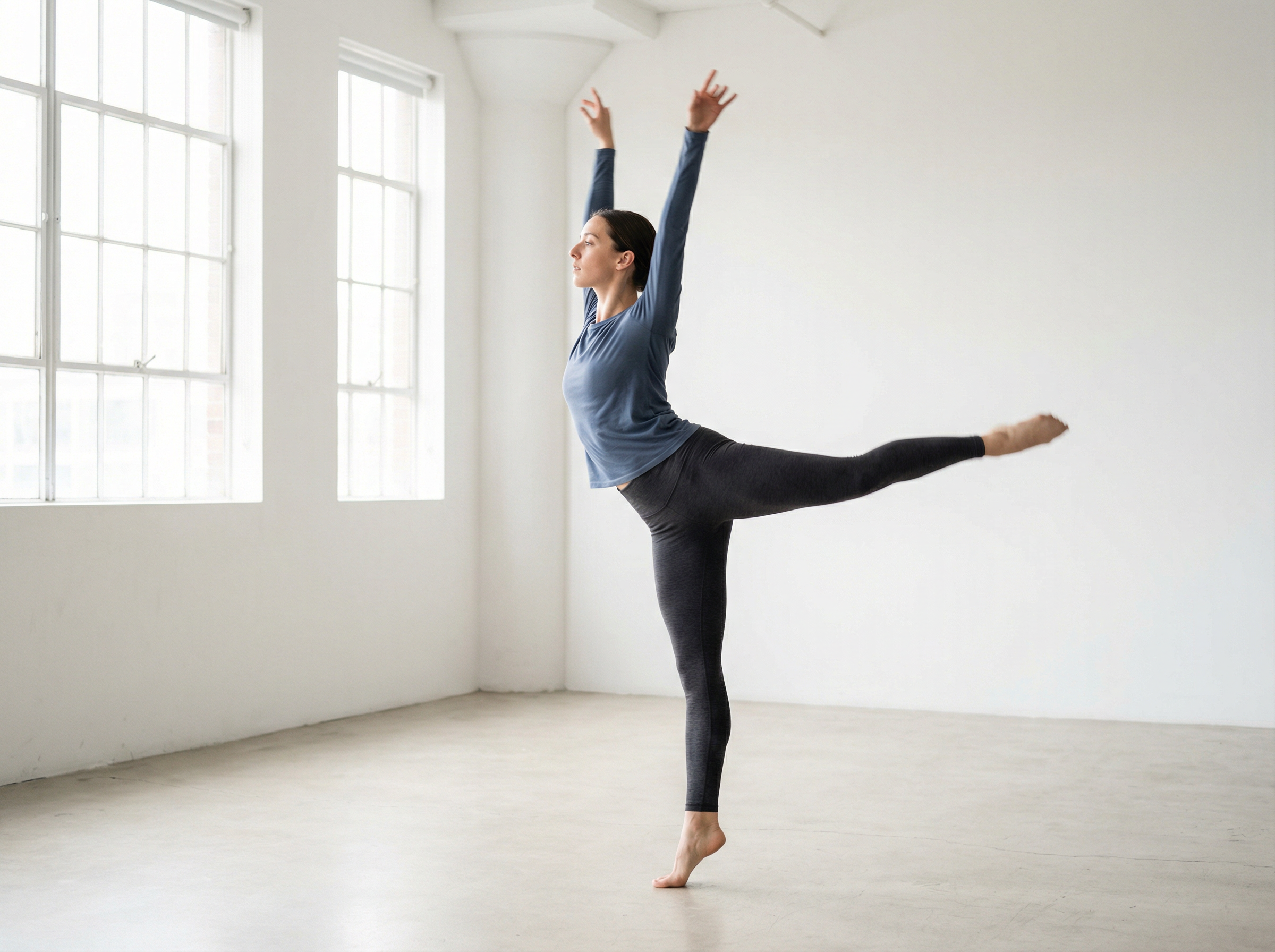
If you want to create motion control or other types of video content with Kling AI, follow these steps on Framia:
Produce product ads and branded content for every platform using text or images using Kling 2.6 on Framia:
Experience more control over video creation with Framia Pro's Kling 2.6 model. Here's why you should use it for your content:
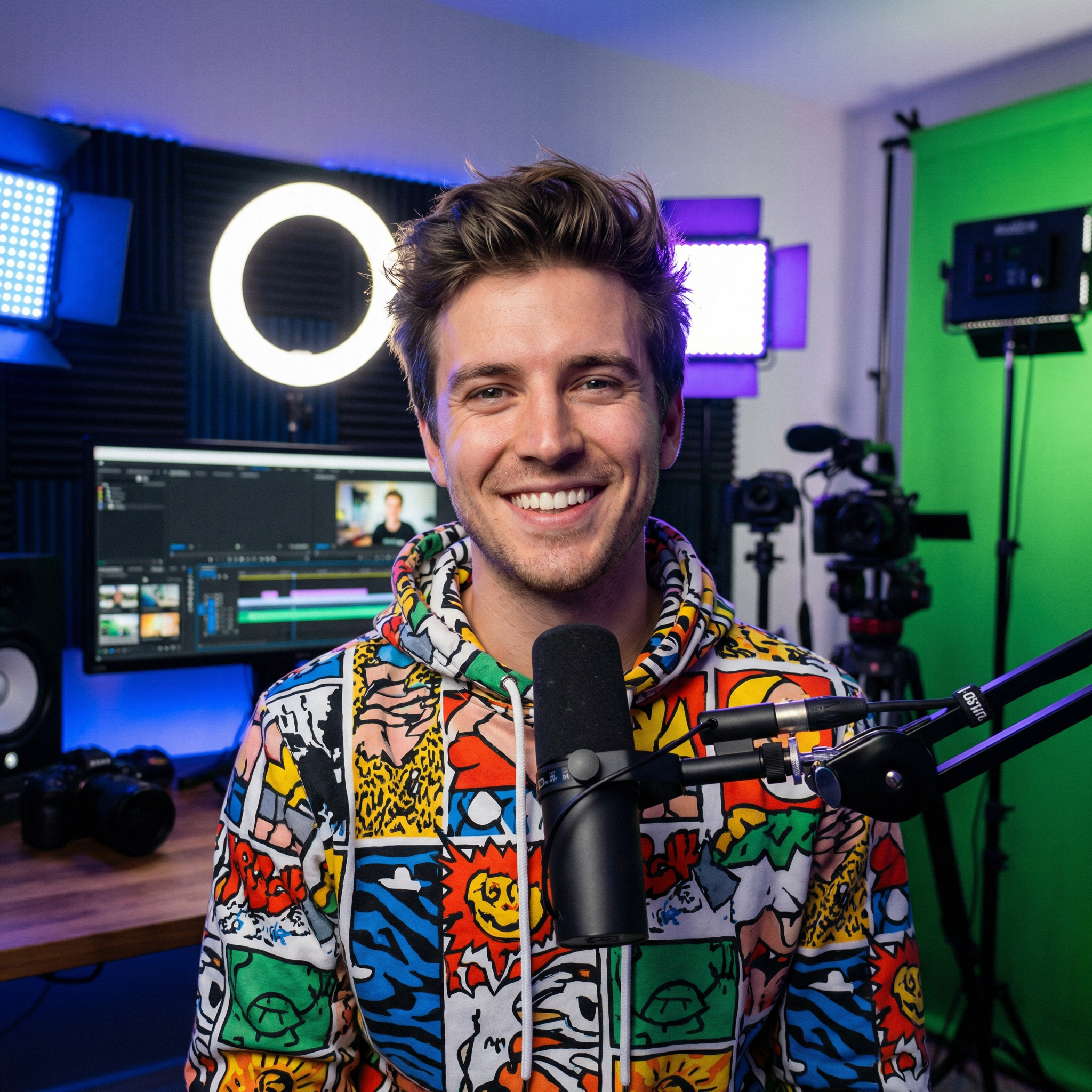
Creators across YouTube, TikTok, and commercial production use Kling 2.6 on Framia to cut production time and publish faster.


Explore the full range of creative tools available on Framia beyond video generation.