Step 1: Sign up for Framia Pro
Create a Framia Pro account and write your scene description with clear details about characters, settings, and actions in the prompt box. Use the "Plan" option to outline each shot before generating.

Generate stunning AI videos with Hailuo 2.3 on Framia Pro from text or images. Get cinematic clips with realistic motion, expressive characters, and smooth visuals for marketing, storytelling, and social content.
Generate cinematic videos with motion control and 1080p output using Hailuo 2.3 on Framia Pro.
Generate short cinematic clips from detailed prompts or reference images. The model interprets scene descriptions, actions, and camera direction to produce animated footage that follows the prompt structure while maintaining scene composition and visual coherence throughout the generated video.
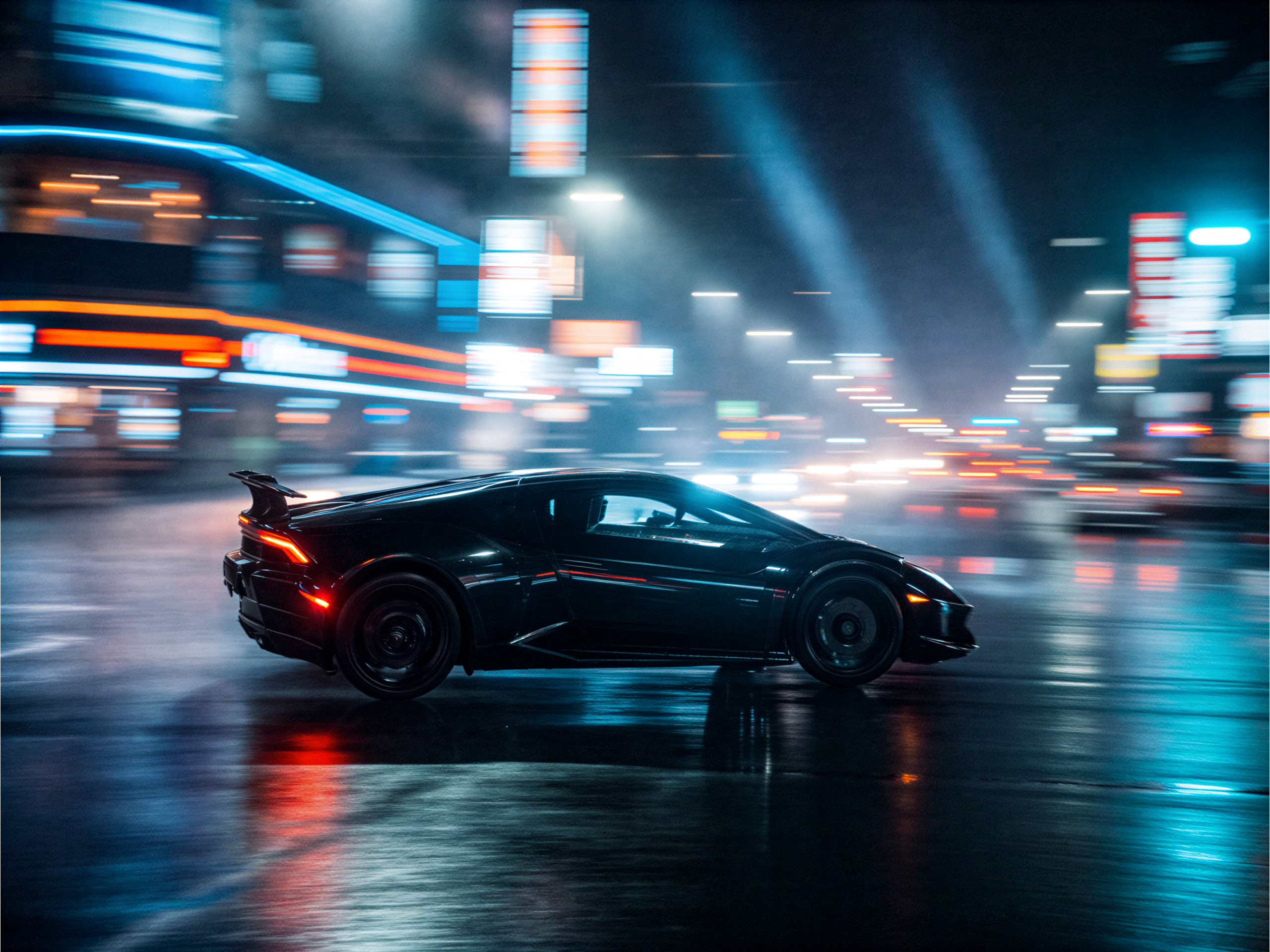
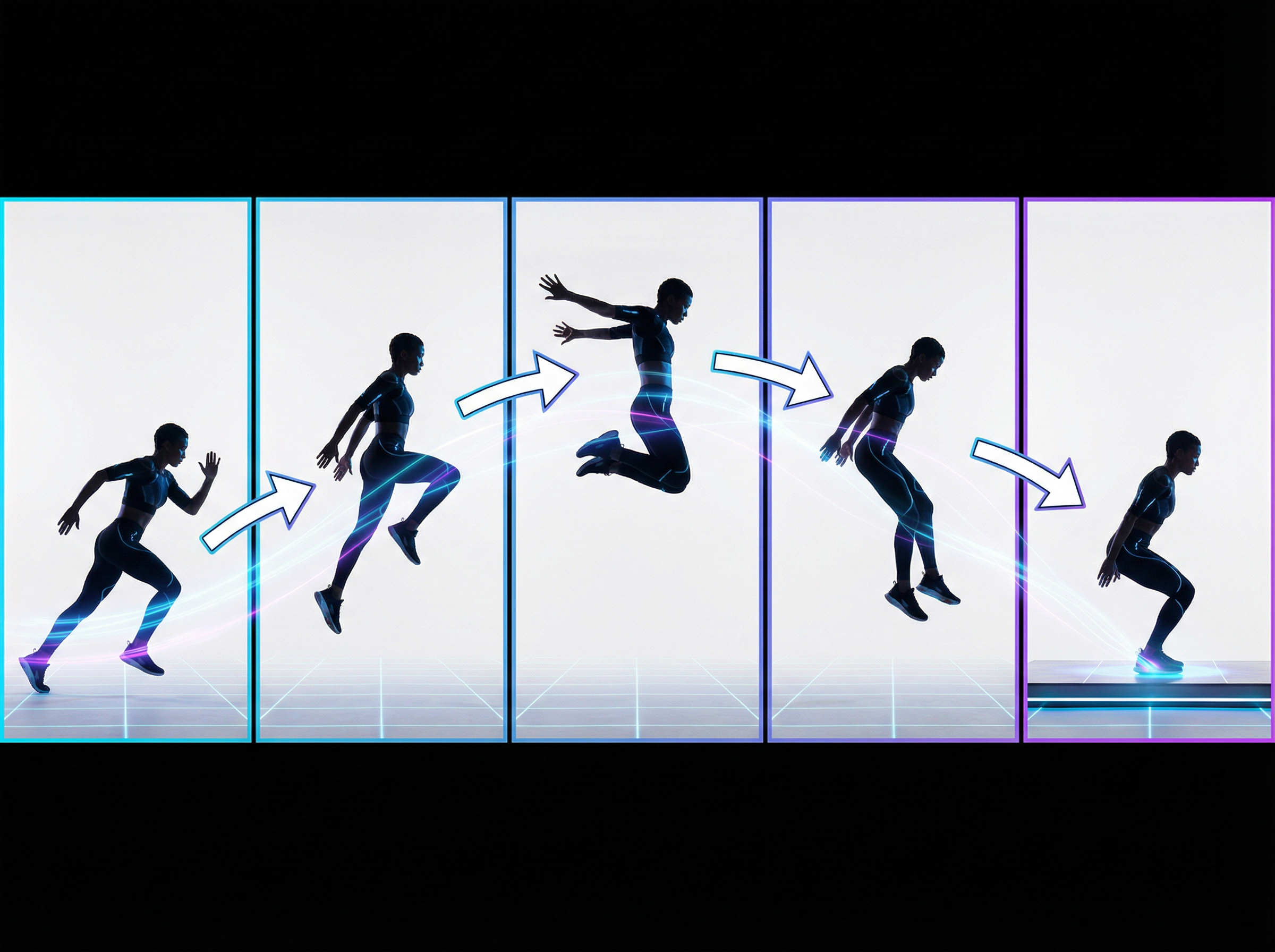
Maintain smooth movement across frames so characters and objects stay consistent throughout the clip. The system reduces flicker and motion errors while preserving subject appearance. Hailuo 2.3 produces video sequences where actions progress naturally from one frame to the next.
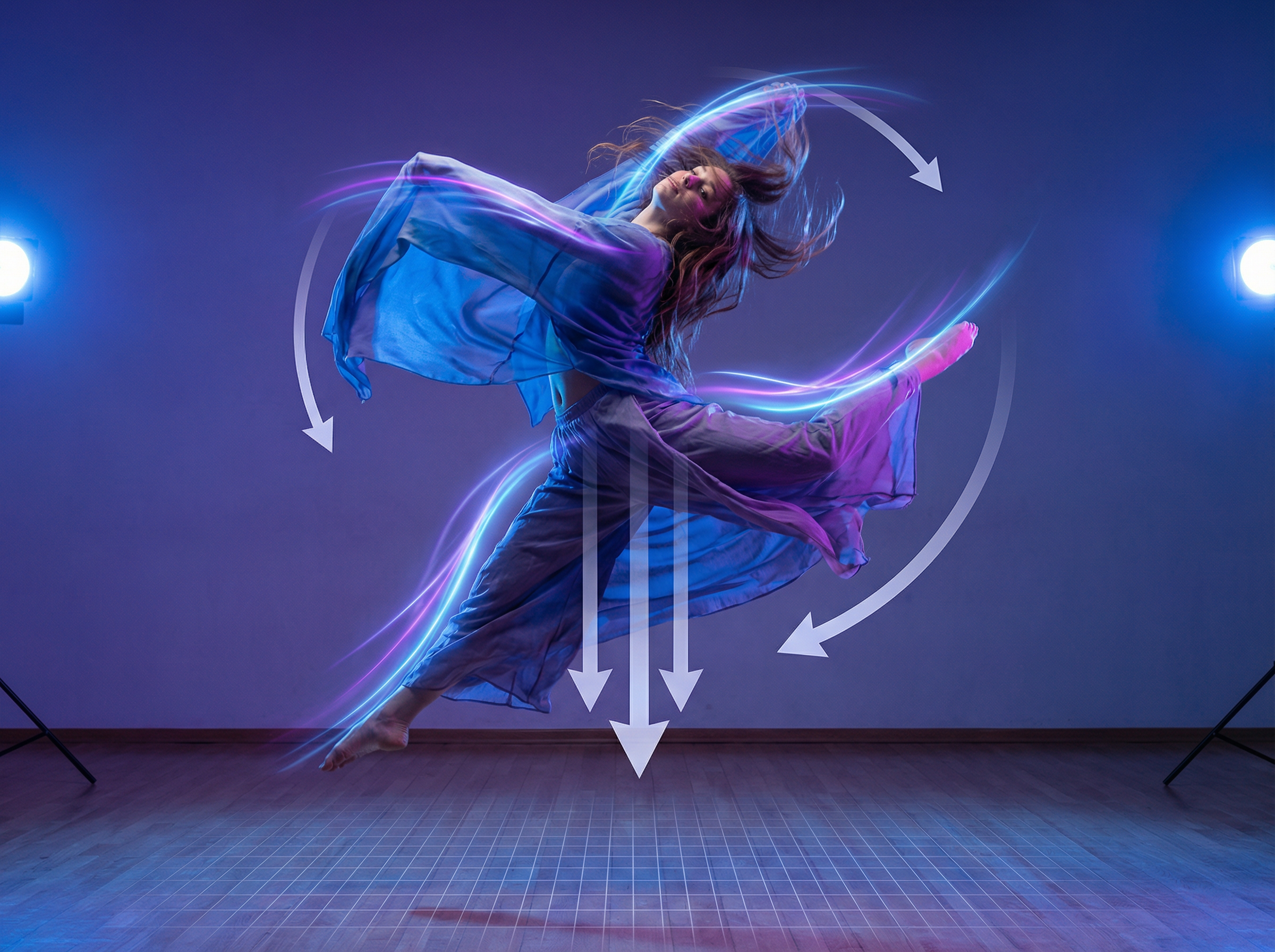
Create realistic movement with Hailuo 2.3 on Framia Pro. Capture actions like dancing, running, or quick camera moves. The model keeps characters and objects flowing naturally, following gravity and momentum, so every scene feels alive and believable.
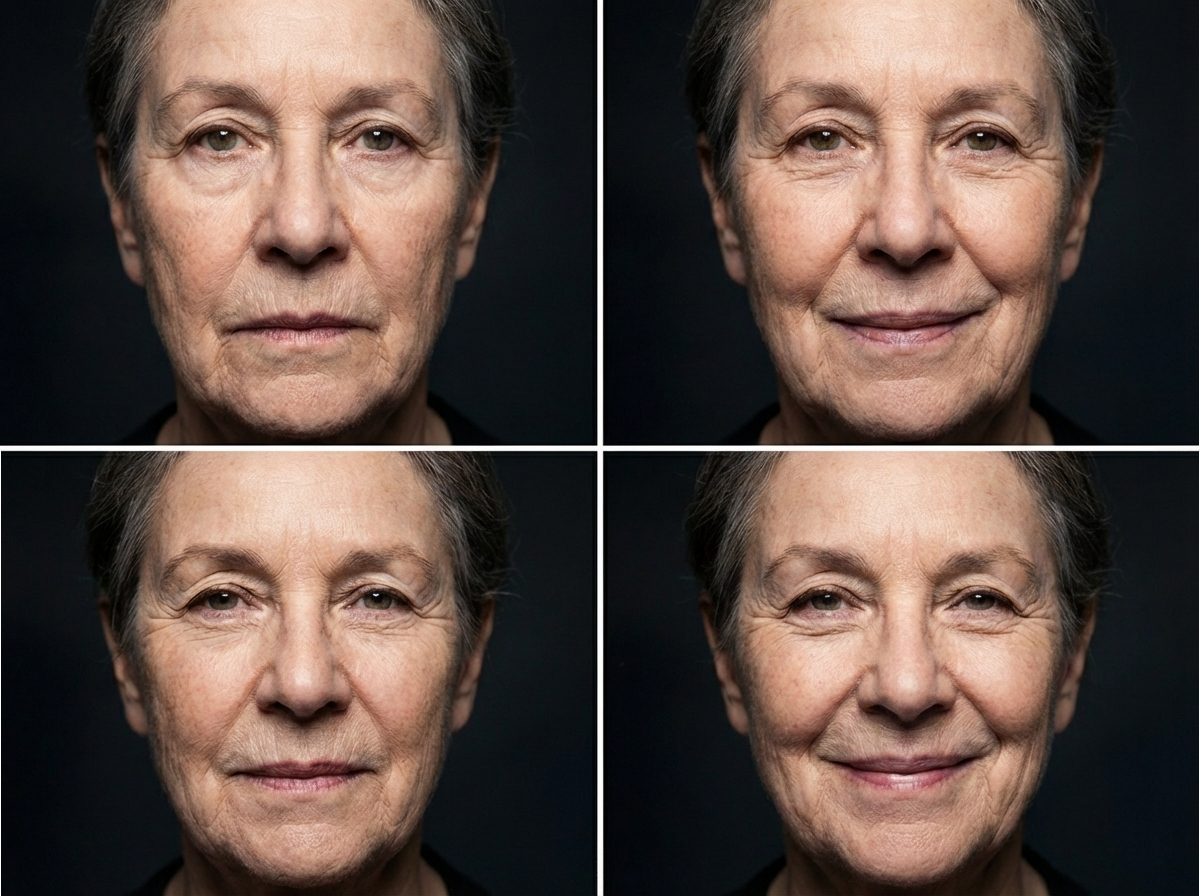
Generate lifelike characters that display subtle emotional cues through micro-expressions. The system recreates blinking, smiling, and facial reactions that shift naturally during a scene. This allows the generated characters to show clear emotion and appear more believable in cinematic storytelling.
Create photorealistic, anime, illustrated, CG clips, or any other style with Hailuo 2.3 on Framia Pro. Hailuo AI on Framia Pro even preserves the chosen aesthetic in different frames, so colors, textures, and artistic elements remain stable throughout the entire video sequence.
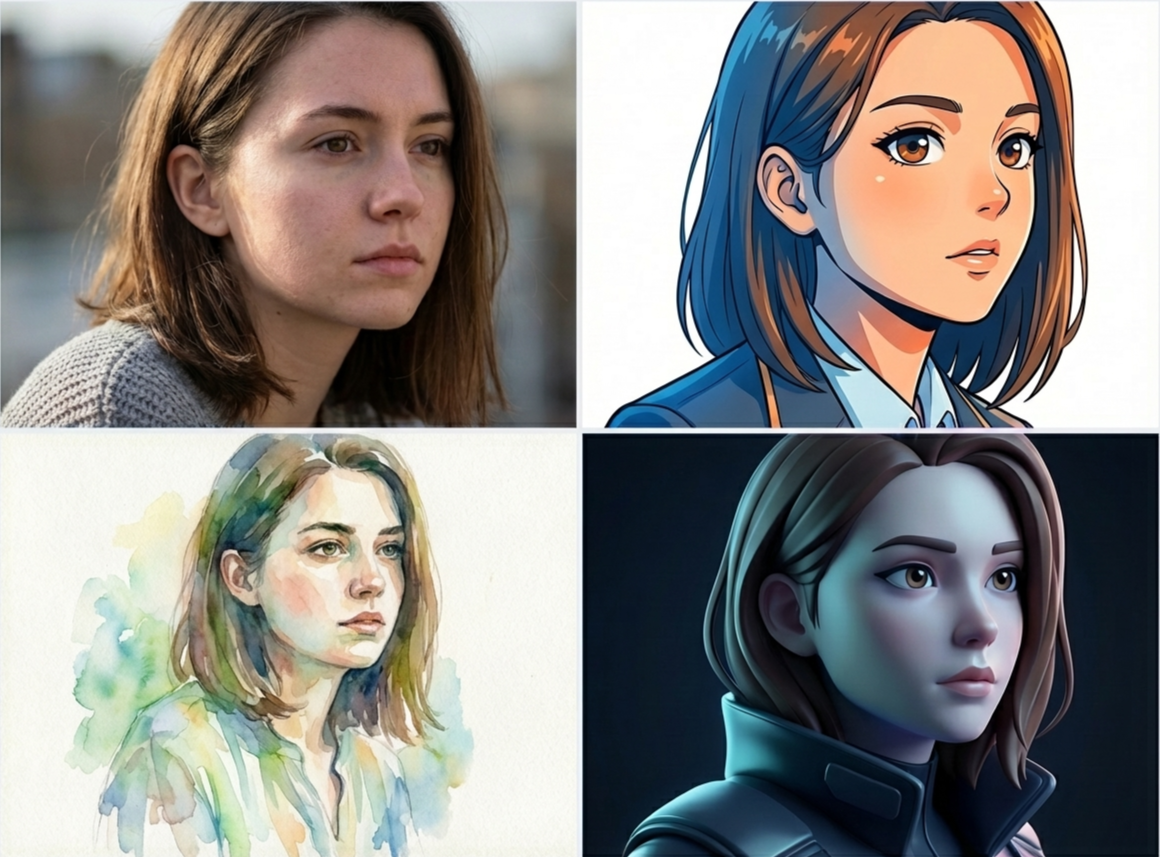
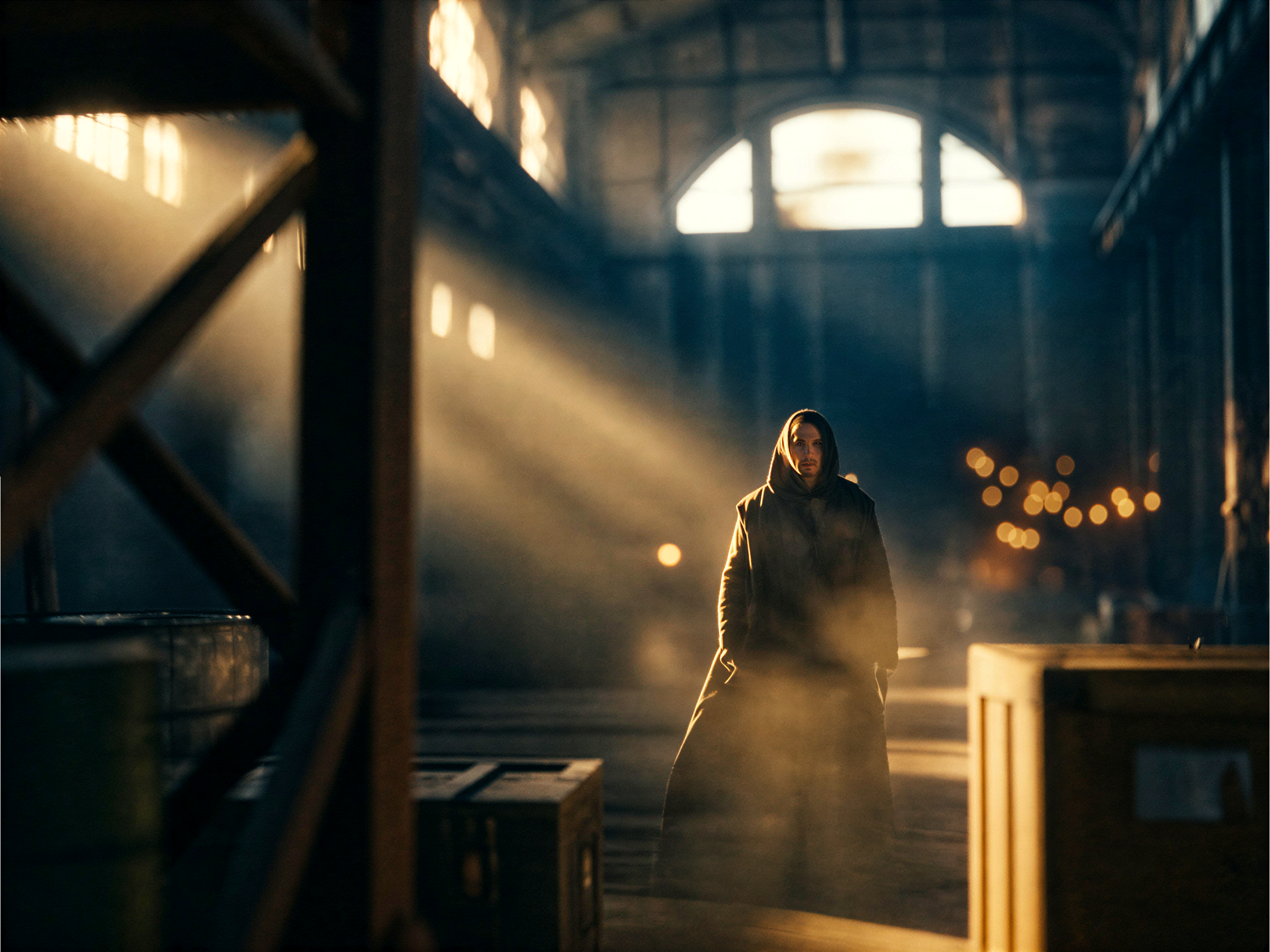
Get high-resolution video clips with detailed lighting and camera movement. The model generates footage in resolutions such as 768p and 1080p while supporting cinematic camera actions like pans, zooms, and dynamic scene movement for visually rich short-form videos.
Learn how to create videos with Hailuo AI on Framia Pro. Follow the simple process that guides you from writing a prompt to generating a complete video clip.
Discover how creators and marketers use Hailuo 2.3 on Framia Pro to turn simple ideas into engaging video scenes for storytelling, marketing visuals, and creative experiments.
Turn a written scene into a short video preview. Enter a prompt that describes the action, camera movement, and mood. Hailuo 2.3 produces a clip that lets you see pacing, character movement, and framing before recording real footage.
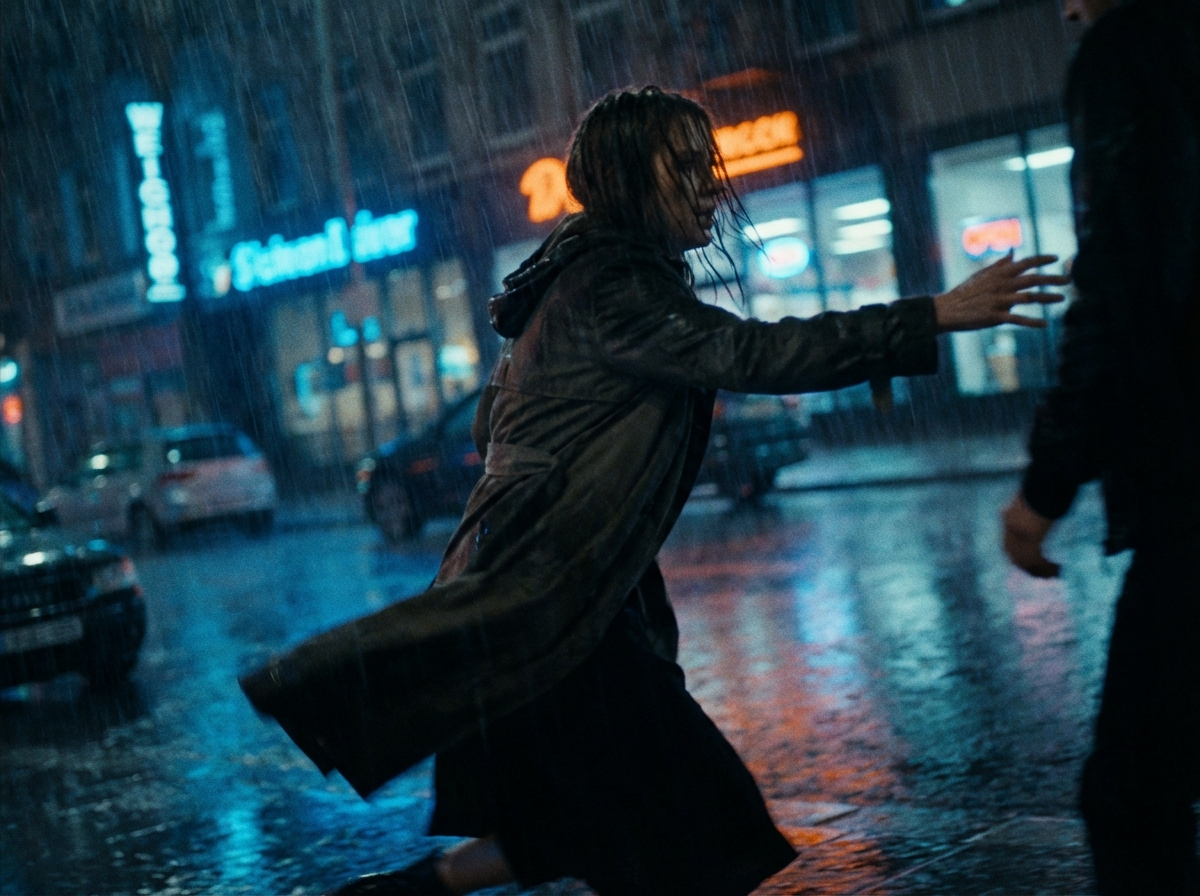
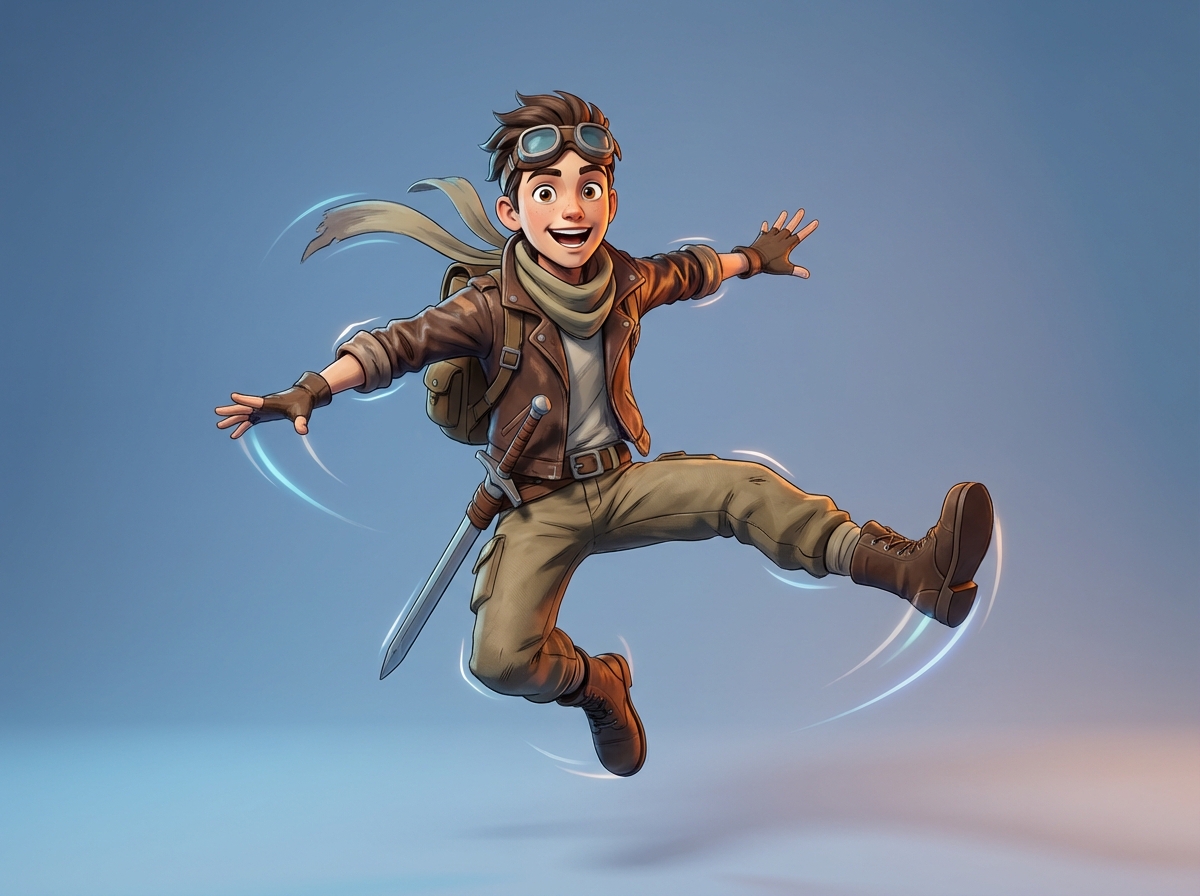
Animate character concepts to study body movement and facial reactions. Upload your artwork or type a character description, and Hailuo AI creates a clip showing gestures, posture, and facial expressions, so you can see how the character moves and reacts on screen.
Place a product in a cinematic scene with Hailuo 2.3 on Framia Pro. Describe the setting, camera movement, and lighting in your prompt, and the model will create a lively video that feels like a real commercial.
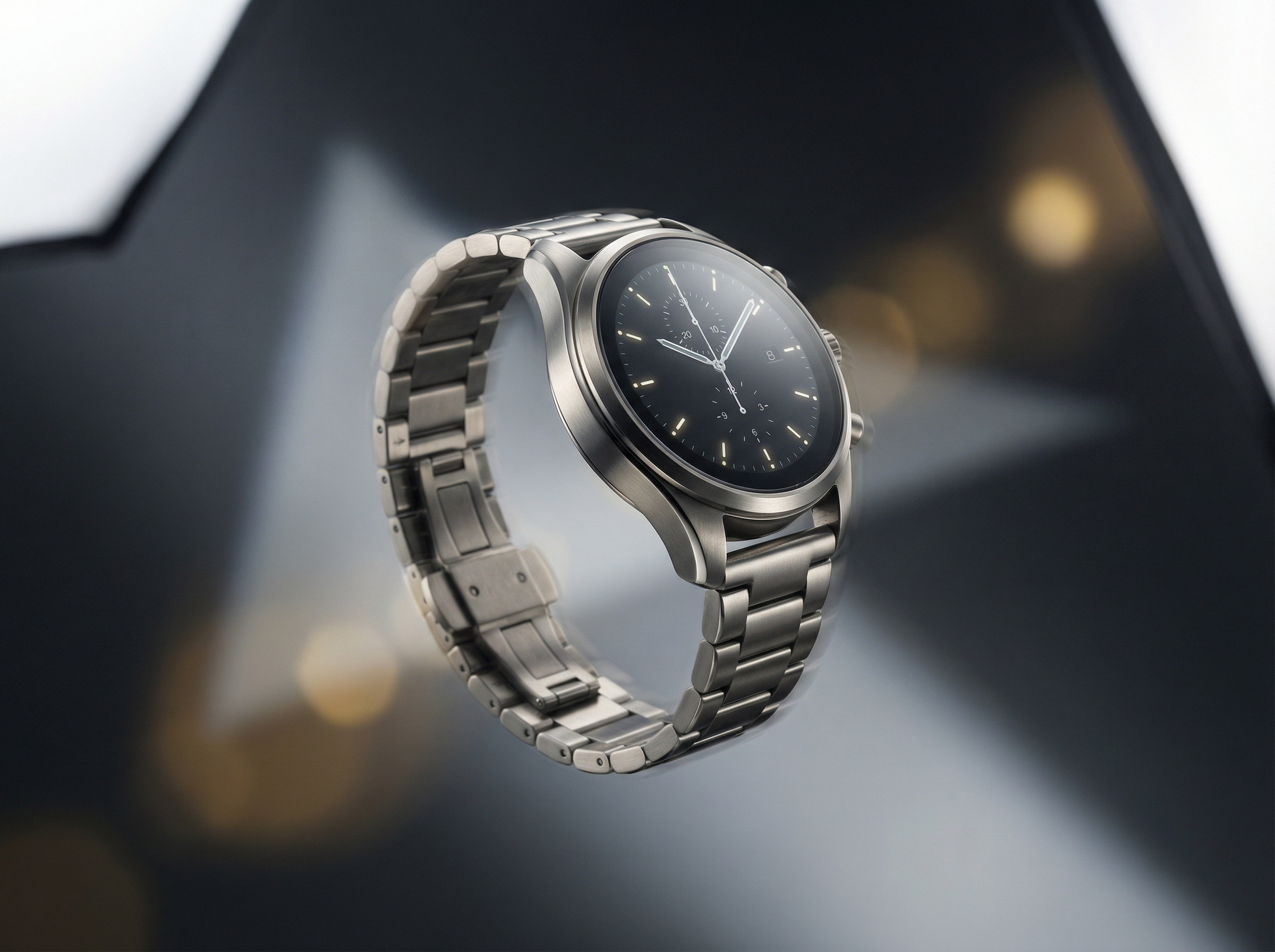

Turn still illustrations into motion scenes that explain an idea more clearly with Hailuo 2.3 on Framia Pro. Designers can upload artwork and generate a clip where characters or objects move to give clients or teams a stronger sense of how the project could appear.
Experiment with action scenes for a game story before making full animation assets. Describe the moment, character actions, and camera movement, and Hailuo AI generates clips that show how the sequence might unfold, which helps teams test narrative pacing and visual direction.
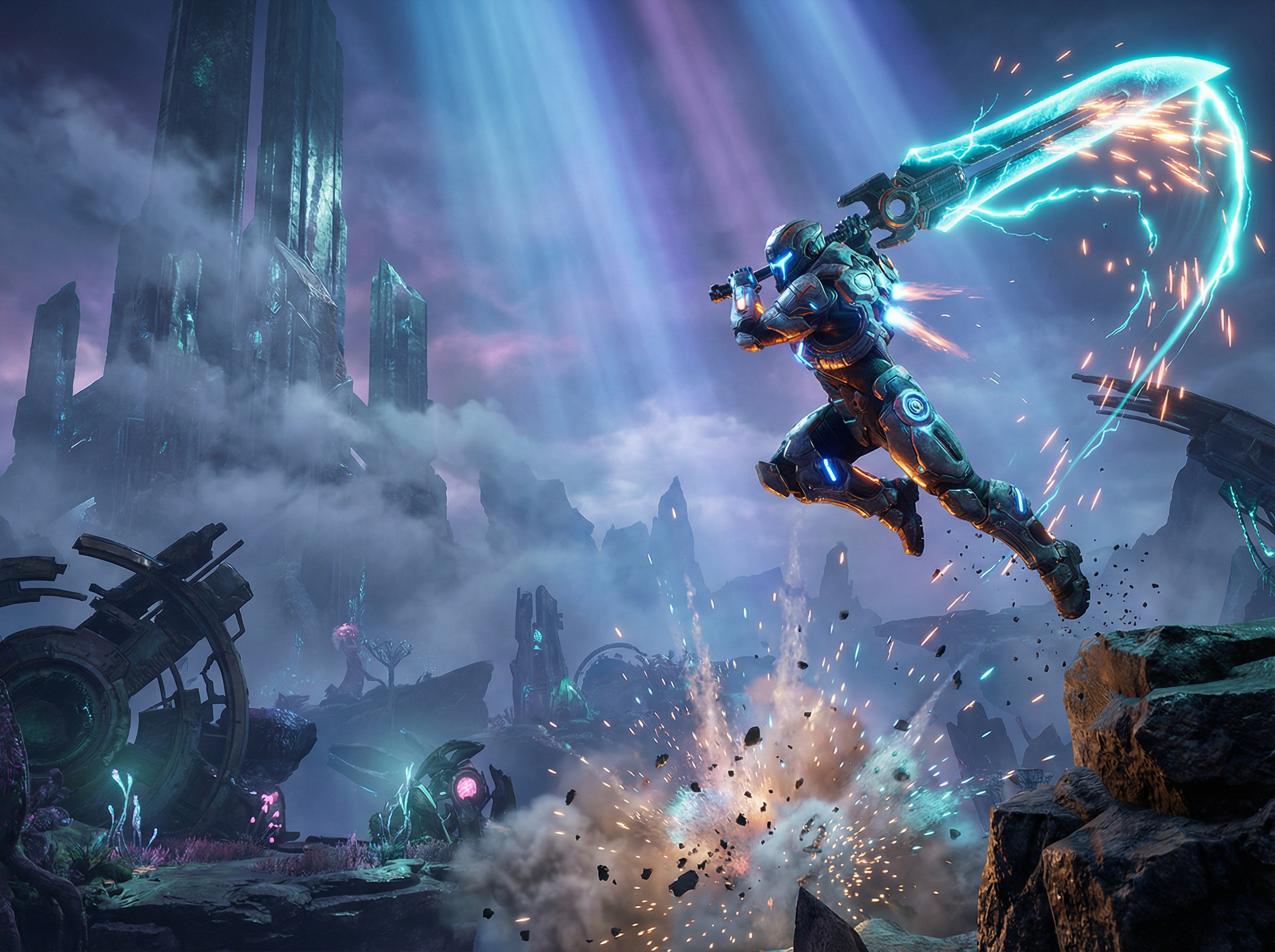
Switch to Hailuo AI image to video on Framia Pro for faster output, lower production cost, and broadcast-quality results on every generation.
Curious about what Hailuo 2.3 on Framia Pro can do. These reviews share real impressions from creators who tried it for different video ideas.
Discover and explore advanced AI video tools and features available on Framia Pro.