Framia

Flux AI Image Generator

Bring ideas into photorealistic and natural photos. Get perfect color control and text rendering with the Flux AI model at Framia Pro.

Share your ideas, upload your reference photos, choose the Flux Max model, and get photorealistic, natural photos in one click.
Plan

Core features of Flux AI image generator at Framia Pro

Explore the core features of the Flux AI photo generator to tailor photorealistic, detailed, and natural pictures

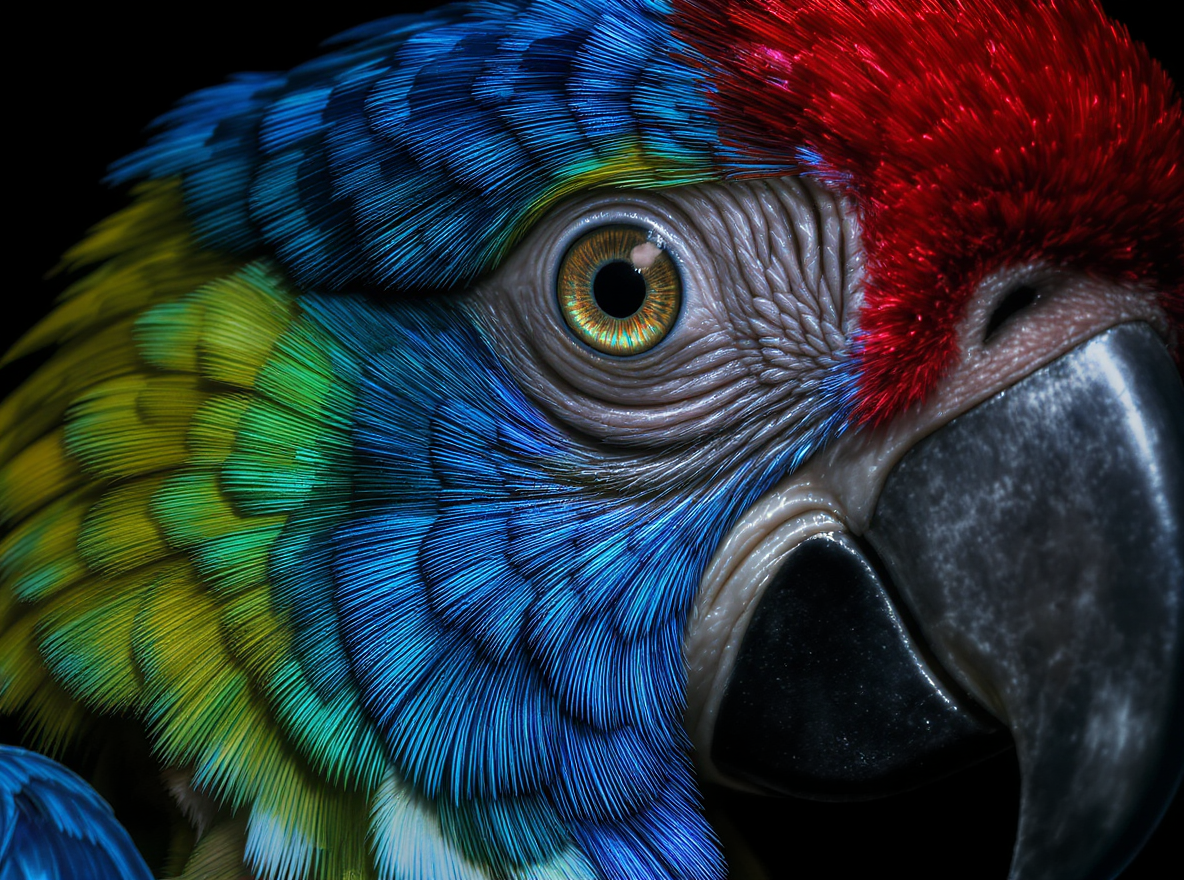
Generate photorealistic text-to-image

Type in your text prompt. The Flux Max model at Framia Pro turns your ideas into photorealistic designs in seconds with premium quality. Bring true feelings of your elements from skin tones, lights, and compositions to the most natural version.

Generate photorealistic text-to-image
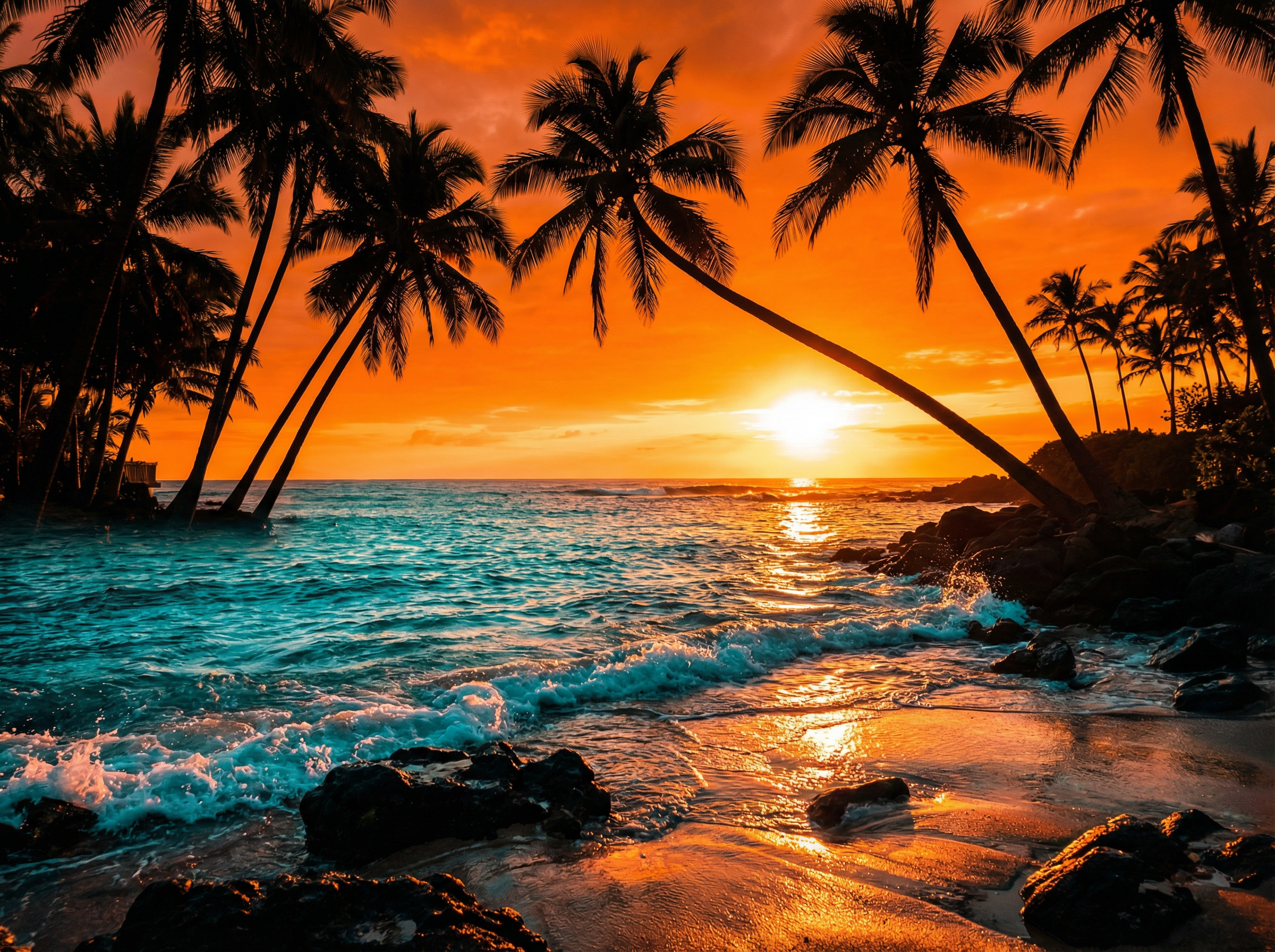
Control precise HEX color quality

Control precise HEX color quality

Control colors and gradients in your objects through HEX codes. The model ensures consistency and true tones across all designs, from a single color to a complex mix. Command your preferred palette. Let Flux 2.0 bring magic to your life.

Visualize realistic multi-purpose content

Turn complex concepts or directions into high-quality, production-ready work in seconds. Flux 2 AI provides realistic solutions for a wide range of needs, from infographics and social posts to ecommerce photos. Easily scale up designs for multi-use.

Visualize realistic multi-purpose content
Sophisticated details and powerful rendering

Sophisticated details and powerful rendering

Perfectly customize and control visual outputs down to the finest detail. Tailor your designs with concepts ranging from realistic to futuristic. Insert complex and specialized typography into your work without extensive rendering effort.

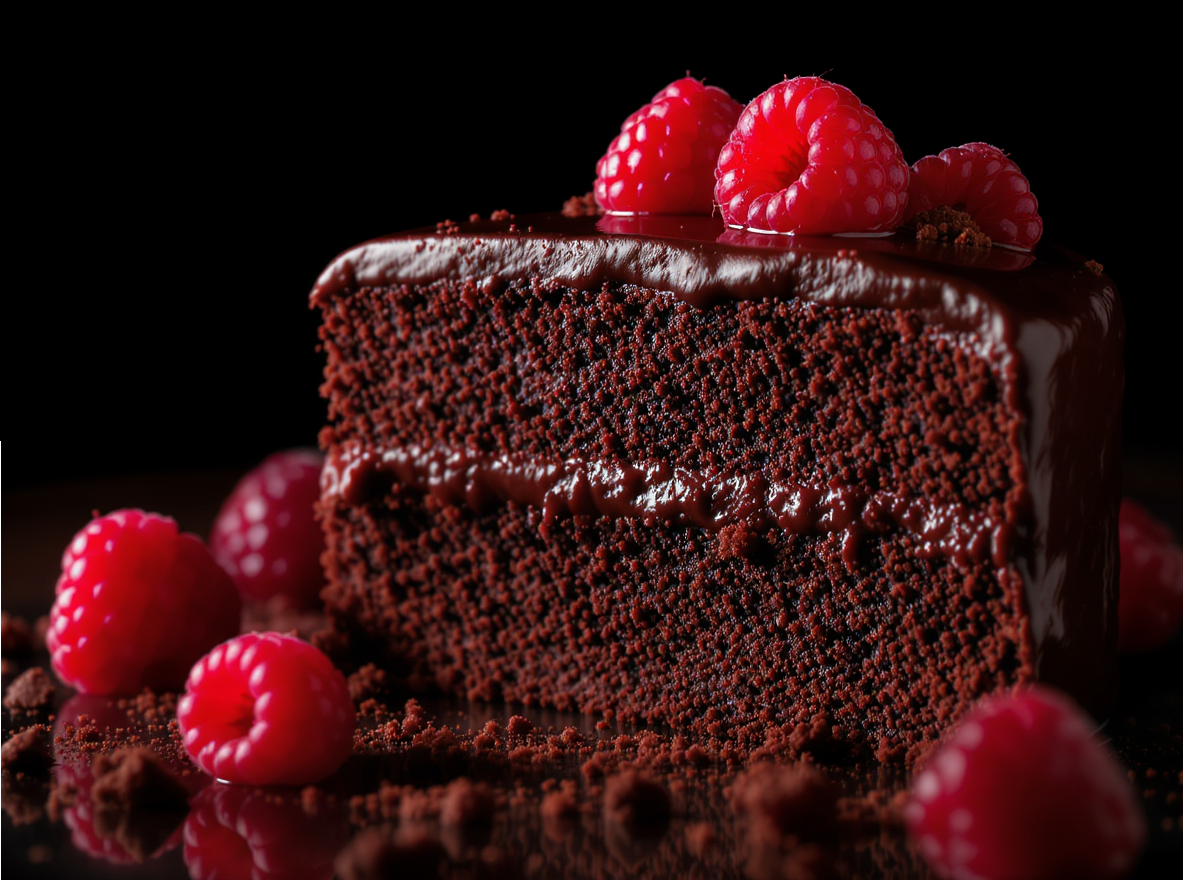
High-quality style and lighting adjustment

Thanks to powerful, high-quality styles and modules, Flux 2 lets you tailor complex textures and lighting. Bring lifelike realism and vivid coloring to designs. Ready for real photography sense at Flux AI image generation.

High-quality style and lighting adjustment

How to use Flux 2 on Framia Pro for image creation?

Follow three simple steps to generate photorealistic images, retouch, and export production-ready outputs

Step 1: Sign up for Framia Pro
Sign up for your Framia Pro account. Type your prompt, including detailed information about objects and settings. Click the "Plan" option to outline before creation.

Step 2: Generate your photo
Go to "Select models", open the "Image" tab, and choose "Flux Max". Adjust settings to "Design: tab and pick preferred aspect ratio. Hit the "Generate" button.
Step 3: Export to your device
Preview your output. Refine your work with additional prompts if needed. After all, click the download icon to save your design and be ready to use.

Explore common uses of the Flux AI image generator

Designed for production-ready and creative outputs, Flux AI brings magic to your life in every aspect

Creative branding campaigns

Design high-quality, impactful branding materials for social campaigns and advertising. Flux 2 lets you visualize your ideas into realistic, stylish branding materials. Tailor attractive and ready-to-share designs that match your brand vibe.
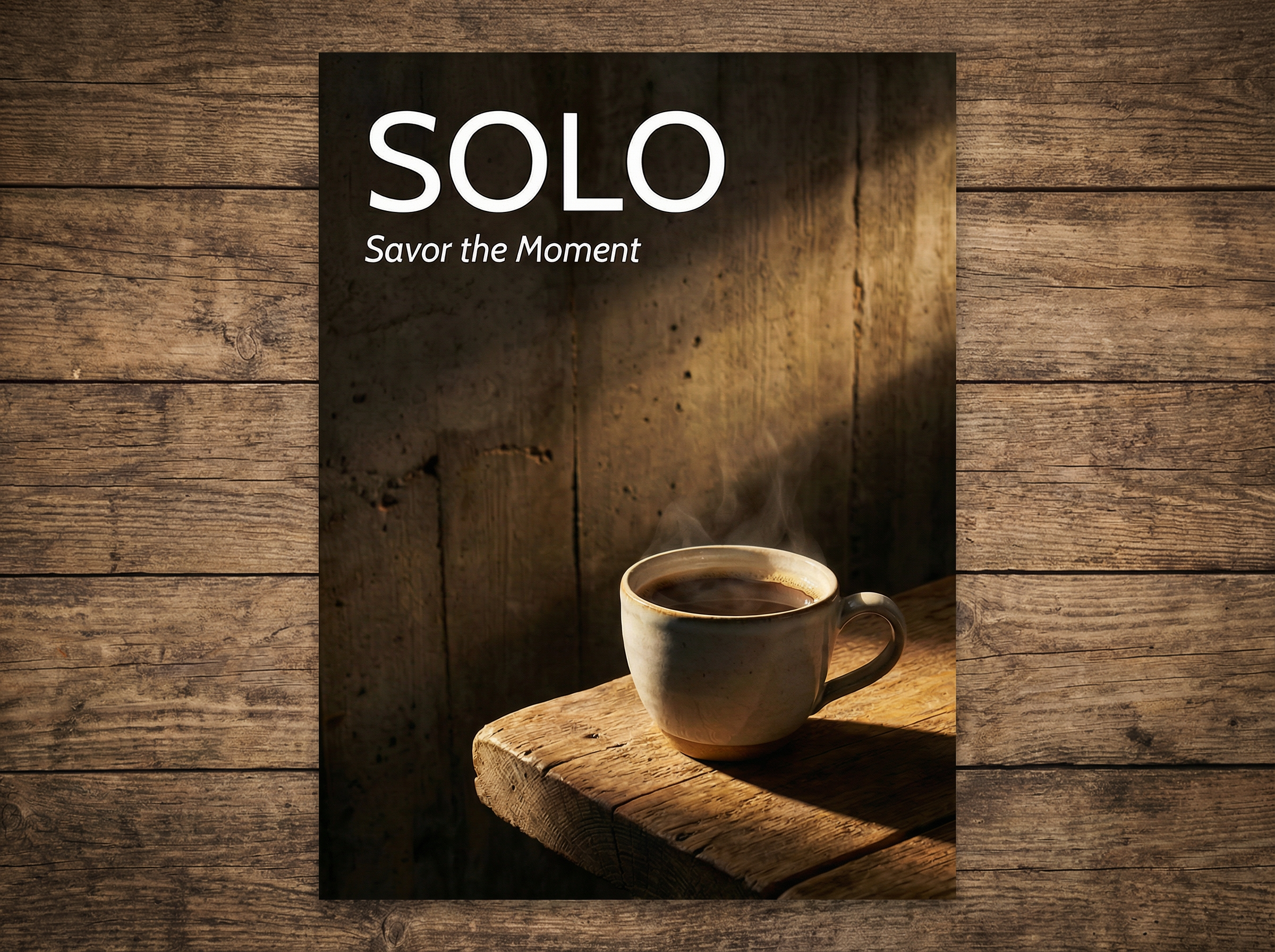
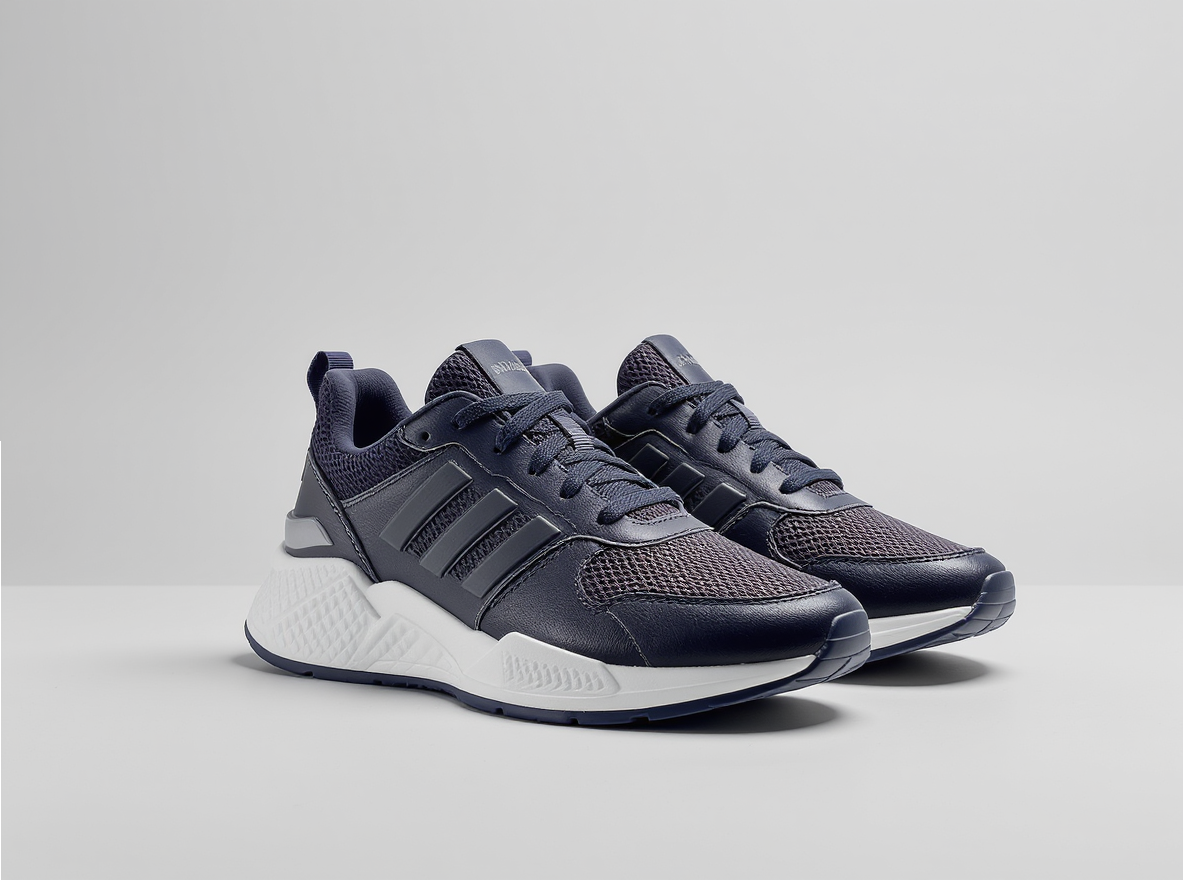
Creative branding campaigns
High-quality ecommerce materials

High-quality ecommerce materials

Flux AI ensures high-quality, professional, and clean store display photos and promotional content across channels. Render your designs with high-quality text options, premium lighting, and consistent visuals. Ready for higher customer attention and conversion.

Clear UI product design

Design clear, stylistic UI interfaces for app screens, website layouts, and homepages. Framina Pro's Flux AI image generator free brings modern and fresh looks to your product design, ensuring all details are clear and easy to understand.
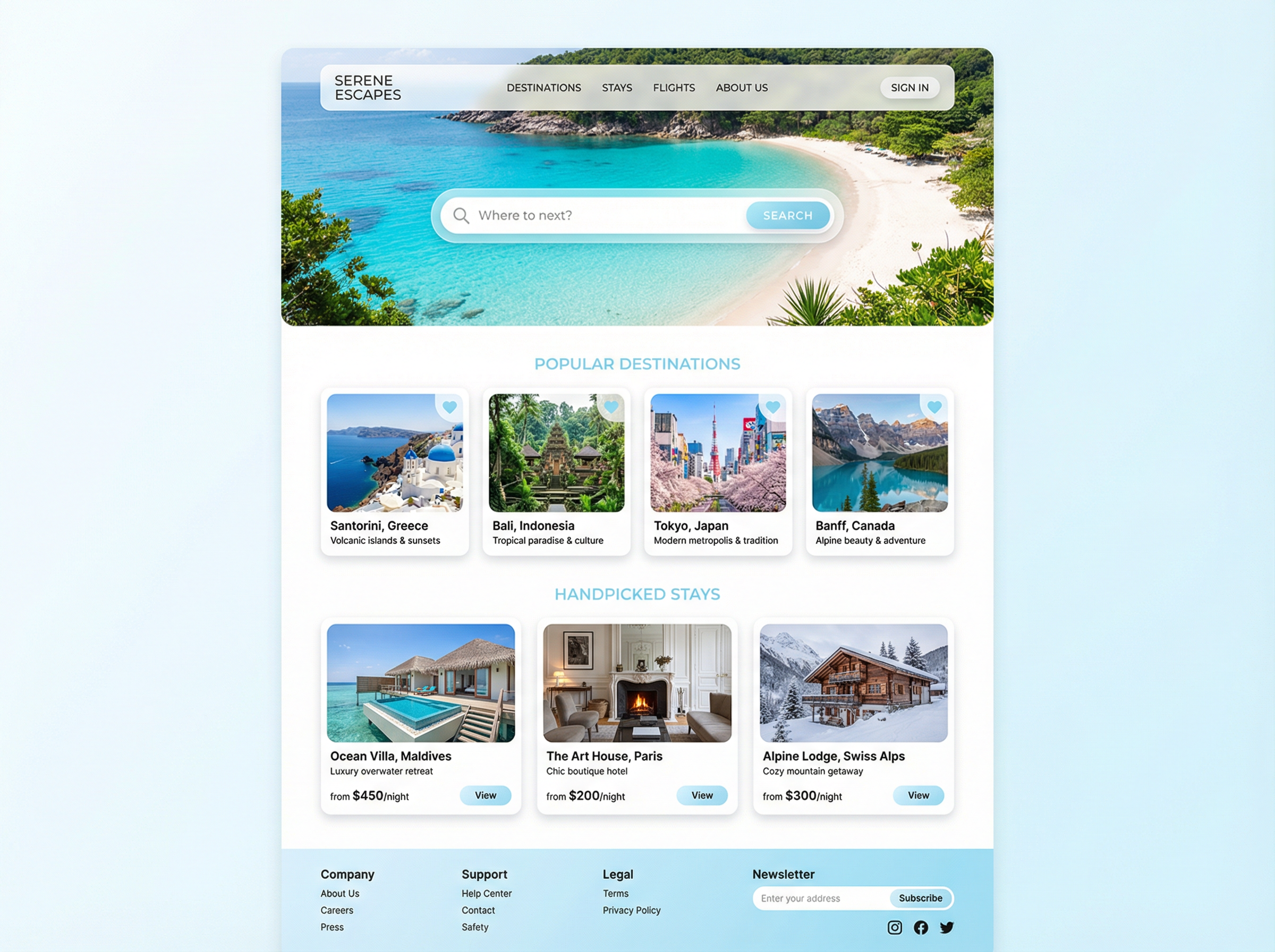
Clear UI product design
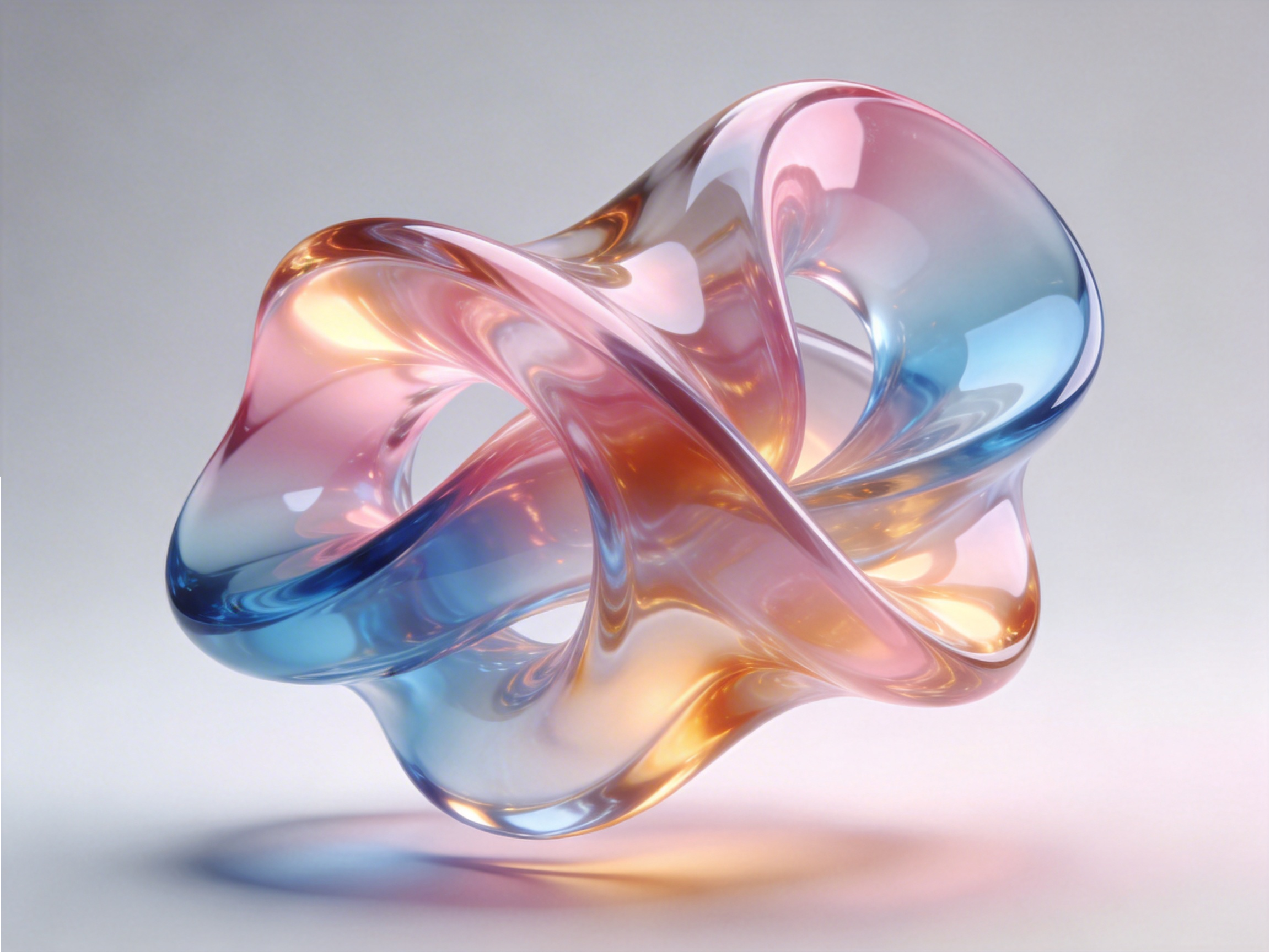
Production-ready 3D modelling design

Production-ready 3D modelling design

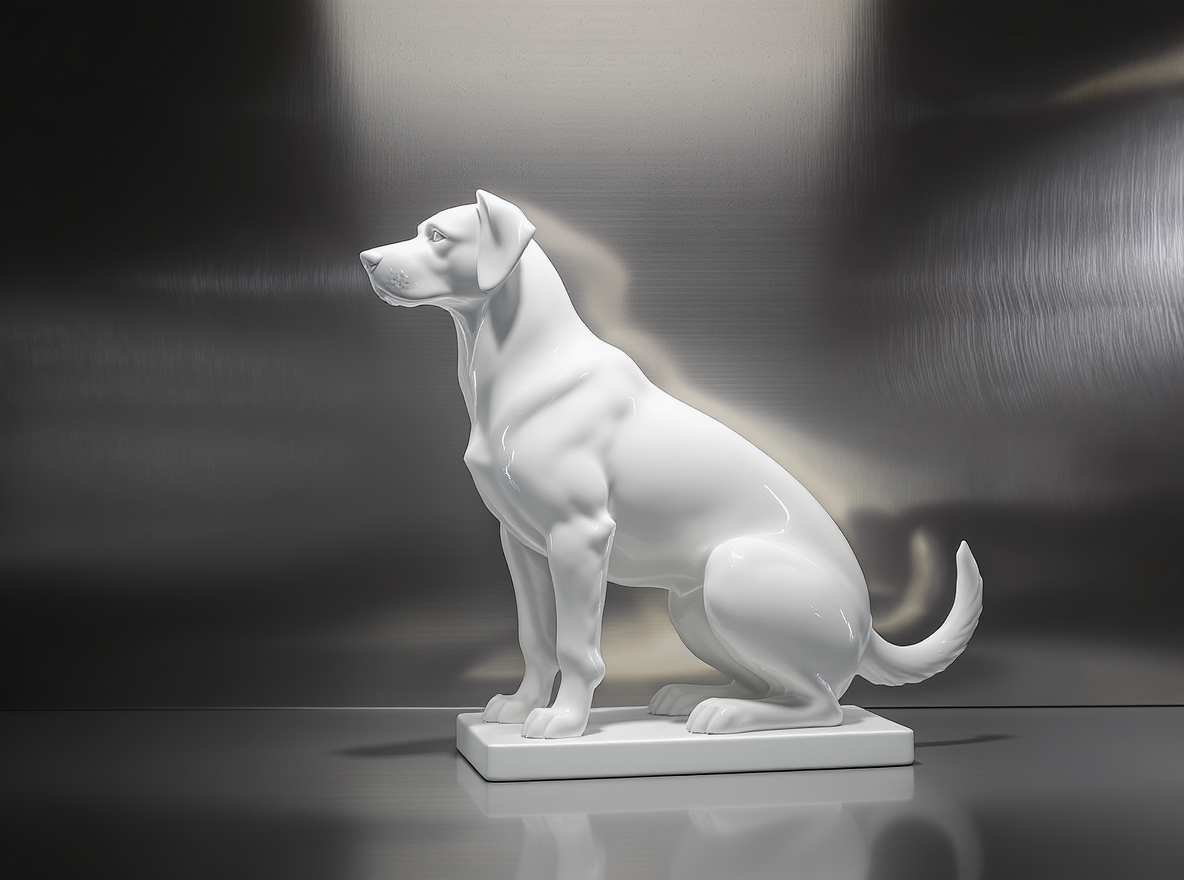
Tailor detailed concept visuals for 3D models, product shapes, packaging, and creative objects. Thanks to its powerful, high-quality rendering capabilities, Flux AI helps creative designers quickly explore forms, materials, and visual directions. Ease your ideation and production process with standard quality.

Cinematic movie materials

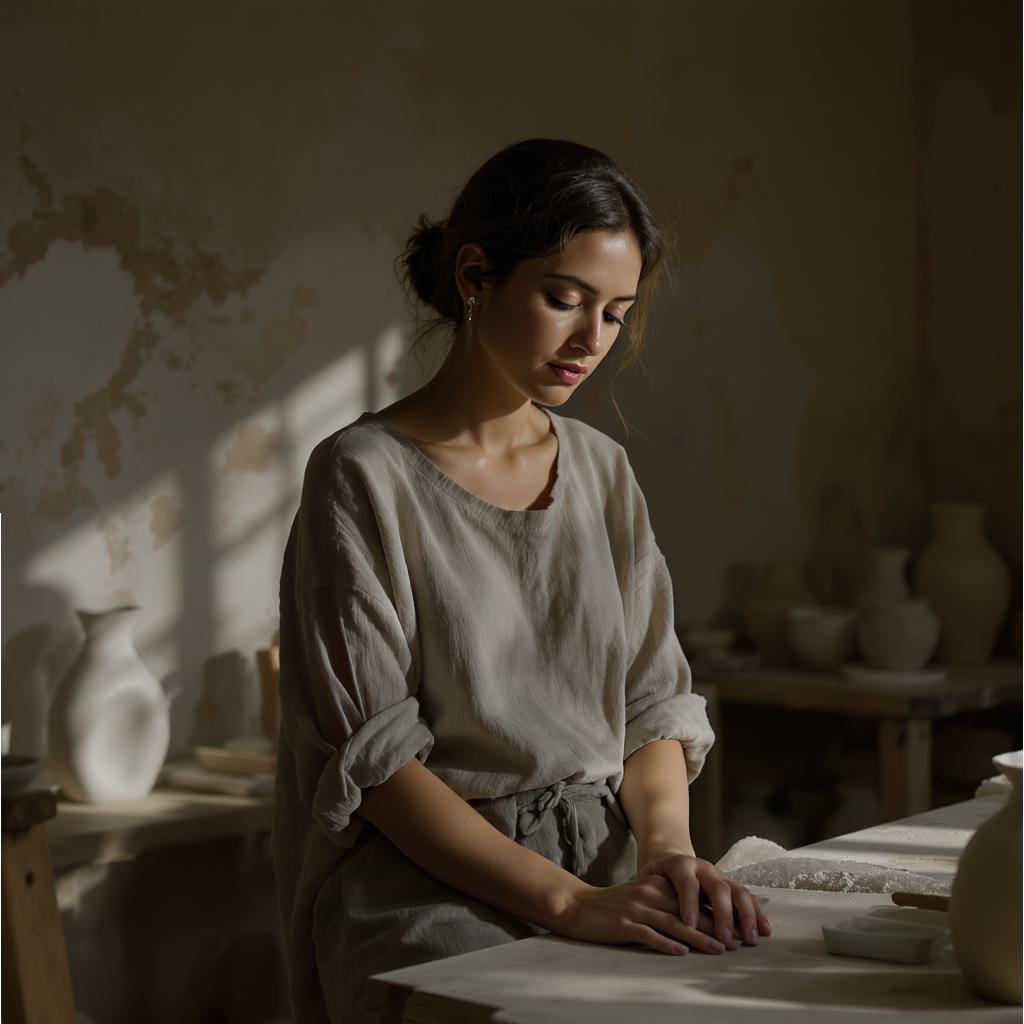
Produce cinematic and dramatic movie visuals, film concepts, or branding movie materials in seconds. Bring your artistic vibe to life with detailed, visually appealing materials. Ready for impressive movie photo materials that touch viewers' moods.
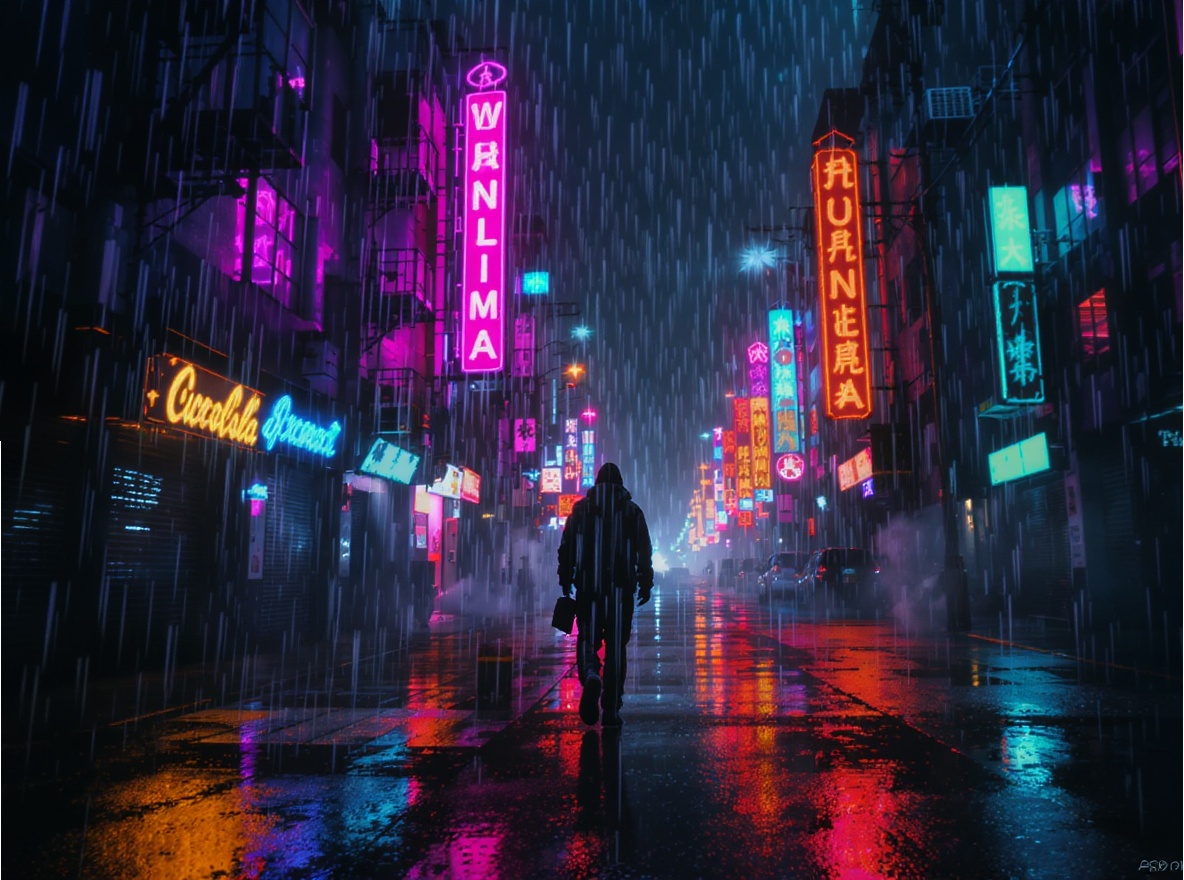
Cinematic movie materials

See Framia Pro's Flux Max AI image generator in action

Turn ideas into applicable designs with premium quality and lifelike realism in seconds with Flux AI image generator.
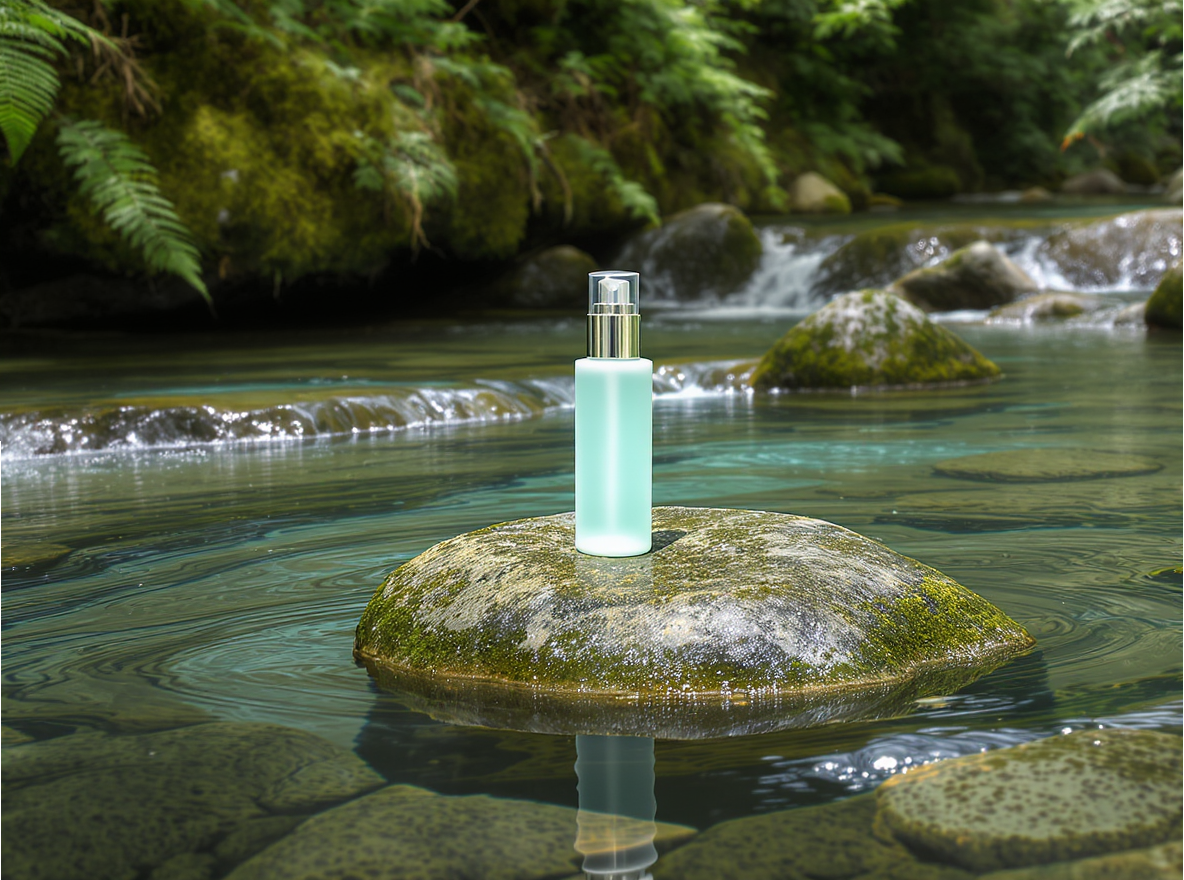
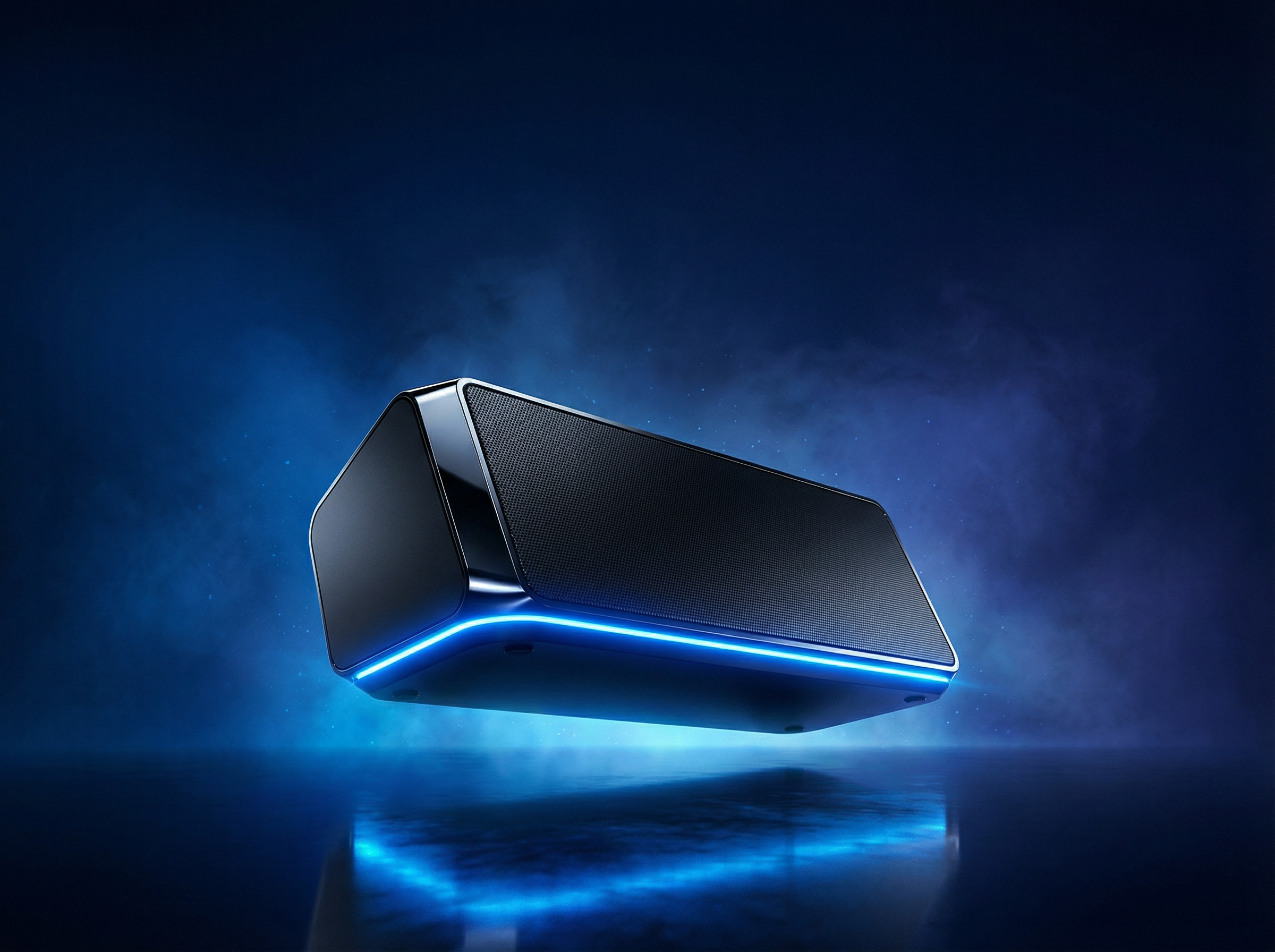
A sales product photography in a river setting
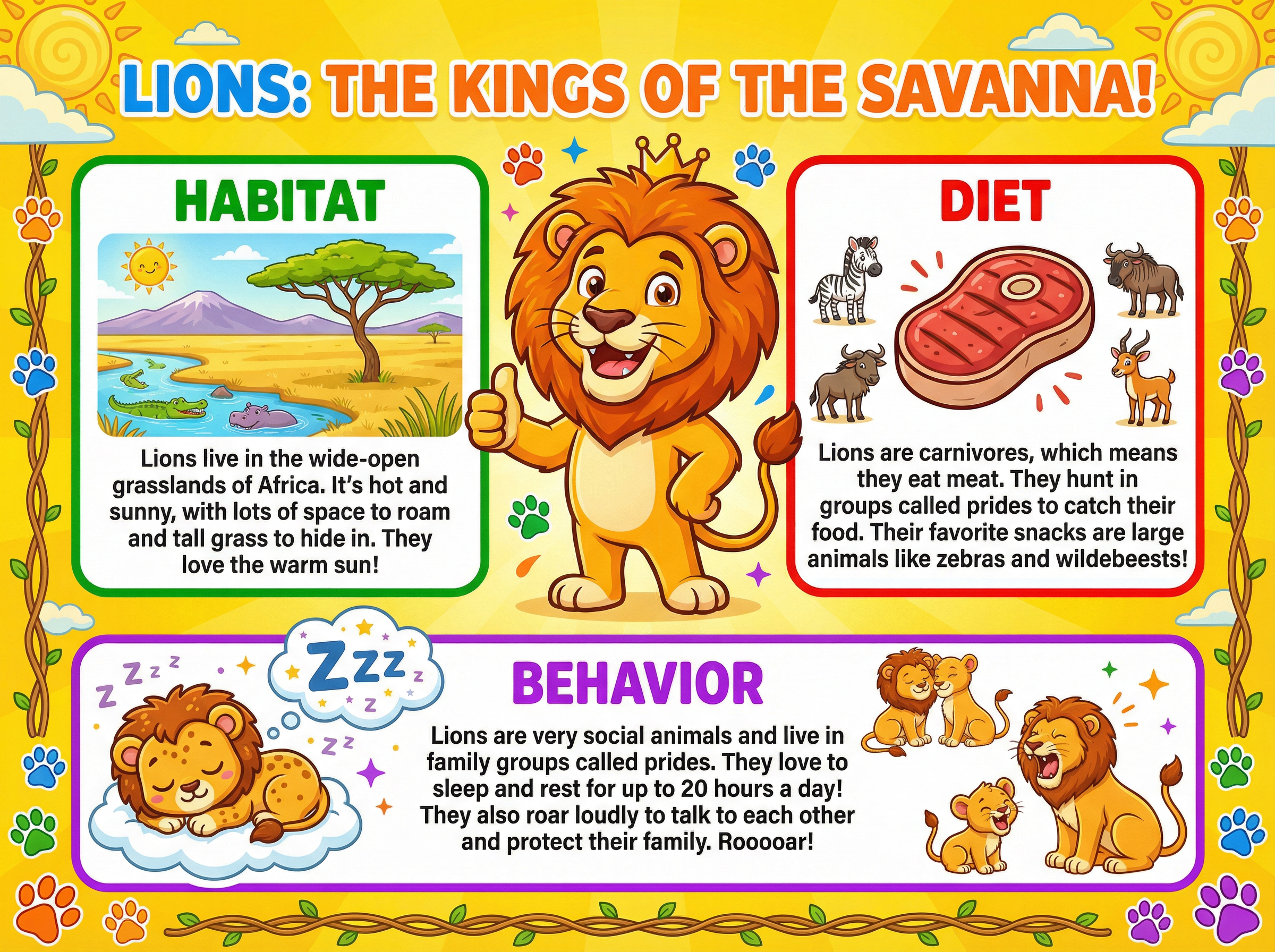
An educational infographic about zoo life
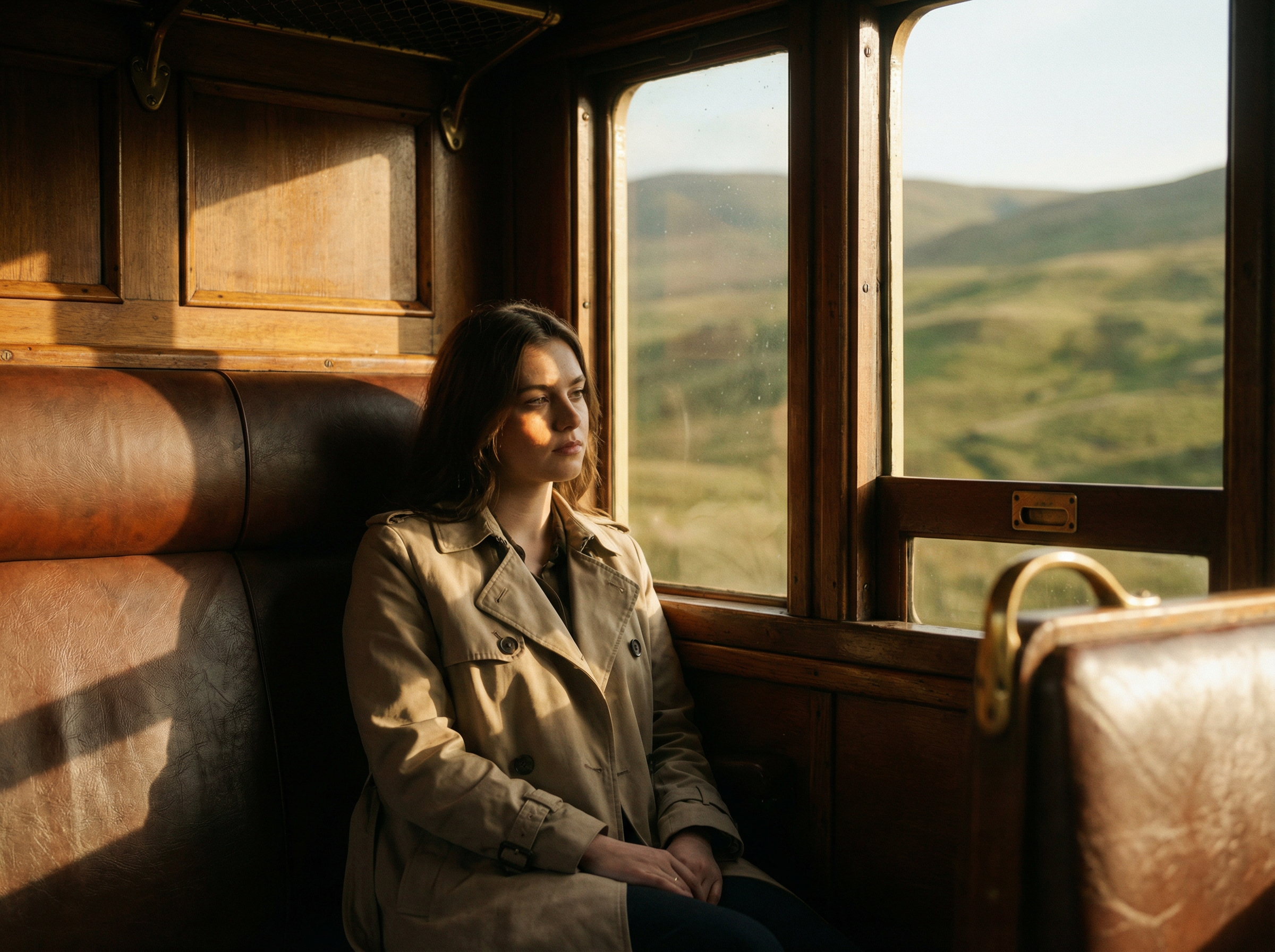
Cinematic photo on a train
3D modelling sculpture featuring a dog
Social media post about product promotion
Branding logo for a cozy bakery

Why use Flux AI image generator at Framia Pro?

Enjoy photorealism effects, a fast creation process, and flexible control for all designs with the Flux AI model.

Professional photo quality & resolution
Ready to download and share the produced photos with premium quality. FLUX.2 MAX ensures HD and production-ready resolution for printing or direct use. Ready for professional use cases, from marketing to cinematic content.
Photorealistic and natural physics
Backed by advanced algorithms, the Flux AI image generator at Framia Pro delivers photorealistic, lifelike outputs—best for natural photos, scenes, and portraits. Type in your ideas, and Framia Pro's Flux AI image generator tailors your natural objects with precise color and lighting control.
Detailed text rendering
Flux 2 supports sophisticated text rendering with multiple language options. Optimize all components in your designs for high-quality, ready sharing. Framia Pro's Flux 2 AI image generator also helps you localize text details even for non-Latin languages.
Consistent element design
Enjoy a high level of element consistency in details, from lighting to structure to colors. Ready for branding uses or flexible scalability. Share your ideas. Framia Pro's Flux 2.0 AI will ensure scalable and consistent objects across designs.
Flexible aspect ratios for outputs
Adjust your outputs with diverse aspect-ratio options to match different needs, from social media and ecommerce displays to outdoor advertising. The Flux 2.0 AI model in Framia Pro lets you adjust aspect ratio settings from scratch. Pick your preferred settings in seconds.
Sophisticated prompt adherence
Thanks to premium prompt understanding, type in your prompt. Flux 2.0 AI at Framia Pro automatically turns your ideas into visually appealing videos—no need for manual editing. Everything is ready to bring your ideas to life.

What creative creators say about Flux Max?

See what others say about the free Flux AI image generator. From crafting appealing social posts to sophisticated sculptures, Framia Pro brings magic to your life


Emmi S.
Emmi S.
Brand Marketing Manager
I have been brainstorming new branding assets for the rebrand for weeks. Flux Max then helps me produce the natural, color-correcting branding assets I want. Vivid and illustrative version that matches my new products.
David H.
David H.
Ecommerce Visual Designer
My client requested that I produce 50 ecommerce visual product displays in different sizes. I felt so burdened manually. The Flux AI image generator came out of nowhere. It helps me tailor realistic product displays with prompts and resize them to different aspect ratios simultaneously.
Hanna H.
Hanna H.
Creative Sculptor
I had been stuck with ideas for my sculpture projects for months. I sketched many designs, but none were satisfactory. Flux AI image generator, free at Framia Pro, turned my mere ideas into sophisticated designs with realistic results. It also allowed me to see my design from different light angles.
John B.
John B.
UI/UX Designer
Making mockup designs for app interfaces is my daily job. It normally takes me days for a single interface. The model helps me a lot. It saves me time on object and text rendering—no need for manual text addition with this super-powerful model anymore.
Max T.
Max T.
Social Media Content Creator
I wanted to create consistent social content across my channels, but didn't have to do so. Then, Flux Max came. It is a life-changing game for me. Framia Pro's Flux AI image generator lets me curate, resize, and adjust designs in seconds.
Ami M.
Ami M.
Product Designer
I was impressed by the photorealistic effects and high-quality rendering that Framia Pro's Flux 2 AI image generator brings to my product designs. All details, from lighting and composition to texture, are so real and natural that they can be shared ready without manual effort.

Frequently asked questions

We've compiled the most important information to help you get the most out of your experience. Can't find what you're looking for?Contact us
Flux 2.0 works through powerful, advanced "in-text" generation. Share your prompts, and this powerful tool will turn your ideas into captivating works in seconds. Enjoy photorealistic and consistent outputs across platforms.
Still have questions?
Have questions or need assistance? Our team is here to help!

Try Flux 2 for photorealistic photos at Framia Pro

Bring your ideas to life with photorealistic, natural designs. Share, refine, and export photos for ready production and professional uses.