Step 1: Access Framia Pro
Sign up on Framia Pro and open the AI video generator from the homepage.

Turn any photo into a cinematic video instantly with Framia Pro's AI image-to-video generator—add motion, music, and effects without any complex editing.
Turn simple images, whether JPGs or PNGs, into captivating videos that will draw attention from viewers.
You don't have to rely on just one photo to get started. By uploading sketches, style guides, or a single image, you can guide the AI to generate a complete series of cinematic B-roll clips, including close-ups and creative angles.
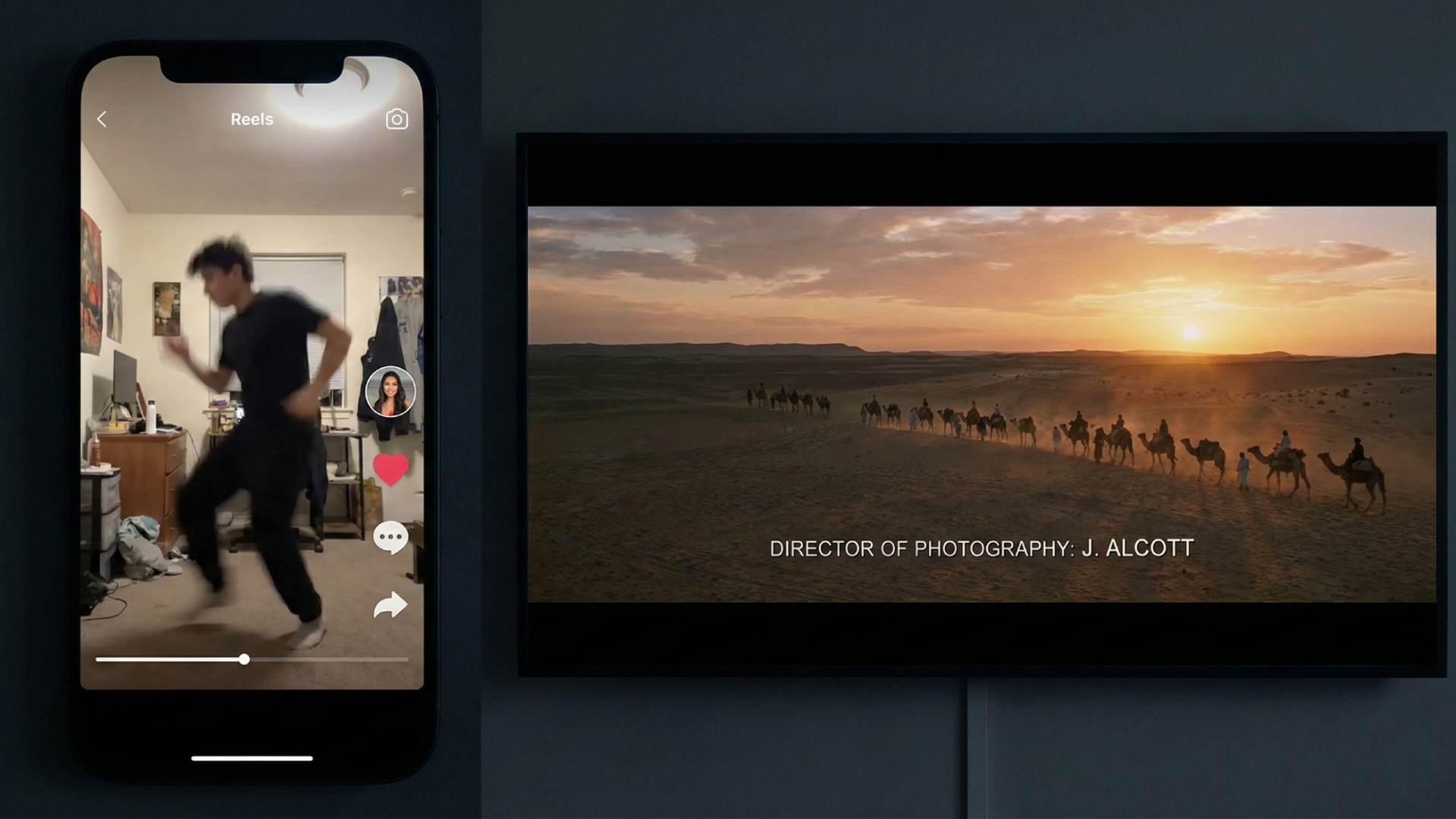
You can select different specialized "AI agents" depending on your project goals. The "Shorts Agent" is an expert at creating fast-paced, viral clips for social media platforms, while the "Movie Agent" focuses on generating cinematic, slow-motion scenes that feel like a movie.
Adding new elements to your video is incredibly easy with this tool. The AI automatically handles complex tasks like matching perspective, depth, and lighting, so everything looks natural. You don't need expensive software or green screens to get a polished look.
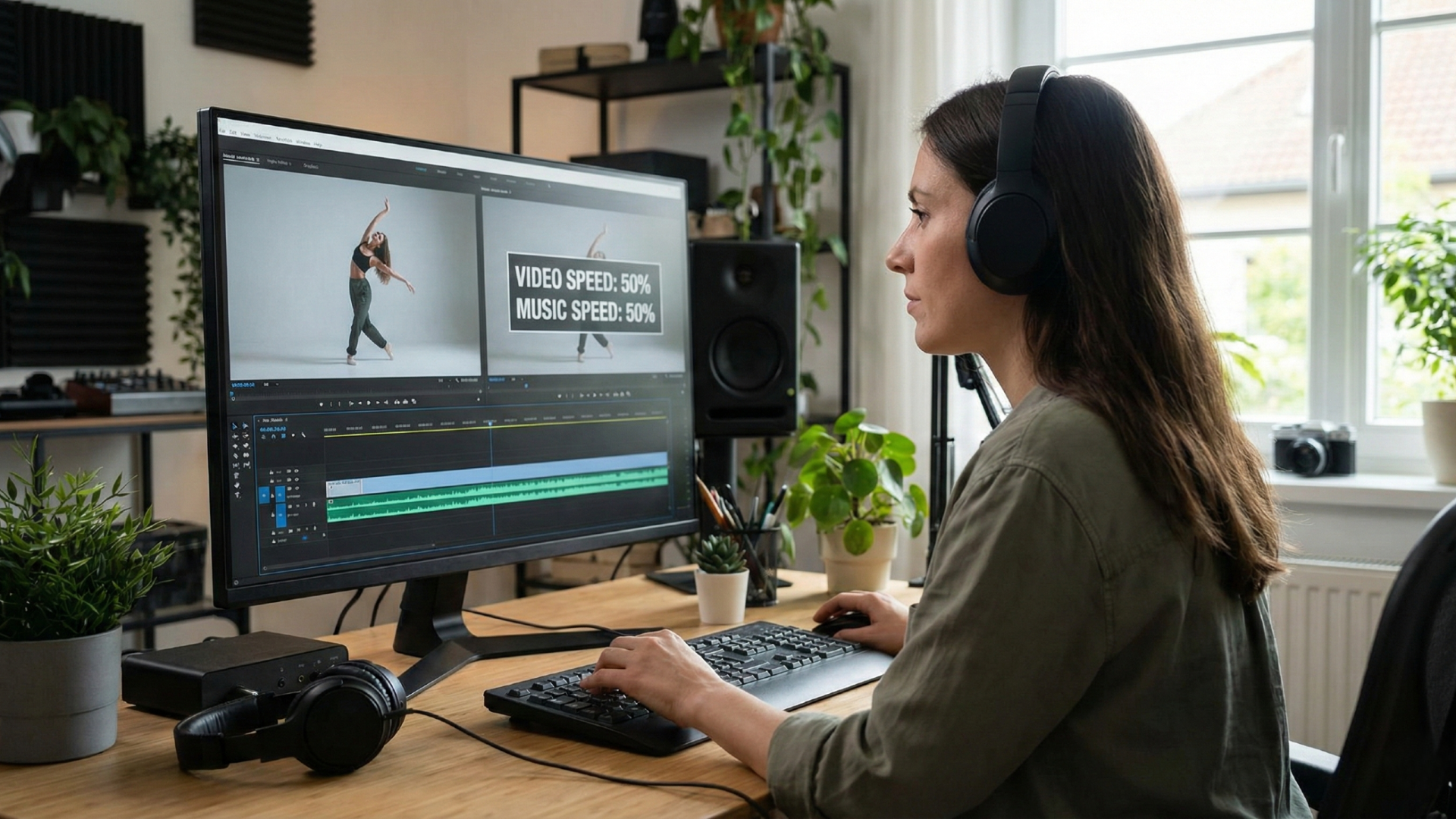
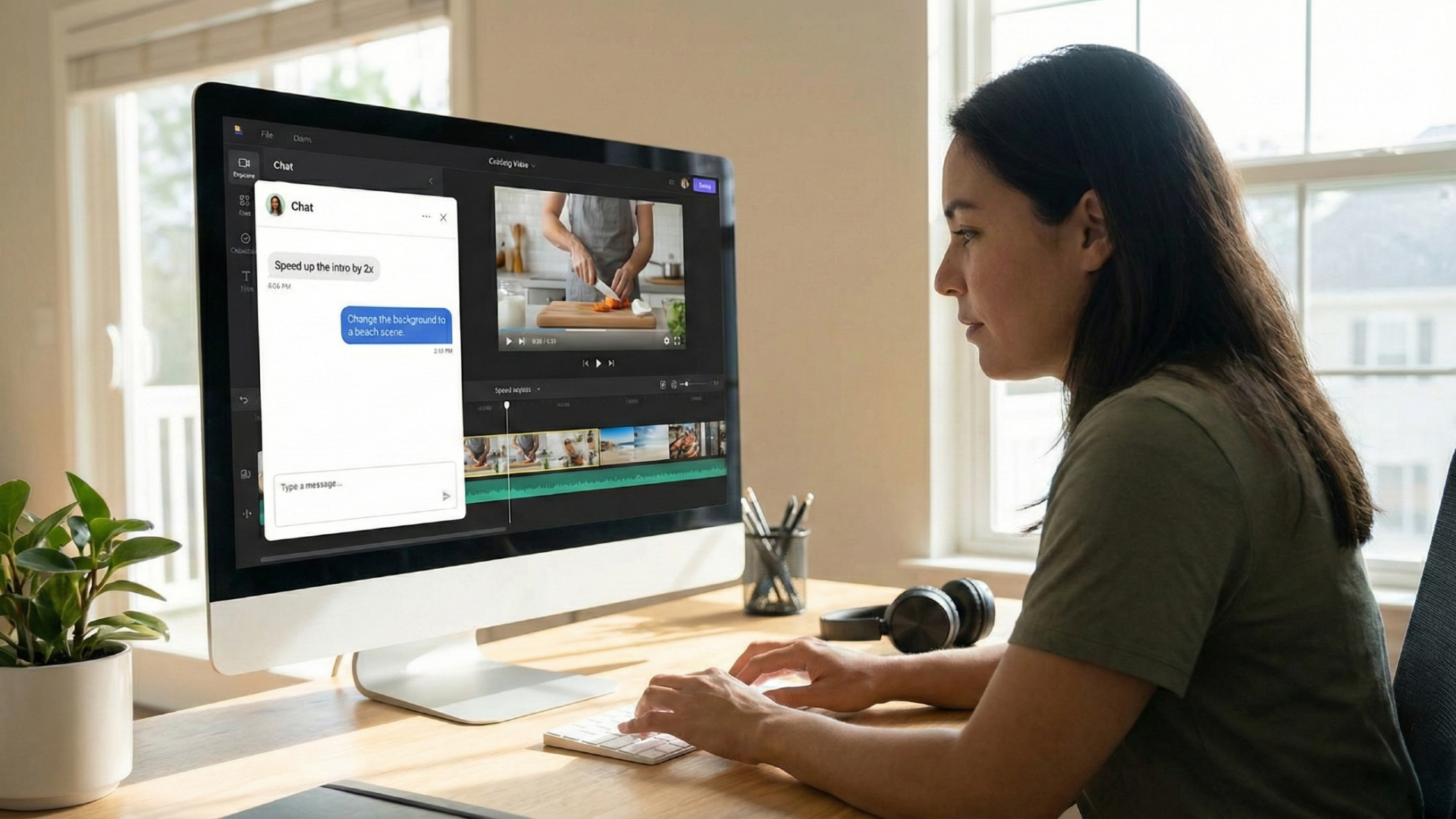
Create AI images to video with audio and emotions with agent-assisted video editing process. Here you can act as the editor just by talking to the AI. Simply use natural language commands to tell Framia to speed up the intro, add a dramatic pause, or sync the visual motion to a specific music style.
This feature ensures that your characters or brand mascots look exactly the same in every single clip. By locking in facial features and clothing styles, you can create professional branded content and long-form stories without any distracting visual changes.
Bring any photo to life using Framia's image to video AI generator free tool, by following the recommended steps outlined below.
Framia Pro offers a powerful, entry-level way to explore AI video generation with zero upfront costs.
Instead of navigating complex menus, you can simply tell the AI what you want in textual commands. Whether you need to speed up an intro or change a background, giving textual commands to the tool saves hours of manual labour.
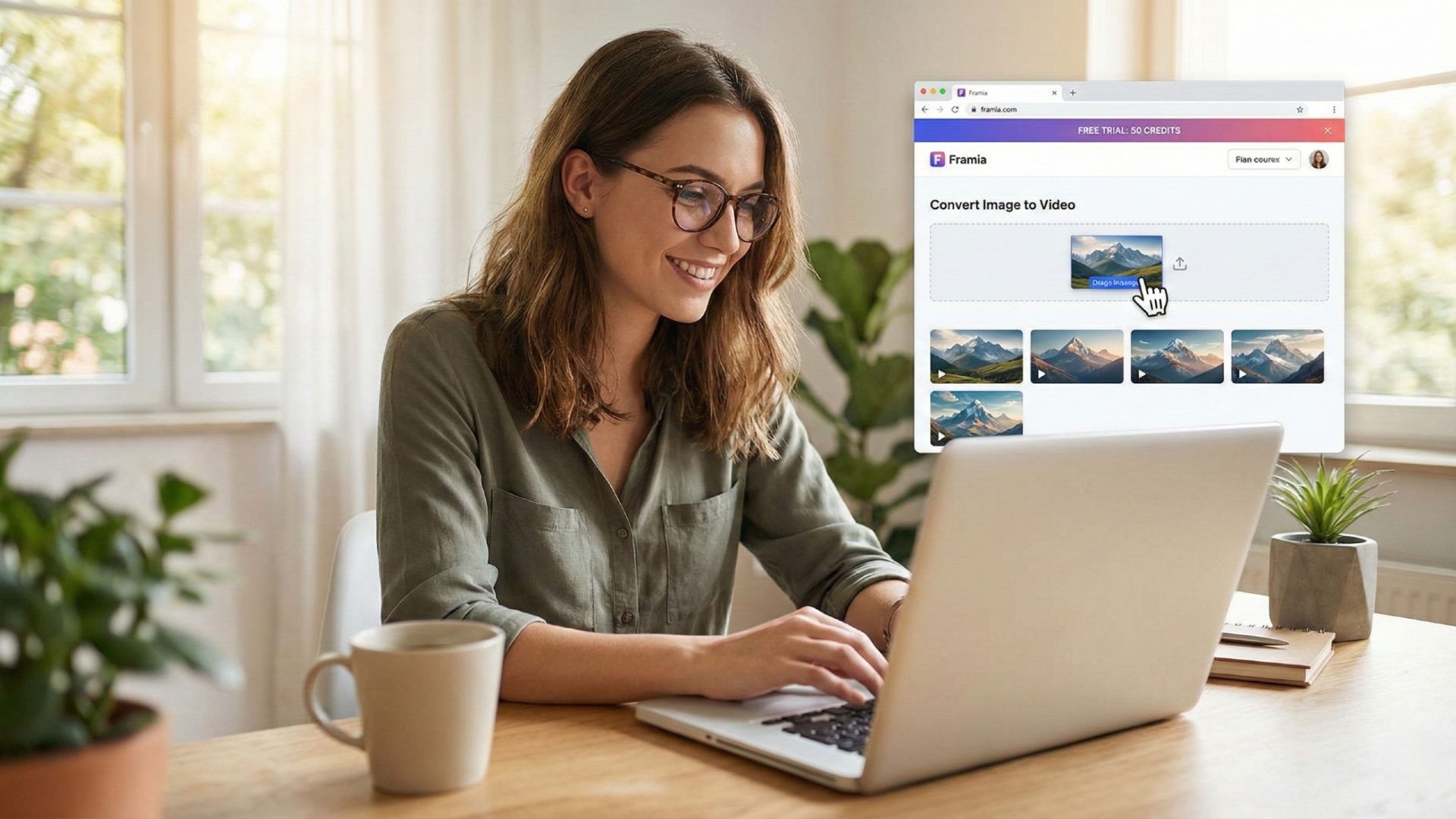
You don't need to pay anything to start experimenting with Framia's image to video AI free online tool. The free trial gives you enough credits to test image-to-video conversion and generate several short clips, allowing you to see results before spending any money.
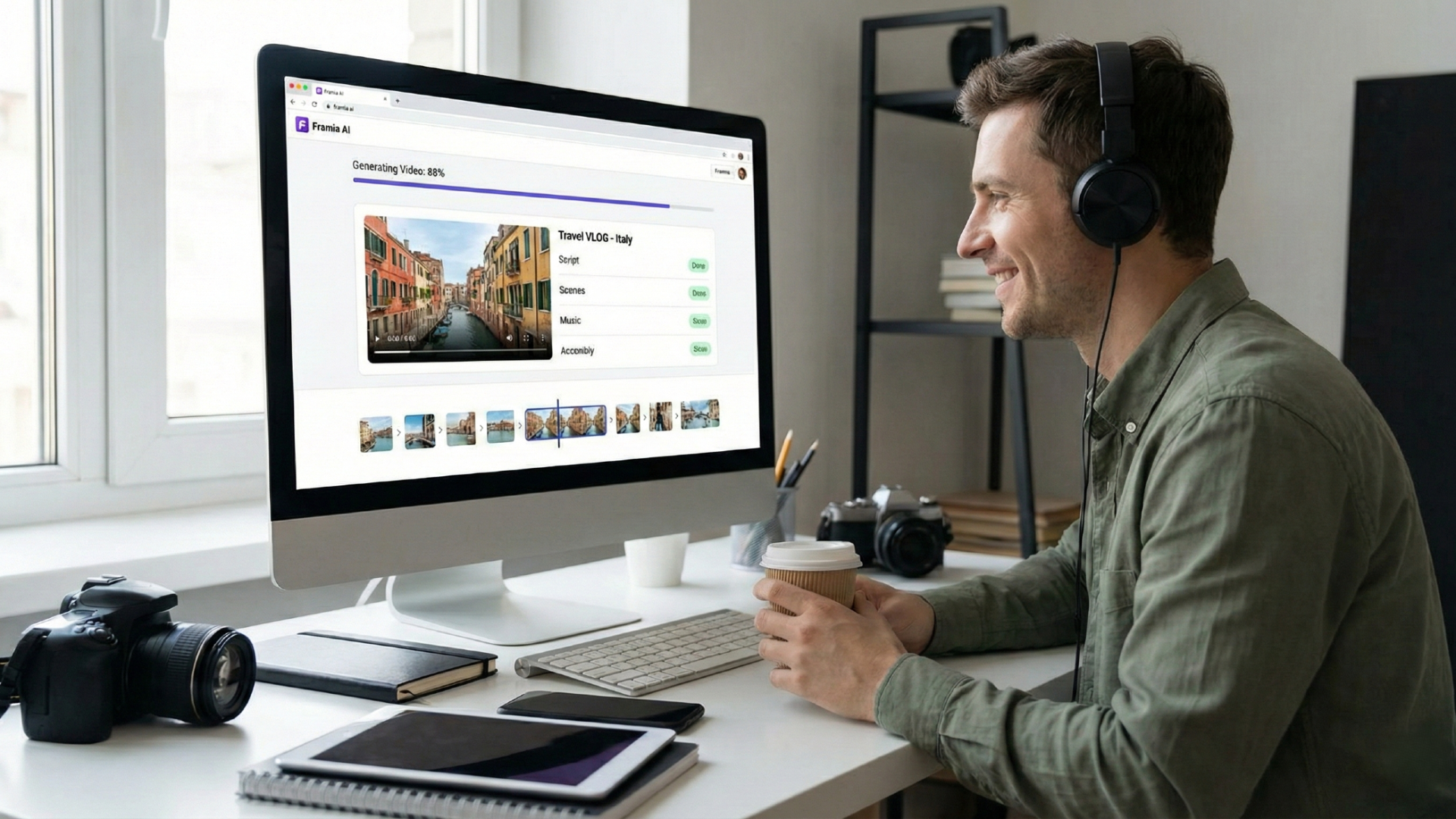
This free image to video AI tool handles the entire creative process for you in record time. It automatically turns your static images into complete videos by managing scripts, scenes, music, and assembly in just minutes, significantly speeding up your content creation workflow.
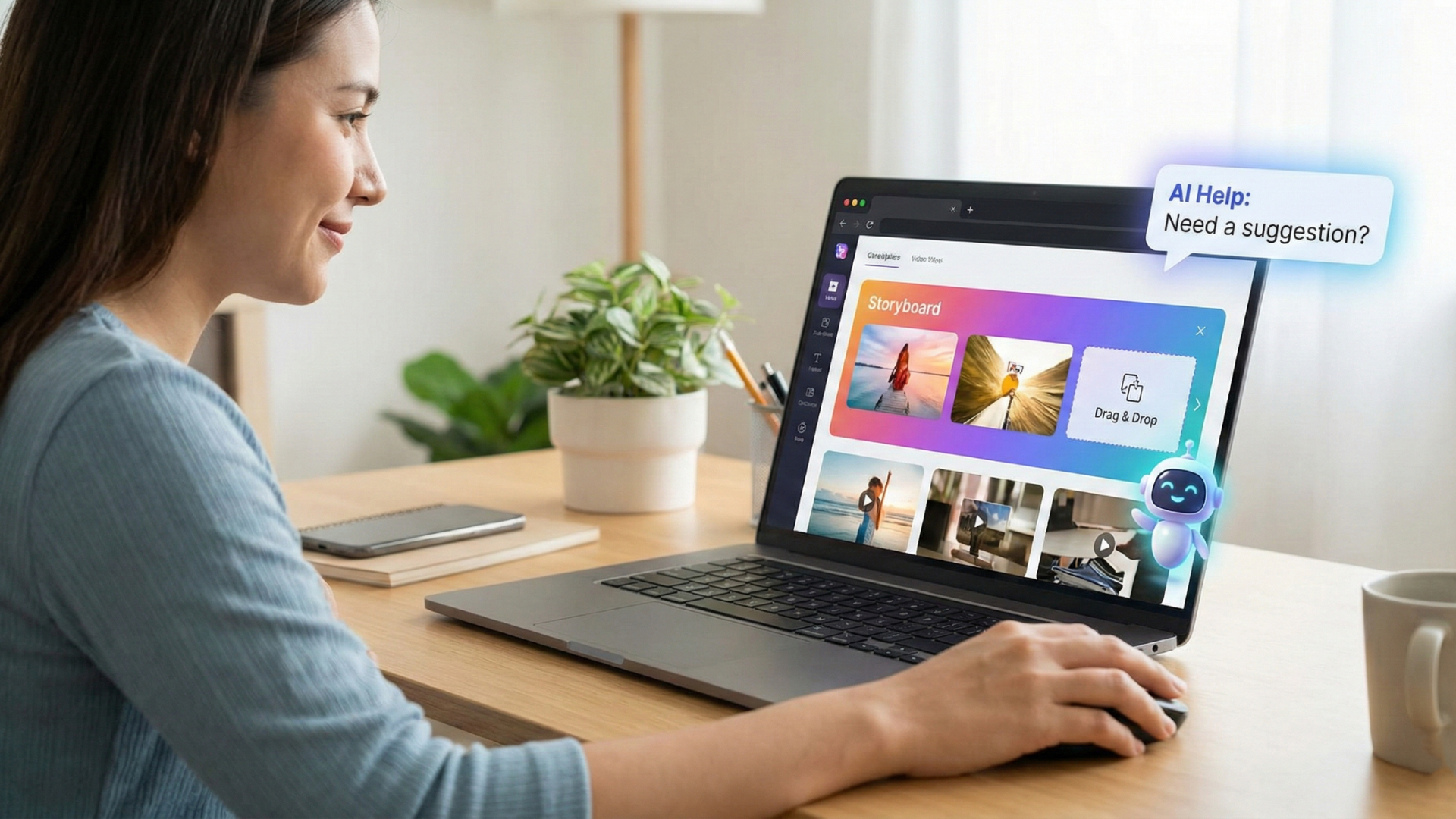
The platform is designed for everyone, regardless of their technical skill level. With a simple drag-and-drop storyboard and helpful AI assistance, it is the perfect choice for beginners or professionals who want to avoid the headache of complex tools.
You can expect top-tier results that look professional and polished. The AI uses advanced models to ensure characters stay consistent and motions remain smooth, making the final clips perfect for your personal or professional portfolios.
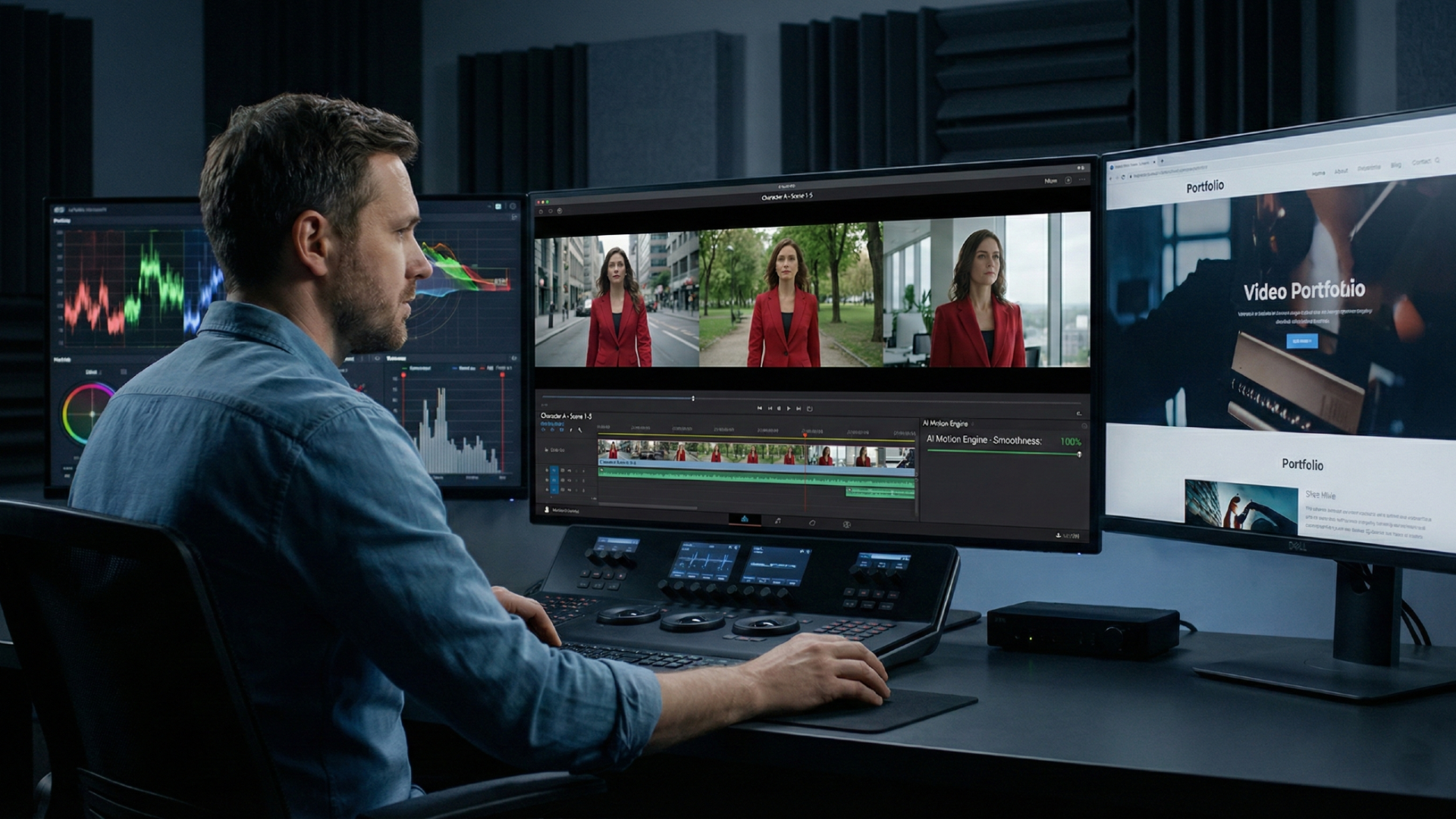
Maximize your creative output without spending a dime on Framia Pro's free image-to-video AI. Leverage Framia Pro for personal projects, social media, or professional portfolios.
Transform a single vacation photo into a dynamic travel vlog. Use the AI to generate realistic background motion and camera shifts, making a static memory feel like a captured moment.
Upload a high-quality product image and let the "Ad Video Agent" create a professional advertisement. It automatically adds cinematic lighting and sleek camera pans to showcase your items in style.
Bring your illustrations to life by turning sketches into emotional movie scenes. The "Movie Agent" adds a dramatic atmosphere and character movement, perfect for authors wanting to preview their stories visually.
Convert any portrait into an engaging spokesperson for your brand. By uploading an image and a script, the AI generates natural head movements and expressions to deliver your message effectively.
Turn a simple interior photo into a realistic 3D walkthrough for clients. Using depth-mapping, the AI creates a sense of movement through space, highlighting layout and design details beautifully.
To utilize Framia's image to video AI generation platform in the best possible manner, remember to carry out the suggested tips and tricks explained below.
Framia's AI image to video no restrictions tool has quickly become a favorite tool for creators worldwide, helping them bridge the gap between static ideas and cinematic reality. Here is what our global community has to say about their experience using the platform.
Create stunning videos from images with Framia Pro's AI—easy, fast, and professional results for creators of all skill levels.