Step 1: Upload video
Open Framia Pro, type a short prompt to guide the AI video enhancer, click "+" to upload your video file, and prepare it for quality improvement.

Upscale, sharpen, and restore any video with our AI video enhancer. Improve resolution, reduce grain, and export clean footage in no time.
You can follow these simple steps to use Framia Pro's AI video enhancer and upscale videos:
Improve video quality with smart AI tools on Framia Pro that fix blur, restore details, and upscale resolution!
Get natural texture and detail in your videos using Framia Pro. It improves skin texture, edges, and small features so faces look clear instead of soft or washed out. This works well for phone clips, AI-generated clips, and old footage.


Add sharper frames to any high-speed clip with our AI video enhancer. The tool uses semantic motion analysis to reconstruct blurry subjects edge by edge. It can also add new frames to make motion smoother and easier to watch.
Fix artifacts and lost details in your low-quality or damaged clips! With Framia Pro, you can upload your content, add a prompt, and let AI models remove scratches, stabilize shaky motion, correct color fade, and sharpen blurry edges.
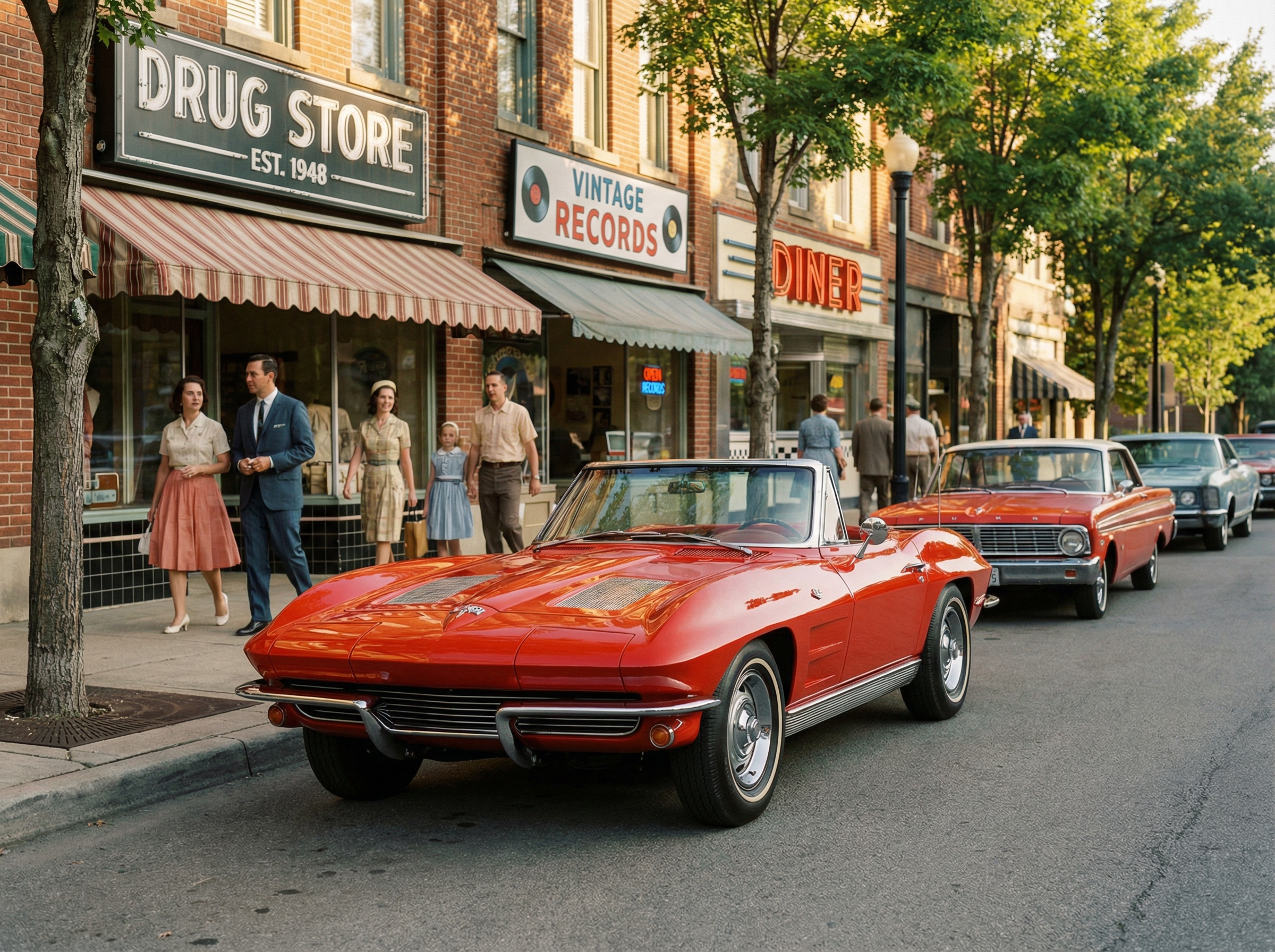

Quickly remove grain in dark or noisy videos. Our free AI video enhancer reduces digital noise, sharpens soft edges, and brightens frames while preserving highlight detail. This works on night scenes, indoor recordings, and compressed social clips shot in low light.
Push any low-res clip to 4K using Framia Pro's generative upscaling. It increases resolution to HD or 4x, recreates fine textures, and removes compression artifacts. Your 360p video clip reaches 4K clarity with no visible warping.


Correct white balance, exposure, and contrast in any clip automatically. Framia Pro reads color data frame by frame, restores natural tones in faded footage, and fixes yellow tints common in old video. You don't have to manually adjust anything.
Upload MP4, MOV, AVI, WebM, or MKV and Framia Pro processes it directly. You can download the AI-enhanced video clip in 4K at up to 30fps. Easily resize your clips for TikTok, YouTube, or Instagram during the enhancement process.
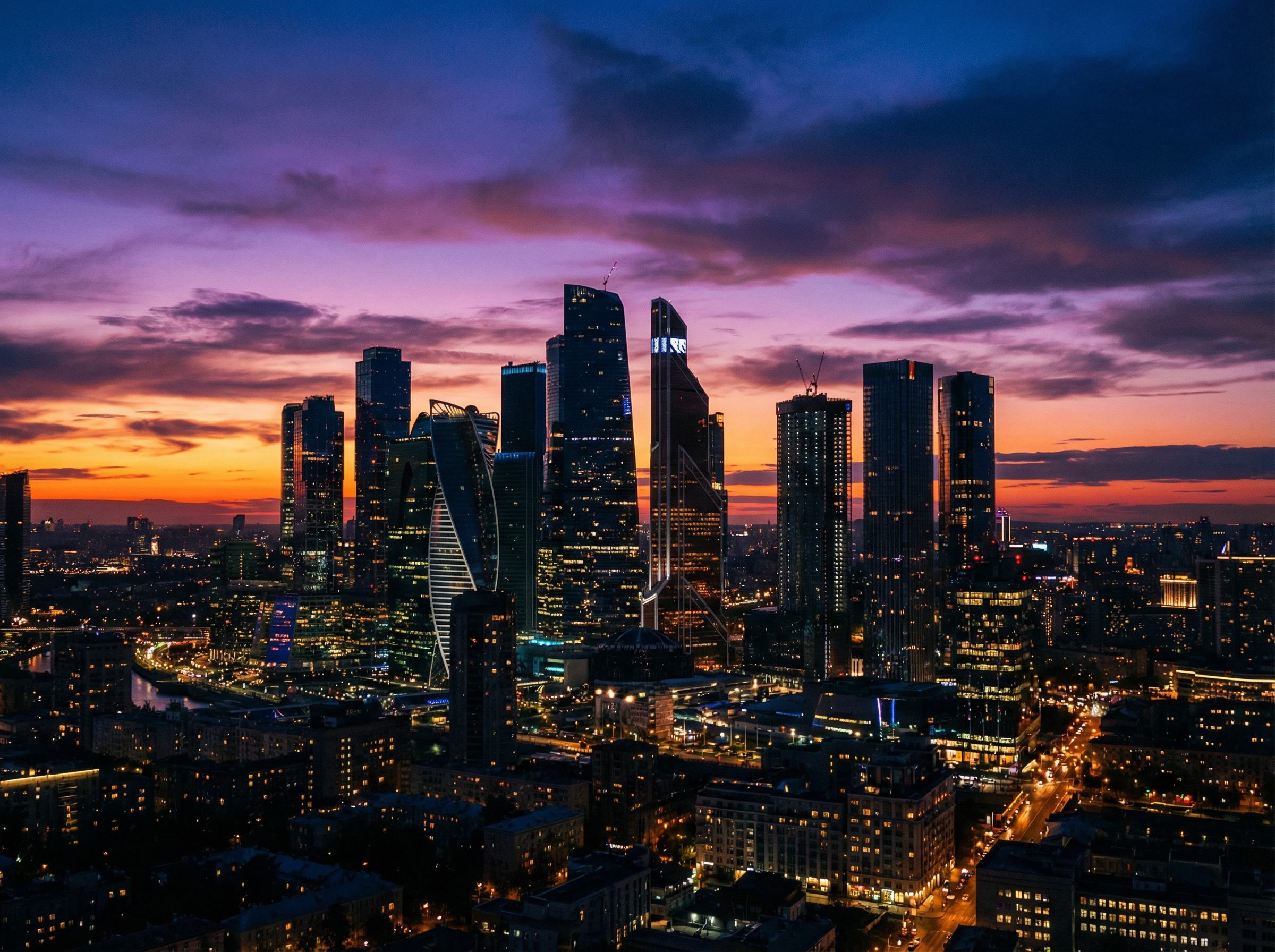
Get sharper, cleaner video whether you post to social media, shoot for clients, or teach online.
Upload any clip and get back a sharper & high-quality video with our AI video enhancer.
Read how creators fixed blurry, dark, and low-res videos using Framia Pro's AI video enhancer.




Stop settling for low-quality footage. Framia Pro's AI recreates every frame, lifts resolution, and gives you clean results!