Step 1: Sign up for Framia Pro
Create an account, write the prompt, and upload any references to guide the generation. Click "Plan" to outline everything with AI.

Edit videos with AI in seconds. Turn any idea into a polished, cinematic clip, no experience required.
Create videos with smart tools that handle edits, captions, and formats, so your ideas move smoothly to the final cut.
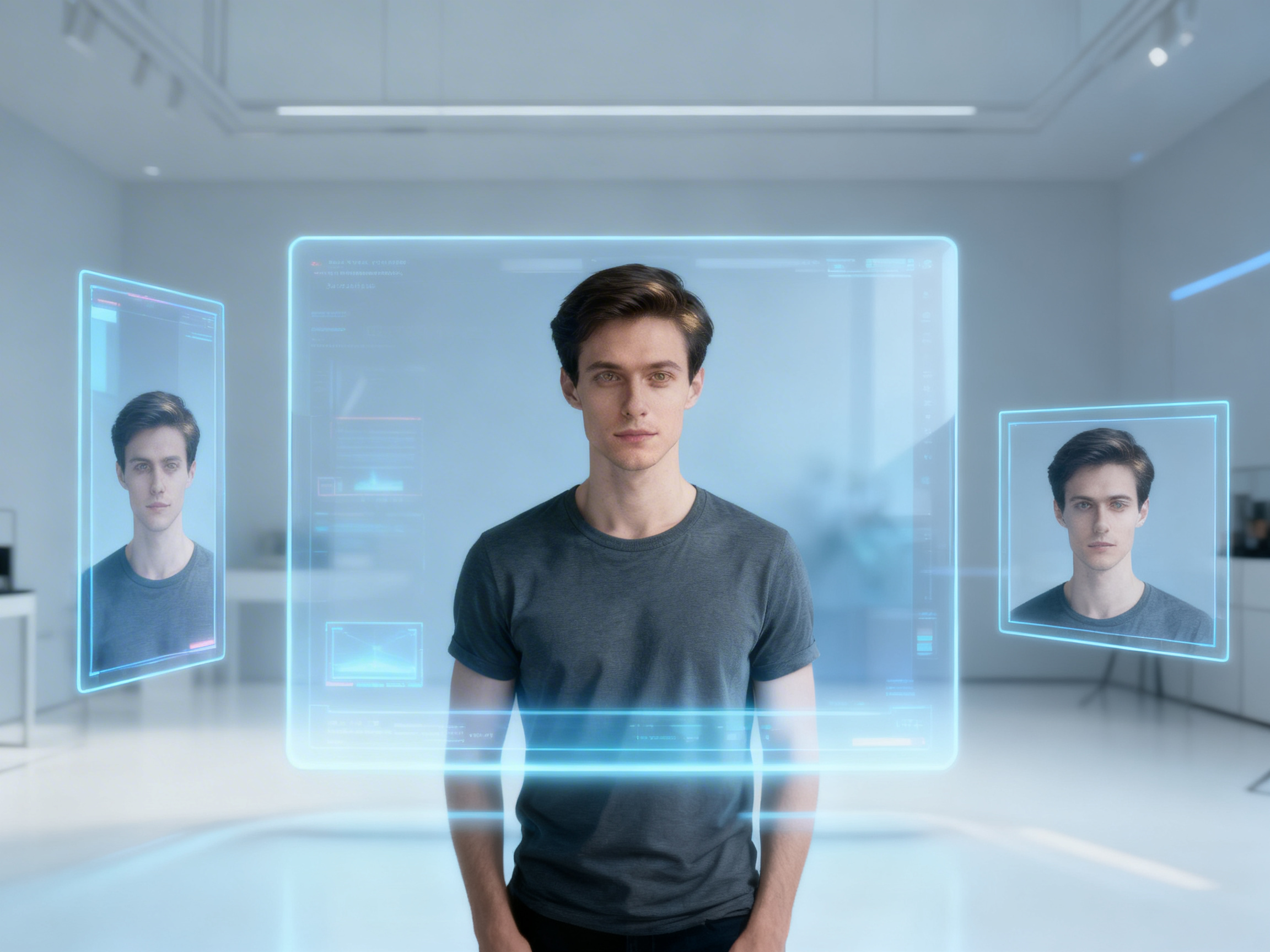
Type in what you want to change, and the editor will change the scenes, cuts, or pacing based on what you say. Go from idea to rough edit without having to search through menus. Once the basic structure feels right, work on the details.


Pick your long video, and our Short Video Agent finds the best moments for you. It trims them into clips with the right length, pacing, and format, so you always have fresh content ready to post.
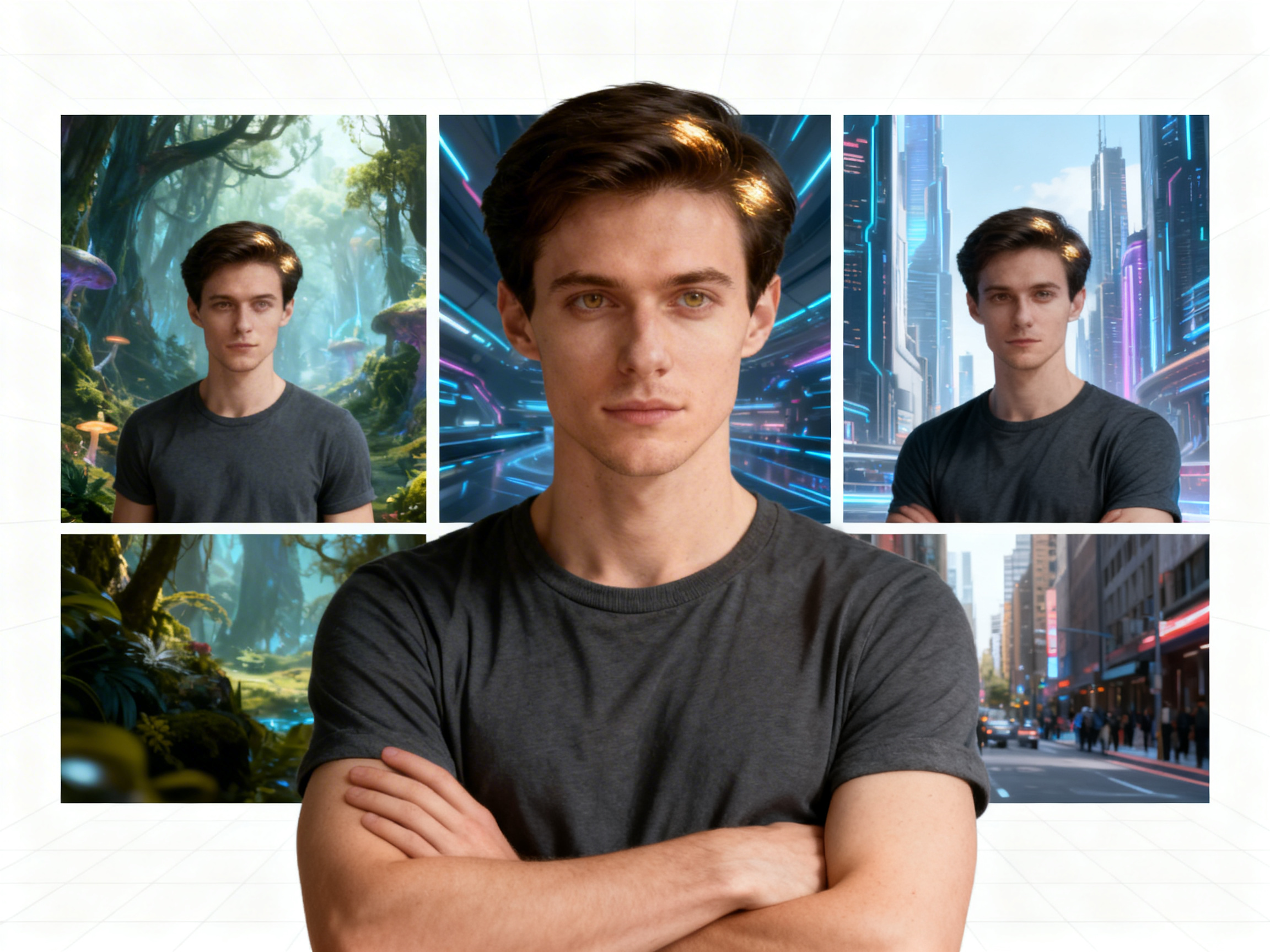
Lock in your character's face, outfit, and style before you start, and the AI keeps those details consistent across every scene. This works across full movie projects and short-form content alike, so your cast never morphs or changes between shots.
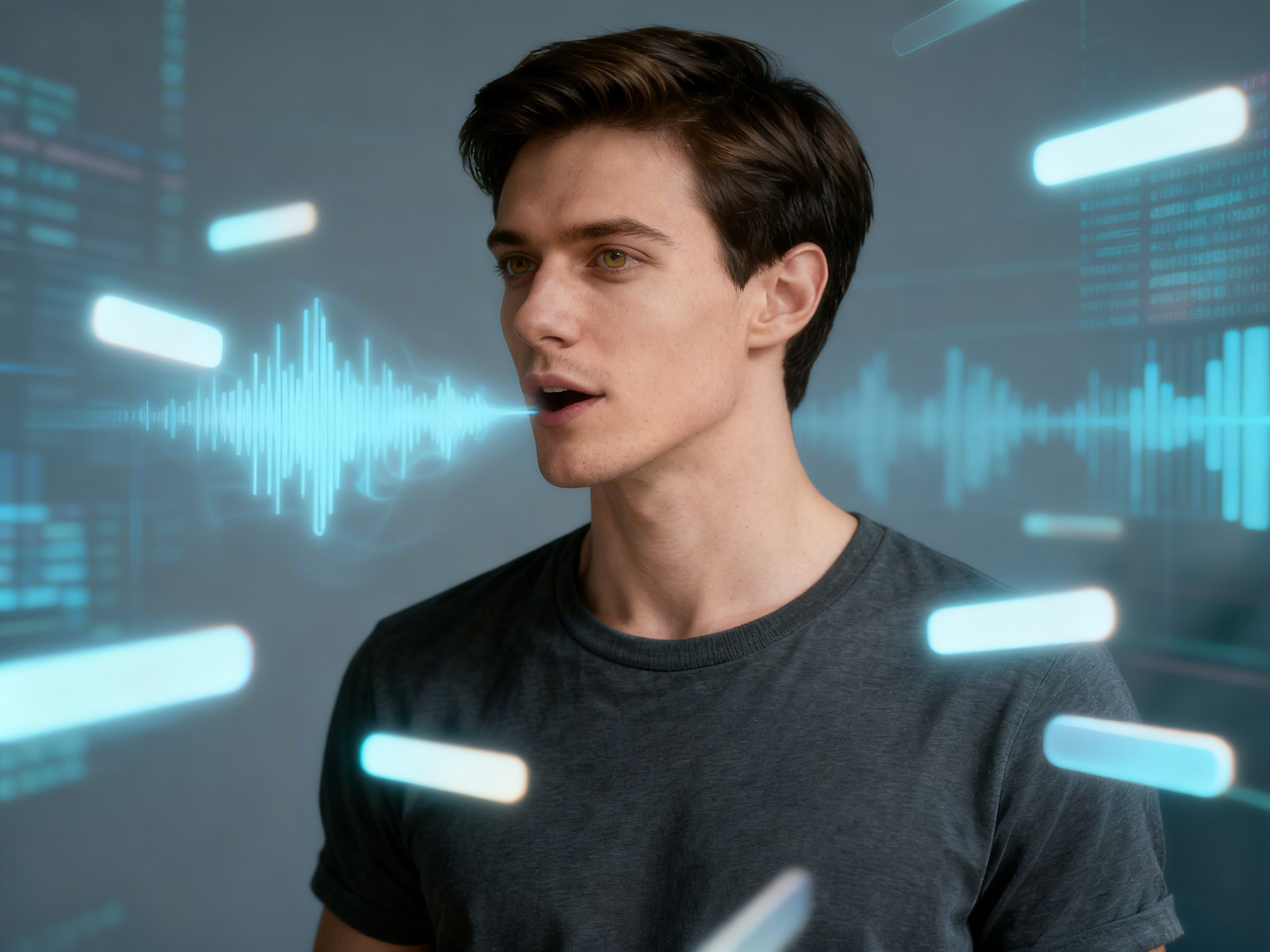
Add captions as soon as your audio is ready with our free AI video editor online. Let the editor detect speech and place text in sync, then review timing and wording so everything reads clean and matches the tone.
Set your aspect ratio before generating, and Framia Pro's AI video editor creates a video that fits different formats. Switch between 9:16 for TikTok and Reels, 16:9 for YouTube, or 1:1 for Instagram without manually reformatting or re-editing your footage.
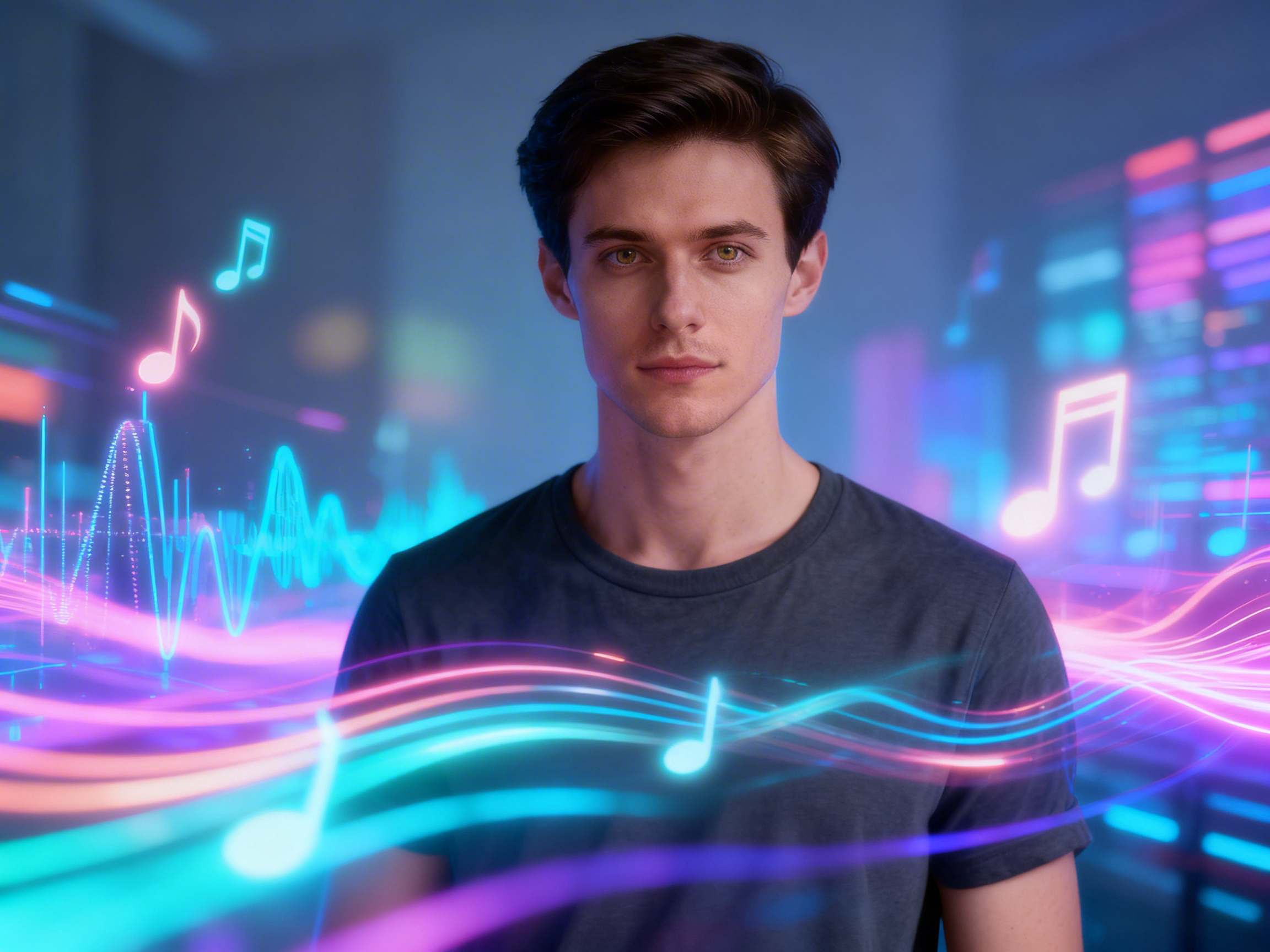
Add background music that fits your video without searching through long lists. Select a mood or pace, and let our free AI video editor create a track, then fine-tune volume and timing so it blends well with your visuals.
Open the Storyboard editor after your video generates and rearrange your scenes by dragging them into any order you want. Trim dead air, cut weak shots, and keep tweaking the structure until the pacing feels exactly right before you export.

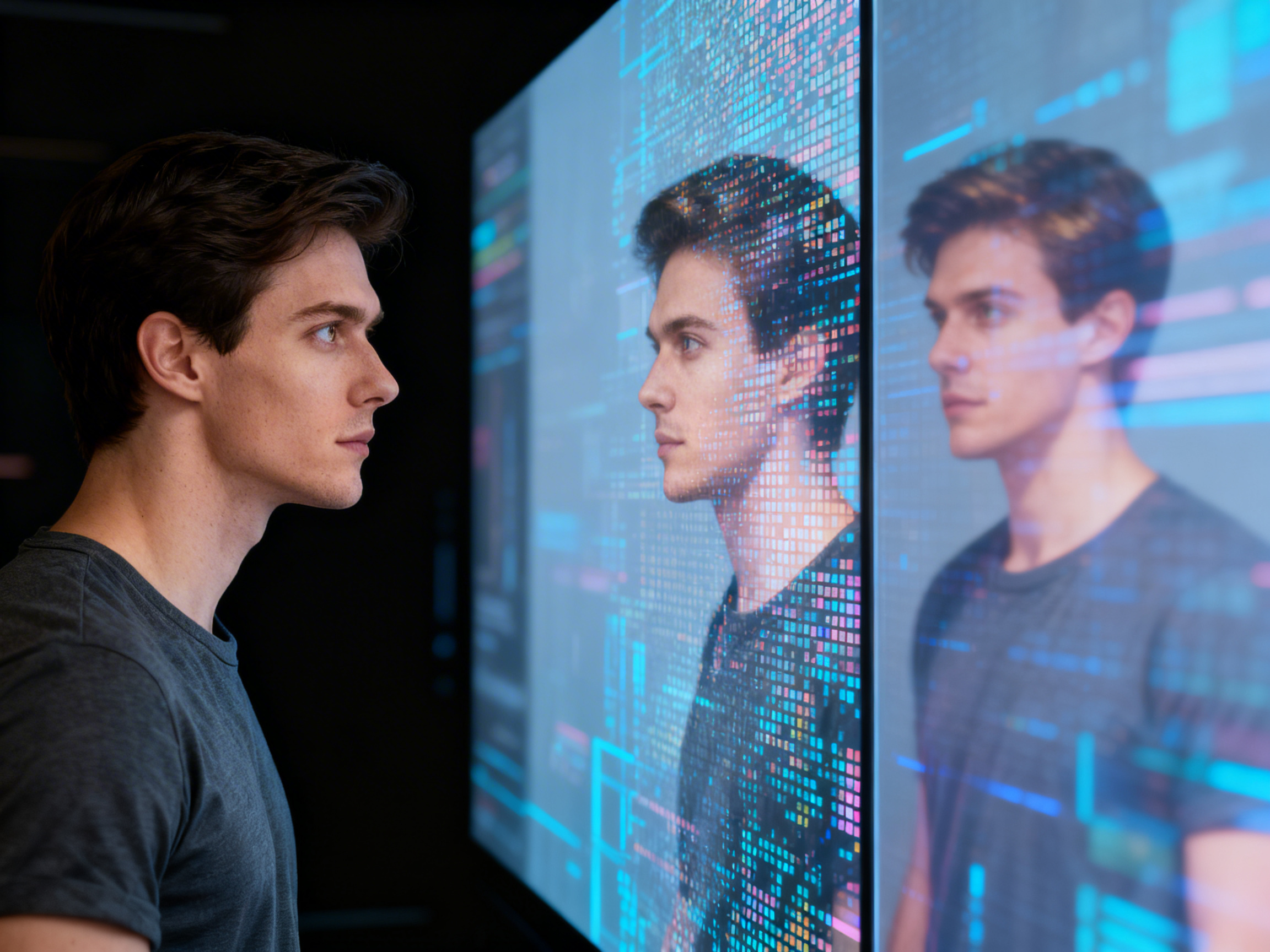
Improve video quality by increasing resolution without re-generating your content. Begin with your current file, then apply upscaling, and check details after processing so the final version looks sharper on larger screens.
You can follow these steps to create and edit your videos with Framia Pro's AI video editor:
From quick social clips to full documentaries, here's what you can actually make with our AI video editor.
Spend less time editing and more time creating! Here's what AI-powered video editing actually lets you do.
Here's what people are actually saying after using Framia Pro's AI video editing tools:




Convert your ideas into engaging videos. Use Framia Pro's AI tools to edit, add captions, resize, and produce professional content quickly.