Consistent image quality
Get sharp, detailed output on every edit by using AI models. The AI applies changes at a pixel level, so color, texture, and sharpness stay consistent on every version you generate.

Edit photos with text prompts using Framia Pro's AI image editor. Quickly remove backgrounds, change eye color, fix blemishes, update hairstyles, and export high-resolution images directly from your browser.
Edit, refine, and upscale photos using text prompts on Framia Pro's AI image editor, powered by a multi-model AI system.
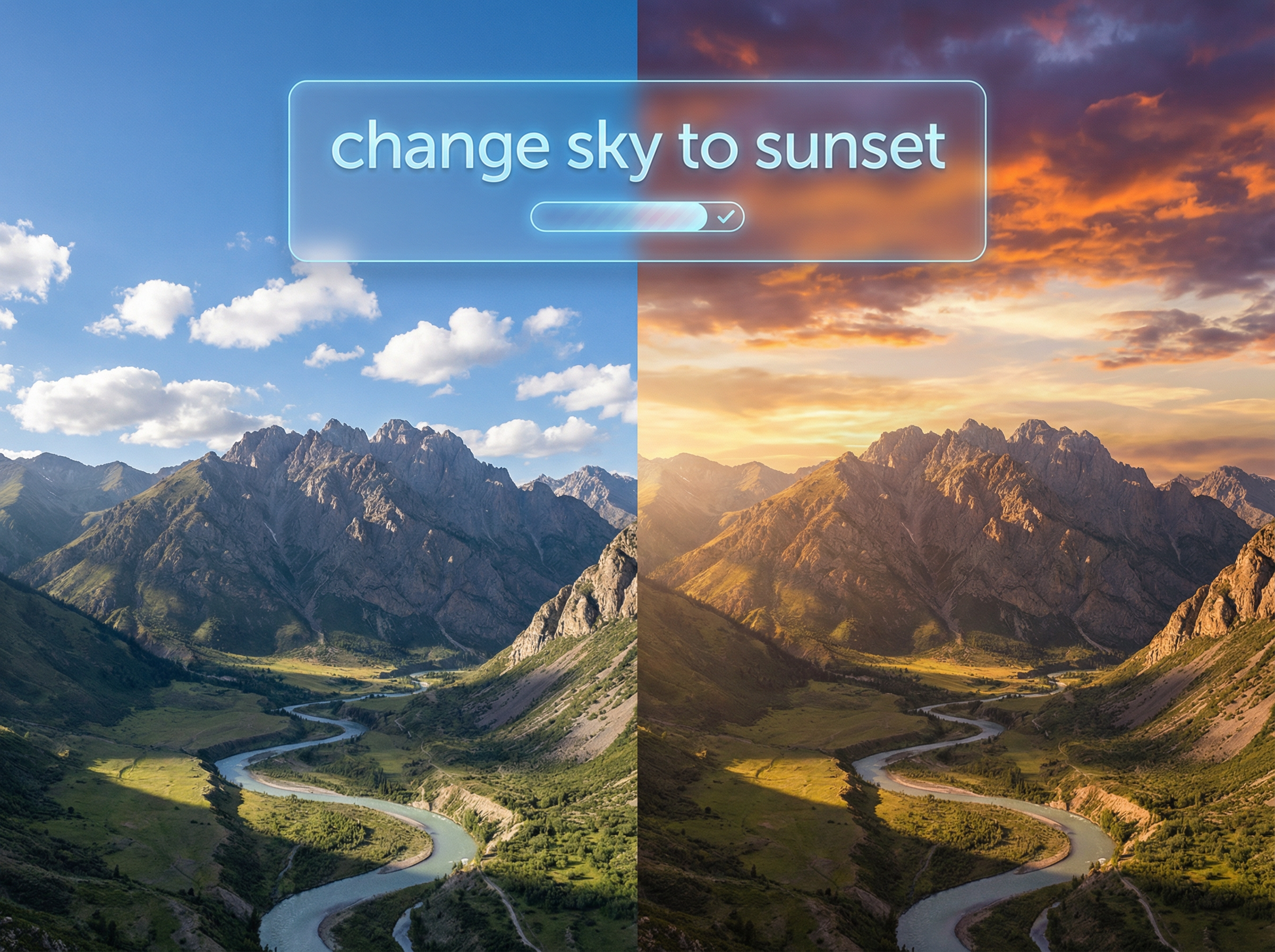
Type a prompt to describe the edits you need, and the AI applies the change instantly. The platform uses different AI models to interpret complex natural language instructions with high prompt adherence and preserve detail in areas outside the edited region.
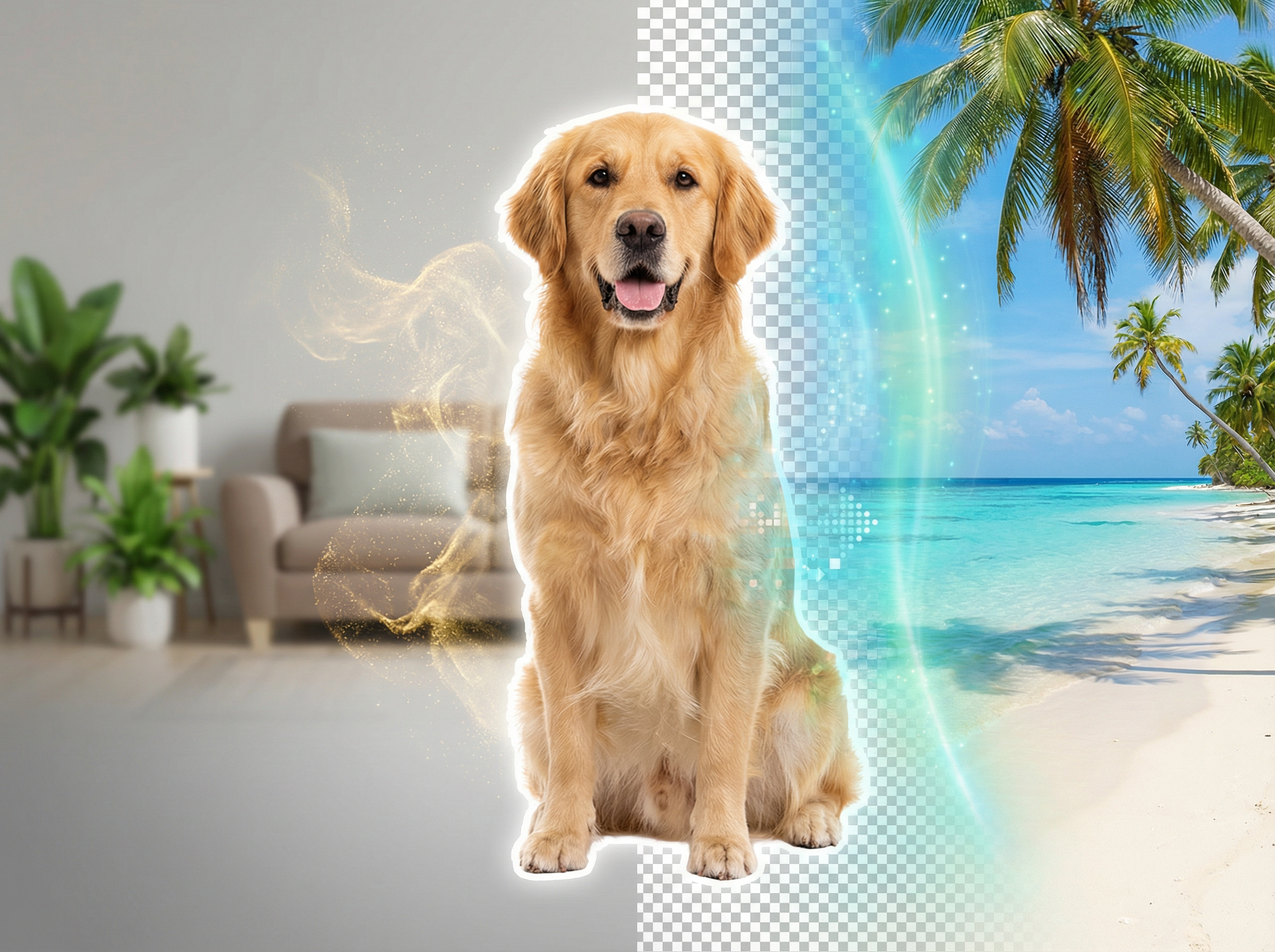
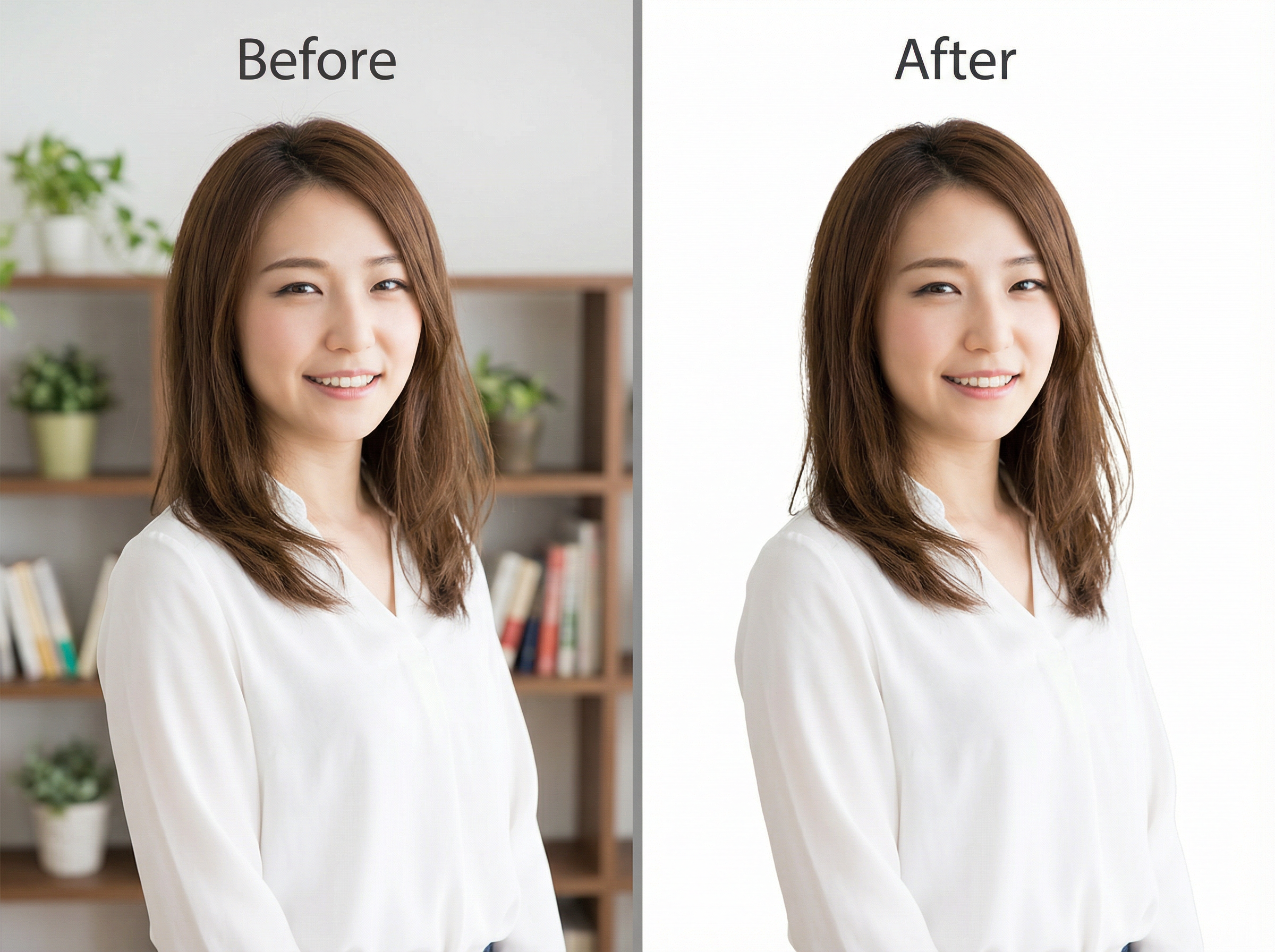
Select any photo, and our AI image fixer isolates the primary subject to remove the background with precision along fine edges that include hair and fur. Replace it with a solid color, an AI-generated scene, or a custom uploaded image for a clean result.
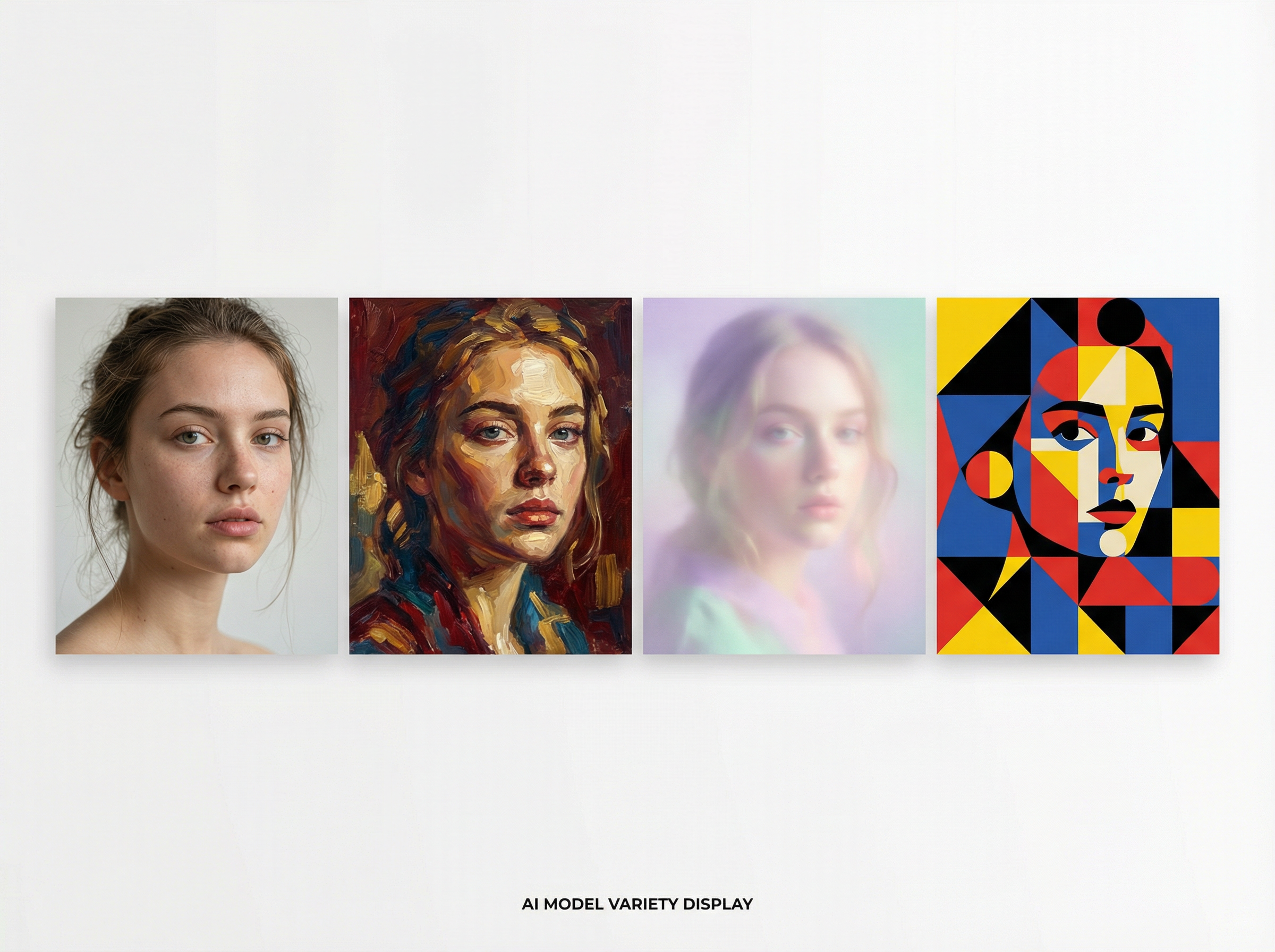
Pick from Nano Banana Pro, Seedream 4.5, Flux Max, Midjourney v7, or Qwen Image to edit your images. Each model produces a different output. So, pick the one that fits your project and switch at any point during editing.
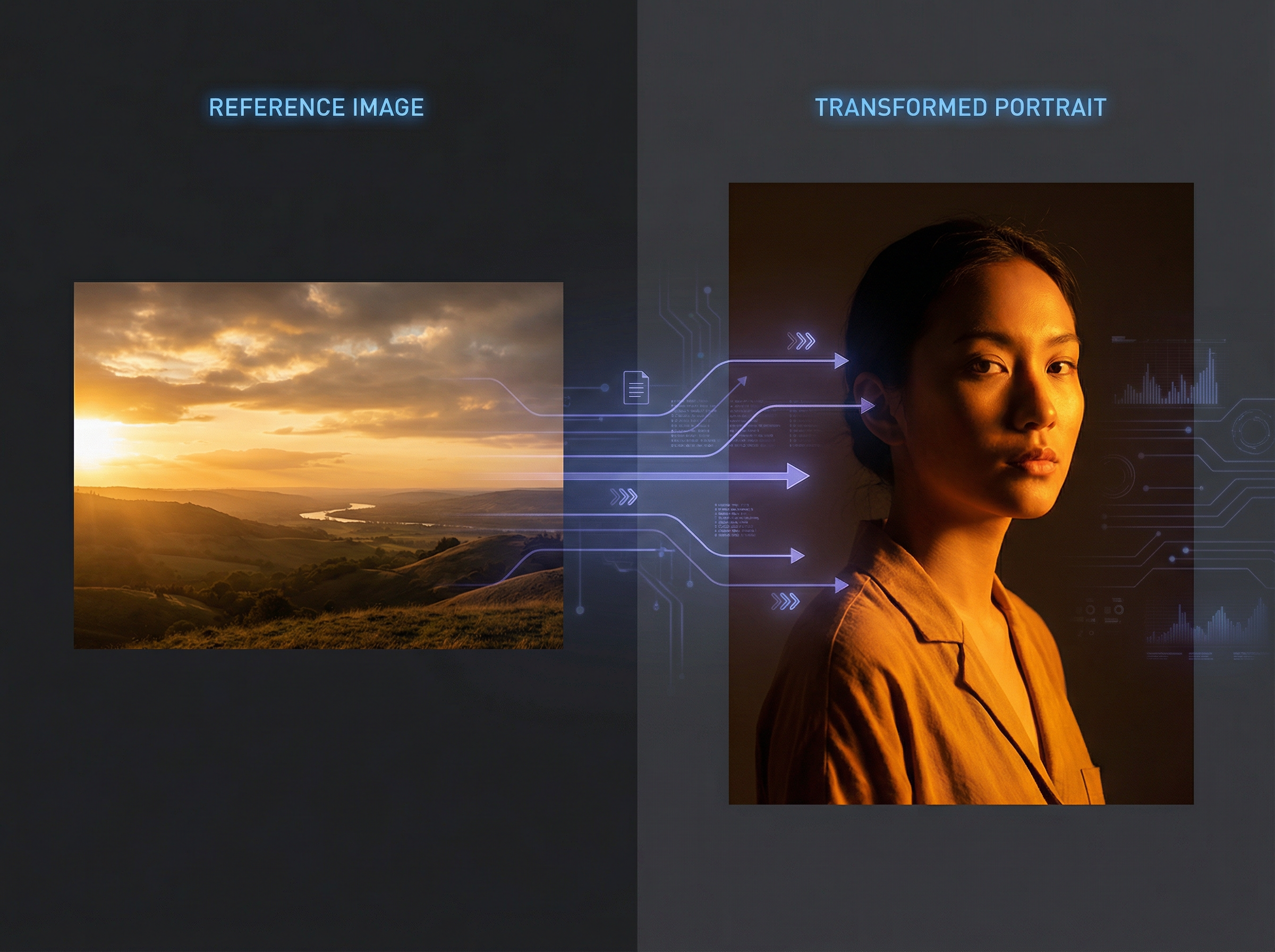
Use reference photos, and Framia Pro's AI photo editor online for free extracts facial features, color palette, and structural details, then applies them to the edited result. The models preserve reference characters or objects consistently at different angles, scenes, and environments.
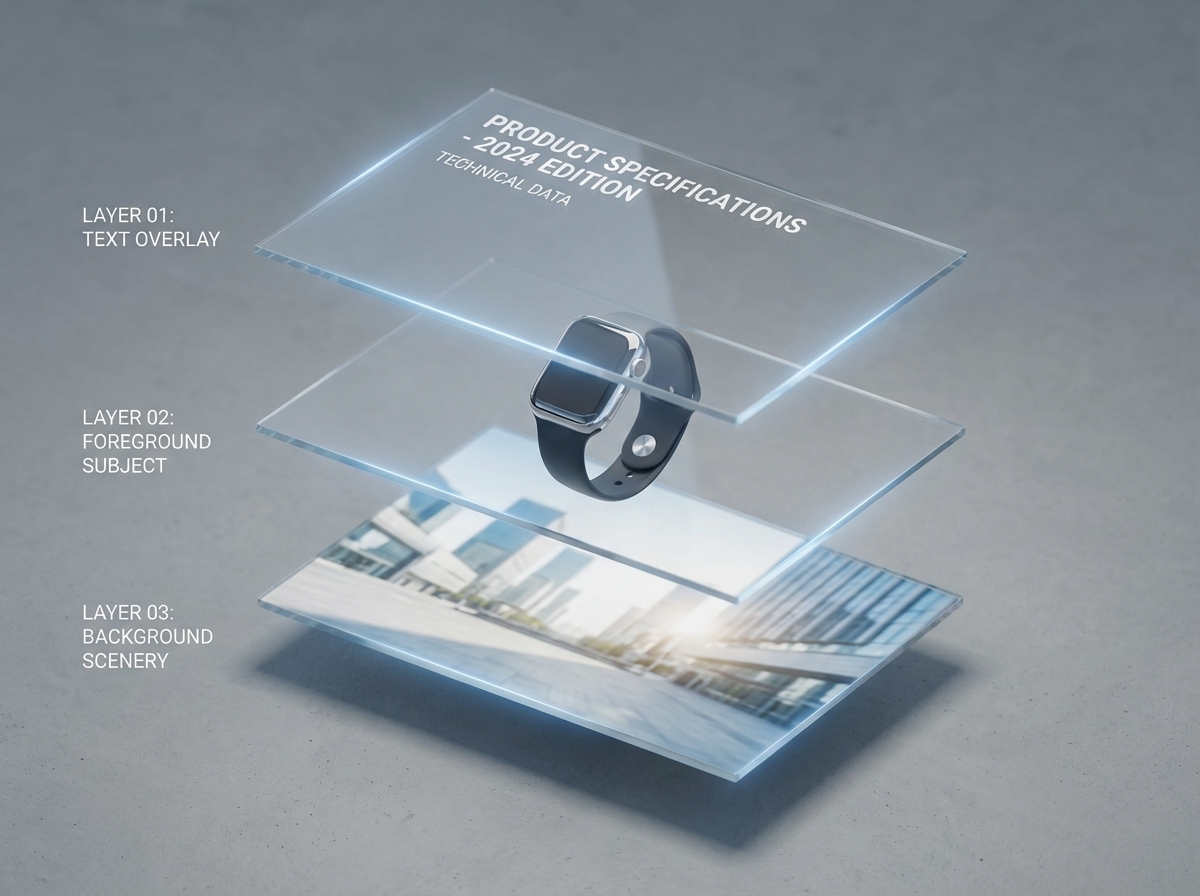
Split a photo into separate layers for text overlays, background elements, and foreground subjects. Reposition or adjust one layer, and the remaining elements stay locked, which cuts revision time when editing specific sections of a multi-element design.
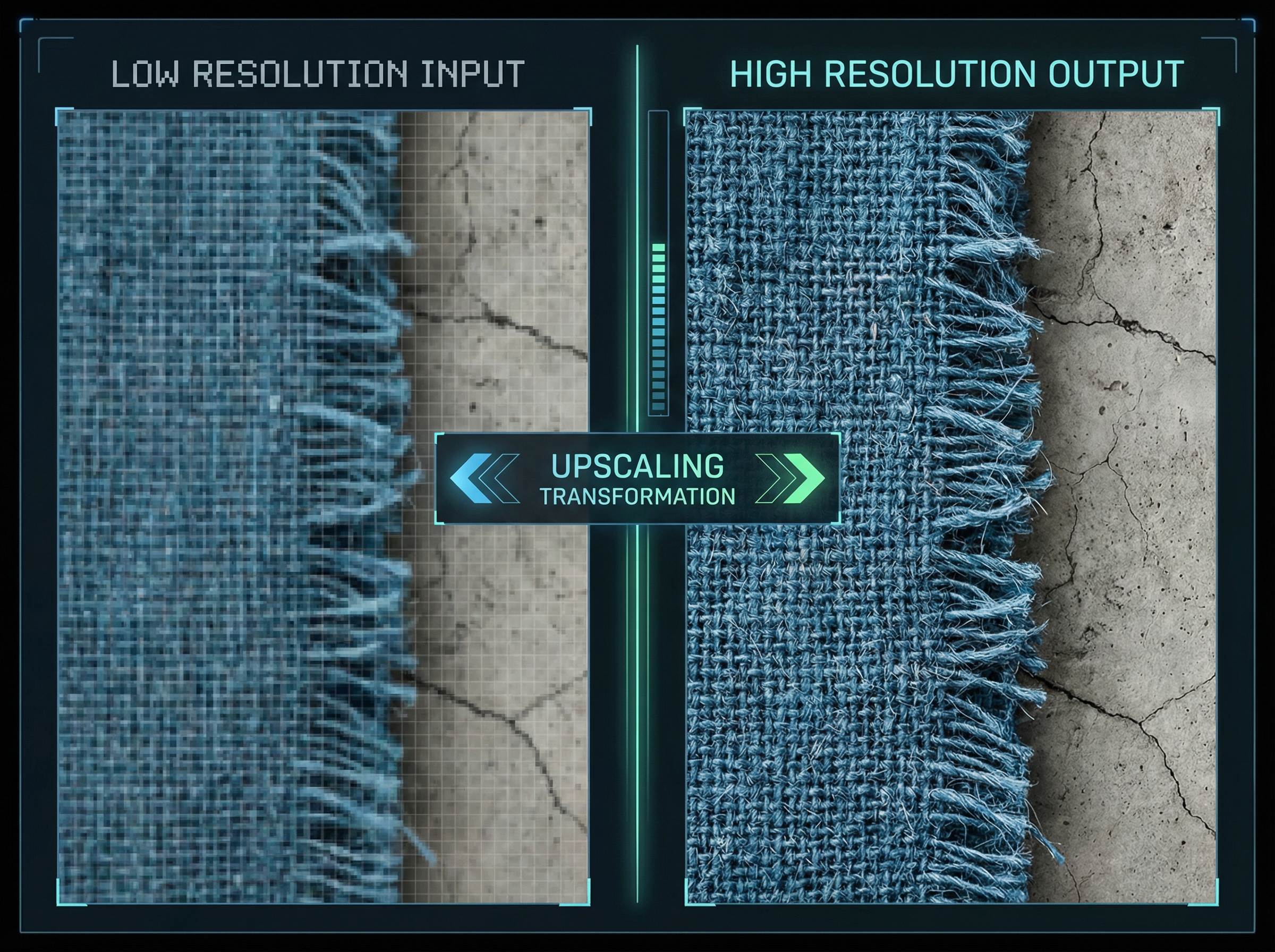
Upload a low-resolution photo, and Framia Pro reconstructs fine textures, sharpens edges, and scales the image to 4x its original size. Our image AI editor supports up to 4K resolution output to produce files suited for large-format print and commercial display.
Edit any photo with a text prompt, choose from AI models, and export a clean, high-resolution file using Framia Pro's AI image editor with prompt.
Follow the steps below to get started with Framia Pro and edit your images using a simple text prompt:
Type a prompt into the editor and watch the AI apply precise changes to your photo. Here are five edits you can run right now.
Remove the background completely from this portrait photo. Replace it with a clean, plain white studio backdrop. Keep all edges sharp, even the individual hair strands and the outline of the clothing. Do not blur or crop any part of the subject.
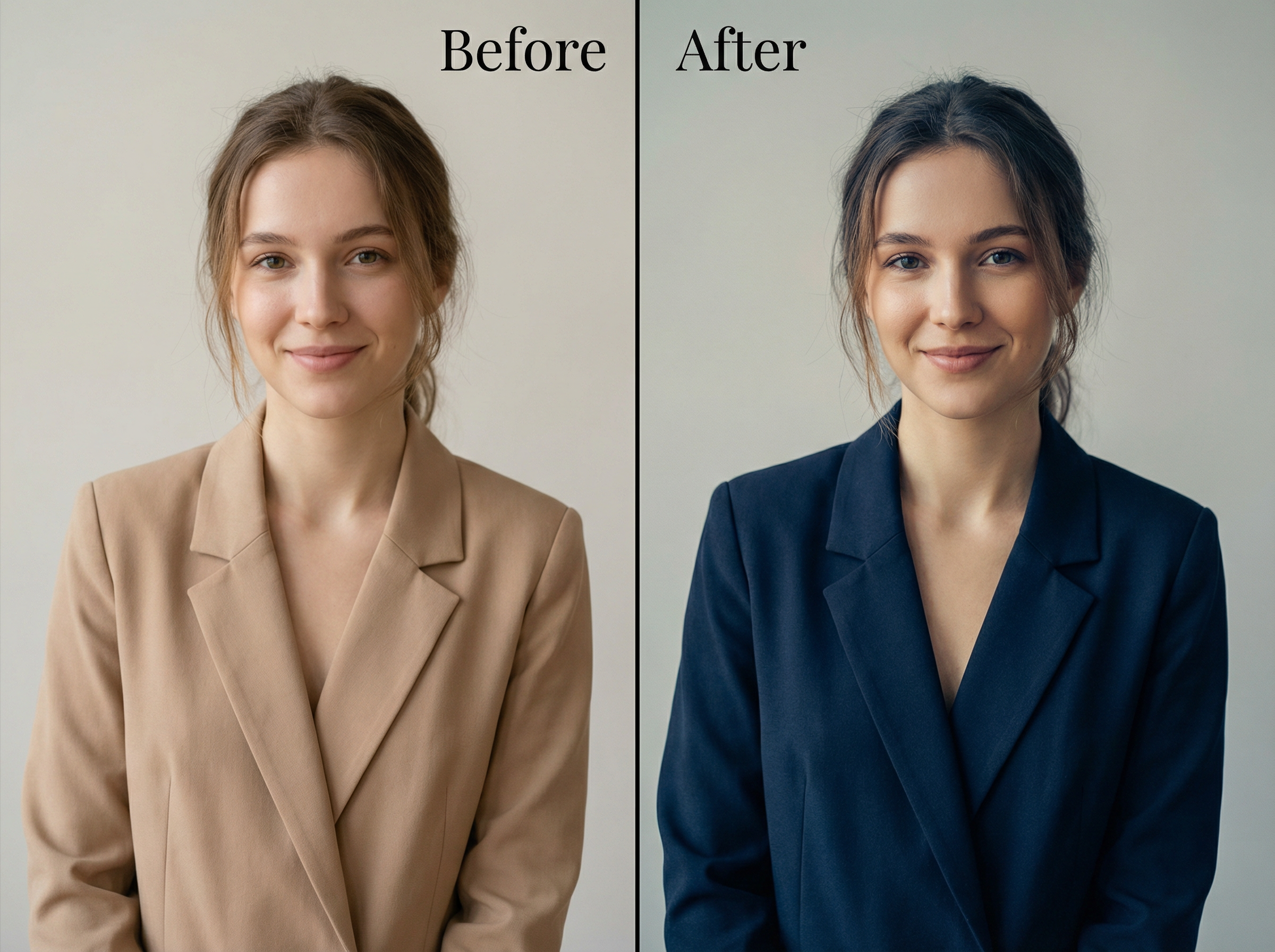
Change the jacket color to deep navy blue. Apply a soft cinematic color grade across the entire photo with cooler shadows and warm midtones. Make sure the skin tone, background, and all other clothing colors are exactly as they are in the original.
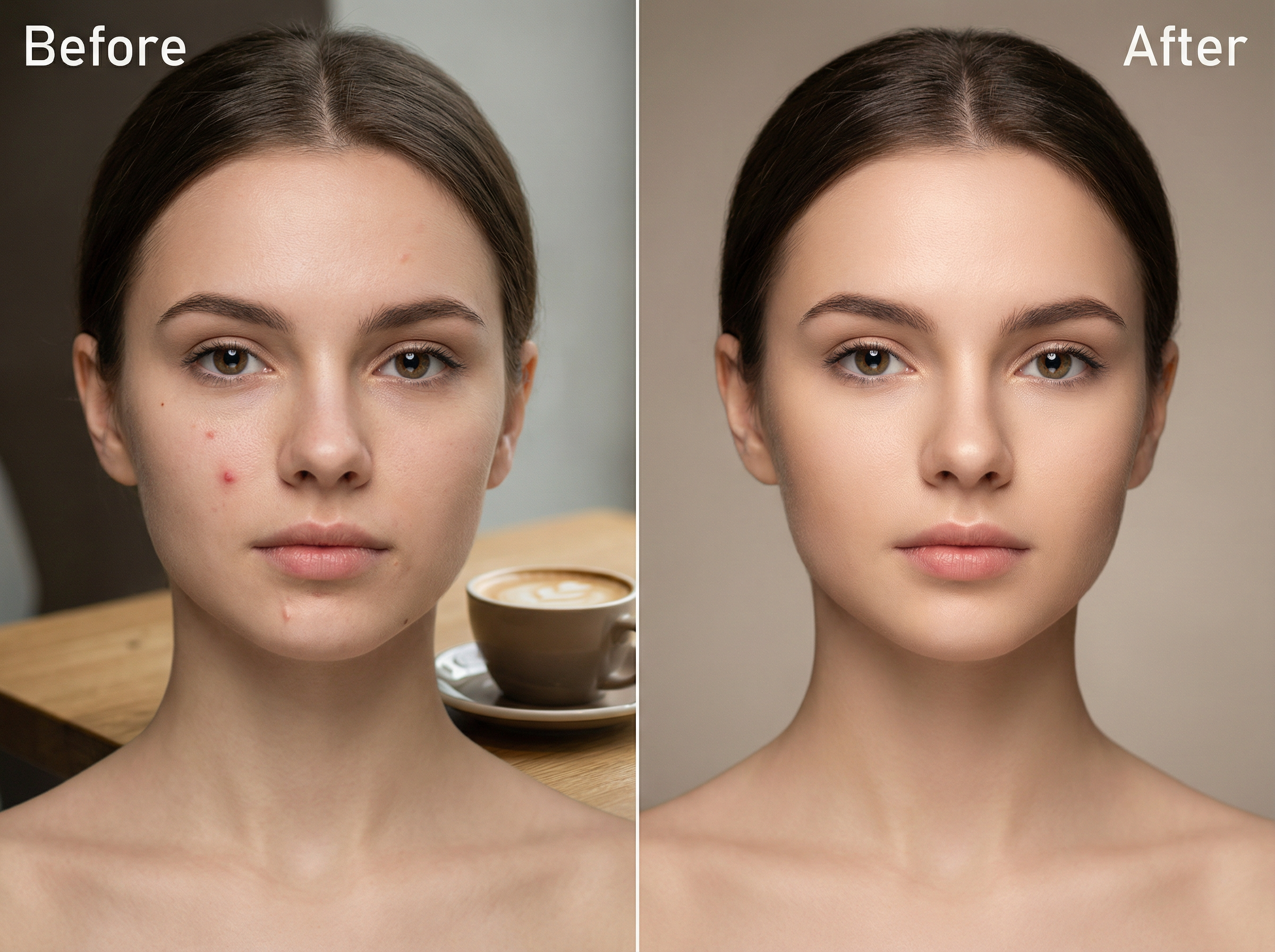
Remove the blemish on the left cheek and the small scar near the chin. Also, erase the coffee cup placed on the table in the background. Fill every removed area with a texture that matches the surrounding skin and surface naturally.
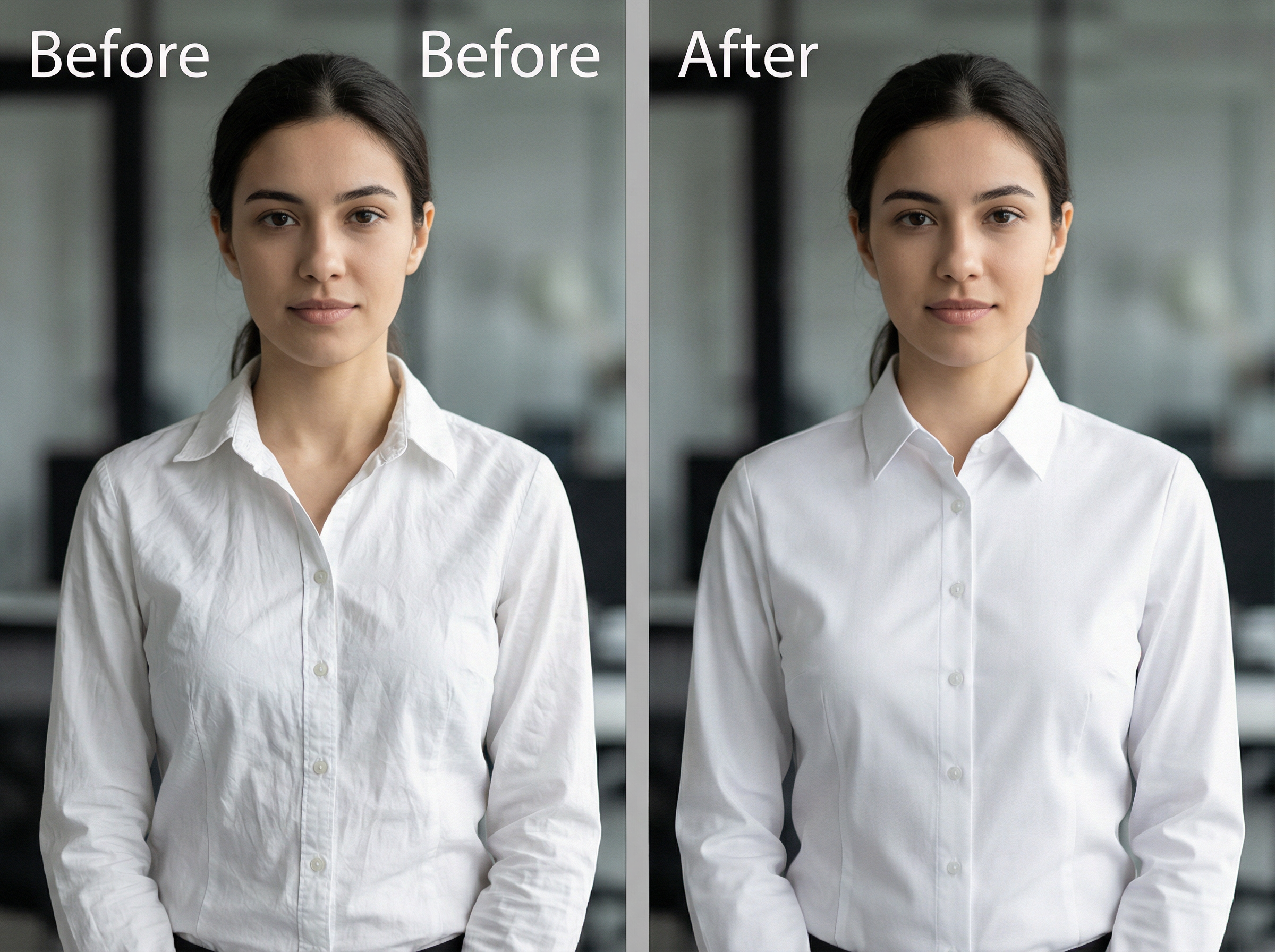
Smooth all visible wrinkles and creases on the white dress shirt. Straighten the collar and flatten the front button placket. Keep the original fabric color, pattern, and stitching details fully intact. Do not alter the fit or silhouette of the shirt.
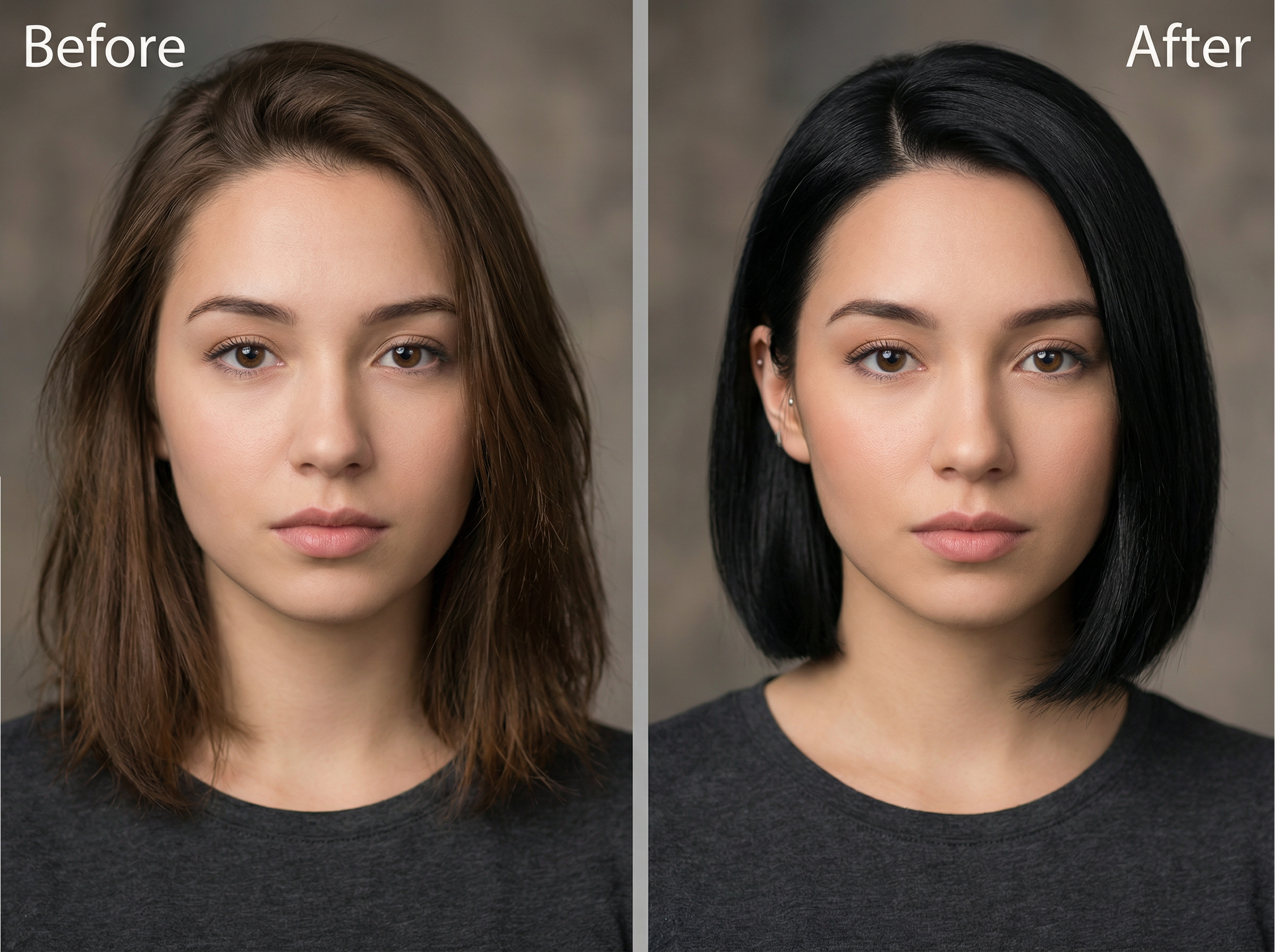
Change the current hairstyle to a short bob cut with a clean side part on the left. Darken the hair color to natural black. Blend the new hairstyle naturally along the hairline and around the ears without altering the face or background.
Get cleaner photos, sharper details, and high-quality visuals by letting Framia Pro's AI image editor for free handle the edits that used to take hours.
Creators use Framia Pro's AI image editor to cut editing time, produce cleaner visuals, and run complex edits using a single text prompt. Here is what five creators said after using it on real projects.


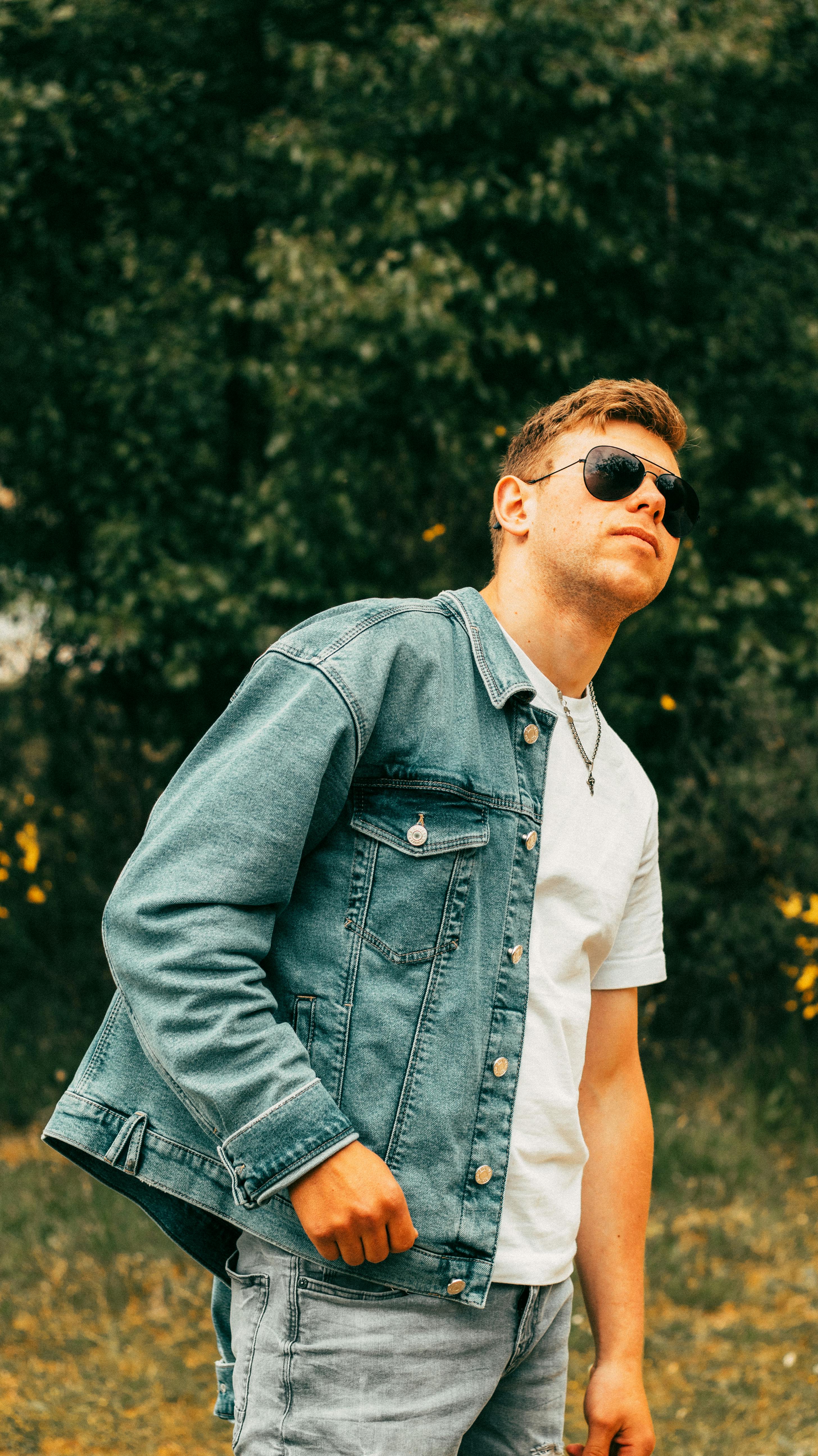
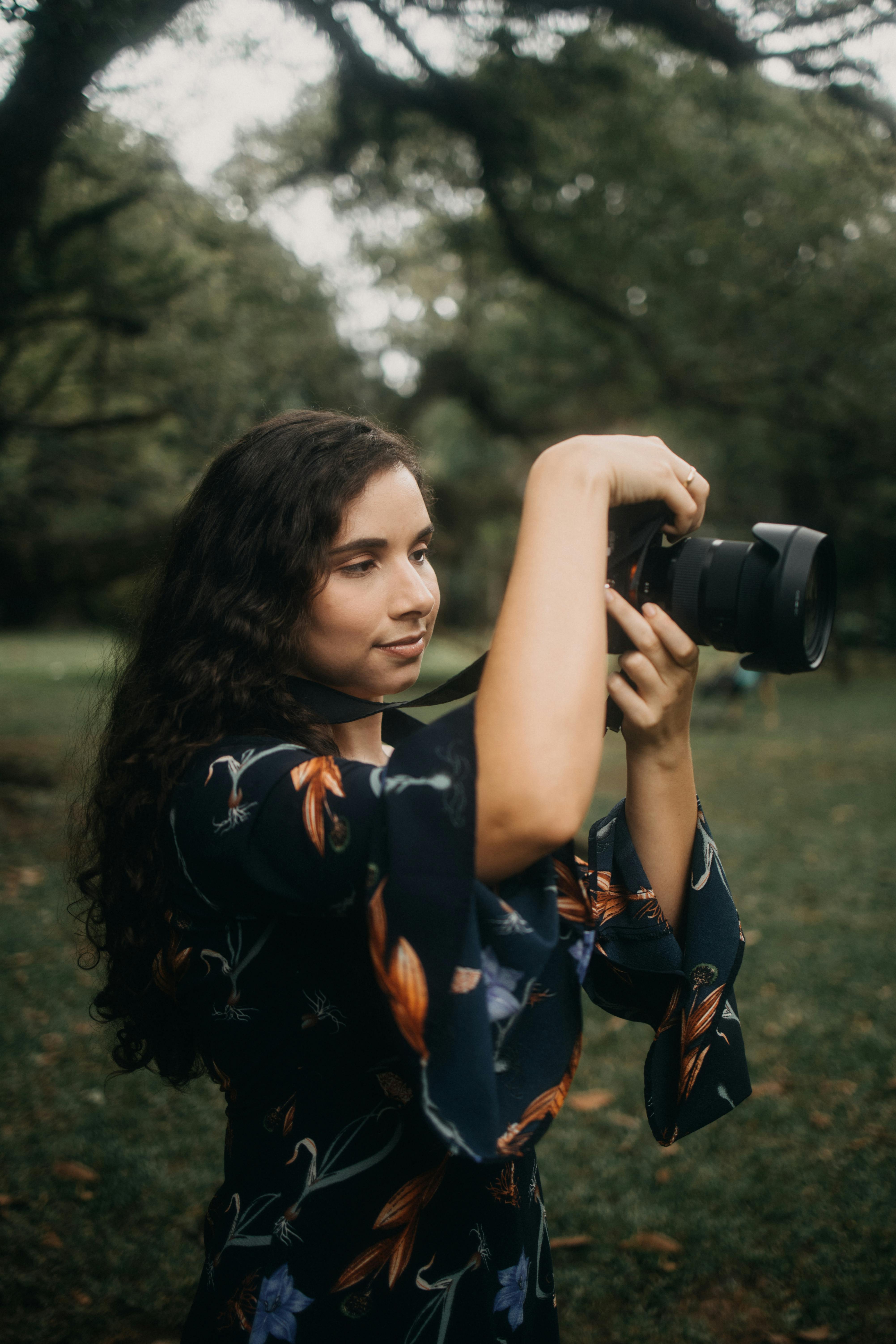
Create, refine, and transform any photo in seconds with Framia Pro's AI image editor. Just type your prompt and let the AI handle the rest.