Open the music video agent
Launch Framia Pro, select the music video agent, and describe your visual wave style. Click upload music to add your audio track.

Add music, voice, or sound effects to your video. Upload files, adjust timing, and export a ready video in a few steps
Turn audio into moving visuals that follow sound and create synced clips using Framia Pro.
Create videos with synced music, AI audio, and smart editing tools that align sound, visuals, and structure.
Describe your concept in simple words or upload an audio file to the Music Video Agent on Framia Pro. It quickly generates a beat-matched video with lip-synced characters, timed visuals, and rhythm-aligned cuts.

Type a prompt describing your narration style or tone, or add lyrics, and Framia Pro produces realistic AI-generated audio that syncs to your video's pacing automatically. Use it for product demos, explainers, and social media content.
Type edits in plain text or arrange scenes in the storyboard editor after adding MP3 audio to the MP4 video. Use AI to adjust cuts, timing, and transitions based on your input. Control pacing through conversation or visual sequencing for smooth structure.


Upload MP3, WAV, AAC, or OGG files and then add AI audio to videos with Framia Pro. Process each format accurately and merge sound with visuals while preserving clarity, timing, and original structure for balanced playback.
Apply AI upscaling after you add audio to video online on Framia Pro. Increase clarity by sharpening fine details and raising resolution for large screens. Maintain alignment between visuals and sound, so playback stays smooth and consistent throughout.

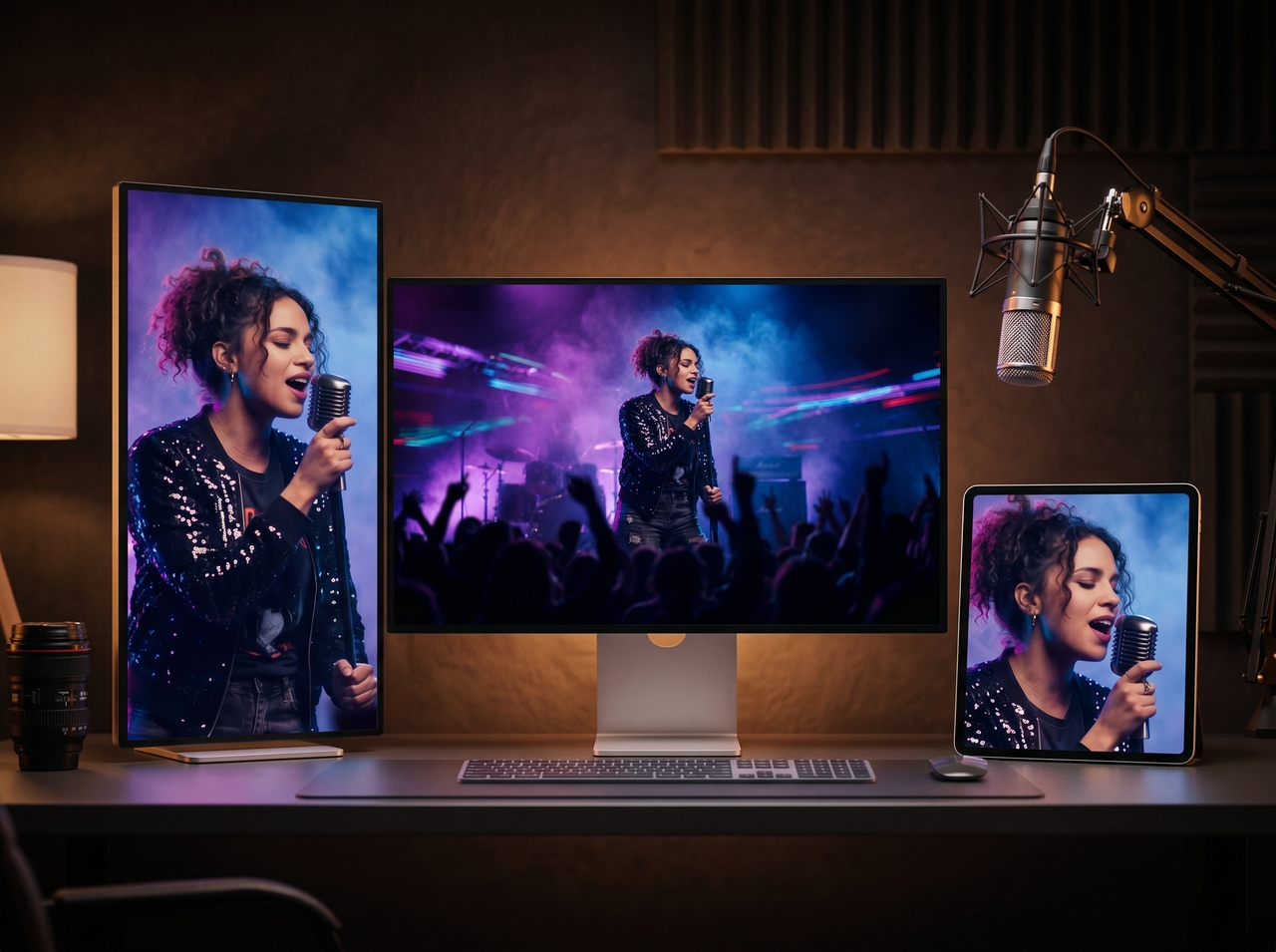
Download your final video in the right resolution and aspect ratio for your platform. Select 9:16 for TikTok, 16:9 for YouTube, or 1:1 for Instagram, then export a clean file ready for direct publishing.
Sync audio, remove noise, and export clean videos with a clear structure for every use using Framia Pro.
Create videos that turn sound into motion using visualizers that react to beats and improve viewer focus.
See how creators describe faster edits, synced audio, and ready videos after using Framia Pro tools.






Add music, voice, or AI audio to your videos. Sync sound with visuals, adjust timing, and export high-quality clips for sharing.