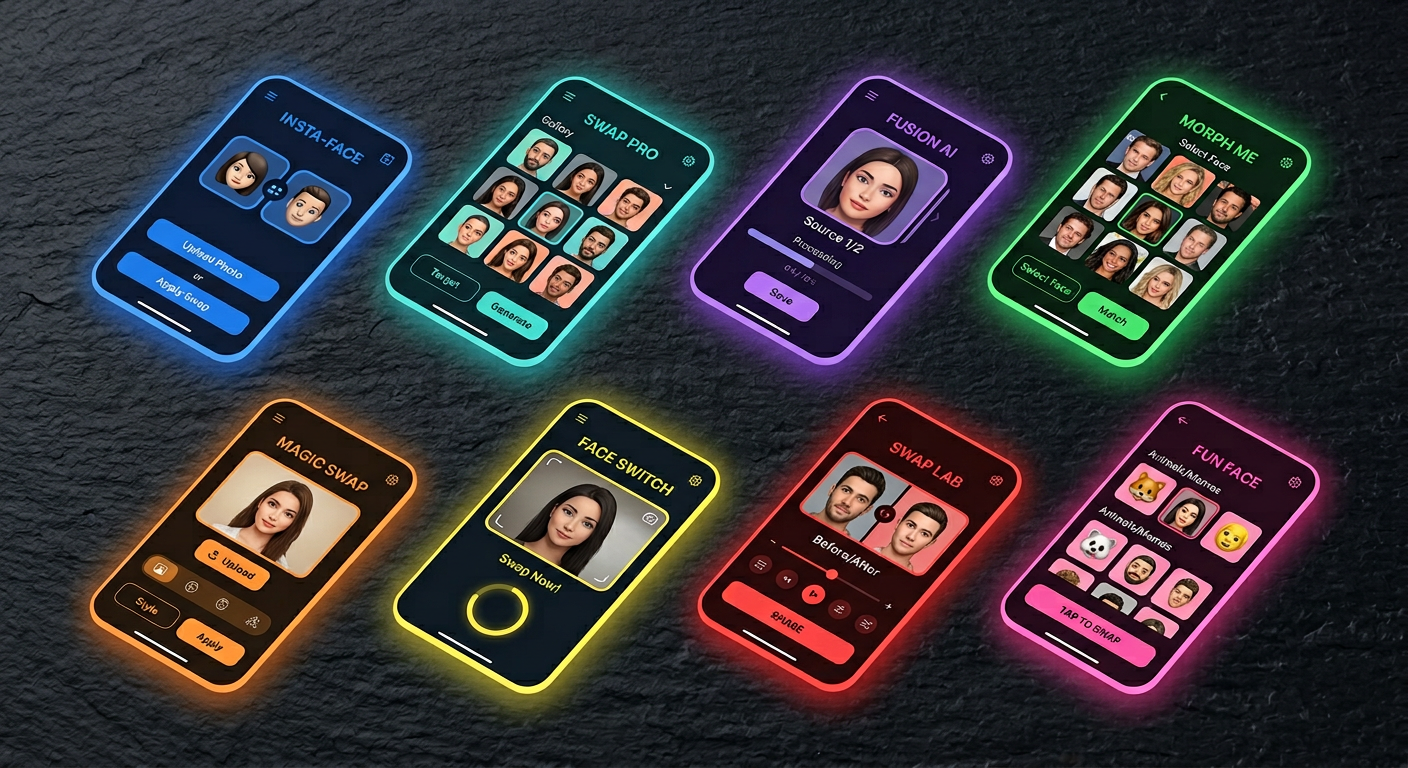
Here is something most comparison guides won't tell you: the biggest gap in AI face swap isn't between free and paid. It's between tools built for clean studio photos and tools that hold up on real footage — your GoPro clips, your agency raw files, your Zoom recordings.
AI face swap tools are software platforms that use deep learning to replace one person's face with another in photos or videos, matching skin tone, lighting, and motion automatically. In 2026, the best AI face swap tools span from zero-cost browser apps to enterprise APIs processing thousands of frames daily.
This guide covers 8 tools that are genuinely worth your time, organized by the workflow they actually fit — not just by raw feature count.
What to Look For Before You Choose
Most bad face swap results don't come from a bad tool. They come from the wrong tool applied to the wrong footage type.
Real footage vs. template-based. Some tools are built to remix their own trending video templates (Reface, FaceMagic). Others are built to process your own video uploads (Magic Hour, Akool, DeepFaceLab). These are fundamentally different use cases.
Video tracking stability. Frame-by-frame face tracking needs to stay locked across movement, lighting changes, and head rotation without flickering or drift. This is where most free and mid-tier tools reveal their limits.
Free tier transparency. Most free plans watermark outputs, cap to 480p, or allow only 2–5 swaps before hitting a paywall. Magic Hour is the notable exception with a genuinely useful watermark-free free tier.
Privacy and data handling. Cloud tools upload your footage to external servers. Reface explicitly collects biometric data per its privacy policy. If you are working with sensitive subjects, consider local tools like FaceFusion or DeepFaceLab, which process everything on your own hardware.
Multi-face support. Not all tools support simultaneous face replacement in group shots. If you are working with ensemble content, check this before buying.
The 8 Best AI Face Swap Tools in 2026
1. Magic Hour — Best Overall for Real Video
Magic Hour is a browser-based platform covering face swap, lip sync, talking photo, and image-to-video from a single dashboard. On real video with motion and varied lighting — the footage that exposes most tools — it produces the most reliable blending of any web-based option tested as of April 2026.
The free plan is genuinely useful: 400 credits that never expire, no watermark, no credit card required. That is enough to run meaningful tests before committing to a paid plan.
Strengths: Strongest blending on real footage, face swap + lip sync + image-to-video in one workflow, 400 free credits with no watermark, works from any browser. Limitations: Quality drops on full-profile shots beyond about 70 degrees; not built for stylized or non-human animation. Pricing: Free (400 credits, no watermark) → Creator $10/mo → Pro $30/mo → Business $66/mo.
2. Akool — Best for Enterprise and API Integration
Akool is designed for marketing teams and developers who need high-volume, multi-face production or integration into automated workflows. It handles multi-face processing in a single frame at resolutions up to 16K on its Business plan, supports 155 languages for video translation alongside face swap, and provides full API access on Pro Max and above.
Strengths: Multi-face processing in one frame, up to 16K resolution, full API, 155-language video translation, real-time streaming avatar. Limitations: Credit system makes costs unpredictable at high volume; free plan is limited to 720p with watermark. Pricing: Free (720p, watermark) → Pro $30/mo → Pro Max $119/mo → Business $500/mo.
3. FaceSwapper.ai — Best Free Photo Swap with Zero Friction
No account. No watermark. No payment. Upload a source face, upload a target image, click generate, download the result. FaceSwapper.ai is the lowest-friction face swap option on this list and covers the narrow use case it's built for — one-off clean photo swaps — with solid enough quality for casual and personal use.
Strengths: Completely free, no signup, no watermark on photos, results in seconds. Limitations: No video support, lower quality than paid tools on difficult angles, no API. Pricing: Free.
4. Reface (Unboring) — Best for Viral Mobile Templates
Reface operates its web interface as Unboring and maintains the largest trending template library of any tool on this list — refreshed regularly with current GIF and video formats. If you want to put your face in a viral clip in seconds on your phone, nothing is faster.
The tool's limitation is structural: you can only work within its template catalog, not your own footage on the basic plan. One practical flag: Reface has a notable volume of user complaints about unexpected subscription charges. Read terms carefully before entering payment details. Biometric data collection per its privacy policy is also worth knowing before uploading.
Strengths: Largest trending template library, fastest mobile workflow, strong iOS and Android apps. Limitations: Custom footage requires paid plan; subscription billing complaints; biometric data collection. Pricing: Free (watermarked, limited) → Basic ~$7.58/mo annual → Premium ~$9.99/mo annual.
5. PixVerse — Best for Stylized Video with Keyframe Control
PixVerse is primarily an AI video generation platform, but its face swap feature stands apart in 2026 for one specific capability: keyframe-controlled video replacement of faces, objects, and backgrounds simultaneously. This makes it the most versatile option for stylized video manipulation that goes beyond pure identity replacement.
Strengths: Keyframe-level control over swap timing, swap faces and objects simultaneously, API access via fal.ai, broad video generation toolkit. Limitations: More complex workflow than dedicated face swap tools; costs double for clips over 5 seconds on API; watermarked free outputs. Pricing: Free (90+60 credits/day, watermarked) → Standard $10/mo → Pro $30/mo.
6. Higgsfield — Best Combined Face Swap + Lip Sync Platform
Higgsfield bundles face swap, lip sync, and access to top-tier video generation models — Sora 2, Veo 3.1, and Kling 3.0 — under one subscription. For creators who want face swap alongside serious video generation capability without managing multiple subscriptions, it offers the most feature-complete combined workflow on this list.
Strengths: Face swap + lip sync + Sora 2/Veo 3.1/Kling 3.0 access, Soul ID for consistent character identity, 70+ cinematic camera presets, API access. Limitations: Free plan gives only 10 credits/day; credit burn on premium models is high; not the strongest pure face swap quality compared to dedicated tools. Pricing: Free (10 credits/day) → Basic $9/mo → Pro $29/mo → Ultimate $49/mo.
7. Pica AI — Best for Multi-Face Photos and AI Headshots
Pica AI handles single-face and multi-face swaps (up to 3 faces per image) alongside an AI headshot generator, making it useful for creators who want both face swap and professional portrait generation from the same platform. Output quality on single-face photo swaps is clean and fast.
Strengths: Multi-face support up to 3 faces, AI headshot generator included, clean beginner-friendly interface, iOS app. Limitations: Video face swap is very slow (40+ minutes for short clips in testing); all free outputs are watermarked; free plan is only 4 credits. Pricing: Free (4 credits) → Paid credits from ~$3.99 per pack.
8. DeepFaceLab — Best Open-Source Pro-Grade Option
DeepFaceLab trains a custom neural network on your source faces, then applies it to target video — producing output that can exceed any subscription tool when given enough training time and GPU power. It is free, open source, no watermark, and processes everything locally with zero data uploaded.
The ceiling is the entry bar. Expect hours to days of GPU training for a single high-quality swap. This is not a casual-use tool. It is the reference-grade option for VFX professionals, researchers, and technically advanced creators who need maximum quality and complete privacy.
Strengths: Highest possible output quality on trained models, full offline control, free and open source, no watermark, used by professional VFX studios. Limitations: Requires significant GPU hardware, Python setup, and deep learning knowledge; steep learning curve; Windows primary support. Pricing: Free (open source). GPU hardware cost is the real investment.
Full Comparison Table
| Tool | Photo | Video | Multi-face | Free Watermark | Paid From | Skill Level |
|---|---|---|---|---|---|---|
| Magic Hour | Yes | Yes | Single | No watermark | $10/mo | Beginner |
| Akool | Yes | Yes | Multi | Watermarked | $30/mo | Beginner |
| FaceSwapper.ai | Yes | No | Single | No watermark | Free | Beginner |
| Reface | Yes | Yes | Single | Watermarked | $7.58/mo | Beginner |
| PixVerse | No | Yes | Single | Watermarked | $10/mo | Intermediate |
| Higgsfield | Yes | Yes | Single | Watermarked | $9/mo | Intermediate |
| Pica AI | Yes | Yes | Up to 3 | Watermarked | ~$3.99/credit | Beginner |
| DeepFaceLab | No | Yes | Multi | No watermark | Free | Expert |
Verified April 2026.
How to Use Framia's Creative Canvas Alongside Face Swap
A dedicated face swap tool handles the identity swap. What it typically cannot handle is what comes next: integrating that swapped asset into a broader creative production — syncing it with a music track, matching it to a brand's visual style, placing it on a composed background, building it into a video ad with motion graphics.
That is where a platform like Framia.pro changes the workflow. Framia's intelligent canvas connects AI image editing, video generation models (Sora 2, Veo 3.1, Kling 3.0), and design agents in one interface. After running a face swap in a dedicated tool, you can bring the output into Framia's canvas and use the agent-driven editing layer to composite, restyle, or build it into a longer video production without juggling exports across separate apps.
For content creators building recurring video series or branded ad content that requires consistent talent appearance across many assets, having the editing and generation steps connected — rather than siloed — saves significant production time.
Who Should Use Which Tool
You want the best output quality on real video clips: Magic Hour. Most reliable blending, watermark-free free tier, full workflow in one browser tab.
You need enterprise scale, multi-face, or API integration: Akool. Built specifically for this use case at up to 16K resolution.
You just need a quick one-off photo swap, no account: FaceSwapper.ai. Zero friction, watermark-free, done in seconds.
You want to put your face in trending social video templates from your phone: Reface or FaceMagic. Fastest mobile template library — read the billing terms first.
You want stylized video with keyframe-level control over what swaps when: PixVerse. Most versatile creative control for non-realistic video manipulation.
You want face swap bundled with top AI video generation in one subscription: Higgsfield. Best for creators who need Sora 2 or Veo 3.1 quality alongside face swap and lip sync.
You need maximum quality, complete privacy, no cloud uploads: DeepFaceLab. The reference-grade option if you have the hardware and time.
FAQ
What is the best free AI face swap tool with no watermark in 2026?
Magic Hour is the strongest free option overall: 400 credits with no watermark, no credit card required, and credits that never expire. FaceSwapper.ai is also completely free and watermark-free for photo swaps, with no account required. DeepFaceLab is free and open source with no watermark, but requires significant GPU hardware and technical expertise to use.
Which AI face swap tool works best for TikTok and Instagram Reels content?
Reface and FaceMagic both maintain large trending template libraries optimized for short-form social content, with results in seconds on mobile. For original footage rather than templates, Magic Hour produces better quality output and the free plan provides enough credits to evaluate before committing.
Can AI face swap tools handle multiple faces in a single video?
Some can. Akool handles multi-face in a single frame across photos and videos. PixVerse offers keyframe-level control over multiple swaps simultaneously. DeepFaceLab and FaceFusion support multi-face limited by hardware. Pica AI handles up to 3 faces in a single photo. Magic Hour, Reface, and most consumer-facing tools are optimized for single-face workflows.
How do I get the best output quality from an AI face swap?
Use a high-resolution, front-facing source photo with even lighting, a single clearly visible face, and no obstructions. For video, choose footage with clear face visibility across the clip, moderate movement, and angles no more than 45 degrees from front-facing. Poor input quality is responsible for the majority of disappointing face swap results regardless of which tool you use.
Is it legal to use AI face swap for commercial content?
For content you own or have licensed rights to, face swap is legal for commercial use in most jurisdictions (as of April 2026). Legal issues arise when used without consent — particularly for explicit content, political manipulation, or defamation. At least 17 US states have enacted deepfake-specific legislation requiring disclosure of synthetic media as of early 2026. Always get written consent from talent whose face appears in published synthetic content.
The tool category has matured significantly in the past two years. Free tiers are now genuinely usable, video quality on mid-range tools is good enough for professional social content, and the gap between browser-based and locally-processed quality is narrowing. The right choice comes down to your footage type, your production volume, and how much post-swap editing you need to do. For a platform that handles the full creative production pipeline after the swap, Framia.pro is worth exploring.