
Seedance 2.0 AI Video Generator
Seedance 2.0 Pro is officially going live on Framia! This next-generation integration unleashes the most advanced AI video capabilities yet.
Start CreatingKey features of Framia's Seedance 2.0 AI video generator
Multimodal reference input for precision
Combine up to 12 different files across four modalities, images, videos, audio, and text, to guide the AI's creative process with extreme precision. You can utilize a specific mix of up to 9 images, 3 videos, and 3 audio files (totaling 15 seconds) to teach the model viral editing techniques and complex camera movements from your own reference materials.

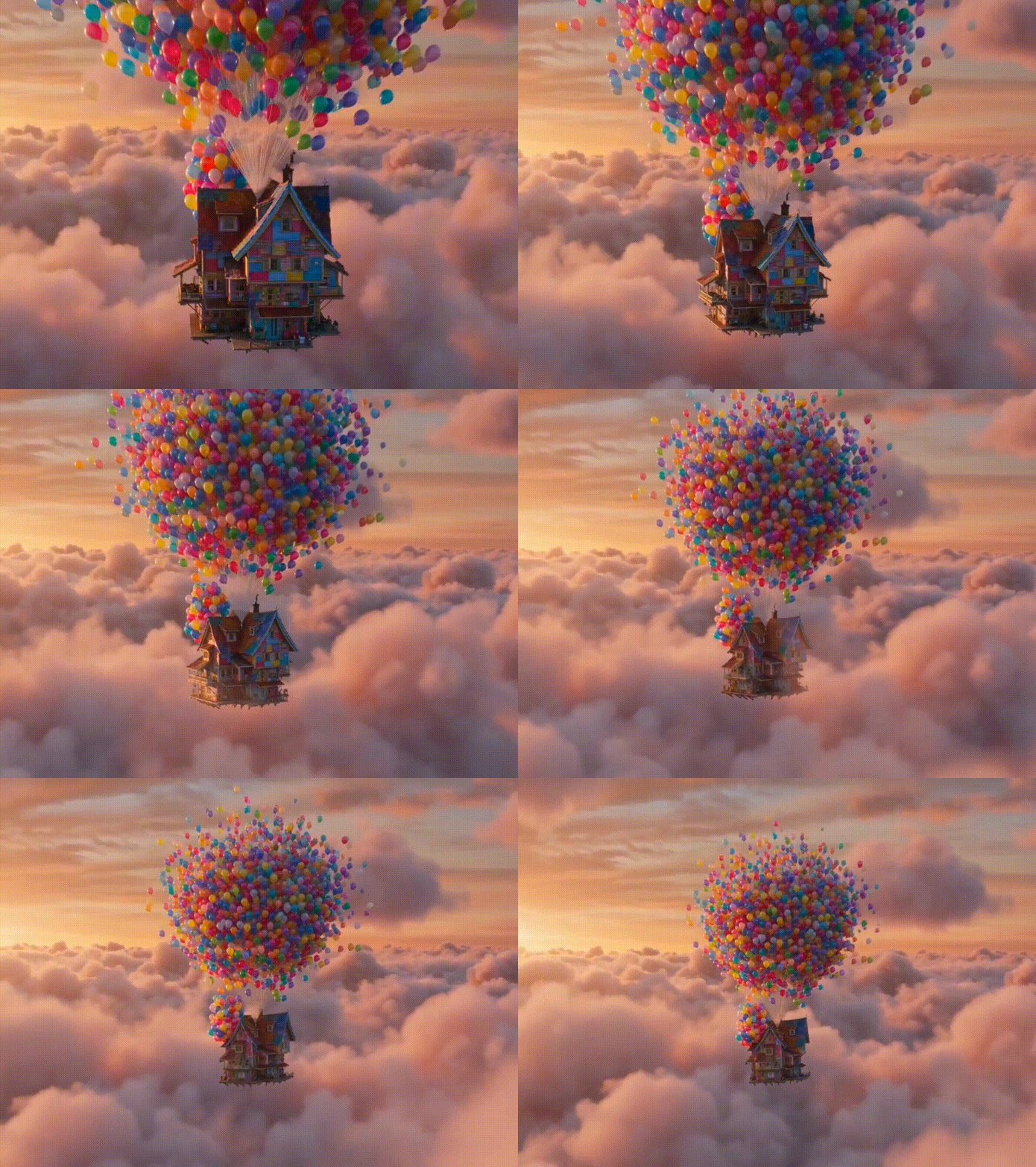
Edit videos with simple text commands
No need to redo everything from scratch. Simply use one-sentence text instructions to tweak specific parts—adjust a short action, extend a scene by a few seconds, refine a character's movement, or change the visual style. The AI edits only the segments you specify while keeping the main subject and overall video perfectly consistent.
Maintain narrative & character consistency
Maintain total consistency for people, objects, and even specific font styles throughout your entire project. By utilizing "intelligent continuation writing" and seamless "shooting continuation," you can ensure that the storyline and cinematic camera work flow naturally from one scene to the next without any logical breaks.
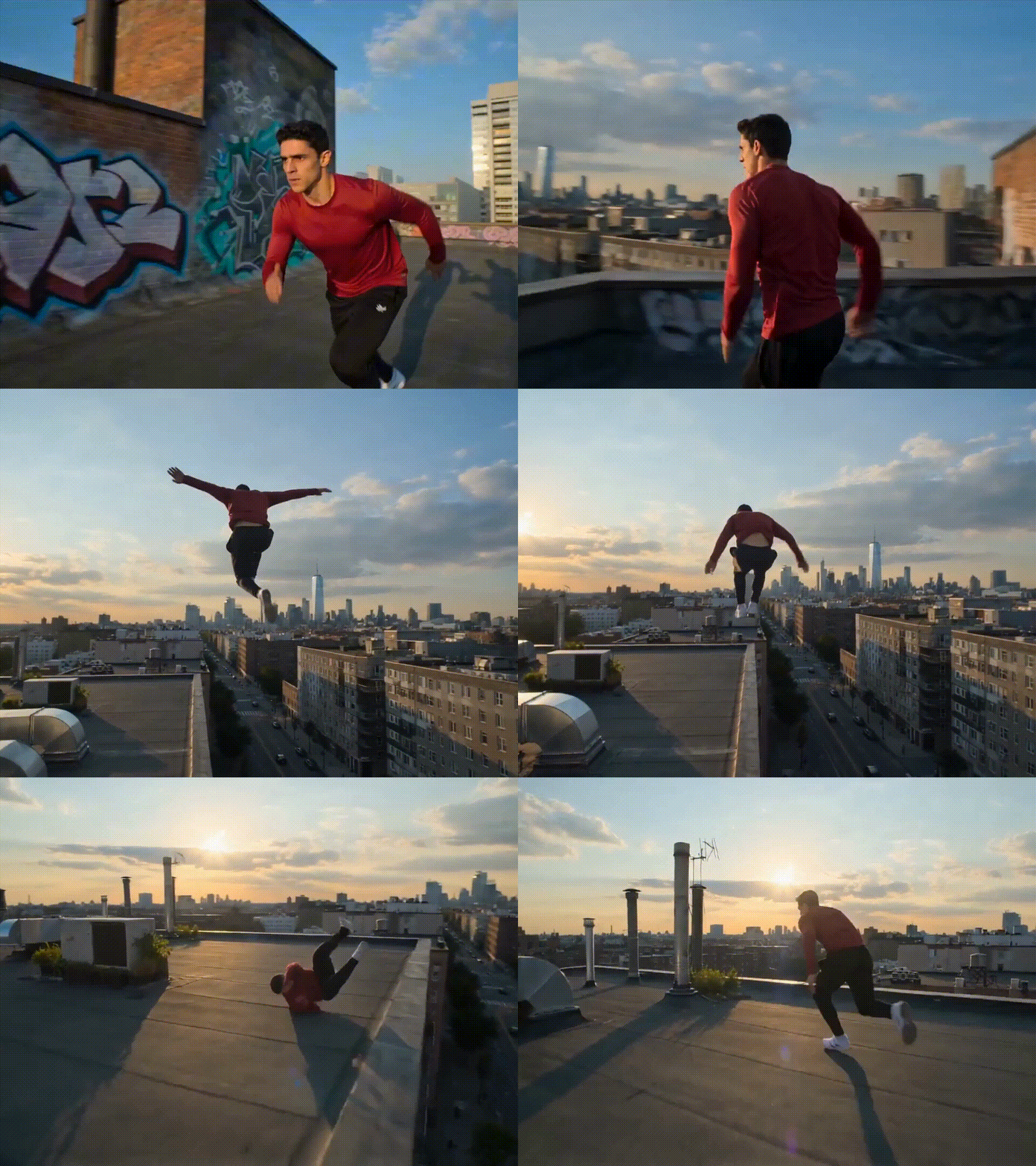

Synchronize multi-person audio & visuals
Synchronize character narration, environmental sound effects, and visuals automatically for both single-person and multi-person scenes. This upgraded audio-visual synchronization captures the rhythm of fast-paced transitions and ensures that character speech matches mouth movements perfectly, significantly enhancing the realism of your narratives.
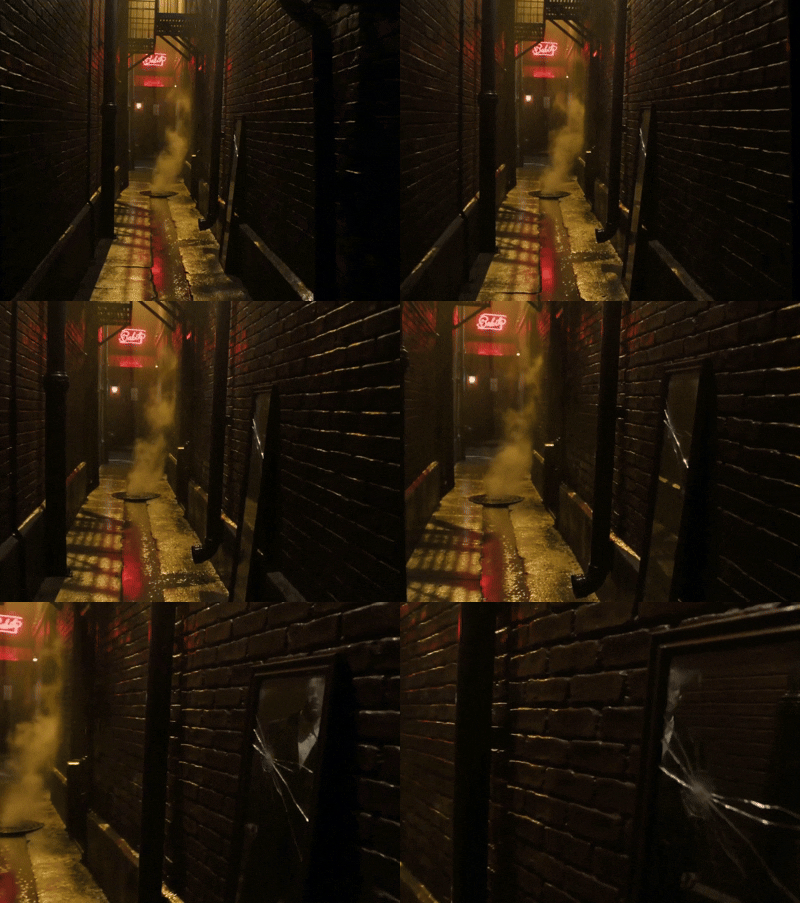
Produce realistic physics and HD videos
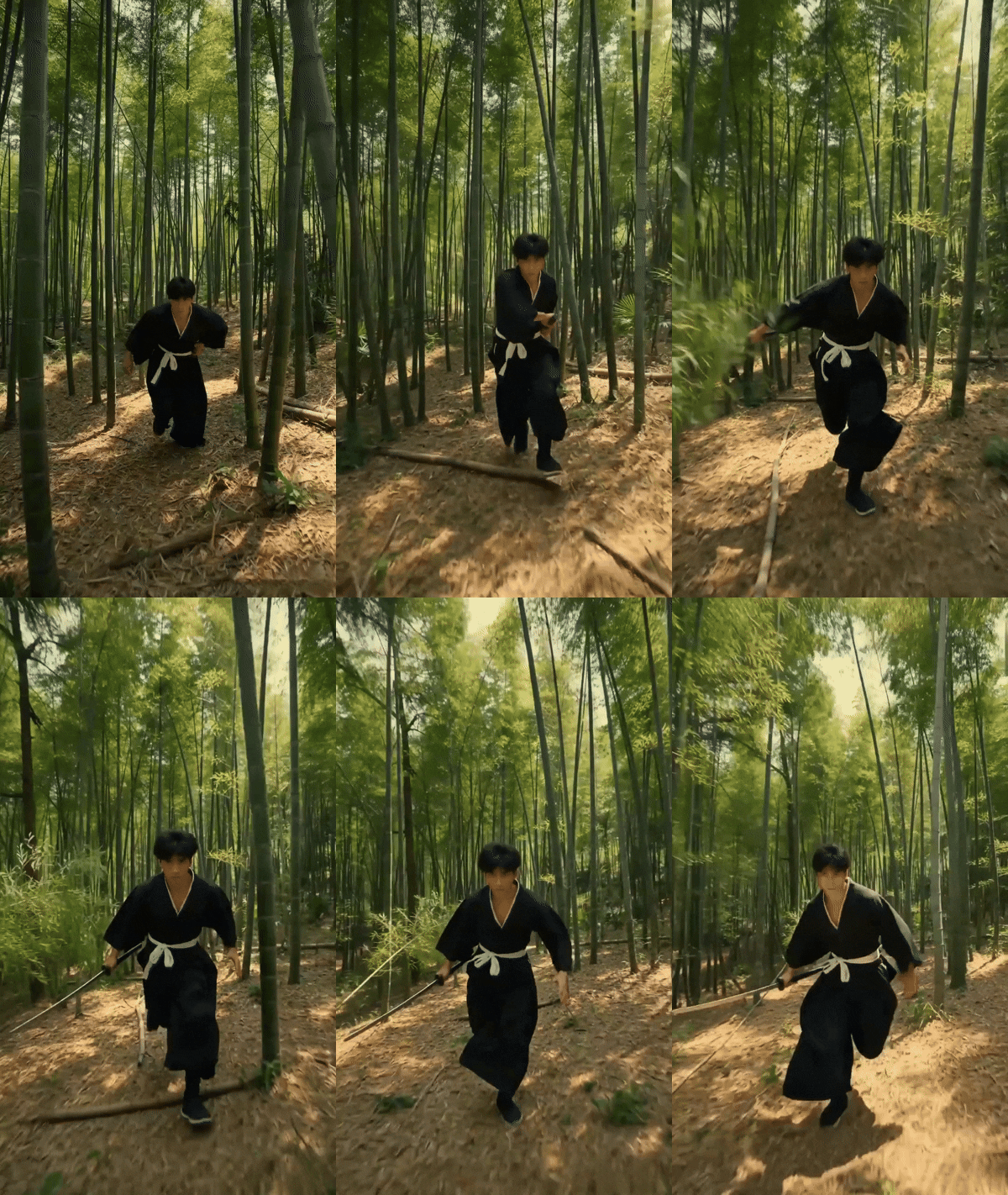
Produce cinematic, high-definition videos that follow natural physical laws for more lifelike and consistent movement. The model accurately reproduces the specific voice, composition, and intricate character details found in your reference images, delivering professional-grade visual performance that is ready for high-end commercial use.

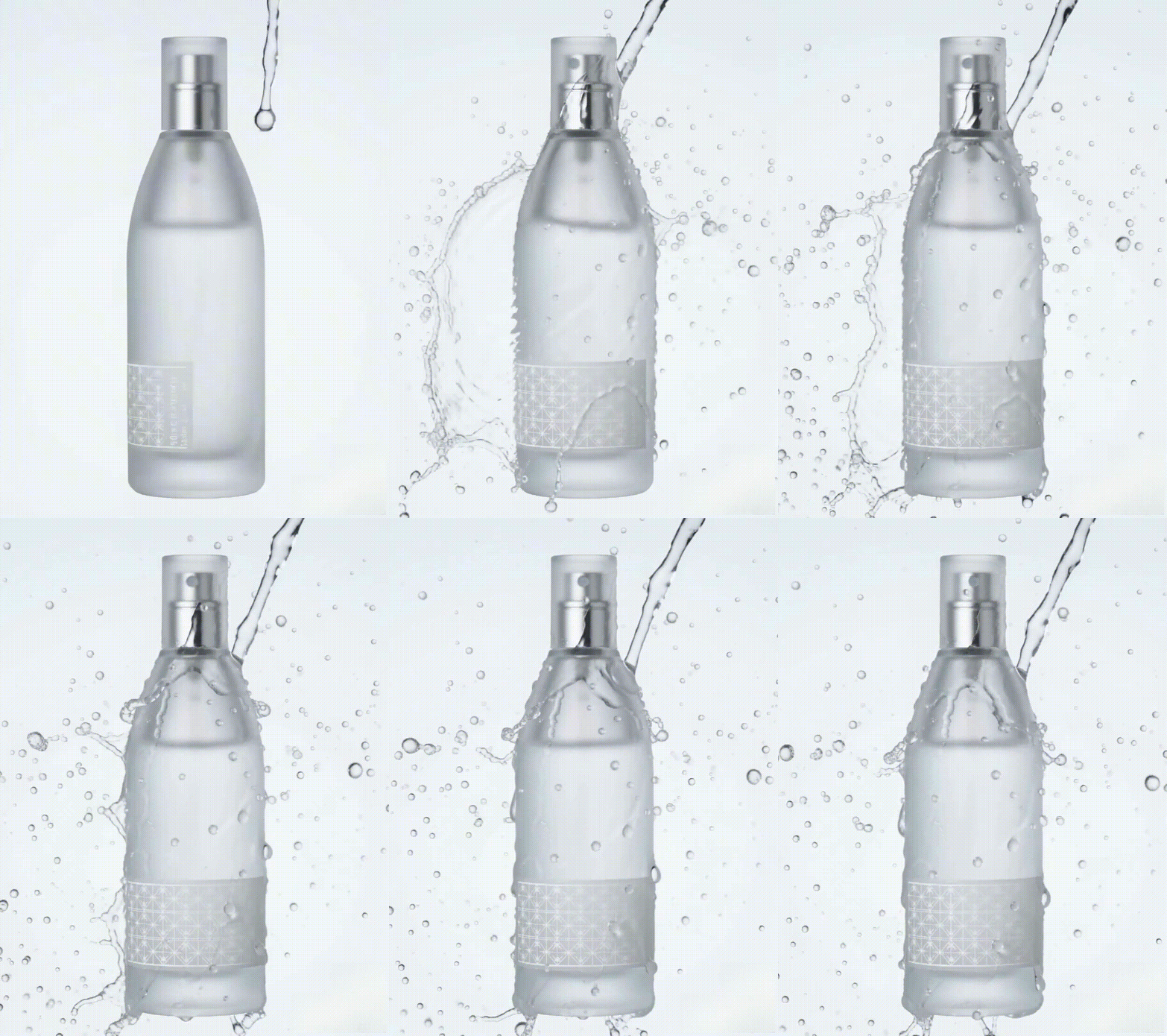
Master multi-camera storytelling
Create complex multi-scene videos with seamless transitions and synchronized audio. Seedance 2.0 enables intelligent shooting continuation, keeping characters and camera angles perfectly consistent—an area where Sora 2 often falters during intricate, multi-shot narrative transitions.
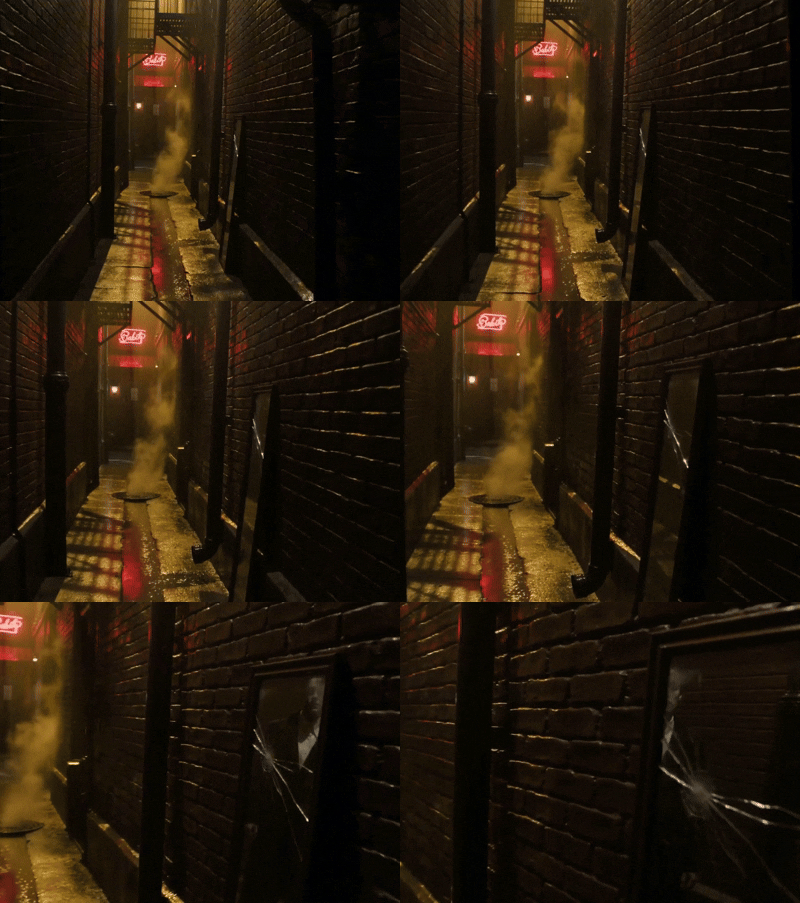
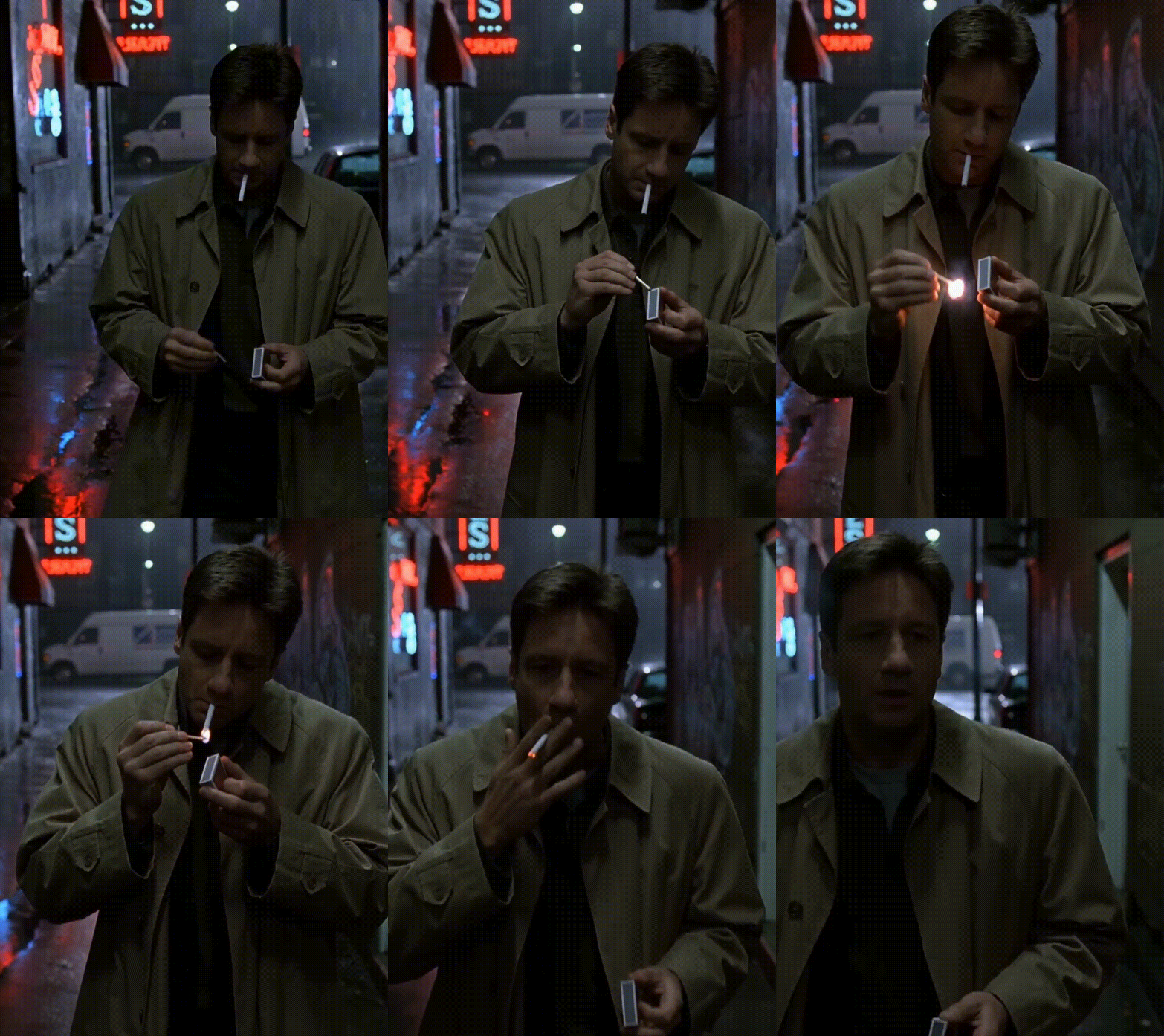
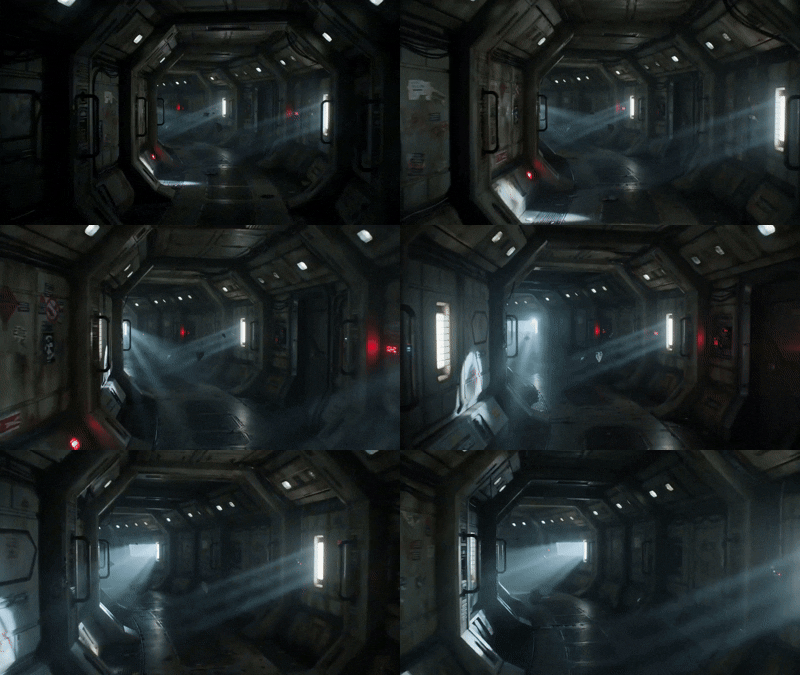
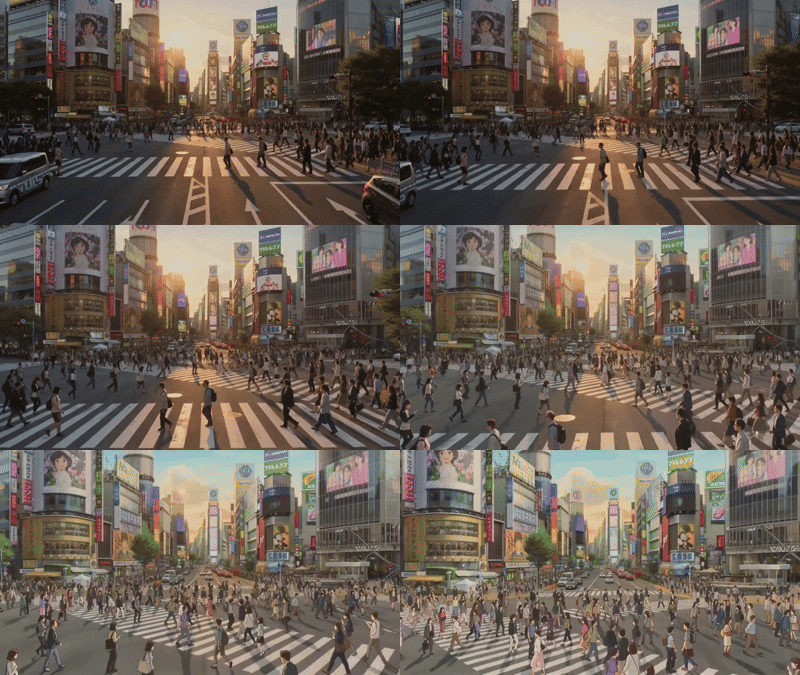
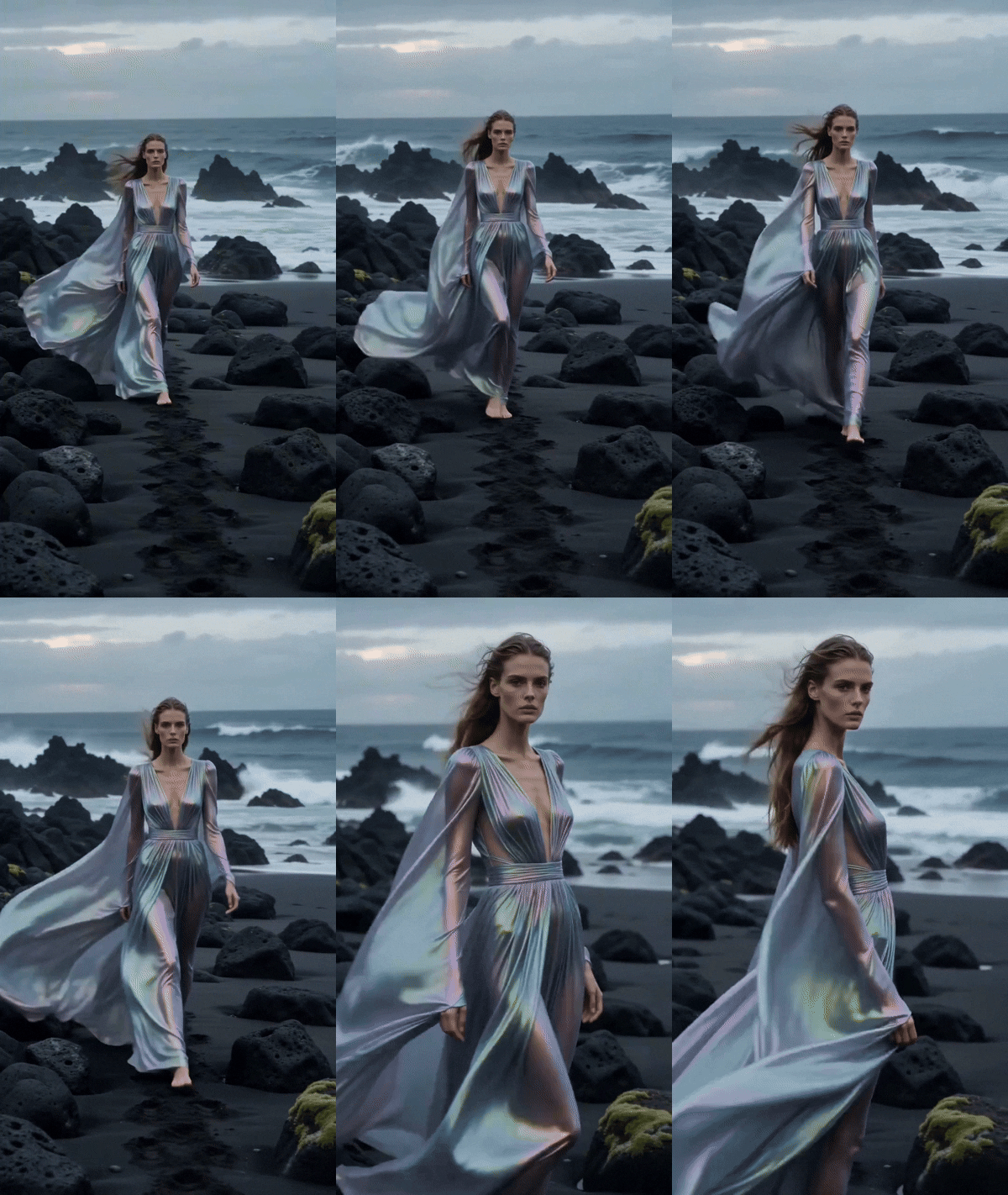
Explore what Seedance 2.0 can create
How to use Framia's Seedance 2.0 AI video generator easily?
If you are planning to use Framia, powered by the Seedance 2.0 model, all by yourself, then be sure to follow the steps below.
Step 1: Access Framia's dashboard
- Kickstart the process by first signing up for Framia via your email address and accessing your dashboard section.
- Inside your dashboard, from the homepage, you will find the option to AI generate either videos or images. Be sure to select "Video".
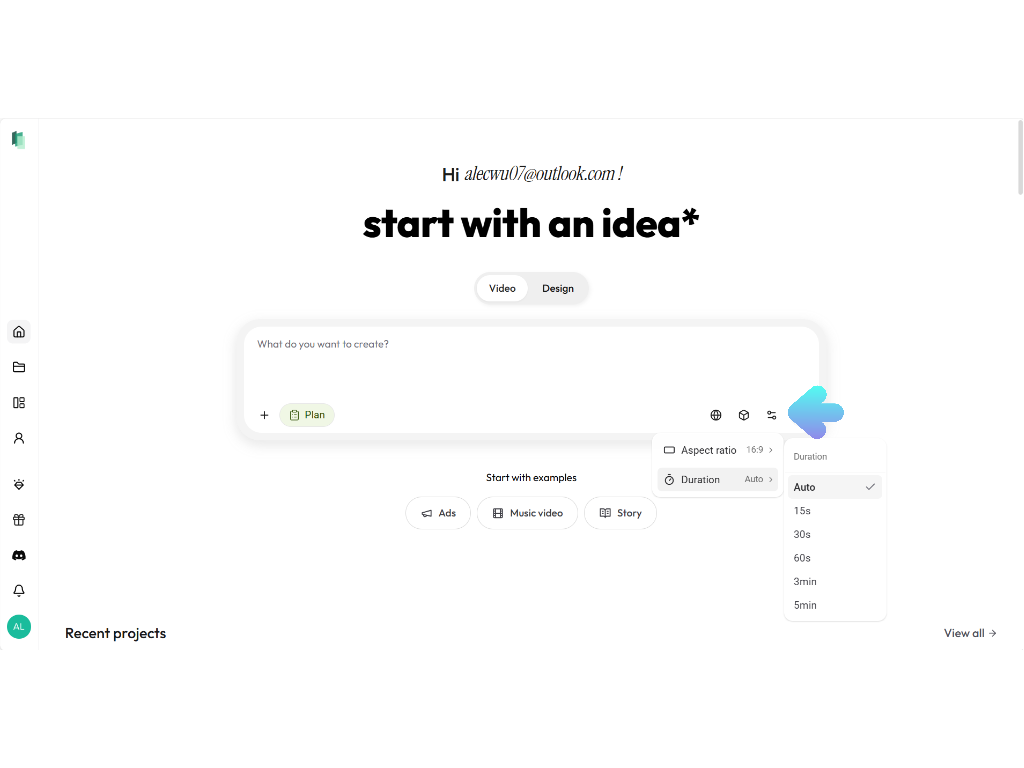
- Then, inside the chatbox, under settings, first select your preferred video "Aspect ratio" and overall video "Duration".
Step 2: Provide your video input and select Seedance 2.0
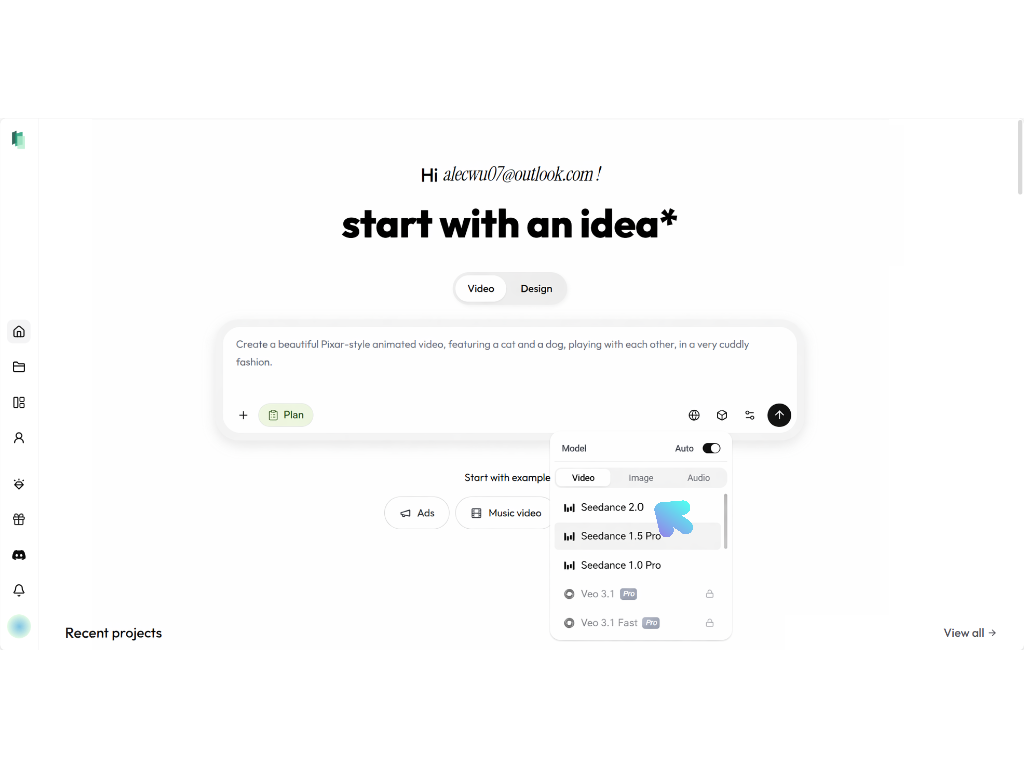
- In the next step, you will need to select the "Seedance 2.0" video model from the "Model > Video" panel. After that, proceed to enter your video generation input.
- Seedance Bytedance model 2.0 can intake multi-modal inputs, such as images, videos, audio files, and text. You can provide up to 12 reference files (9 images, 3 videos, and 3 audio files), where the maximum duration of video and audio altogether should be within 15 seconds.
- Once done, proceed to generate your video.
Step 3: Finalize and export the generated video
- Framia will start generating your video and once that is completed, the same will be shown on your screen.
- You can further decide to tweak it by selecting the "Edit in Storyboard" option.
- Finally, click on the download option to export the video and share the same on your social media channels, such as Instagram, TikTok, or YouTube
Why try Seedance 2.0 AI model on Framia?
While there are numerous reasons as to why you should start using the Seedance 2.0 video generation model on Framia, the following are what we think are the major pointers that should sway your decision.
Matches your vision exactly
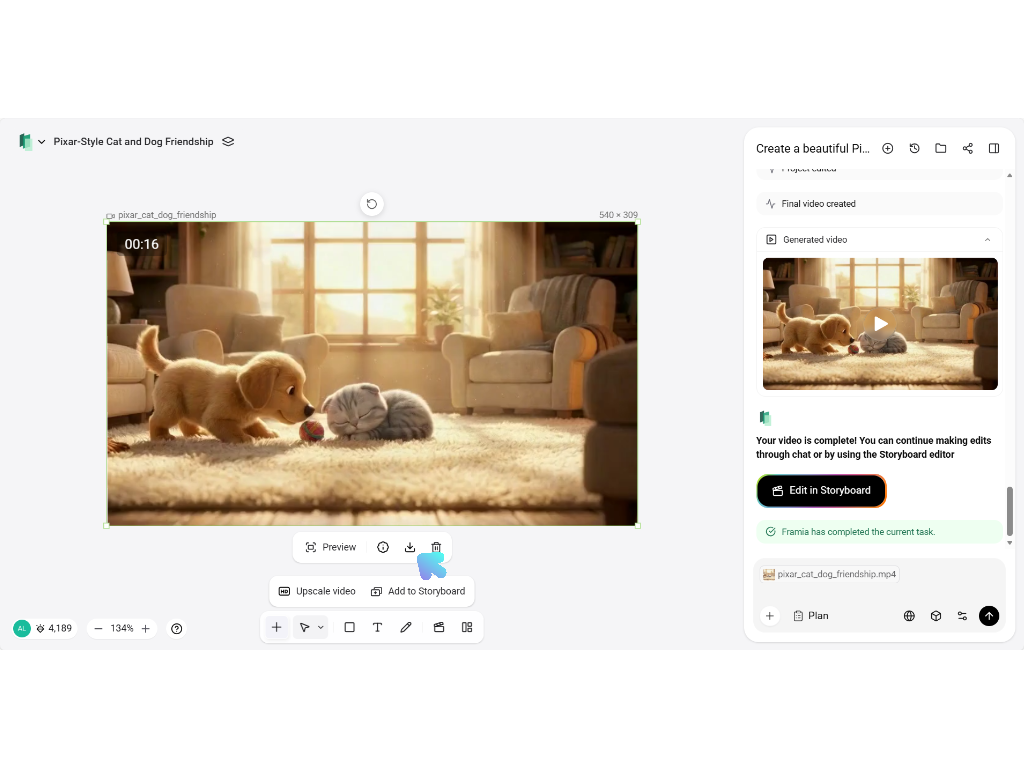
Use your own photos and videos as guides to get exactly what you want. This is great for creators who need their products or logos to look perfect every time without the AI making mistakes or guessing.
Professional, high-quality look
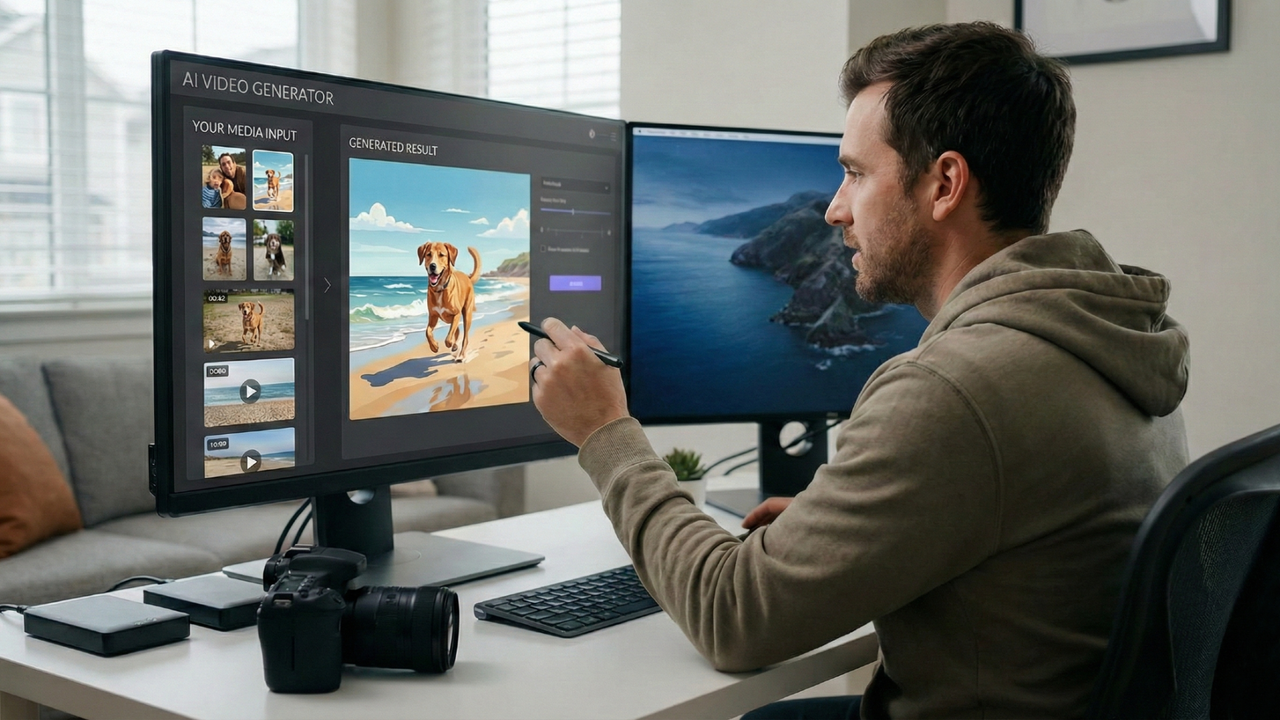
Your videos will look sharp and clear with high-resolution export. This helps your social media ads or YouTube videos look like they were filmed with expensive equipment, making your brand look more professional and trustworthy to your audience.
Keeps characters the same
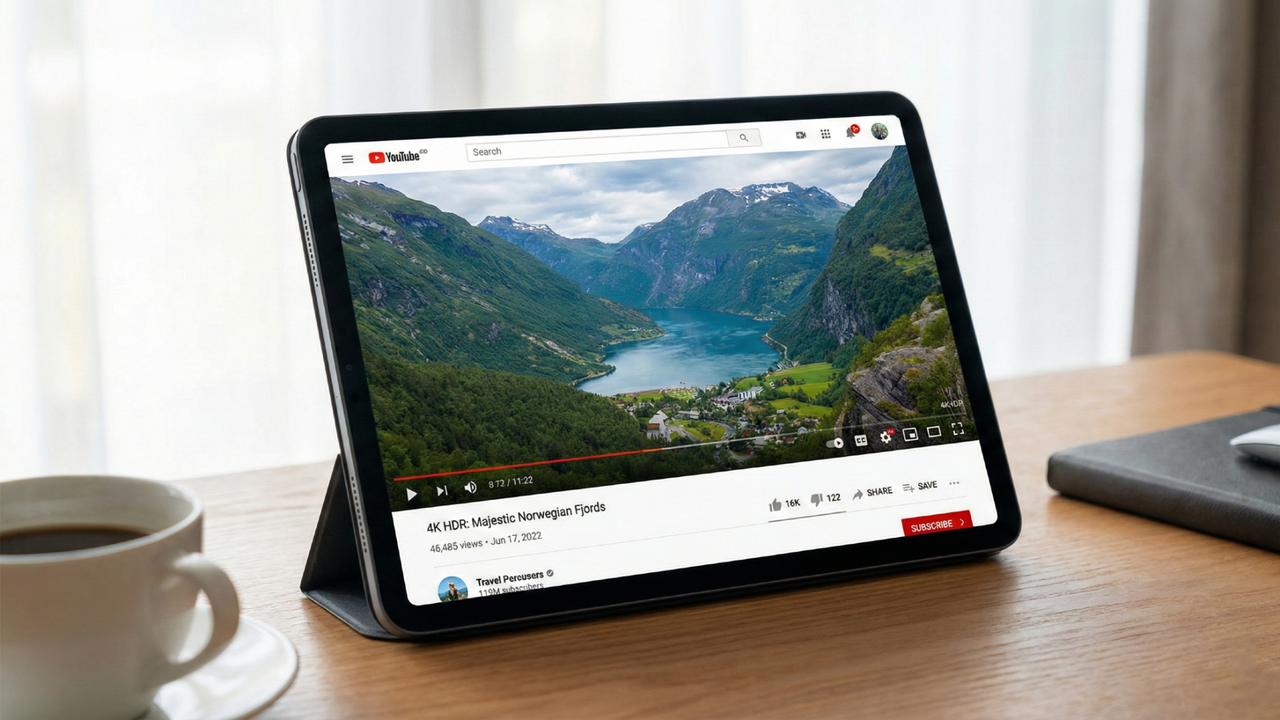
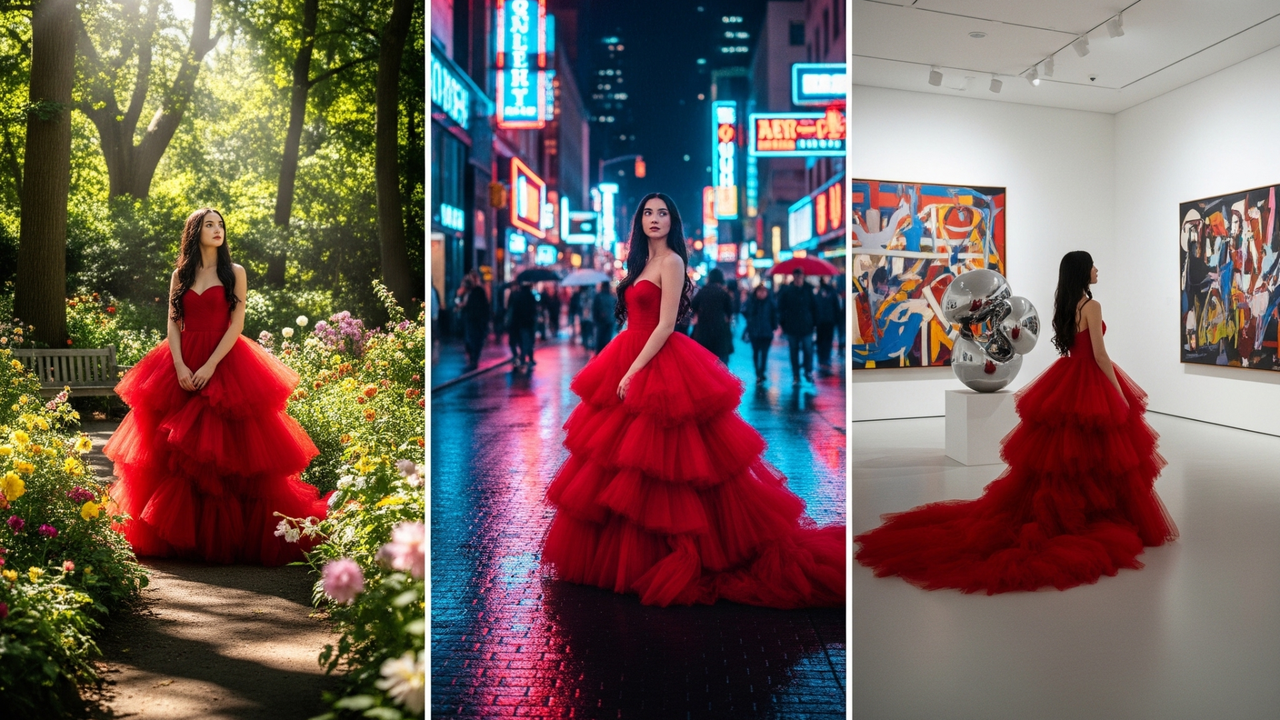
Characters will look the same in every clip you create. This is perfect for storytelling or creating a "brand mascot," so your viewers recognize the same person in every video without their face changing between shots.
Sound and video done together
The AI adds matching sounds and makes characters' mouths move with speech automatically. You won't need to spend hours editing audio later, helping you post high-quality TikToks or Instagram Reels much faster than before.
Built for diverse video creation needs
There are various ways you can potentially utilize the capabilities of Seedance 2.0 via Framia, out of which some of the major ones have been listed below for your convenience.
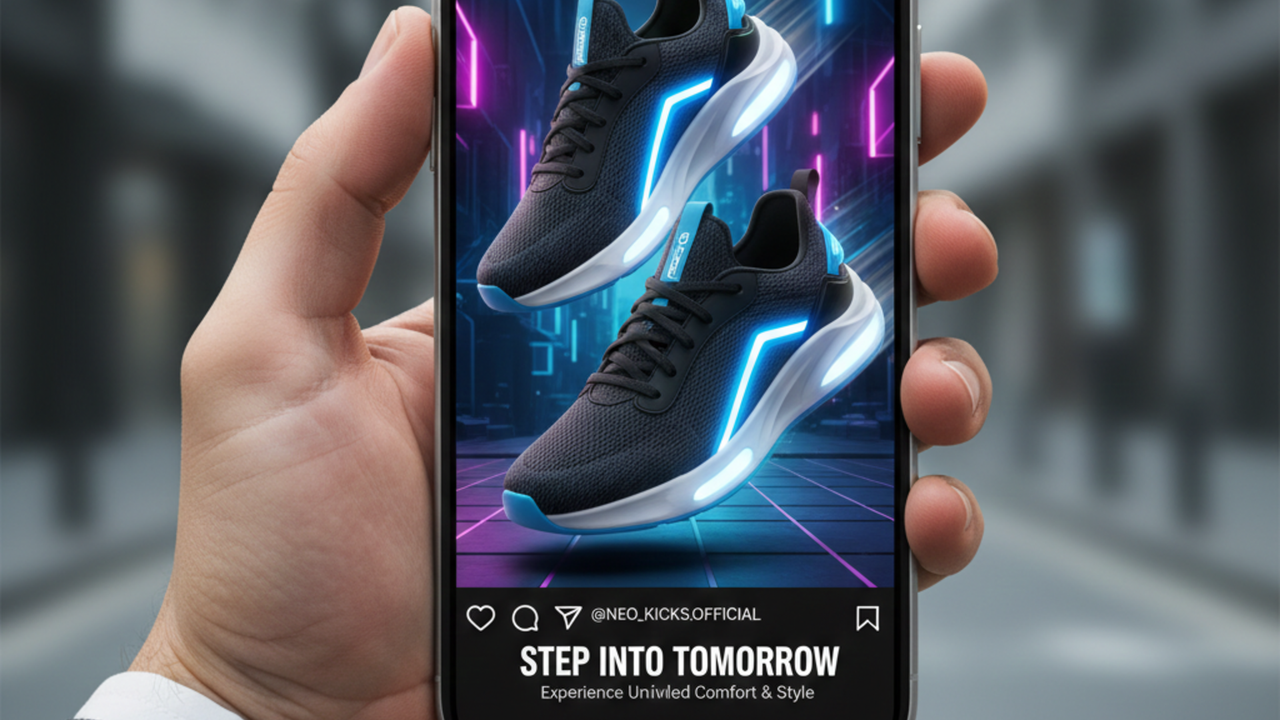
Professional social media ads
Marketers can turn a single product photo into a high-quality video ad. The AI keeps the product's shape and logo looking perfect while adding cinematic movements, making it easy to create polished Instagram or TikTok ads in minutes.
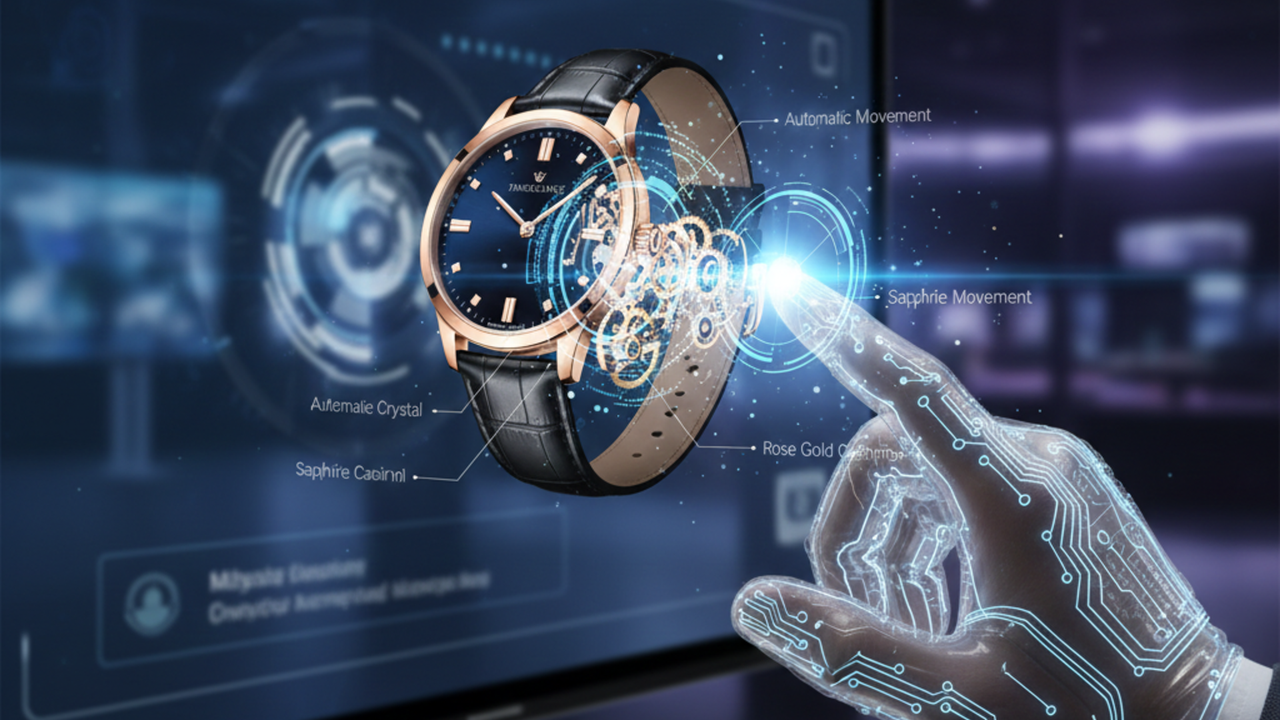
Virtual product demonstrations
Instead of filming expensive demos, you can generate videos of a product in action. For example, you can show how a piece of clothing fits and moves on a model or how a new gadget/accessory looks from every angle in high resolution.
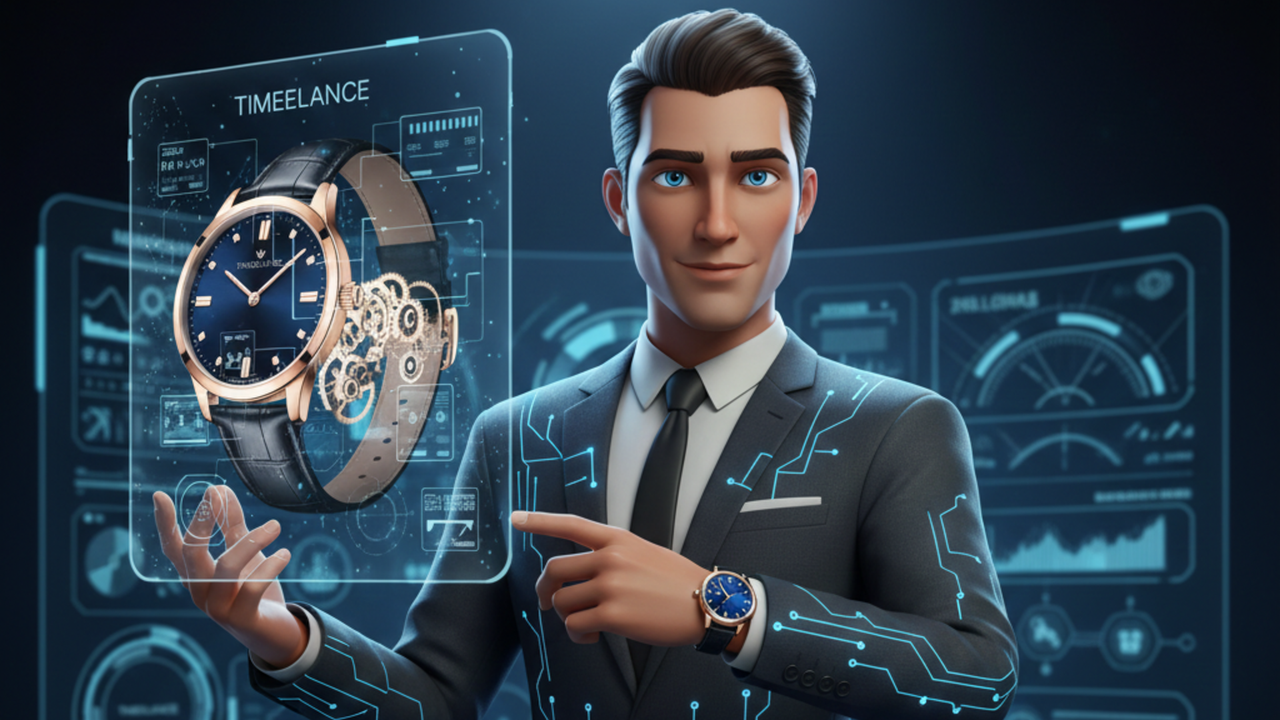
Animated brand ambassadors
Creators can build a recurring "virtual face" for their brand to host weekly updates or tutorials. Because the AI keeps the character's look consistent across many videos, you can grow a following using a recognizable character without needing a real actor.
Movie and scene planning
Filmmakers can use the model to "pre-visualize" scenes before they start filming. By describing camera angles and character actions, they can see a clear preview of how a sequence will look, saving time and money on real sets.
Why do users love Framia's Seedance 2.0 AI model?
If you are still on the fence about whether you should use Framia, powered by Seedance 2.0, then the following user reviews can help you make the correct decision.
David Chen
E-commerce Marketing Director
Framia has completely changed how we create product videos. The Seedance 2.0 engine keeps every product shot perfectly lit and styled while adding dynamic, cinematic camera movements. Its multimodal reference input ensures our strict brand guidelines are followed automatically without any manual adjustments.
Priya Sharma
Social Media Content Creator
Managing daily content for three different social channels used to be exhausting, but this tool changed everything. I can upload a character image once and generate dozens of variations with different prompts. The accurate audio-visual synchronization and lip-syncing save me hours of tedious editing time every single week.
Michael Torres
Freelance Creative Director
I rely on this platform to pitch high-level concepts to my clients. The native 2K resolution looks incredibly professional in presentations, and the multi-shot storytelling feature helps clients visualize entire campaigns instead of just single clips. Our response times for project approvals have become much faster now.
Sarah Jenkins
Independent Filmmaker
The most impressive feature is absolute character consistency. I can produce a three-minute narrative sequence where my protagonist maintains the exact same facial features and clothing across every shot. This consistency makes it possible for solo creators like me to produce professional-quality short films without a massive budget.
James Wu
Senior Video Editor
The 'One-Sentence Video Editing' capability is a massive leap forward for my workflow. I can take existing footage and use text commands to replace elements or change the entire visual style while the AI respects the original physical laws and motion. It's a production-ready system that delivers surgical control over every single frame.