Prompt
Open Framia Pro, type a prompt that describes your video idea, and click "Plan" to let AI outline scenes. Upload your images through "+."

Pika AI video generator turns simple text or images into short videos. Create animated scenes, product clips, and story visuals with text-to-video and image-to-video features.
Discover Pika Labs AI video tools built into Framia Pro to turn any idea into a cinematic video.
Type a scene description or upload a photo, and the Pika AI video generator reads your input and generates a video that matches the motion, style, and mood you described. Get videos up to 10 seconds long in no time.
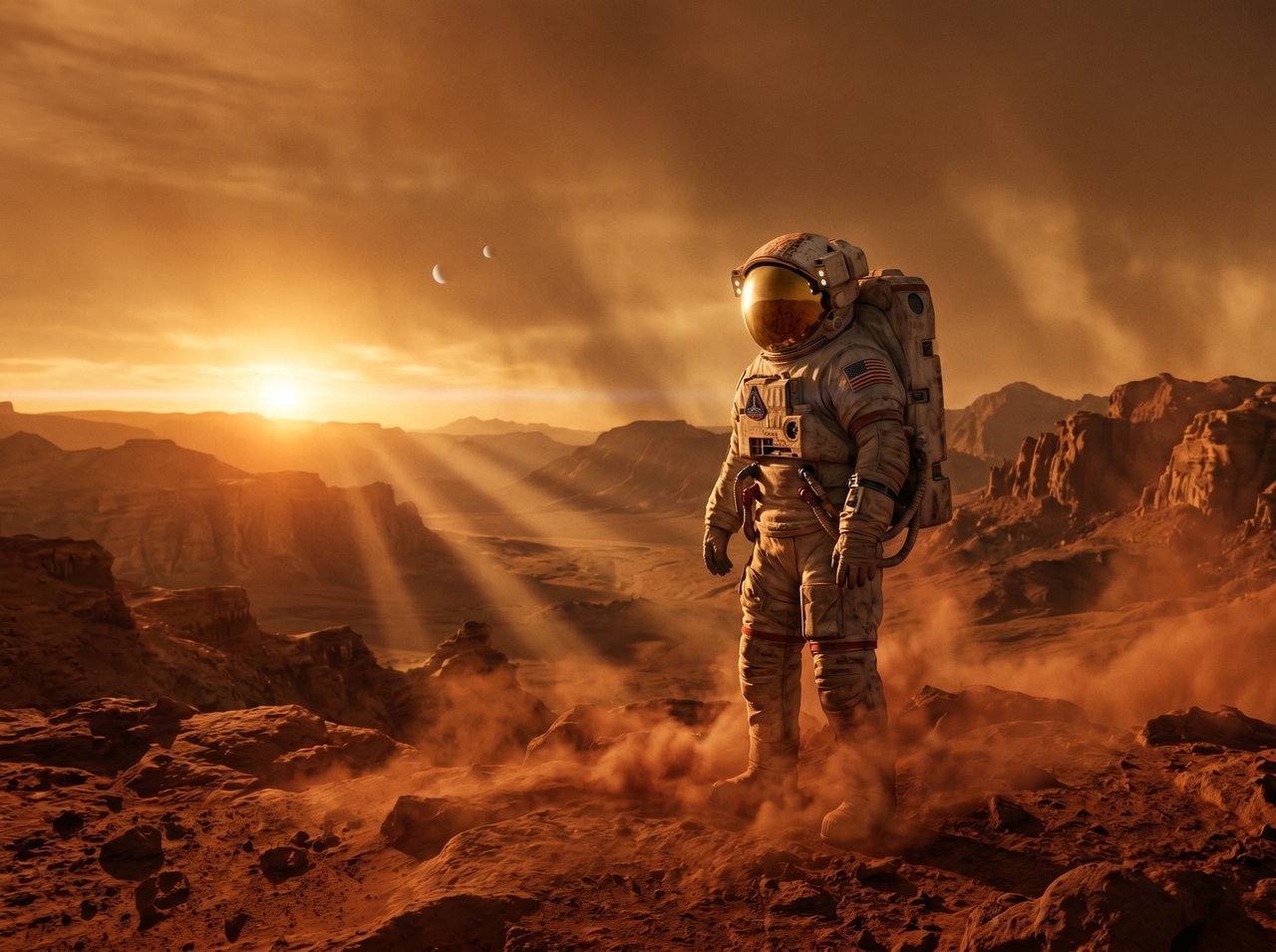
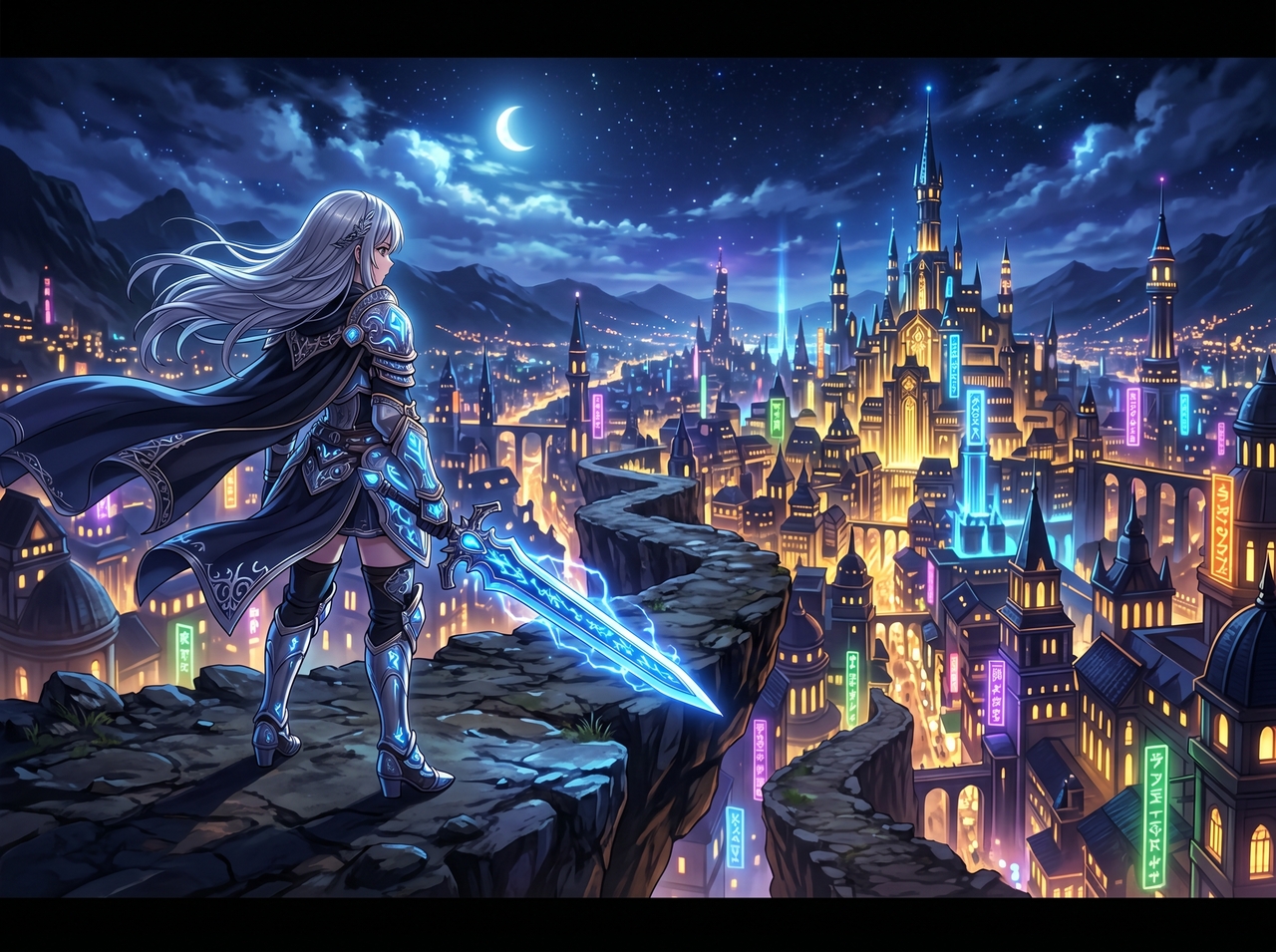
Select cinematic, anime, 3D, or live-action before generating with the Pika Labs AI video generator. Each style shapes how the scene looks and moves. Switching styles takes one click and produces a completely different result.
Add camera directions like "slow push-in," "orbital shot," or "pan left" directly in your text prompt. Pika AI reads these cues and applies real camera behavior to output. This gives creators director-level shot control from a single sentence.
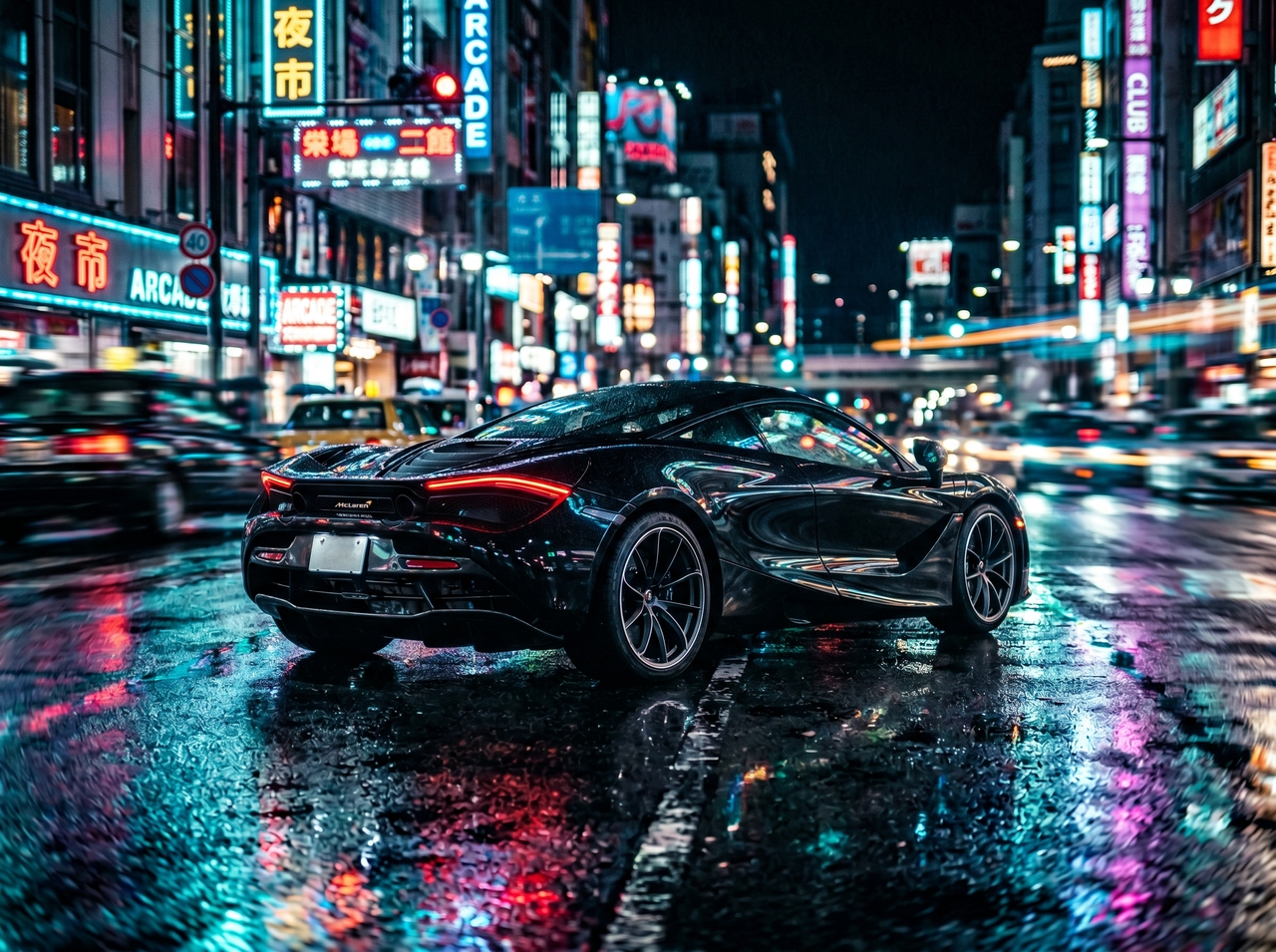
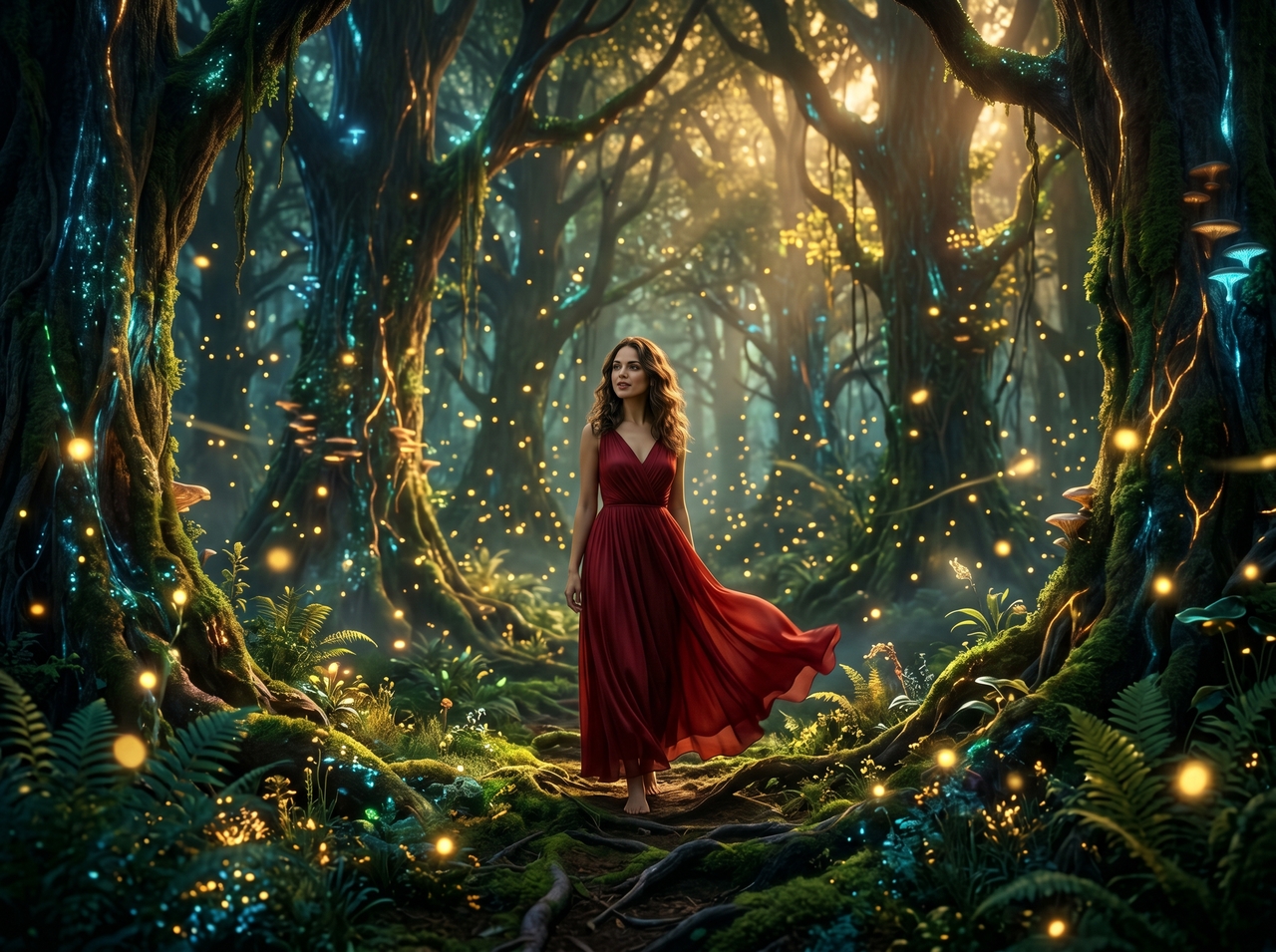
Bring your own photos of characters, objects, or locations into the scene with Pika Labs AI image to video. Place them naturally inside the generated video and align lighting, scale, and angles. Stories become personal when your own visuals lead every frame.
Drop any audio into Pika 2.5 AI, and Pikaformance animates a face to match it precisely. Lip movements, head motion, and expressions all respond to the audio input. This turns a still photo into a talking, singing, or reacting character instantly.
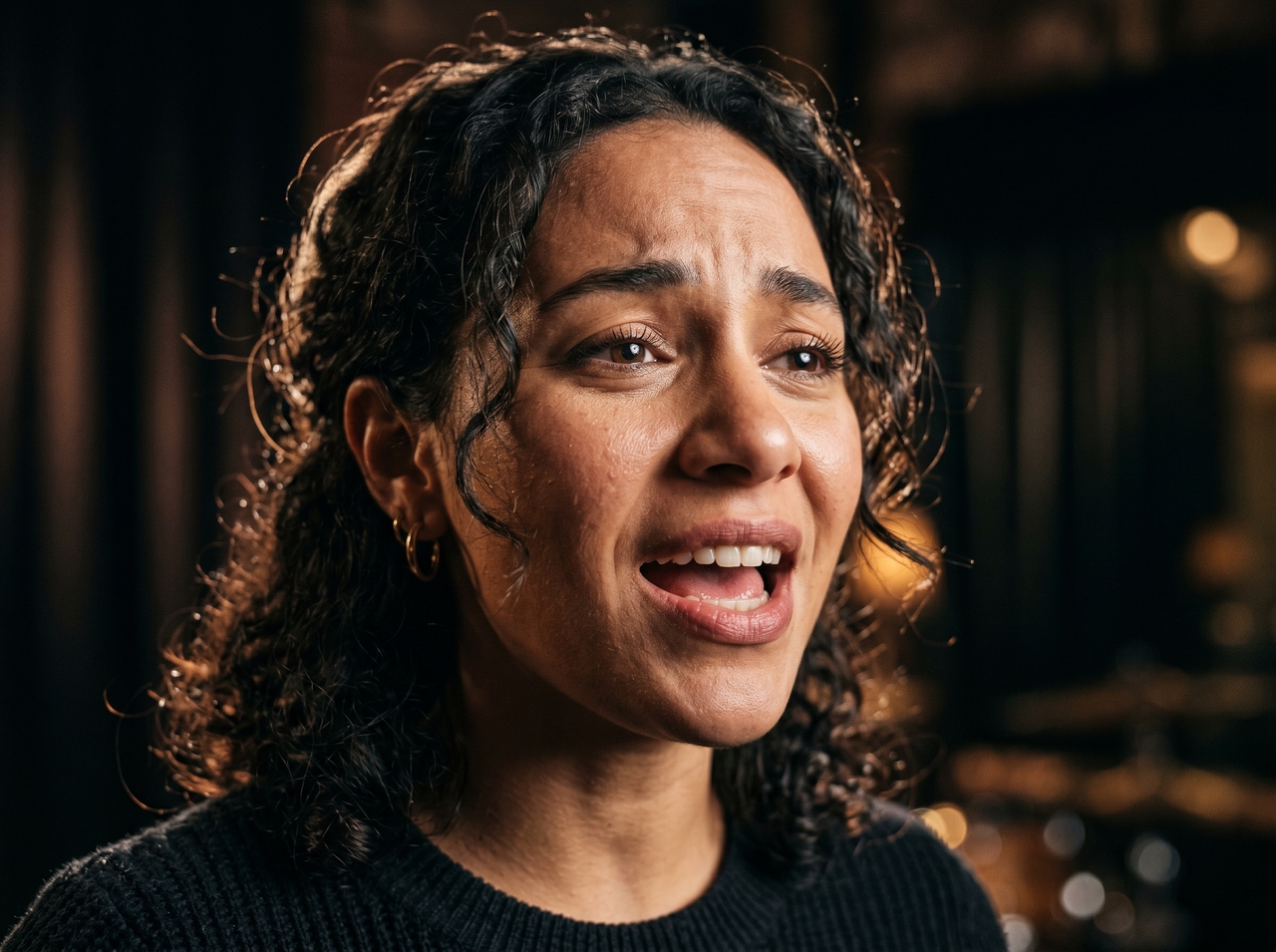
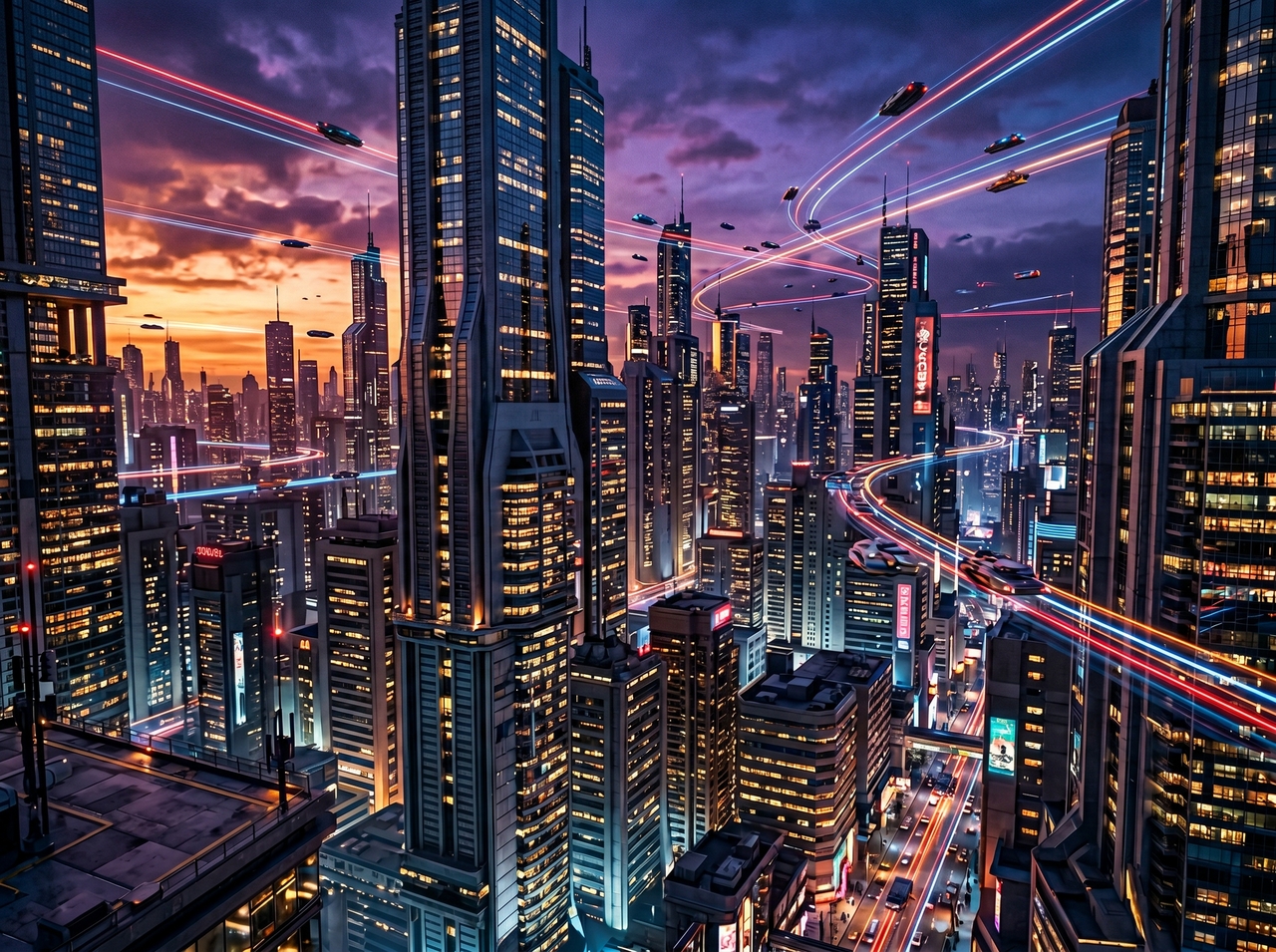
Generate videos in 720p or 1080p resolution with Pika Labs AI text-to-video tool, depending on your plan and clip settings. Higher resolution renders sharper detail, cleaner motion, and high-quality output for social platforms, ads, or client work.
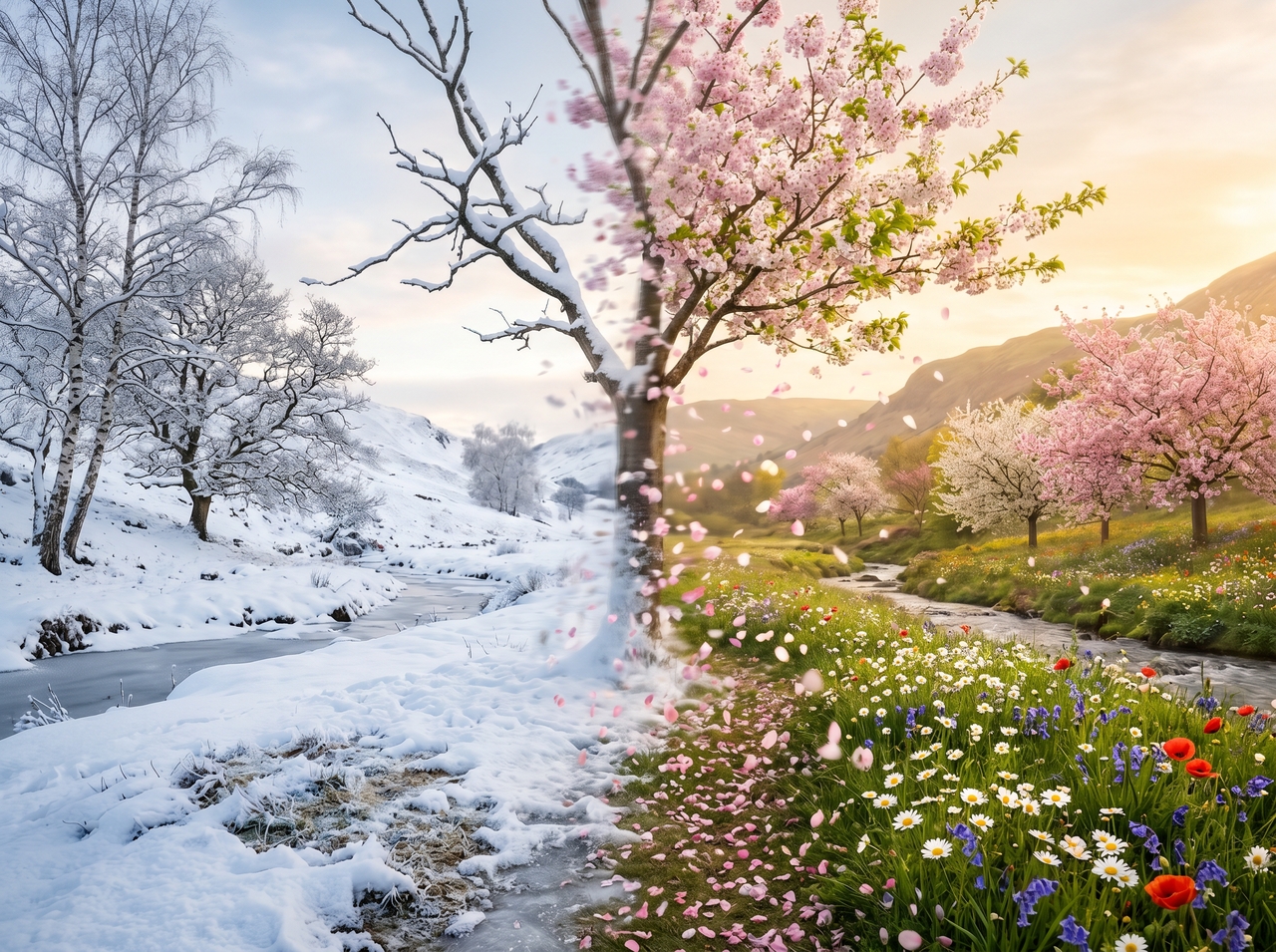
Set a starting image and an ending image, then let Pikaframes fill in everything between them. The AI interpolates smooth motion from one frame to the next. This gives precise creative control over how a scene opens, evolves, and lands.
Get started with Pika AI on Framai Pro with these three simple steps:
See which creators get the most out of Pika art AI video tools inside Framia Pro.
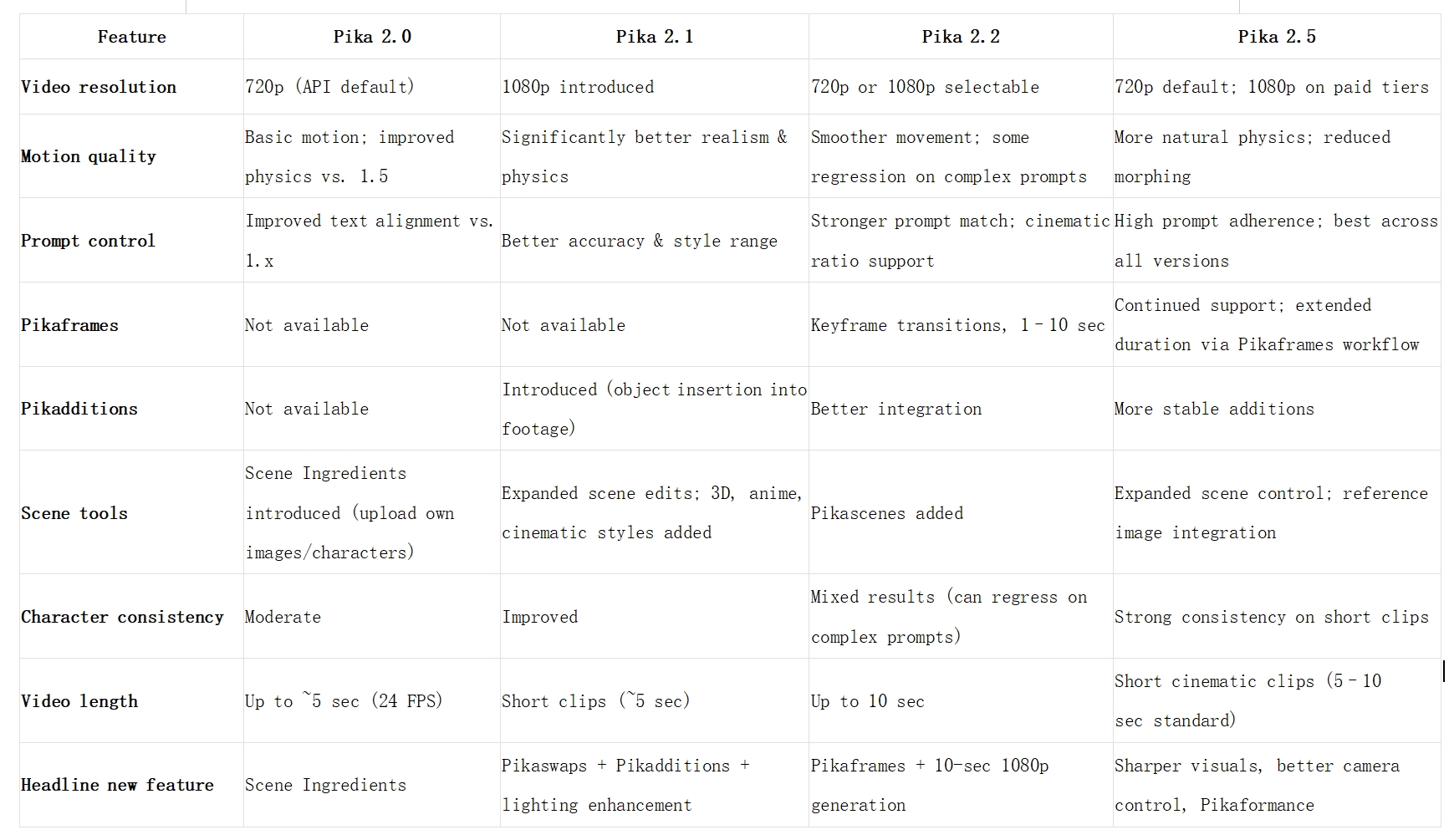
Compare Pika AI versions 2.0, 2.1, 2.2, and 2.5 for video quality, motion control, and features now.
Real creators share how Pika AI on Framia Pro changed the way they work and create.





Turn text or images into cinematic AI videos using Pika AI on Framia Pro. Generate, edit, and export video content for any platform.